iHome iDM8 User manual
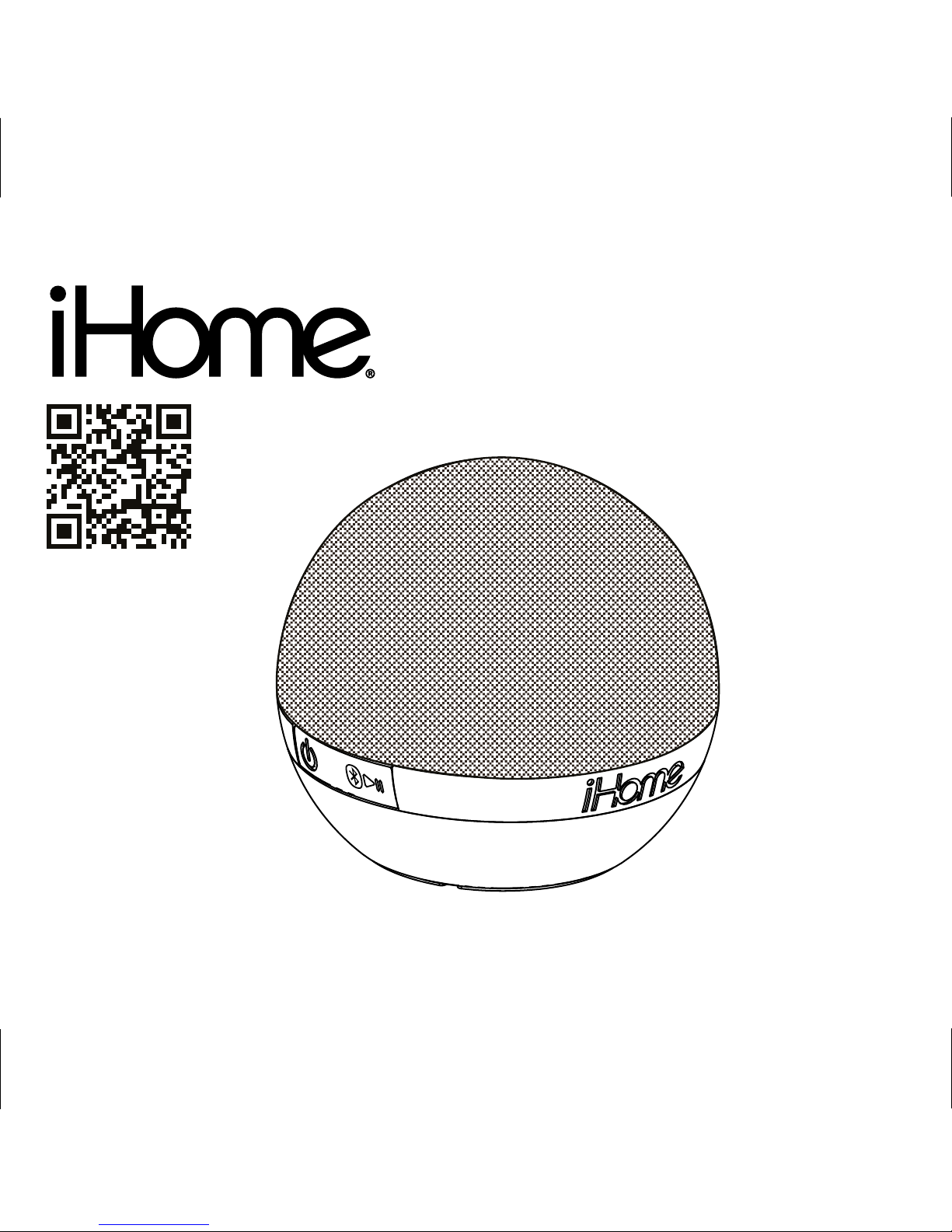
iDM8
instruction manual
iDM8 IB
Size: 153mm x 120mm
Printing color: Black
Jan 09, 12. P1
portable rechargeable
Bluetooth speaker

iDM8
Introduction
Thank you for purchasing the iHome iDM8. This product is designed to provide high quality wireless
sound for your iPad, iPhone, iPod, computer, PDA or other Bluetooth audio device.
Along with the included Quick Bluetooth Connection Guide this instruction booklet explains the basic
operation and care of the unit. Please read them carefully and keep for future reference.
Maintenance
• Place the unit on a level surface away from sources of direct sunlight or excessive heat.
• Protect your furniture when placing your unit on a natural wood and lacquered finish. A cloth or other
protective material should be placed between it and the furniture.
• Clean your unit with a soft cloth moistened only with mild soap and water. Stronger cleaning agents,
such as benzene, thinner or similar materials can damage the surface of the unit.
P2
SRSWOW®,whichfeaturesTruBass®,significantlyimprovestheplaybackqualityofaudio,delivering
adynamic3Dentertainmentexperiencewithdeep,richbassandhighfrequencyclarityforcrispdetail.
isaregisteredtrademarkofSRSLabs,Inc.TruBasstechnologyisincorporatedunderlicense
fromSRSLabs,Inc.

iDM8
FCC Information
P3
FCC ID: EMOIDM8
IC: 986B-IDM8
QDID:B018834
• Warning: Changes or modifications to this unit not expressly approved by the party responsible for compliance could void the
user’s authority to operate the equipment.
• NOTE: This equipment has been tested and found to comply with the limits for a Class B digital device, pursuant to Part 15 of
the FCC Rules.
These limits are designed to provide reasonable protection against harmful interference in a residential installation. This equipment
generates, uses and can radiate radio frequency energy and, if not installed and used in accordance with the instructions, may
cause harmful interference to radio communications.
However, there is no guarantee that interference will not occur in a particular installation. If this equipment does cause harmful
interference to radio or television reception, which can be determined by turning the equipment off and on, the user is encouraged
to try to correct the interference by one or more of the following measures:
• Reorient or relocate the receiving antenna.
• Increase the separation between the equipment and receiver.
• Connect the equipment into an outlet on a circuit different from that to which the receiver is connected.
• Consult the dealer or an experienced radio/TV technician for help.
This Class B digital apparatus complies with Canadian ICES-003.
Cet appareil numérique de la classe B est conforme à la norme NMB-003 du Canada
This device complies with Part 15 of the FCC Rules, operation is subject to the following two conditions: (1) This device may
not cause harmful interference, and (2) this device must accept any interference received, including interference that may cause
undesired operation.
FCC Radiation Exposure Statement
This equipment complies with FCC RF radiation exposure limits set forth for an uncontrolled environment. This transmitter must not be
co-located or operating in conjunction with any other antenna or transmitter.
This Device complies with RSS-102 of the IC Rules; Operation is subject to the following two conditions:
(1) This device may not cause harmful interference and
(2) This device must accept any interference received, including interference that may cause undesired operation.
The device meets the exemption from the routine evaluation limits in section 2.5 of RSS 102 and compliance with RSS-102 RF
exposure, users can obtain Canadian information on RF exposure and compliance.

iDM8
Table of Contents
Meet Your iDM8 ........................................................................................................... 1-2
Charging the Unit.............................................................................................................3
Using Bluetooth:Pairing Your Device .....................................................................................4
Playing Audio Via Bluetooth................................................................................................5
Playing Audio Via Aux.......................................................................................................6
Internal Rechargeable Lithium-ion Battery...............................................................................7
Consumer Product Safety Guide....................................................................................... 8-9
Troubleshooting..............................................................................................................10
Warranty......................................................................................................................11
P4

Meet Your iDM8
iDM8
1
Lock/Aux/Bluetooth Switch
Bottom
P5
Power/Charging/Pairing
Indicator Light
Micro USB Charging Port
Play/Pause/Pairing
Button
Power
Button Volume Down
Button
Volume Up
Button
Back
Left Side Right Side

iDM8
2
Included
Travel Lock
(bottom of unit)
• iDM8 system
• Micro USB to USB/3.5 mm audio cable
P6
The unit includes a travel lock position (left) to save
battery life and prevent inadvertent button
activation when in transit.
When in the travel lock position, all functions are
disabled. Make sure the switch is in Bluetooth
position (right) for use with a Bluetooth device or in
Aux position (center) for use with any other audio
device connected via the audio cable

iDM8
Using the
Charging the Unit
1.Connect the micro USB plug to the micro USB
charging port on the back of the unit.
2.Connect the standard USB plug end of the
cable to a power USB port on a computer
or other USB charging device. For first time
use, charge unit for about 8 hours.
3.A green light flashes while the unit is
charging and glows steadily when unit is
fully charged. If unit is not
powered on when micro USB plug is
connected, the green light flashes once to
indicate unit is charging.
3
P7
NOTE: When unit is on and not connected
to power source, flashing green light
indicates battery needs charging.
USB 2.0

iDM8
Using the
4
Using Bluetooth: Pairing Your Device
P8
NOTE: See the iDM8 Bluetooth Connection Guide for complete pairing details.
1. Move the Lock/Aux/Bluetooth Switch to the Bluetooth position (right).
2. Turn on Bluetooth capability on your device and make it discoverable (see your device’s
instructions to add or setup a Bluetooth device).
3. To turn on the unit, press and hold the Power Button on the iDM8 until an amber light
flashes on front of the unit and it beeps twice to indicate auto-pairing attempt.
4. Press and hold the Play/Pause/Pairing Button. The amber light will flash while the unit
attempts to pair. On some devices, tap on the device name to begin pairing. If your device
asks for a password, enter 1234 on the keyboard of your device. If no device is paired
within 3 minutes, the unit will power off. If this occurs, retry steps 2-3.
5.
Once paired with a device, the amber light will glow steadily, then turn green. There
should be an indication on your device that pairing is complete. On some devices, you
must then select “Use as Audio Device (stereo)” or similar on the device’s Bluetooth menu.
Once paired, your device should link to the iDM8 whenever within range.

5
Playing Audio Via Bluetooth
iDM8
Using the
P9
1. Move the Lock/Aux/Bluetooth Switch to the Bluetooth position (right) to listen to audio
streamed wirelessly from your paired iPad, iPhone, iPod or other Bluetooth device.
2. Press and hold the Power Button for 2 seconds to turn on the unit. The amber light will flash
as the unit searches for a previously paired device, and then turn green when a previously
paired device is detected.
3. Press the Play/Pause/Pairing Button to play or pause audio from your Bluetooth device.
NOTE: Play/Pause only works in Bluetooth mode. It does not control aux line-in devices.
4. Use the Volume +/- Buttons to adjust volume.
5. When done listening, press the Power Button to turn the unit off.

iDM8
Using the
Playing Audio via Aux
6
P10
1. Move the Lock/Aux/Bluetooth Switch to the Aux position (center) to listen to audio via aux
in.
2. Connect the micro USB plug to the micro USB charging port on the back of the unit and
connect the 3.5 mm audio plug to the headphone or line-out jack on your audio device.
3. Power on the audio device and place in play mode.
4. Press and hold the Power Button to turn on the unit (release when green light appears).
5. Use the Volume +/- Buttons to adjust volume. You may wish to adjust the volume on your
audio device, too.
6. When done listening, press the Power Button to turn the unit off. Remember to turn off your
audio device, too.
Other manuals for iDM8
1
Table of contents
Other iHome Portable Speakers manuals

iHome
iHome iHM64 User manual

iHome
iHome IHM63 User manual

iHome
iHome iHome iHM89 User manual

iHome
iHome 2GO Hidro-Fi iH20 User manual

iHome
iHome iDM1 User manual

iHome
iHome IP28 User manual

iHome
iHome iM59 User manual

iHome
iHome iBN48 User manual

iHome
iHome iBT34 Go+ Arc User manual

iHome
iHome iHM7 User manual