Short clicks move the cursor through 6 levels of brightness. While you are moving the rose
cursor, you see how the brightness of the white scale changes. Higher position of the cursor
causes higher brightness. Conrm required brightness by 1-second push. he poi goes into
running mode, so you can see the current brightness right away.
(JellyPoi
(BubblePoi
https://youtu.be/R42gudSvO58
https://youtu.be/CiyDKVMA_z8
Watch a video guide of button operation for better understanding
(turn on English subtitles in Youtube settings)
To sum up the principal modes in operation with the button
o turn the poi o, press and hold the button for 3 seconds. From running mode,
you will see standby mode, then brightness level scale, then the device turns o
Turning o.
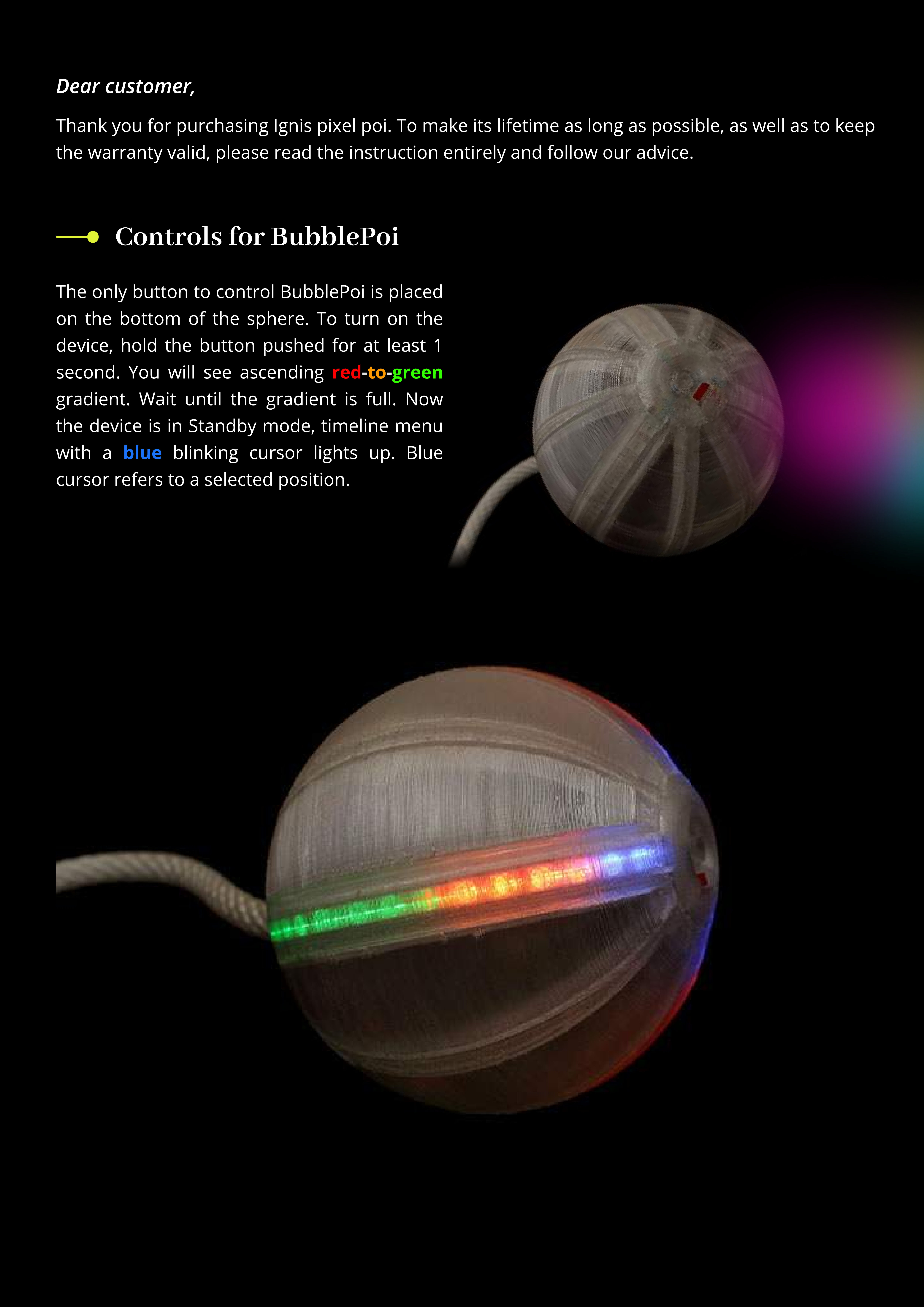
the poi: push the button for at least 1 second. You will see an ascending gradient,
then the poi gets to Standby mode with a blue blinking cursor;
Turn on
from selected timeline/image: short click the button (less than 0,5 second);
Run the poi
back to Standby mode: click the button and hold it for 1 second
(such delay protects from incidental clicks when you spin the poi)
G
o out o
f
Running
m
o
d
e
the poi: push the button and hold it for 3-
4
seconds until all lights fade away;
Turn o
in Standby mode: press and hold the button for at least 0,5 seconds.
A
s soon as the cursor shifts up, release the button.
S
hi
f
t the
c
ur
s
or up
in Standby mode: press and hold the button for at least 1 second until
B
attery level scale appears (red-to-green gradient), then release the button. he cursor shifts
down, you are in
B
attery level mode. Click the button short to get back to Standby mode. o go
one more step down, hold the button until
B
attery level scale appears again.
S
hi
f
t the
c
ur
s
or
d
o
w
n
from any position of the cursor:
j
ust turn o the poi and turn it on
(works only if the poi is not connected to a power source.
I
f otherwise, the cursor retains its
position after turning o and on)
Return to
1s
t po
s
ition
run any timeline, then click
the button and keep holding (around 3 seconds)
until the cursor on the white scale appears.
Choose required brightness.
ro
s
e
S
et re
q
uire
d
b
rightne
ss:
when you are in
Standby mode, push the button for 1 second. he
current battery level is displayed as a red-to-green
gradient. Full scale means 100
%
charge, half
—
50
%
,
etc.
C
he
c
k
c
urrent
b
a
tter
y
l
e
v
e
l
:
On
the
gure
the
poi
is
90%
charged