
IBM 1000VA Product manual

1000 VA LCD Tower UPS and 1500 VA LCD Tower UPS
Installation and Maintenance Guide


1000 VA LCD Tower UPS and 1500 VA LCD Tower UPS
Installation and Maintenance Guide

Note: Before using this information and the product it supports, read the general information in Appendix B, “Notices,” on page 49,
the Safety Information and Environmental Notices and User Guide documents on the IBM Documentation CD, and the Warranty
Information document that comes with the product.
First Edition (October 2010)
© Copyright IBM Corporation 2010.
US Government Users Restricted Rights – Use, duplication or disclosure restricted by GSA ADP Schedule Contract
with IBM Corp.
Safety
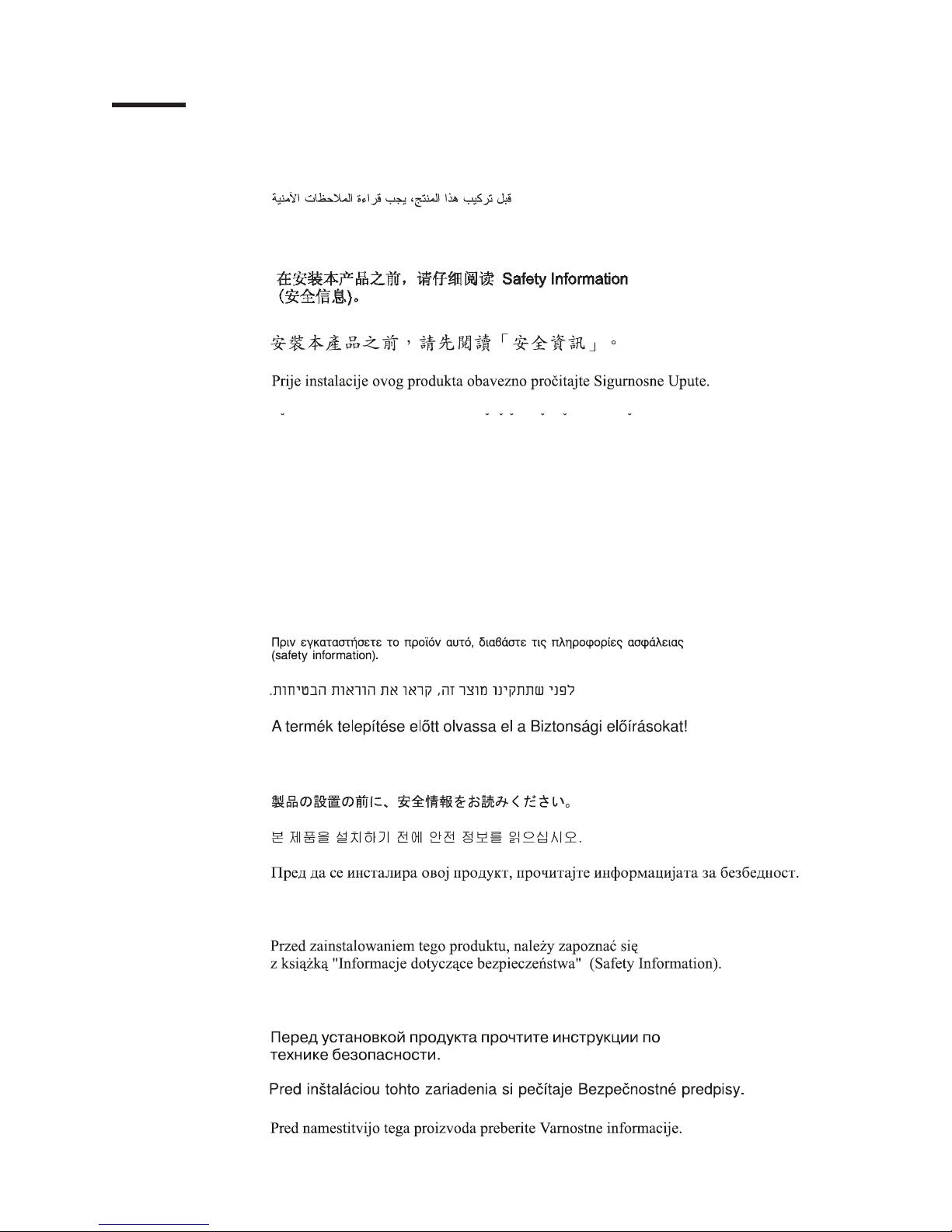
Before installing this product, read the Safety Information.
Antes de instalar este produto, leia as Informações de Segurança.
Pred instalací tohoto produktu si prectete prírucku bezpecnostních instrukcí.
Læs sikkerhedsforskrifterne, før du installerer dette produkt.
Lees voordat u dit product installeert eerst de veiligheidsvoorschriften.
Ennen kuin asennat tämän tuotteen, lue turvaohjeet kohdasta Safety Information.
Avant d'installer ce produit, lisez les consignes de sécurité.
Vor der Installation dieses Produkts die Sicherheitshinweise lesen.
Prima di installare questo prodotto, leggere le Informazioni sulla Sicurezza.
Les sikkerhetsinformasjonen (Safety Information) før du installerer dette produktet.
Antes de instalar este produto, leia as Informações sobre Segurança.
© Copyright IBM Corp. 2010 iii

Antes de instalar este producto, lea la información de seguridad.
Läs säkerhetsinformationen innan du installerar den här produkten.
Important:
Each caution and danger statement in this document is labeled with a number. This
number is used to cross reference an English-language caution or danger
statement with translated versions of the caution or danger statement in the Safety
Information document.
For example, if a caution statement is labeled “Statement 1,” translations for that
caution statement are in the Safety Information document under “Statement 1.”
Be sure to read all caution and danger statements in this document before you
perform the procedures. Read any additional safety information that comes with the
server or optional device before you install the device.
DANGER
Hazardous voltage, current, or energy levels are present inside any
component that has this label attached. Do not open any cover or barrier
that contains this label.
(L001)
iv 1000 VA and 1500 VA LCD Tower UPS: Installation and Maintenance Guide

DANGER
When working on or around the system, observe the following precautions:
Electrical voltage and current from power, telephone, and communication
cables are hazardous. To avoid a shock hazard:
vConnect power to this unit only with the provided power cord. Do not
use the provided power cord for any other product.
vDo not open or service any power supply assembly.
vDo not connect or disconnect any cables or perform installation,
maintenance, or reconfiguration of this product during an electrical
storm.
vThe product might be equipped with multiple power cords. To remove all
hazardous voltages, disconnect all power cords.
vConnect all power cords to a properly wired and grounded electrical
outlet. Ensure that the outlet supplies proper voltage and phase rotation
according to the system rating plate.
vConnect any equipment that will be attached to this product to properly
wired outlets.
vWhen possible, use one hand only to connect or disconnect signal
cables.
vNever turn on any equipment when there is evidence of fire, water, or
structural damage.
vDisconnect the attached power cords, telecommunications systems,
networks, and modems before you open the device covers, unless
instructed otherwise in the installation and configuration procedures.
vConnect and disconnect cables as described in the following procedures
when installing, moving, or opening covers on this product or attached
devices.
To disconnect:
1. Turn off everything (unless instructed otherwise).
2. Remove the power cords from the outlets.
3. Remove the signal cables from the connectors.
4. Remove all cables from the devices.
To connect:
1. Turn off everything (unless instructed otherwise).
2. Attach all cables to the devices.
3. Attach the signal cables to the connectors.
4. Attach the power cords to the outlets.
5. Turn on the devices.
(D005a)
Safety v

CAUTION:
Lead-acid batteries can present a risk of electrical burn from high,
short-circuit current. Avoid battery contact with metal materials; remove
watches, rings, or other metal objects, and use tools with insulated handles.
To avoid possible explosion, do not burn.
Exchange only with the IBM-approved part. Recycle or discard the battery as
instructed by local regulations. In the United States, IBM has a process for
the collection of this battery. For information, call 1-800-426-4333. Have the
IBM part number for the battery unit available when you call. (C004)
CAUTION:
or
>18 kg (39.7 lb)
or 18-32 kg (39.7-70.5 lb)
The weight of this part or unit is between 18 and 32 kg (39.7 and 70.5 lb). It
takes two persons to safely lift this part or unit. (C009)
Important: Make sure that the power receptacle is near the equipment and is
easily accessible so that the uninterruptible power supply can be disconnected
quickly.
To reduce the risk of fire, connect only to a circuit provided with branch circuit
overcurrent protection with an ampere rating in accordance with the National
Electrical Code (NEC), ANSI/NFPA 70 or your local electrical code:
Uninterruptible
power supply
output power 100 V 120 V 230 V
1000 VA 20 A 20 A 20 A
1500 VA 20 A 20 A 20 A
vi 1000 VA and 1500 VA LCD Tower UPS: Installation and Maintenance Guide

Contents
Safety ............................iii
Chapter 1. Introduction ......................1
The IBM Documentation CD ....................2
Hardware and software requirements ................2
Using the Documentation Browser .................2
Specifications ..........................4
Internal circuit configuration.....................6
Notices and statements in this document................6
Chapter 2. Installing the uninterruptible power supply .........7
Inventory checklist ........................7
Front view of the uninterruptible power supply ..............7
Rear view of the uninterruptible power supply ..............8
1000 VA LCD tower uninterruptible power supply (100 V).........8
1000 VA LCD tower uninterruptible power supply (120 V).........9
1000 VA LCD tower uninterruptible power supply (230 V).........9
1500 VA LCD tower uninterruptible power supply (100 V) ........10
1500 VA LCD tower uninterruptible power supply (120 V) ........10
1500 VA LCD tower uninterruptible power supply (230 V) ........11
Connecting the internal battery ...................12
Completing the installation.....................14
Installing the remote emergency power-off ...............15
Uninterruptible power supply initial startup ...............17
Chapter 3. Operating the uninterruptible power supply .........19
Control panel .........................19
Operating modes ........................20
Normal mode ........................20
Battery mode ........................20
Standby mode ........................20
Turning on the uninterruptible power supply ..............20
Starting the uninterruptible power supply on battery ...........21
Turning off the uninterruptible power supply ..............21
Display functions ........................21
System status ........................22
Alarm history ........................22
Meters ...........................22
Control screens........................23
Model information .......................23
Configuration ........................24
Retrieving the alarm history ....................25
Behavior on overload ......................26
Configuring load segments ....................26
Controlling load segments through the display ............26
Configuring automatic start delay .................26
Configuring automatic on battery shutdown .............27
Configuring battery settings ....................28
Running automatic battery tests..................28
Configuring automatic battery tests ................28
Configuring automatic restart....................28
Chapter 4. Additional uninterruptible power supply features .......29
© Copyright IBM Corp. 2010 vii

Installing the UPS Manager software .................29
RS-232 and USB communication ports ................29
RS-232 port .........................30
USB port ..........................31
IBM Network Management Card ..................32
IBM Environmental Monitoring Probe .................32
Chapter 5. Hardware maintenance information ............33
Replaceable uninterruptible power supply components ..........33
Uninterruptible power supply and battery care .............34
Storing the uninterruptible power supply and batteries ..........34
Replacing the battery module (qualified personnel only) ..........34
Testing a battery ........................39
Chapter 6. Troubleshooting....................41
Accessing alarms and conditions ..................41
Status menu .........................41
Alarm history menu ......................42
Serial connection to a computer .................42
Typical alarms and conditions ...................44
Silencing the alarm .......................46
Appendix A. Getting help and technical assistance ..........47
Before you call .........................47
Using the documentation .....................47
Getting help and information from the World Wide Web ..........47
Software service and support ...................48
Hardware service and support ...................48
IBM Taiwan product service ....................48
Appendix B. Notices ......................49
Trademarks ..........................49
Important notes.........................50
Particulate contamination .....................51
Documentation format ......................52
Electronic emission notices ....................52
Japan Electronics and Information Technology Industries Association (JEITA)
statement .........................52
Class B electronic emission notices ................52
Index ............................55
viii 1000 VA and 1500 VA LCD Tower UPS: Installation and Maintenance Guide
Other manuals for 1000VA
2
This manual suits for next models
1
Table of contents
Other IBM UPS manuals


IBM
IBM UPS 7500XHV User manual

IBM
IBM 1000VA User manual

IBM
IBM 1000VA User manual

IBM
IBM 2200VA LCD 2U User manual

IBM
IBM 5000XHV User manual

IBM
IBM 11000 VA LCD 5U Product manual

IBM
IBM SurePOS 500 User manual

IBM
IBM 1500VA Use and care manual

IBM
IBM 11000 VA LCD 5U User manual

IBM
IBM 6000 VA LCD 4U Product manual










