
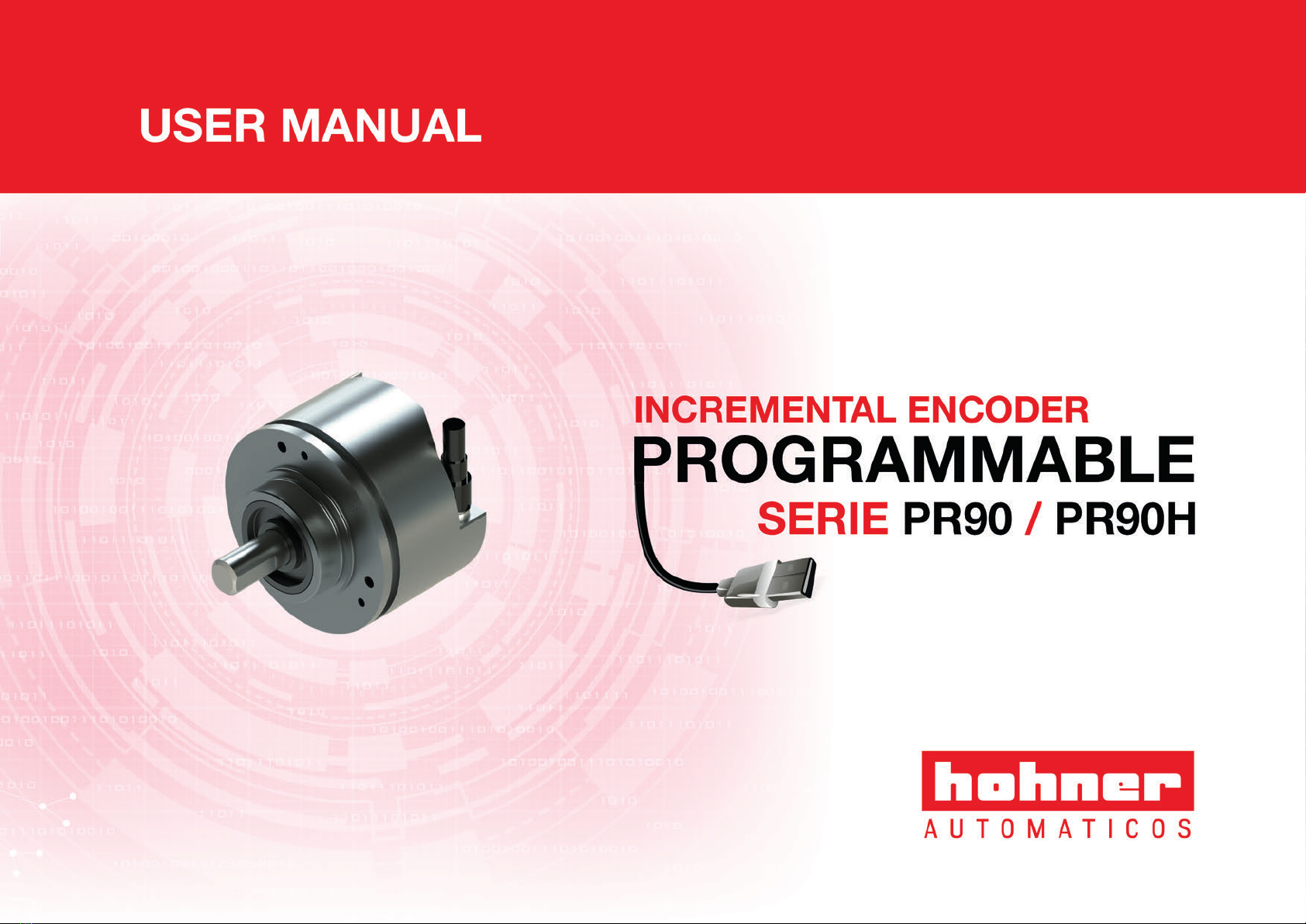
Hohner Automaticos PR90 Series User manual
v2.0
PR90 / PR90H
Features
Auto sensig features
Working margins
Protection
p. 5
p. 6
p. 6
p. 7
CONNECT
Requirements
Connection Steps
Connect to PC
Install software
Run the program
p. 9
p. 10
p. 10
p. 10
p. 13
PROGRAM
Overview
Programming screen
Programming steps
Monitoring screen
Troubleshooting
Considerations
p. 15
p. 16
p. 17
p. 19
p. 21
p. 22
Contents
3
USER MANUAL PR90 / PR90H

PR90 / PR90H
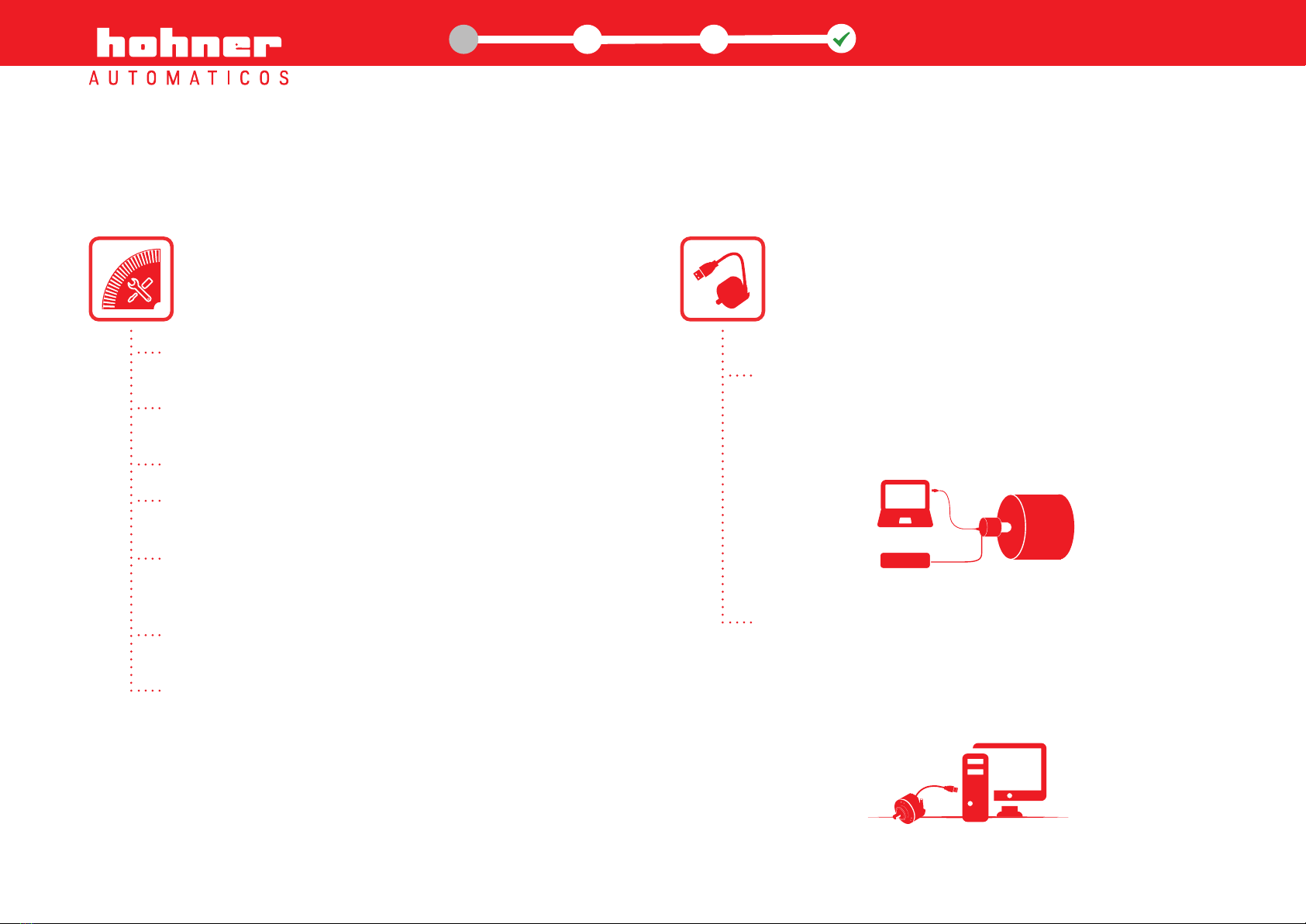
USB and graphical interface programming options for
the PR90 programmable incremental optical encoder:
Incremental optical encoder, programmable for any possible
number of pulses from 1 to 65.536 pulses per rotation.
Output Level selectable - HTL ( Push-Pull ) / TTL (RS422)
regardless of input voltage.
Reference signal width (Z) - 90º or 180º
Reference signal positioning (Z) electrical vs. mechanical – 0º
to 360º
Selectable rotation direction:
CW (as seen from the axis, clockwise rotation)
CCW (as seen from the axis, counter-clockwise rotation)
Independent channel by channel inversion option.
Very useful in case of connection errors.
Remote maintenance and programming options.
Features
Direct USB2 to USB2 encoder connection to any
computer or Tablet-PC running Windows, MAC OS
or Linux, without the need for intermediate adapter
boxes.
Power-On programming
(encoder powered up)
Encoder can be programmed while it is powered up,
with no need to disconnect it from the machine.
Power-Off programming
(without powering up the encoder)
Ability to program the encoder without the need for it
to be powered up, only by connecting the encoder to
the PC programmer.
Encoder PR90 / PR90H
5
PR90
PR90
CONTROL
www.encoderhohner.com +34 972 160 017 info@encoderhohner.com
1
1
32 USER MANUAL
PR90 / PR90H
Auto sensing features
Automatic voltage detection. The equipment determines the output level (HTL/TTL) according to input voltage. From 4.5Vdc to 10Vdc
output will remain in TTL, from 11Vdc to 30Vdc output level will be maintained in HTL as long as the device is programmed for HTL output.
Automatic overload detection in the encoder driver. In the event of a short circuit or overload in any of the outputs, the device will switch
to TTL until the error is remedied. The encoder's LED with blink red and the graphic interface will display the relevant red indicator, registering
the error, without interrupting the normal function of the device.
Automatic Driver/PLC input impedance detection. When the encoder is programmed for HTL outputs, if a driver/PLC with TTL inputs
(120O x Channel) is connected, the encoder will switch outputs to TTL automatically.
Automatic humidity detection inside the encoder. Water, humidity and condensation alarms. The encoder's LED with blink red and the
graphic interface will display the relevant red indicator, registering the error, without interrupting the normal function of the device.
Optical error detection. Any dysfunction in the OptoAsic illumination or breakage of any of the optical elements is automatically detected
and is described by the graphical interface alarms, logging the error, without interrupting the normal operation of the encoder.
Working margins
The PR90 is ready to work
from 4.5 Vdc to 30 Vdc,
with HTL and TTL loads
Operating
temperature range
from -20ºC to +85ºC
Humidity levels
should not surpass
98% without
condensation
Protection
IP65
Encoder PR90 / PR90H
6
www.encoderhohner.com +34 972 160 017 info@encoderhohner.com
1
1
32 USER MANUAL
PR90 / PR90H
Protection
Over voltage and power supply inversion protection. The encoder is protected to prevent its destruction in case of reverse polarity of
power and/or spikes exceeding 35Vdc.
Voltage drops. The device stops working below 3.9 Vdc. Up to this point the PR90 maintains the outputs at standard TTL levels, and if the
voltage drop has been excessively slow the encoder goes into protection mode; to reset the rated voltage to recover its normal operation
you must just turn it off and on again.
Electrostatic and/or electromagnetic discharges. Complies with the EMC directive (UNE-EN 61000-6-2:2006 + ERR:2009 and UNE-EN
61000-6-3:2007 + A1:2012). Although the equipment is protected to withstand electrostatic discharge above ± 15KVolt., occasionally the
signal may lose a certain number of pulses during the discharge, at this point the equipment will reset the signal in under 100msec, the
standard delay for a Watch-Dog circuit.
Active reset of the high-efficiency uController. This circuit resets uController operation in extreme cases of malfunction. For example,
this situation can occur in unstable or high-noise power connections.
False power connections. The encoder is protected to withstand being switched on and off repeatedly within the margins of usual
operation, without the equipment being harmed.
The electronic circuit has ultra-fast electronic fuses; in the event of a fault or failure, these fuses avoid greater damage and more
expensive repairs.
Electronics designed under the BSI security regulations, so as to avoid smoke and fire.
4-layer printed circuit designed under MIL standards, to offer greater mechanical robustness in order to avoid external radio-magnetic
influences.
Encoder PR90 / PR90H
7
It is not recommendable, like with any other electrical device, to turn the equipment on and
off repeatedly in rapid succession while connected to mains power.
www.encoderhohner.com +34 972 160 017 info@encoderhohner.com
1
1
32 USER MANUAL
PR90 / PR90H

connect

Requirements
uUSB/USB cable PC or Tablet-PC running on
Windows, Mac OS or Linux
Download the
programming software from the
Hohner Automáticos website
Connect
9
www.encoderhohner.com +34 972 160 017 info@encoderhohner.com
1
1
32USER MANUAL
PR90 / PR90H
Recommended OSs: Windows 7, OS 6 o higher.
Processor Intel I3 or similar with 2Gb RAM. Free USB1 or USB2 port.
Internet connection. Virus and trojan free.
Minimum system
requirements for the
programming computer
www.encoderhohner.com +34 972 160 017 info@encoderhohner.com
Connect
10
1
1
32USER MANUAL
PR90 / PR90H
From the Hohner website, download the programming software required for your Operating System.
2.1 download the
programming software
Step 2: Programming software installation
Mac OS X
WINDOWS
For the PR90 programmable incremental optical encoder to work correctly, you must follow the detailed configuration instructions
below:
Step 1: Connect the PR90 encoder to a USB port
You must open the connection cover located at the back of the PR90 encoder.
The connection is direct, using a uUSB / USB cable to connect to any computer or
tablet-PC, without any other equipment being required.
1.1 direct connection
to a USB port
2.2 decompress and run the
installation program
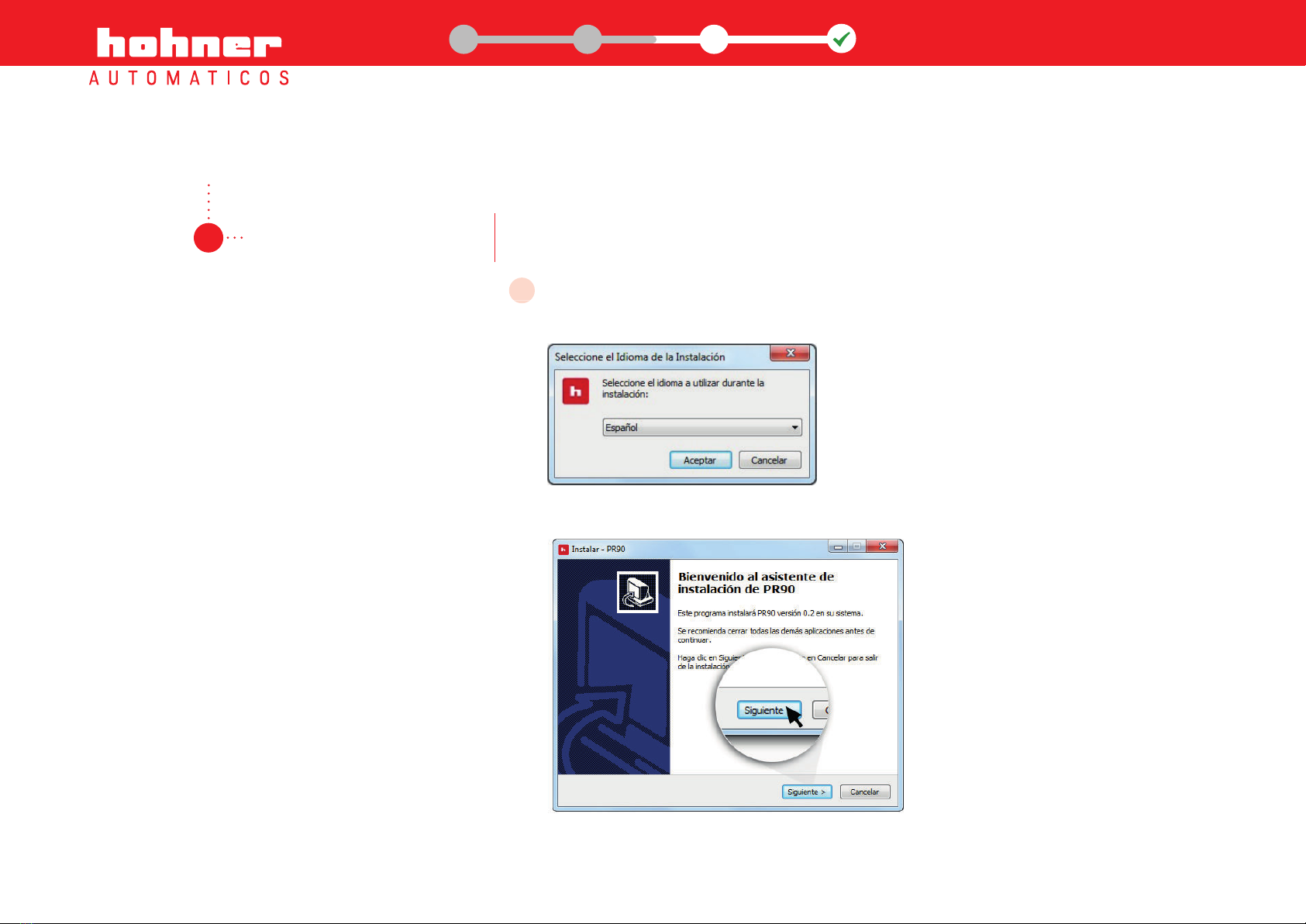
Once the programming software has been downloaded, decompress the .zip file and run
the installation program by clicking on the corresponding icon.
Choose language and follow the instructions on screen:
Connect
11
Choose language and follow the instructions on screen:
A
www.encoderhohner.com +34 972 160 017 info@encoderhohner.com
1
1
32USER MANUAL
PR90 / PR90H
This manual suits for next models
1
Table of contents


