Hirschmann EAGLE 20 Series User manual
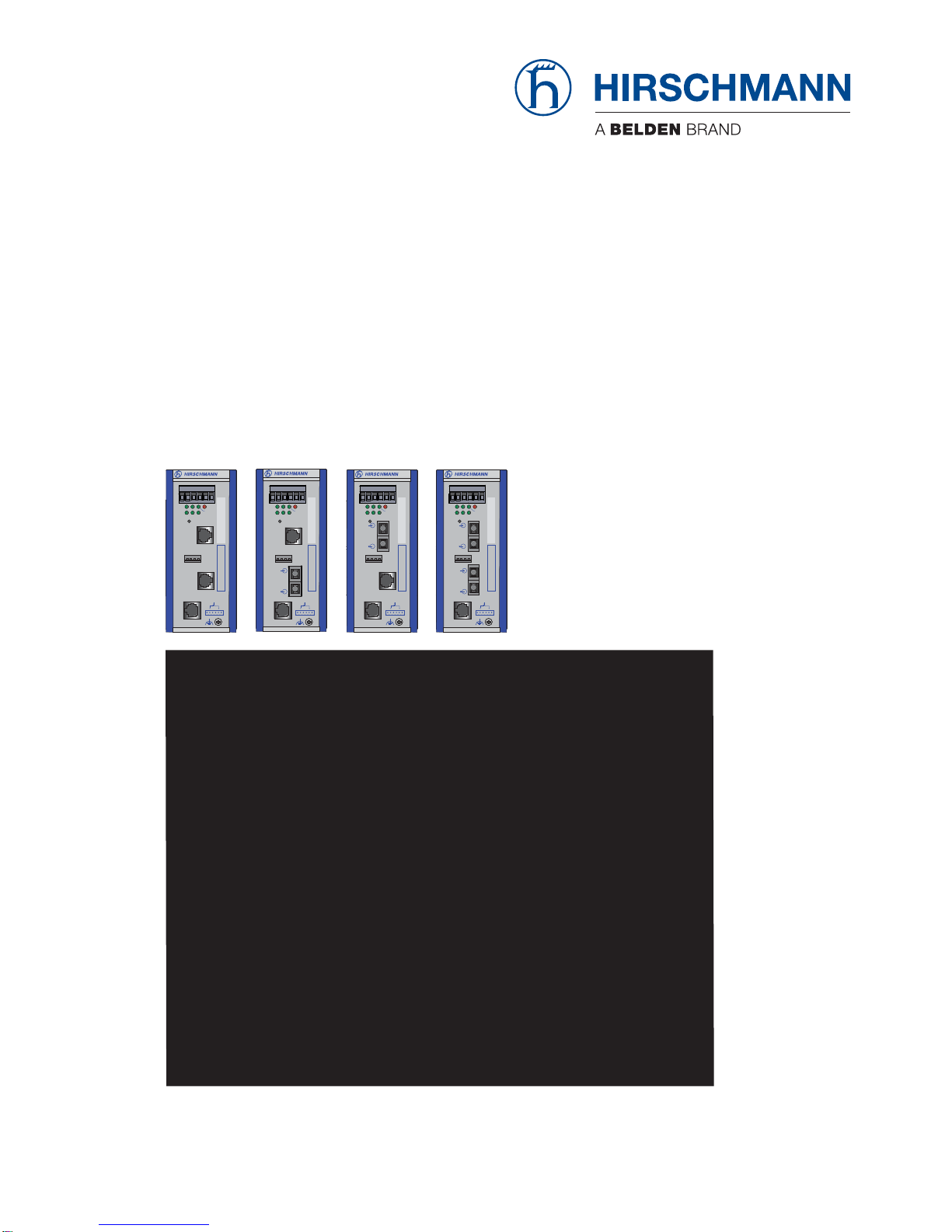
CLI EAGLE 20
Release
5.0
08/2010 Technical Support
HAC.Support@Belden.com
Reference Manual
Command Line Interface (CLI)
Industrial Ethernet Firewall
EAGLE
1
P21 FAULT
LS/DA
21
k
STATUS
V.24
IP-ADDRESS
V.24
R
EAGLE 20
USB
+24V (P1)
FAULT
+24V (P2)
0V
0V
g
2
Aufkleber MAC-Adresse
1
P21 FAULT
LS/DA
21
k
STATUS
V.24
IP-ADDRESS
V.24
R
EAGLE 20
USB
+24V (P1)
FAULT
+24V (P2)
0V
0V
g
2
Aufkleber MAC-Adresse
1
P21 FAULT
LS/DA
21
k
STATUS
V.24
IP-ADDRESS
V.24
R
EAGLE 20
USB
+24V (P1)
FAULT
+24V (P2)
0V
0V
g
2
Aufkleber MAC-Adresse
1
P21 FAULT
LS/DA
21
k
STATUS
V.24
IP-ADDRESS
V.24
R
EAGLE 20
USB
+24V (P1)
FAULT
+24V (P2)
0V
0V
g
2
Aufkleber MAC-Adresse
Copyright (c) 2007-2010 Hirschmann Automation and Control GmbH
All rights reserved
EAGLE Release SDV-05.0.00
(Build date 2010-08-08 08:08)
System Name: EAGLE20 Name
Netw. Mode : transparent
Mgmt-IP : a.b.c.d
Base-MAC : 00:11:22:33:44:55
System Time: SUN AUG 08 08:08:08 2010
EXAMPLE
EXAMPLE
EXAMPLE
EXAMPLE
NOTE: Enter '?' for Command Help. Command help displays all options
that are valid for the particular mode.
For the syntax of a particular command form, please
consult the documentation.
*(Hirschmann Eagle) >

The naming ofcopyrighted trademarks inthis manual, evenwhen not specially indicated, should
not be taken to mean that these names may be considered as free in the sense of the trademark
and tradename protection law and hence that they may be freely used by anyone.
© 2010Hirschmann Automation and Control GmbH
Manualsandsoftwareareprotectedby copyright.Allrightsreserved.Thecopying,reproduction,
translation, conversion into any electronic medium or machine scannable form is not permitted,
either in whole or in part. An exception is the preparation of a backup copy of the software for
your own use. For devices with embedded software, the end-user license agreement on the en-
closed CD applies.
The performance features described here are binding only if they have been expressly agreed
when the contract was made. This document was produced by Hirschmann Automation and
ControlGmbHaccordingto thebestofthecompany'sknowledge.Hirschmannreservestheright
to change the contents of this document without prior notice. Hirschmann can give no guarantee
in respect of the correctness or accuracy of the information in this document.
Hirschmann can accept no responsibility for damages, resulting from the use of the network
components or the associated operating software. In addition, we refer to the conditions of use
specified in the license contract.
You can get the latest version of this manual on the Internet at the Hirschmann product site
(www.beldensolutions.com).
Printed in Germany
Hirschmann Automation and Control GmbH
Stuttgarter Str. 45-51
72654 Neckartenzlingen
Germany
Tel.: +49 1805 141538
039 xxx-001-03-08/2010 – 29.7.10

CLI EAGLE 20
Release
5.0
08/2010 3
Content
About this Manual 5
Key 6
1 Introduction 7
1.1 Industrial Ethernet Firewall 7
1.1.1 Application areas 7
1.1.2 Operating modes 7
1.2 User interfaces 8
1.3 Command Line Interface 8
2 Access to CLI 10
2.1 Preparing the connection 10
2.2 CLI via SSH (Secure Shell) 10
2.3 CLI via the V.24 port 14
3 Using the CLI 17
3.1 Mode-based command hierarchy 17
3.2 Executing commands 21
3.2.1 Syntax analysis 21
3.2.2 Command tree 22
3.2.3 Structure of a command 22
3.3 Properties of the CLI 25
3.3.1 Input prompt 25
3.3.2 Key combinations 26
3.3.3 Data entry elements 27
3.3.4 Line length 28
4 Examples 31
4.1 Change timeout default setting 31
4.2 Login Banner 34
A Further Support 39

4CLI EAGLE 20
Release
5.0
08/2010

CLI EAGLE 20
Release
5.0
08/2010 5
About this Manual
The "Command Line Interface Reference Manual” contains detailed informa-
tion on using the Command Line Interfaceto operate the individual functions
of the device.
The “Configuration” user manual contains all the information you need to
start operating the Industrial Ethernet Firewall EAGLE. It takes you step by
stepfromthefirst startupoperationthroughto thebasicsettingsforoperation
in your environment.
The "Web-based Interface" reference manual contains detailed information
on using the Web interface to operate the individual functions of the device.
The “Installation” user manual contains a device description, safety instruc-
tions, a description of the display, and the other information that you need to
install the device.
The Network Management Software HiVision/Industrial HiVision provides
you with additional options for smooth configuration and monitoring:
XConfiguration of multiple devices simultaneously.
XGraphical interface with network layouts.
XAuto-topology discovery.
XEvent log.
XEvent handling.
XClient / Server structure.
XBrowser interface
XActiveX control for SCADA integration
XSNMP/OPC gateway

6CLI EAGLE 20
Release
5.0
08/2010
Key
The designations used in this manual have the following meanings:
XList
Work step
Subheading
Link Indicates a cross-reference with a stored link
Note: A note emphasizes an important fact or draws your
attention to a dependency.
Courier ASCII representation in user interface

CLI EAGLE 20
Release
5.0
08/2010 7
1 Introduction
1.1 Industrial Ethernet Firewall
1.1.1 Application areas
The EAGLE industrial firewall/VPN system ensures the authentication, secu-
rity and confidentiality of communication within production networks,but also
beyond company boundaries.
The EAGLE supports the following network modes:
XTransparent Mode
XRouter Mode
XPPPoE Mode
1.1.2 Operating modes
This device protects the network to be secured (secure port) from external
influences(non-secureport).Theseinfluencescanincludedeliberateattacks
or unauthorized access attempts, as well as interfering network events such
as overloads.
State on delivery
On delivery, the device works in the Transparent Mode. In this mode, no
network settings (e.g., for subnetworks) are required for operation.
The firewall has been preconfigured so that all IP traffic from the secure
network is possible; however, traffic from the insecure network to the se-
cure one is not possible. Thus, already in the delivery state, external at-
tacks on the secure network are not possible.
Modes
XTransparent Mode
In transparent mode, the Firewall transmits on level 2 of the ISO/OSI
layer model. The IP address ranges before and after the Firewall are
located in the same subnetwork.
In the state on delivery, you can access the device via address
192.168.1.1/24 without configuring the IP address.

8CLI EAGLE 20
Release
5.0
08/2010
XRouter Mode
In router mode, the Firewall transmits on level 3 of the ISO/OSI layer
model.TheIPaddressrangesbeforeandaftertheFirewallarelocated
in different subnetworks. You will find a detailed description of the IP
configuration in the “Basic Configuration” user manual of the EAGLE.
XPPPoE Mode
In PPPoE Mode, the EAGLE works like in the router mode, with the dif-
ference that the PPPoE protocol is used at the external port. This en-
ables Internet connections via a DSL modem, for example.
1.2 User interfaces
The device has three user interfaces, which you can access via different
interfaces:
XSystem monitor via the V.24 interface (out-of-band)
XCommand Line Interface (CLI) via the V.24 connection (out-of-band) or
via SSH (in-band)
XWeb-based interface via Ethernet (in-band)
1.3 Command Line Interface
The Command Line Interface enables you to use all the functions of the de-
viceviaalocalorremoteconnection.Thisenablesyoutosecurelyadminister
the firewall via V.24 or via the Secure Shell (SSH) protocol. You can also de-
fine rules to secure the access and the administration.
The Command Line Interface provides IT specialists with a familiar environ-
mentforconfiguringIT devices. As anexperienceduseroradministrator,you
have knowledge about the basics and about using secure shell (SSH)
connections.
The “Command Line Interface” reference manual gives you step-by-step in-
formation on using the Command Line Interface (CLI) and its commands.

CLI EAGLE 20
Release
5.0
08/2010 9
ThecommandsintheCommandLineInterfaceoftheEAGLE20Firewall can
be divided into the following areas:
XAuthentication
XDelete
XCopy
XDenial of Service
XDevice Status
XInterface
XLogging
XNAT (Network Address Translation)
XNetwork
XPacket Filter
XProfiles
XSignal contact
XSNMP Trap (Simple Network Management Protocol)
XSNTP (Simple Network Time Protocol)
XUsers
XDisplay

10 CLI EAGLE 20
Release
5.0
08/2010
2 Access to CLI
2.1 Preparing the connection
Information for assembling and starting up your EAGLE Industrial Ethernet
Firewall can be found in the “Installation” user manual.
Information for configuring your EAGLE Industrial Ethernet Firewall can be
found in the “Configuration” user manual.
Connect your Firewall with the network.
The network parameters must be set correctly for the connection to be
successful.
You can access the user interface of the Command Line Interface with the
freeware program “PuTTY”. This program is located on the product CD.
Make sure that PuTTY is installed on your computer.
If the required programs are not already installed on your PC, please in-
stall them.
2.2 CLI via SSH (Secure Shell)
Start the PuTTY program on your computer.
PuTTY appears with the login screen (see fig. 1).
Other manuals for EAGLE 20 Series
1
Table of contents
Other Hirschmann Firewall manuals