Hi-Tech Trading HE-ZMP3 User manual
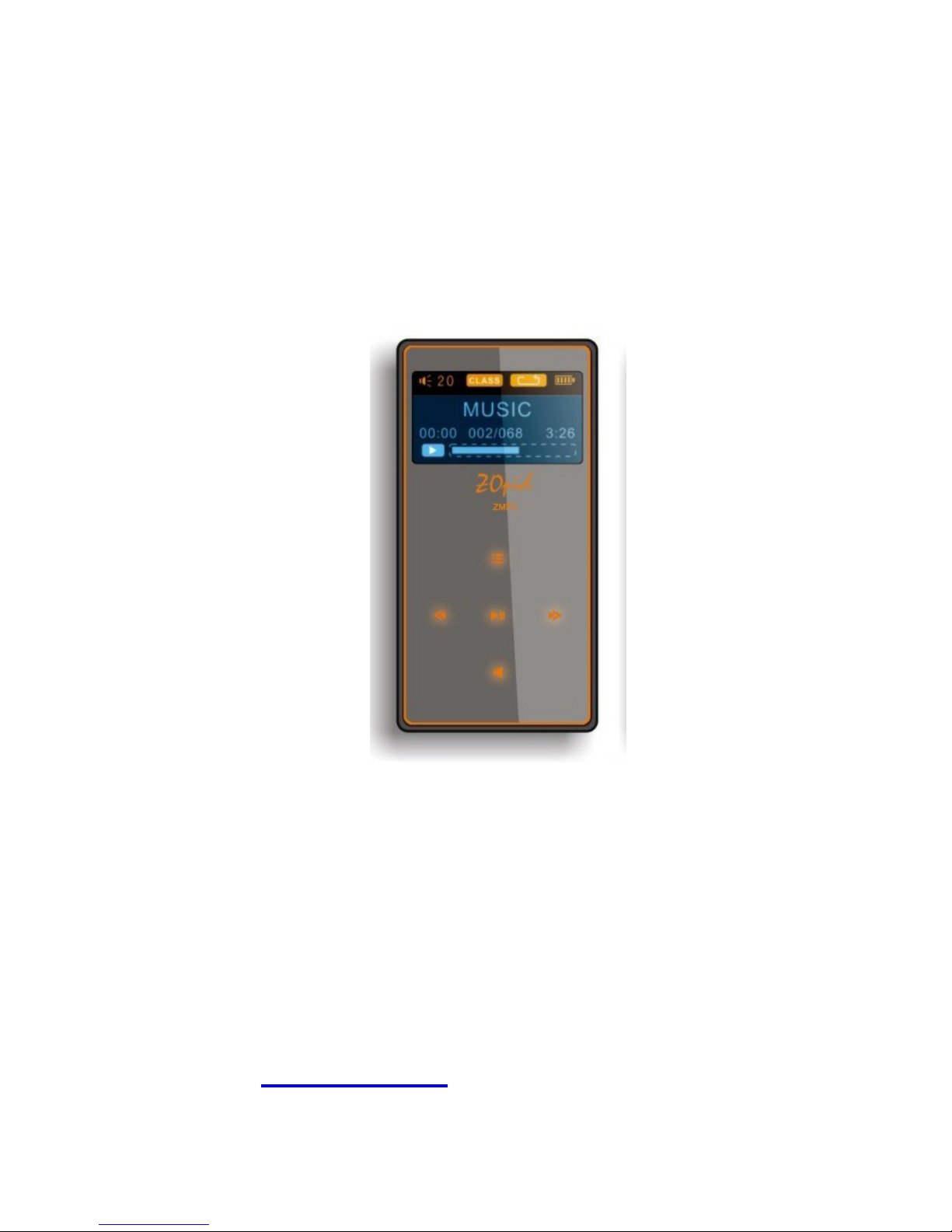
1
1.1” OLED DISPLAY MP3 PLAYER
HE-ZMP3
The pictures, diagrams, and certain functions
described in this manual may differ from the actual
product due to different models
USER MANUAL
Visit www.hittusa.com to check if an updated
user manual is available

2
PREFACE
We express our sincere thanks for
purchasing our MP3 Player! (MP). Before
operating this MP, be sure to read this user
manual carefully.After reading it, please
keep it in a safe place for future reference.
We reserve the right to make changes to
this MP and/or this user manual without
notice. Please visit our company’s
website listed on the product packaging for
additional product information and/or
updates.
NOTE: The pictures, diagrams, and certain
functions described in this manual may
differ from the actual product due to
different models.

3
SAFETY AND GENERAL INFORMATION
READ THIS INFORMATION BEFORE USING
THIS MP3 PLAYER
A. New battery can reach its best
performance after it has completely
charged and discharged for two or three
times.
B. Please charge the new battery for no
less than 10 hours for the first three
times you are charging, then from the
fourth time on, just charge it for four
hours and it can reach its best
performance.
C. Do not operate this MP in extremely cold,
hot, dusty or damp environment.
D. Avoid putting this MP under direct
sunlight
E. Do not scrub this MP with a hard object;
it may result in scratches on the screen
and/or damage to the hardware. Use a
damp cotton cloth to gently wipe the
shell of the player. Using other chemical
cleaning solutions is strictly prohibited.
F. Keep this MP and all accessories out of
children’s reach under 3 years old.
G. Charge the MP when:
The battery capacity icon is
empty and flashing
The MP powers off
automatically, immediately
after it is turned on.
H. Avoid operating this MP under very dry
environment to prevent damage from
static-shock.

4
I. Do not disconnect the USB cable while
formatting, uploading or downloading
files; disconnecting USB cable will result
in file corruption and may require
reformatting.
J. When used as a removable disk, users
should backup important data. Our
company is not responsible for loss of
data.
K. This MP does not have any
user-serviceable parts or accessories.
DO NOT TRY TO DISASSEMBLE THIS
MP. Use only the AC charger that
came with this MP to charge it. Try not
to charge the MP while using it.
L. Long exposure to high sound volume
may have an effect on your hearing, so
please use the appropriate volume level.
M. Use only the battery, charger, and
accessories permitted by manufacturer.
Using other accessories or charger may
be a safety hazard or affect product
performance and/or void product
warranty.
N. Please properly dispose of the obsolete
player and its accessories following your
local environmental laws.
O. If you have any problem using this player,
please email help@hittusa.com or
contact our customer service center –
check our website www.hittusa.com for
contact information
NOTE: Please charge the player no less
than 10 hours BEFORE first time use.

5
NOTE REGARDING FCC COMPLIANCE
Users are not permitted to make changes or
modify the device in any way. Changes or
modifications that are not authorized by the
party responsible for compliance could void
the user’s authority to operate the equipment.
This device complies with part 15 of the FCC
Rules. Operation is subject to the following two
conditions:
This device many not cause
harmful interference, and
This device must accept any
interference received, including
interference that may cause
undesired operation.

6
TABLE OF CONTENT
FUNCTIONS OVERVIEW........................ 7
KNOW THE PLAYER .............................. 8
BASIC FUNCTIONS................................ 9
BUTTONS OPERATIONS ..................... 12
MUSIC ................................................... 13
RECORD ............................................... 15
SYSTEM ................................................ 17
VOICE.................................................... 17
EBOOK.................................................. 19
USB DISK.............................................. 20
OTHER SETTINGS................................ 21
TROUBLESHOOTING........................... 23
TECHNICAL SPECIFICATIONS............ 23

7
FUNCTIONS OVERVIEW
Supports multiple music formats - MP1,
MP2, MP3, WMA, WMV, ASF & WAV
E-BOOK - Support words remember
function, copy the unread articles to
removable disk for your reading at any
time.
USB disk with no driver required - user
can copy files to the player using
computer’s file management utility like
file explorer.
Recording/Replay – Voice Recording
using built-in microphone and saved as
WAV voice files. Replay recorded
voice using Voice option on MP3 player
7 EQ Modes – Natural, Rock, Pop,
Classic, Soft, Jazz & Heavy Bass.
Multiple Play Modes - Normal, Single
Repeat & All Repeat
Auto Off - Set time to auto shutdown the
player
Menu with icons - Menu with icons for a
user-friendly interface.
8
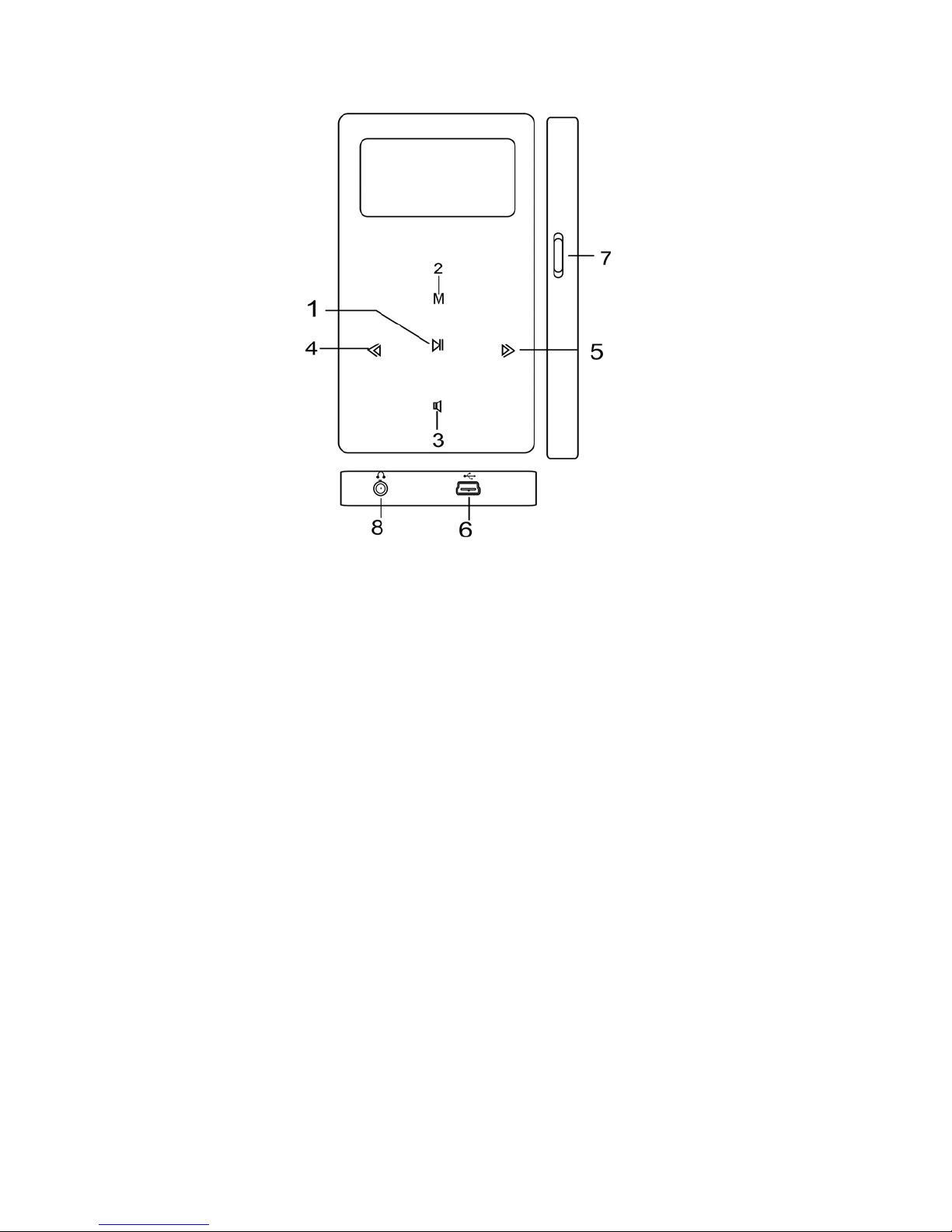
KNOW THE PLAYER
Appearance and Buttons
1. PLAY: play/ pause & Confirm selection and
Fast Exit from the menus
2. MODE: Menu button & Confirm Selection
3. VOL: volume adjustment
4. NEXT: Next song or menu selection
5. PREV: previous song or menu selection
6 USB port
7 ON/OFF power button
8 Earphones: Earphone jack
Battery
A solid battery icon means the
battery is fully charged; as the
player is used the battery level

9
indicator will be partially filled
A blank battery indicator means
the battery charge is low and
must be plugged in to charge the
battery.
When the player is plugged in to charge,
make sure that the ON/OFF switch is in ON
position
When the player is not in use switch the
power button to OFF position
BASIC FUNCTIONS
Main Menu
Mode button is used to bring up different
Menus including:
Main Menu - press Mode for a short time to
open the menu & press for a longer time to
exit from the menu
Sub-Menu - press Mode for a short time to
open the sub-menu
Navigation Keys:
Use navigation keys (NEXT & PREV) to
select menu options, songs browsing,
Fast Rewind or Fast Forward when playing
10
music
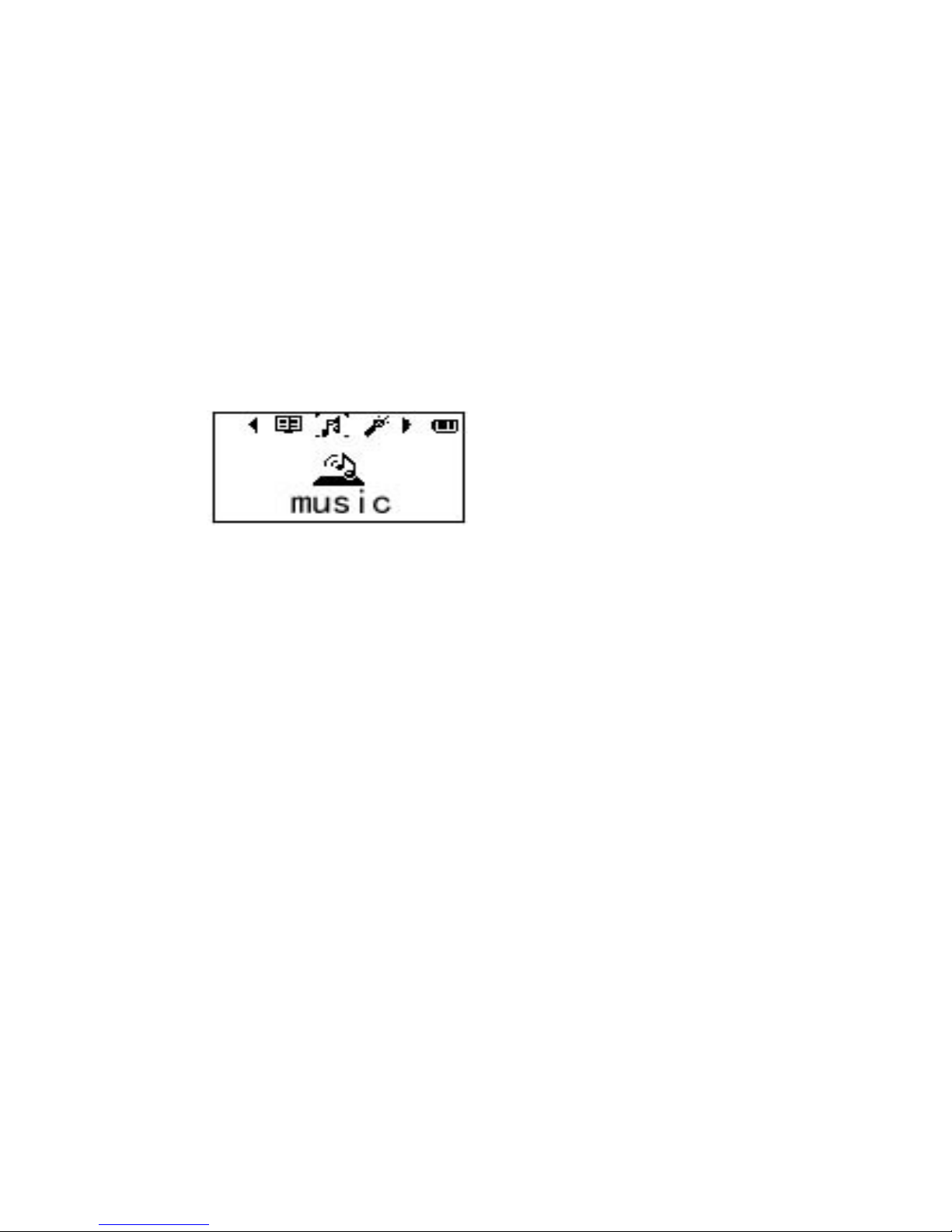
Various Functions (Modes):
Select different functions through the Main
Menu. Short press Mode to open Main Menu
and then use Navigation keys to select the
different function; short press Mode button to
confirm the selection
Main Menu Music
Record Voice
System eBook
Connecting with computer and enter
USB mode:
Table of contents