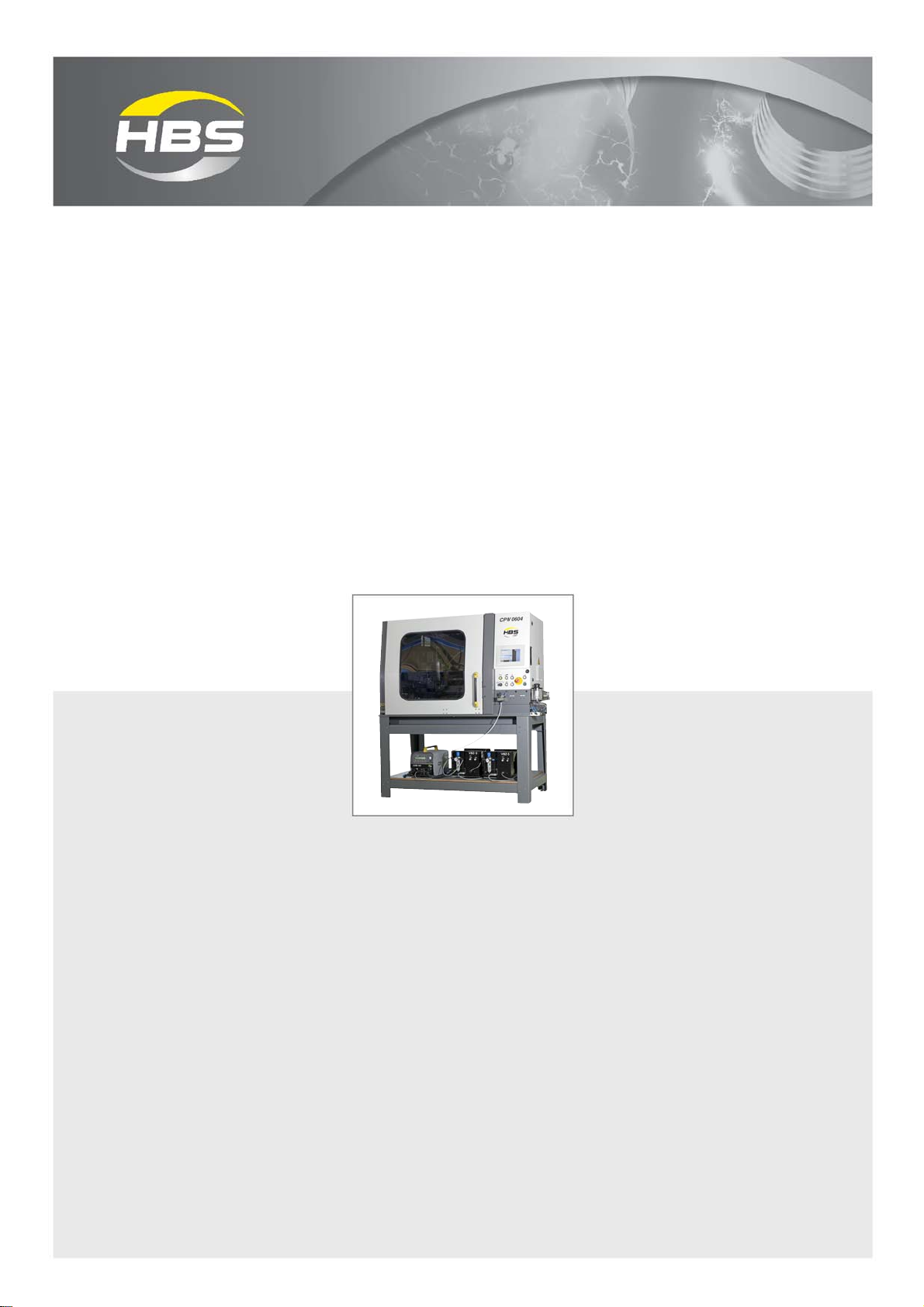
HBS CPW 0604 User manual

CPW 0604
CNC Production Welder
Operating Manual
2013

ii
ii CPW 0604 BA CPW 0604 Issue 10.09.13 (From Software-Release 0.0.1.31)
CPW 0604 Operating Manual Issue 09/2013 Order No. BA CPW 0604
Translation of the Operating Manual
Customer Service in Germany:
HBS Bolzenschweiss-Systeme GmbH & Co. KG
Felix-Wankel-Strasse 18
85221 Dachau / Germany
Phone +49 8131 511-0
Fax +49 8131 511-100
E-mail [email protected]
Web www.hbs-info.com
Copyright:
The information contained herein may not be copied, reproduced, adapted,
merged, translated or used without the prior written consent of the copyright
owner.
Adaptations, errors and technical modifications reserved without prior notice.
©HBS Bolzenschweiss-Systeme GmbH & Co. KG

iii
CPW 0604 BA CPW 0604 Issue 10.09.13 (From Software-Release 0.0.1.31) iii
Dearcustomer,
ThankyouverymuchforpurchasingaCNCProductionWelderfromHBSBolzen-
schweiss-Systeme.
We from HBS wish you always successful working with this stud welding unit.
We ask you to observe the following points:
– Store the operating manual in a way that it can always be accessed by the
operator.
– Letthe operatorsign beforestarting upthat hehas readand completelyunder-
stoodtheoperatingmanual.
– This operating manual applies only to this stud welding unit.
– Protectthe studwelding unit from unauthorized use.
– Thestud welding unit must only be operatedby trainedpersonnel.
– Let an electrician check whether the wall sockets where you want to connect the
relatedstudweldingunit,areproperlyfusedandgrounded.
– Informourcustomerserviceincaseofmalfunction.
– In case of accident, inform a physician and the responsible official body.
THREATTOLIFE!
Persons fitted with a pace maker must not operate the stud
welding machine.
MAGNETICFIELDS!
During stud welding, strong electro-magnetic fields are
generated. Do not weld in the vicinity of the electrical
equipment which could be affected.
Safety instructions are a delicate subject. Anybody who handles a stud welding
unit, whether it is the welding gun or the power unit, should be familiar with them,
becauseimproper use of stud welding units canbe dangerous to life.
For your own sake you should know the safety instructions for operating your HBS
stud welding units inside out.
In addition to the protection of your health and the capital value of the enterprise, the
safety instructions are intended to clarify any responsibilities, which arise from
ownershipandoperationoftheequipment.
Thischapteroftheoperatingmanualoffersyouclearandeasytounderstandinformation
forthe safeoperation ofyour HBS stud welding unit.

iv
iv CPW 0604 BA CPW 0604 Issue 10.09.13 (From Software-Release 0.0.1.31)
Your CNC Production Welder may differ in some details from the captions in this
manual.This has noeffecton the operationof the weldingmachine.
Shouldyouhavequestionsaboutthismanualorincaseyouwanttoordersomemore
copies,please provide the order numberlisted inthe foot line.
Importantreminder:
Dataandinformationhereinwerecollectedwithgreatestcare.Althoughwedidourvery
besttocorrectlyupdateanyinformationuptothetimeofdelivery,thereisnoguarantee
inrespectoferrors.
If you should detect errors or mistakes right in this manual, please contact us:
HBS Bolzenschweiss-Systeme GmbH & Co. KG
Felix-Wankel-Strasse18
85221Dachau/Germany
Afeedback blank is provided in the appendix.

CPW 0604 BA CPW 0604 Issue 10.09.13 (From Software-Release 0.0.1.31) v
Table of ContentsTable of Contents
Table of Contents
Table of Contents
Important Data .................................................................................9
Data Delivery Condition ................................................................................ 9
1 General ........................................................................................... 11
1.1 Guide to this Operating Manual .................................................................. 12
1.2 Safety Symbols .......................................................................................... 13
1.3 General Safety Instructions ........................................................................ 14
1.4 IntendedUse .............................................................................................. 14
1.5 Transportation, Packaging, Storage ........................................................... 15
1.6 Accompanying Documents ........................................................................ 15
1.7 Markings ..................................................................................................... 16
2 Delivery........................................................................................... 18
3 Starting-up .....................................................................................19
3.1 Requirements of Workplace ...................................................................... 19
3.2 Requirements of Operating Personnel....................................................... 20
3.3 Requirements and Installation Instruction with HBS Base Frame .............. 21
3.4 Connecting the Welding Machine to the Primary Power Supply ................ 22
3.5 Connecting the Power Units to the CNC Production Welder ..................... 23
3.6 Connect Pneumatic Stud Switch(es) (PBW) to the Stud Welding Machine27
3.7 Pneumatic Diagram ................................................................................... 28
3.8 Change Working Place .............................................................................. 29
4 Function .........................................................................................30
4.1 Operating Elements ................................................................................... 30
4.1.1 Touch-PanelwithControl........................................................................................ 30
4.1.2 OperatingElements, Overview................................................................................ 30
4.2 MenuINITIALIZE ......................................................................................... 32
4.3 MenuSTARTMENU .................................................................................... 33
4.4 MenuAUTOMATIC...................................................................................... 34
4.4.1 DescriptionofOperating Elements ......................................................................... 35
4.4.2 AutomaticOptions ................................................................................................. 42
4.5 MenuMANUAL/CONTACT........................................................................ 43
4.5.1 Setting of the Contact Position............................................................................... 45

vi CPW 0604 BA CPW 0604 Issue 10.09.13 (From Software-Release 0.0.1.31)
Table of ContentsTable of Contents
Table of Contents
4.5.2 Positioning ofAxes in Manual Mode....................................................................... 47
4.5.3 Calibrationof contact signal ................................................................................... 49
4.5.4 Calibrationof Contact PositionZ ............................................................................ 50
4.5.5 CheckandDetermination of WeldingParameters .................................................. 51
4.5.6 FurtherFunctions................................................................................................... 56
4.6 MenuEQUIPMENT..................................................................................... 58
4.7 Menu SETUP CNC..................................................................................... 60
4.8 Menus PROGRAM EDIT / PROGRAM SELECT ....................................... 62
4.8.1 MenuPROGRAMSELECT .................................................................................... 63
4.8.2 Edita Program....................................................................................................... 69
4.8.3 Descriptionof the FunctionsinPROGRAM EDITOR .............................................. 75
4.9 MenuPROGRAM GRAPH........................................................................ 101
4.10 MenuPARAMETER CNC ......................................................................... 103
4.10.1 DescriptionofParameters.................................................................................... 105
4.10.2 Overview-ParametersXAxis............................................................................... 107
4.10.3 Overview-ParametersYAxis .............................................................................. 109
4.10.4 Overview-ParametersZU1Axis ...........................................................................111
4.11 Menu I/O Test ........................................................................................... 113
4.11.1 Overview................................................................................................................113
4.11.2 Functions..............................................................................................................114
4.12 MenuCONFIGURATION .......................................................................... 115
4.12.1 Setting the System Time ......................................................................................116
4.12.2 Setting the System Date.......................................................................................117
4.13 MenuSTANDARD VALUES...................................................................... 118
4.14 Menu SPARE PARTS............................................................................... 120
4.15 MenuSYSTEM ......................................................................................... 123
4.16 MenuCANSTATUS.................................................................................. 124
4.17 MenuSYSTEM-ADDRESS ...................................................................... 126
4.18 MenuSYSTEM-SETTING......................................................................... 128
4.19 MenuALERTMESSAGE .......................................................................... 130
4.20 MenuRS232............................................................................................. 139
4.21 Menu COUNTER...................................................................................... 140
4.22 Menu SAFETY DOOR.............................................................................. 141
4.23 Special Functions ..................................................................................... 143
5 Stud Welding Procedure.............................................................144
5.1 Safety Instructions.................................................................................... 144
5.2 Functional Principle of Stud Welding........................................................ 146
6 FTP Server ...................................................................................147
6.1 Structure of the Drive................................................................................ 147

CPW 0604 BA CPW 0604 Issue 10.09.13 (From Software-Release 0.0.1.31) vii
Table of ContentsTable of Contents
Table of Contents
6.2 Installing a Boot Project via FTP/USB ...................................................... 149
6.2.1 Installing a boot project from a USB memory stick............................................... 149
6.2.2 Procedure ............................................................................................................ 149
6.2.3 Installinga boot projectvia FTP ........................................................................... 153
7 Password .....................................................................................154
7.1 Defined Password Level .......................................................................... 154
8 Software .......................................................................................155
9 Switching off the CNC Production Welder ................................156
9.1 Temporary Switching off........................................................................... 156
9.2 Disposal ................................................................................................... 156
10 Care and Maintenance ................................................................157
10.1 Safety Instructions.................................................................................... 157
10.2 Maintenance Recommendations.............................................................. 157
10.3 Replacement of support battery of control system (all 12 months).......... 160
11 Appendix ......................................................................................161
11.1 Technical Data.......................................................................................... 161
11.2 EnvironmentallyAdmissible Disposal....................................................... 163
Glossary .......................................................................................164
Regulations and Standards ........................................................165
Further Instructions - Arc Stud Welding ....................................167
Further Instructions - Tip Ignition............................................... 168
Guarantee Clauses ......................................................................169
EC Declaration of Conformity.....................................................170
Confirmation ................................................................................171
Feedback......................................................................................172
Service & Support .......................................................................173
Index .............................................................................................174

viii CPW 0604 BA CPW 0604 Issue 10.09.13 (From Software-Release 0.0.1.31)
Table of ContentsTable of Contents
Table of Contents

CPW 0604 BA CPW 0604 Issue 10.09.13 (From Software-Release 0.0.1.31) 9
Important Data
Data Delivery Condition
Project-No: __________________________
Serial Number: __________________________
Controlsystem:
Type: __________________________
SerialNo: __________________________
Runtime system: __________________________
Software: __________________________
Welding Head: __________________________
OrderNo: __________________________
SerialNo: __________________________
-equippedfor: __________________________
Stud length 1: VBZ PBZ Dia ________________
OrderNo:__________________ SerialNo: ________________
Stud length 2: VBZ PBZ Dia ________________
OrderNo:__________________ SerialNo: ________________
Stud length 3: VBZ PBZ Dia ________________
OrderNo:__________________ SerialNo: ________________
Power Unit: __________________________
OrderNo: __________________________
SerialNo: __________________________
Important Data
DataDeliveryCondition

10 CPW 0604 BA CPW 0604 Issue 10.09.13 (From Software-Release 0.0.1.31)
1 General
Table of contents
Other HBS Welding System manuals
Popular Welding System manuals by other brands

TAFA
TAFA 30*8B35 owner's manual

Lincoln Electric
Lincoln Electric INVERTEC V350-PRO CE Technical specifications

ESAB
ESAB Buddy Arc 145 instruction manual

CIGWELD
CIGWELD 636804 use instructions

Red-D-Arc
Red-D-Arc DC-400 Operator's manual

Hobart Welding Products
Hobart Welding Products Spool Gun DP 3035-10 owner's manual