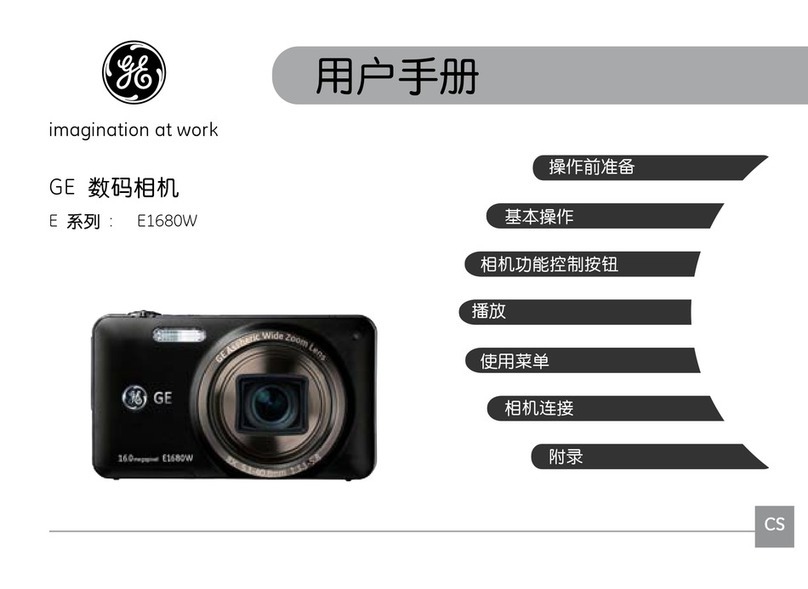
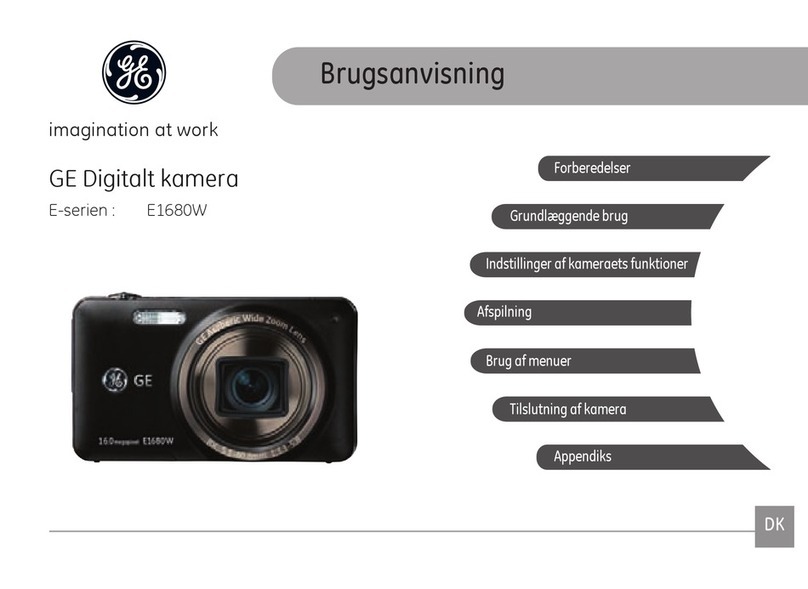
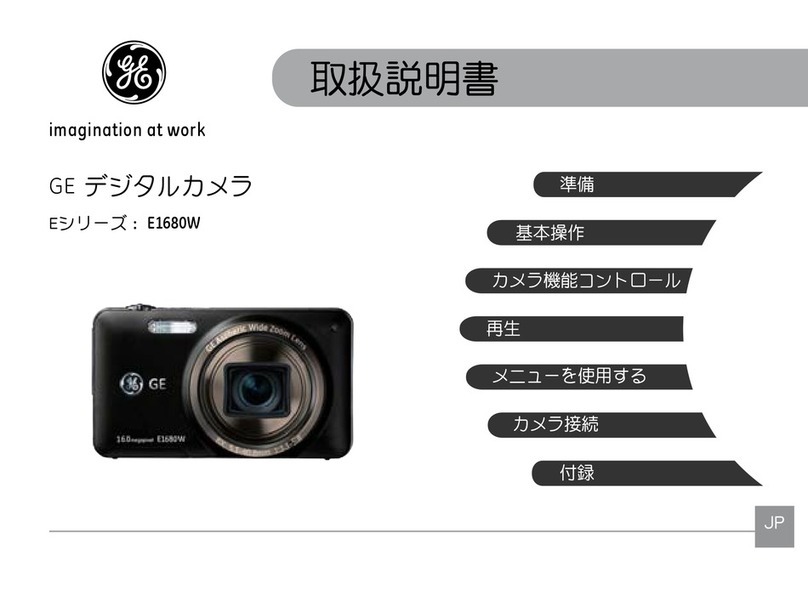
GE PJ1 User manual

EN
Appendix
Camera connectivity
Using the Menus
Playback
Camera function controls
Basic operation
Preparations
GE Digital Camera
P Series : PJ1
User Manual
imagination at work

i
This symbol [crossed-out wheeled bin WEEE Annex
IV] indicates separate collection of electrical waste
electrical and electronic equipment in European
countries. Please do not throw this equipment into domestic
refuse. Please use the return and collection systems available
in your country for the disposal of this product.
Declaration of Conformity
Model Name: PJ1
Trade Name: GE
Responsible Party: General Imaging Co.
Address: 1411 W. 190th Street, Suite 550, Gardena,
CA 90248, U.S.A.
Customer Service Telephone Number:
+1-800-730-6597
(Outside U.S. & Canada: +1-310-755-6857)
Conforms to the following Standards:
EMC: EN 55022:1998/A1:2000/A2:2003 Class B
EN 55024:1998/A1:2001/A2:2003
EN 61000-3-2:2000/A1:2001
EN 61000-3-3:1995/A1:2001
following the provision of the EMC Directive (89/336/
EEC,2004/108/EEC)
WARNING
Do not expose the camera, battery pack, or other accessories
to rain or humidity to prevent a re hazard or electrical shock.
For customers in the U.S.A.
Tested To Comply With FCC Standards
FOR HOME OR OFFICE USE
FCC Statement
This device complies with part 15 of the FCC Rules. Operation
is subject to the following two conditions:
(1) This device may not cause harmful interference, and (2)
this device must accept any interference received, including
interference that may cause undesired operation.
For customers in Europe
"CE" mark indicates that this product complies
with the European requirements for safety, health,
environmental, and customer protection. "CE" marked
cameras are intended for sale in Europe.

iiii 1
SAFETY PRECAUTIONS
Camera notes:
Do not store or use the camera in the following types of
locations:
• In rain, areas with high humidity and dusty places.
• In a place where the camera can be exposed to direct
sunlight or subjected to high temperatures, e.g. Inside a
closed car in summer heat.
• In places where the camera is subjected to high magnetic
elds, e.g. near motors, transformers or magnets.
Do not place the camera on a wet surface or in places where
dripping water or sand may come into contact with the
camera, which may cause irrepairable damage.
If the camera will not be used for a long period of time, we
suggest you remove the battery and the memory card from
the camera and keep them in dry environment.
If you carry the camera suddenly from a cold location to a
warm place, moisture may condense inside the camera. We
suggest you wait for a while before turing on the camera.
No compensation for loss of recordings. Loss of recordings
cannot be compensated for if a malfunction of your camera
or recording media, etc, makes the playback of recordings not
possible.
Battery notes:
Incorrect use of the batteries may cause them to leak, become
hot, ignite or burst. Always observe the precautions given below.
• Do not expose the batteries to water, and take particular
care to keep the terminals dry.
• Do not heat the batteries or throw them into a re.
•Do not attempt to deform, disassemble or modify the
batteries.
Keep the batteries out of reach of babies and small children.
In cold locations, battery performance deteriorates and the
time for which they can be used shortens markedly.
Memory card notes:
When using a new memory card, or a memory card has been
initialized by a PC, be sure to format the card with your digital
camera before using it.
To edit image data, copy the image data to the PC’s hard disk
rst.
Do not change or delete the folder names or le names in the
memory card from your PC, as this may make it impossible
to recognize or misinterpret the original folder or le in your
camera.
The photos taken by this camera are stored in the auto-
generated folder in SD card. Please do not store photos that
are not taken by this model of camera, as this may make it
impossible to recognize the picture when the camera is in
playback mode. Please do not expose the camera to harsh
environments such as moisture or extreme temperatures,
which may shorten the life of your camera or damage the
batteries.

ii 1
BEFORE YOU START
Preface
Thank you for purchasing this GE digital camera. Please read
this manual carefully and keep it in a safe place for future
reference.
Copyright
© Copyright 2011 General Imaging Company All rights
reserved.
No part of this publication may be reproduced, transmitted,
transcribed, stored in a retrieval system, or translated into
any language or computer language, in any form, by any
means, without the prior written permission of General Imag-
ing Company.
Trademarks
All trademarks mentioned in this manual are used for identi-
cation purposes only and are properties of their respective
owners.
Safety information
Please read the following important information carefully
before using the product.
• Do not take apart or attempt to service the camera your-
self.
• Do not drop or knock the camera. Improper handling may
damage the product.
• Turn o the camera before inserting or removing the bat-
tery and memory card.
• Use only the type of battery that come with the camera.
Using other types of batteries may damage the camera
and invalidate the warranty.
• Do not touch the camera lens.
•Please not expose the camera to harsh environments such
as moisture, or extreme temperatures, which may shorten
the life of your camera or damage the batteries.
• Do not use or store the camera in dusty, dirty, or sandy
areas, as its components may be damaged.

2 3
• Do not expose the lens to direct sunlight for extended
periods.
• Download all pictures and remove the batteries from
the camera if you are going to store the camera for long
periods of time.
• Do not use abrasive cleansers, alcohol-based, or solvent-
based cleaners to clean the camera. To clean, wipe the
camera with a slightly damp soft cloth.
• External power supply exceeding 240V can’t be used for
charging or power supply, otherwise, it will cause camera
or battery to be damaged.
About this manual
This manual provides you with instructions on how to use your
GE digital camera. Every eort has been made to ensure that
the contents of this manual are accurate, however General
Imaging Company reserves the right to make changes without
notice.
Symbols used in this manual
Throughout this manual, the following symbols are used to
help you locate information quickly and easily:
Indicates the useful information to know.
Indicates precautions to be taken while operating the
camera.

2 33
WARNING .......................................................................i
SAFETY PRECAUTIONS ................................................ii
BEFORE YOU START .................................................... 1
Preface .........................................................................................1
Copyright ............................................................................1
Trademarks ........................................................................1
Safety information ....................................................................1
About this manual .....................................................................2
Symbols used in this manual ..........................................2
CONTENTS .................................................................... 3
GETTING READY .......................................................... 7
Unpacking ...................................................................................7
Camera Views..............................................................................8
Battery Charging..................................................................... 10
Remote control ........................................................................ 11
Insert the Battery and SD/SDHC Card (Not included) ..... 12
Turning On and O................................................................. 14
Mode Button Operation ......................................................... 15
Setting Date/Time and Language........................................ 16
Setting the Language .................................................... 16
Setting the Date and Time............................................ 17
About the LCD Screen ............................................................ 18
BASIC OPERATION .................................................... 19
Shooting in Auto Mode .......................................................... 19
Using the Zoom Function ...................................................... 19
Flash .......................................................................................... 20
Self-timer................................................................................... 20
Macro Mode ............................................................................. 21
i button function ..................................................................... 21
Ois Anti - Shake ............................................................... 22
Face and Smile Detection Modes ................................ 22
Face Detection................................................................. 23
Smile Detection............................................................... 23
Blink Detection................................................................ 24
CONTENTS

4
Advanced Functions Menu.................................................... 25
WB (White Balance) ....................................................... 26
ISO ..................................................................................... 26
Quality .............................................................................. 27
Size .................................................................................... 27
Color .................................................................................. 28
Exposure Compensation ............................................... 28
USING THE MODES ................................................... 29
LCD Screen Display ................................................................ 29
Still Picture Mode Display ............................................ 29
Video Shooting Mode Display ...................................... 31
Playback Mode Display ................................................. 32
ASCN mode ............................................................................... 33
Landscape ....................................................................... 33
Portrait ............................................................................. 33
Night Portrait .................................................................. 34
Backlit Portrait ............................................................... 34
Night Landscape ............................................................ 34
Macro ................................................................................ 34
Auto ................................................................................... 34
Panorama mode ...................................................................... 35
Scene mode .............................................................................. 36
Sport ................................................................................. 37
Indoor ............................................................................... 37
Snow ................................................................................. 37
Fireworks ......................................................................... 37
Museum ............................................................................ 37
Night Landscape ............................................................ 37
Children ............................................................................ 37
Leaf ................................................................................... 37
Sunset ............................................................................... 37
Glass ................................................................................. 37
Landscape ....................................................................... 37
Night Portrait .................................................................. 37
Beach................................................................................. 37
Text .................................................................................... 37
Gathering.......................................................................... 38

5
ID ........................................................................................ 38
Fish eye ............................................................................. 38
Travel shooting................................................................ 38
Photo frame .................................................................... 38
Sketch................................................................................ 38
PLAYBACK ................................................................... 39
Viewing Photos and Videos .................................................. 39
Thumbnail View ...................................................................... 40
i button playback function.................................................... 41
Using Zoom on Playback (for still pictures only) .............. 43
Using the Delete Button ........................................................ 44
Projector Use.............................................................. 45
Use the camera to project directly...................................... 45
Show Setting............................................................................. 46
Slide Show On ................................................................. 47
Eect.................................................................................. 47
Interval.............................................................................. 48
Show Time ....................................................................... 48
USING THE MENUS ................................................... 49
Still Menu .................................................................................. 49
AF Mode (Auto-Focus mode) ........................................ 50
AF-assist Beam ............................................................... 50
Continuous AF ................................................................. 51
Expo Metering (Exposure Metering) ........................... 51
Continuous Shot ............................................................. 52
Date Imprint .................................................................... 52
Quick Review ................................................................... 53
Digital Zoom .................................................................... 53
Slow Shutter .................................................................... 54
Movie Menu .............................................................................. 55
Continuous AF ................................................................. 56
Expo Metering (Exposure Metering) ........................... 56
Playback Menu ........................................................................ 57
Protect .............................................................................. 57
Delete ............................................................................... 58
DPOF (Digital Print Order Format) .............................. 59
Trim ................................................................................... 60

66 7
HDR-High Dynamic Range............................................ 60
Resize ................................................................................ 61
Rotate ............................................................................... 61
Red-eye Reduction ......................................................... 62
Display Setup 62
Slideshow ......................................................................... 63
Wallpaper Settings ........................................................ 63
Setup Menu .............................................................................. 66
Beep .................................................................................. 67
LCD Brightness ............................................................... 67
Power Saver .................................................................... 68
Zone .................................................................................. 68
Date/Time ........................................................................ 69
Language ......................................................................... 69
File and Software .................................................................... 69
Format Memory............................................................... 69
File Numbering................................................................ 70
Copy to Card (Copy les from the internal memory to
the memory card) ........................................................... 70
Reset Settings ................................................................. 71
FW Version (Firmware version) ................................... 71
Transmission.............................................................. 72
Connecting to a PC ................................................................. 72
Setting the USB Mode ................................................... 72
Transferring Files to your PC ....................................... 72
Connecting to a PictBridge Compatible Printer .............. 74
Setting the USB Mode ................................................... 74
Connecting the Camera and Printer .......................... 75
Using the PictBridge Menu ................................................... 76
Print with Date ............................................................... 76
Print without Date ......................................................... 77
Print Index ....................................................................... 78
Print DPOF ....................................................................... 79
Exit ..................................................................................... 79
APPENDICES .............................................................. 80
Specications........................................................................... 80
Error Messages ....................................................................... 84
Troubleshooting ...................................................................... 86

6 7
GETTING READY
Your package should contain the camera model you purchased along with the following items. If anything is missing or appears to
be damaged, please contact your vendor.
Unpacking
Wrist Strap
Special USB cable
Warranty Card
Rechargeable lithium-ion
battery
CD-ROM
External power
supply charger
Power supply
adapter cable
Remote control
Base plate
Other manuals for PJ1
2
Table of contents
Other GE Digital Camera manuals