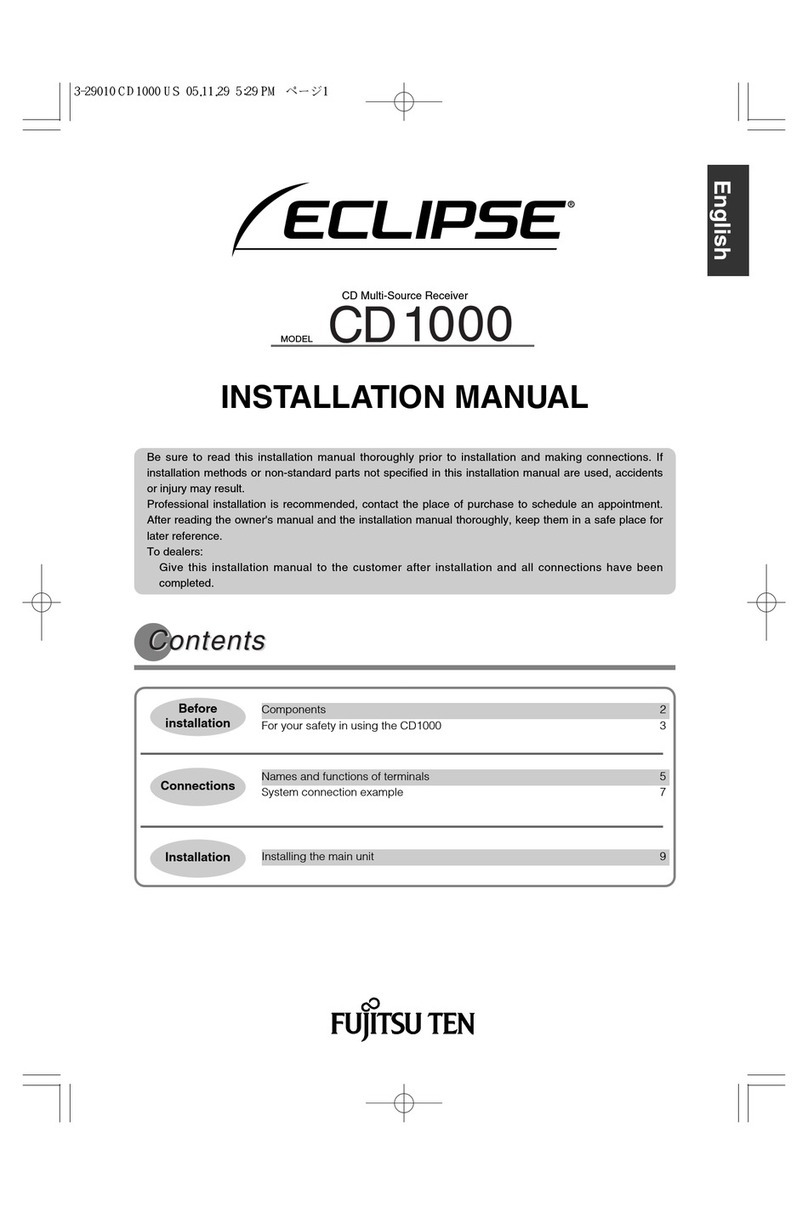
Fujitsu Eclipse CD 1000 User manual


2
Introduction
For your safety in using the CD1000
Warnings and caution signs, illustrated below, are posted throughout this manual as well as on the
CD1000. They show safe and correct ways to handle the main unit to prevent personal injury to you,
others and to avoid property damage.
Before reading through the manual, take time to read through and learn the important information listed
in this section.
Please read all materials such as manuals and warranties that have come with the main unit.
Eclipse will not be liability for unsatisfactory main unit performance due to failure to follow these
instructions.
This "WARNING" sign indicates a situation in which incorrect
handling or disregard of this sign may result in death or
serious personal injury.
This "CAUTION" sign indicates a situation in which incorrect
handling or disregard of this sign may result in personal injury
or may result solely in damage to property.
WARNING
●Do not modify this system for use other than that specified herein. Also, do not deviate
from the installation procedures described herein; Eclipse will not be held liable for
damages including, but not limited to serious injury, death or property damage resulting
from installations that enable unintended operation.
●This main unit requires 12V DC and should only be installed in a vehicle with a 12V negative
ground electrical system. Any other installation may cause a fire or other severe damage
to the main unit and the vehicle.
●Some main unit uses batteries. Never install main unit where young children can get
access to batteries. If a battery is swallowed, seek medical attention immediately.
●When the vehicle is in motion, never take your eyes off the road to make adjustments to the
main unit. You must pay attention to the road to avoid accidents, do not let the operation or
adjustment of the main unit distract you from proper vehicle operation.
●The driver should not look at the screen while driving. Accidents may result if you are not
paying attention to the forward direction.
●Do not put foreign objects in the loading slot of disc. Fires or shocks may result.
●Do not disassemble or alter this main unit. Accidents, fires or shocks may result.
●Do not let water, dust or foreign objects enter the internal parts of this main unit. Smoke,
fires or shocks may result.
●Pay attention to the location of the remote control. Traffic accidents or problems with
driving may result if the remote control makes its way under the foot pedals etc. When the
vehicle is in motion (Example: during stops, going around corners).
●Do not use when the equipment is malfunctioning (the screen is not lit or no sound comes
out). Accidents, fires or shocks may result.
Warning
Caution

For your safety in using the CD1000
3
I
WARNING
●Always replace fuses with fuses of identical capacity and characteristics. Never use a
higher capacity fuse than the original. Using the wrong type of fuse may cause a fire or
severe damage.
●If foreign objects or water enters the main unit, smoke comes out, or there is a strange
odor, stop using it immediately, and contact your dealer. Accidents, fires, or shocks may
result if you continue to use it in these conditions.
●The driver should not change the CD while driving. As accidents may result if you are not
paying attention to the forward direction, first stop the car at a safe location and then
proceed.
●Plastic bags and wrappings may cause suffocation and death. Keep away from babies and
children. Never put bag over your head or mouth.
CAUTION
●When changing the installation location for this main unit, please consult the dealer where
you bought it for safety reasons. Expertise is necessary for removal and installation.
●Keep volume to a reasonable level so that you can hear sounds from outside the vehicle,
including warning sounds, voices, and sirens. Failure to do so may cause an accident.
●Be careful that hands and fingers are not pinched when adjusting the tilting angle or
closing display. Injuries may result.
●Do not put your hands or fingers into the loading slot of disc. Injuries may result.
●Do not touch the heat dissipating part of the amp. Burns may result from the heat of this
part.
●Do not recharge dry cell batteries. Dry cell batteries may rupture, resulting in injuries.
●Do not use batteries other than those specified. Also, do not mix old and new batteries.
Injuries or pollution to the surroundings may result from battery ruptures and leakage.
●When inserting batteries into the main unit, be careful with the polarity (positive/negative),
and insert them as indicated. If the battery polarities are incorrect, injuries and pollution to
the surroundings may result from battery ruptures and leakage.
●Replace used batteries as soon as possible; they may leak and damage main unit. Battery
leakage can burn your skin or your eyes. Wash hands after handling.
●If alkaline solution from alkaline dry cell batteries makes contact with your skin or clothes,
flush with clean water. If any of the solution gets in your eyes, also flush clean with water
and then seek medical attention.
●When disposing of lithium dry cell batteries, affix insulating tape to the positive and
negative terminals, and after they are insulated, dispose of them according to the "Local
municipal ordinances". Shorts, fires and ruptures may result from disposal when coming
contact with other electrically conductive objects such as metal parts, etc.
●Do not short, disassemble or heat the batteries, or place them in fire or water. Fire and
injuries may result from battery rupture and leakage.
●Store the remote control in a place away from direct sunlight, high temperatures, and high
moisture levels. The case may change shape, and the batteries may rupture and leak.
●Do not use this main unit except for in-vehicle use. Shocks or injuries may result.

4
Introduction
CAUTION
●Take notice of the volume position prior to turning ON the power. Hearing damage may
result if very loud noise is emitted when the power is turned ON.
●Do not operate under abnormal conditions such as when the sound is broken or distorted.
Fires may result.
●This main unit uses invisible laser light. Do not disassemble or alter this equipment. If
trouble occurs, contact the dealer where you bought the equipment.
Altering this equipment may cause exposure to laser emissions (worsening eyesight), or
result in accidents, fires or shocks.
●If the main unit is dropped or the cosmetics appear broken, turn off the power to the main
unit and contact your dealer. If used in this condition, fires or shocks may result.

5
Table of Contents
For your safety in using the CD1000 ...........................................2
Operating precautions ..................................................................8
Names of controls and parts .......................................................9
How to operate the CD player .................................................... 11
How to operate the tuner ............................................................ 17
How to use the optional remote control ...................................19
How to operate the AUDIO CONTROL ......................................21
Making changes with Function Mode ....................................... 23
Detaching the front panel ...........................................................24
If you have a question: ...............................................................25
Specifications ..............................................................................29
How to contact customer service ..............................................30
I
II
III
IV
V
VI
VII
VIII
IX
X
XI
XII

6
Table of Contents
For your safety in using the CD1000.................................................... 2
Operating precautions........................................................................... 8
Notes on operation ......................................................................................................... 8
Names of controls and parts................................................................. 9
Turning the power on and off........................................................................................ 10
How to operate the CD player ............................................................. 11
About compact discs .................................................................................................... 11
About brand new CDs ............................................................................................ 11
About CD accessories............................................................................................ 12
About borrowed CDs.............................................................................................. 12
How to remove CDs ............................................................................................... 12
About irregularly-shaped CDs ................................................................................ 12
About cleaning a CD..................................................................................................... 12
About MP3/WMA .......................................................................................................... 13
What is MP3/WMA? ............................................................................................... 13
Playing an MP3/WMA disc..................................................................................... 13
Displaying CD text ........................................................................................................ 16
Displaying title .............................................................................................................. 16
Ejecting the disc ........................................................................................................... 16
How to operate the tuner..................................................................... 17
Tuning to a station ........................................................................................................ 17
Entering stations into memory automatically (The automatic preset mode: ASM) ....... 17
Manually setting stations into memory ......................................................................... 18
Changing the radio band location................................................................................. 18
Switching to the monaural mode .................................................................................. 18
How to use the optional remote control ............................................ 19
Precautions in use of the remote control...................................................................... 19
Cleaning the remote control ......................................................................................... 19
Replacing the battery.................................................................................................... 20
How to operate the AUDIO CONTROL ............................................... 21
Switching audio control modes..................................................................................... 21
Making changes with Equalizer Mode .......................................................................... 22
Making changes with Function Mode ................................................ 23
Detaching the front panel.................................................................... 24
Using the detachable panel .......................................................................................... 24

7
Table of Contents
How to remove the detachable panel..................................................................... 24
How to fit the detachable panel.............................................................................. 24
If you have a question: ........................................................................ 25
Displayed information (for troubleshooting).................................................................. 25
Specifications....................................................................................... 29
How to contact customer service....................................................... 30

8
Introduction
Operating precautions
<Your CD1000 will perform over a long period of time through correct handling and care.>
Notes on operation
For your safety, play only at volume levels that allow outside sounds to be heard.
• It is recommended to use the logo shown to the left for this player.
• You can play music CDs(CD-R/CD-RW) on this player. Be sure to use
discs that have been properly processed.
• Depending on the editing equipment used, some discs may not play
properly.
• Do not insert anything other than a CD into the head unit.
• Do not insert any foreign objects, such as coins or credit cards, into
the disc slot. Be especially watchful of children’s mischief in this
regard.
• Avoid severe mechanical shock.
• When the player is subjected to severe vibration while traveling over a
rough surface, playback may be intermittent. When a situation like
this occurs, resume playback after returning to a smoother road.
• About dew condensation.
• In cold or rainy weather, just as the interior glass surface gets fogged,
dew (water condensation) may also settle on the deck. When this
occurs, disc playback may become intermittent or impossible.
• Dehumidify the air in the vehicle for a while before resuming
playback.
• Cleaning the disc slot.
• The disc slot tends to get dusty. Clean it occasionally to prevent
accumulated dust from scratching the discs.
TEXT

Names of controls and parts
9
III
Names of controls and parts
Front view
1 2 3 4 5
B
A? 9 87
6
Disc slot
No. Button Name/Function
[POWER MUTE] button
Turns deck power ON/OFF.
Activates and deactivates
mute.
[SOURCE] button
Switches to the CD mode and
the radio mode.
[BAND] button
Switches radio bands.
[▲(EJECT)] button
Ejects compact disc.
[EQ] button
Sets the equalizer settings.
[ +10 / -10 ] button
CD mode:
Selects the desired track by
button number.
Tuner mode:
Selects the desired radio
preset channel.
[Release] button
Detaches the right end of the
front panel from the body of the
main unit or equipment.
No. Button Name/Function
[FUNC DISP] button
Switches screen display.
Switches a function of each
button.
Buttons [1] to [6]
CD mode:
Select the desired track by
button number.
Tuner mode:
Select the desired radio
preset channel.
[ / ] button
CD mode:
Fast-forwards/rewinds and
selects the desired track.
Tuner mode:
Tunes to stations
automatically or manually.
[MODE] button
Switches the audio control
mode.
Turns the function mode ON
and OFF.
Control dial
Adjusts volume.
II

10
Introduction
Turning the power on and off
When the power is turned ON, the last source
mode used (such as CD or tuner) prior to turning
OFF the power will be restored.
1Press the [POWER] button until the
power is turned off.
2Press the [POWER] button again to
turn the power on.
● MEMO ●
• When the power is off, pressing
the [SOURCE] button will turn
the power on.
• When the power is off, pressing
the [DISP] button will display
the clock for 5 seconds.
Other manuals for Eclipse CD 1000
1
Table of contents
Languages:
Other Fujitsu Car Receiver manuals