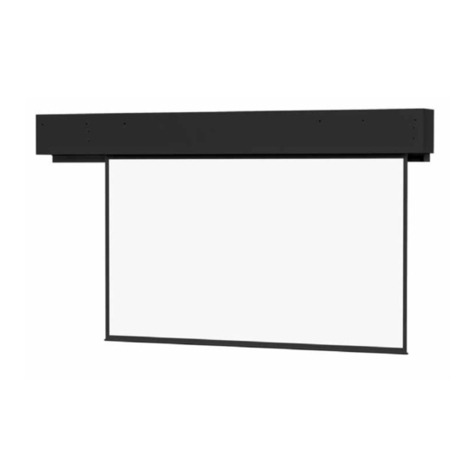
3. Screen installation
The screen can be installed in 3 different ways with common household tools.
a) Wall mounting a) Ceiling mounting c) Rack mounting
•An optional bubble level is recommended for all installations.
•An optional stud-finder is recommended for wall and ceiling mounting.
4. Screen operations:
Warning: Operating the screen prior to properly mounting screen is prohibited. Such
Operation can cause permanent damage to screen and motor. Such damages are not covered
by warranty.
1) Operation: Please make sure the screen is mounted properly before operation. You can
now easily operate your screen with the 3 buttons of the two remote controls(IR and RF
dual remotes)or the remote receiver/control panel.
a) Press the “ ” button to pull down the screen, the screen will stop automatically
when itisfullyopened.
b) Press the “ ” button to roll back the screen, the screen will stop automatically when
it is fully closed.
c) Press the “ ” button to stop the screen at any position.
Note: When the screens is rolling back, if you want to pull it down again, you can press
the “ ” button and then press the“ ” button. Or you can also press the “ ”button
twice.
2) Dual remote operation: Each of the projection screens can be controlled by the included
dual remote system (IR or RF). Both remotes can be used to control the screen.
a) Replacing/adding remote control: If a remote control needs replacement, or you
simply need to add one additional remote control, please first press and hold the
stop key “ ” on the remote receiver for 5 seconds, and then press any key on the
new remote control, the new remote can now be used to control all screen
features.
b) Disable remote control: If you want disable all remote controls, press and hold the
stop key “ ” in the remote receiver for 15 seconds. Then no remote control can
control the projection screen. Use operation a) to enable remote control again.