
DVLab DSC945 User manual
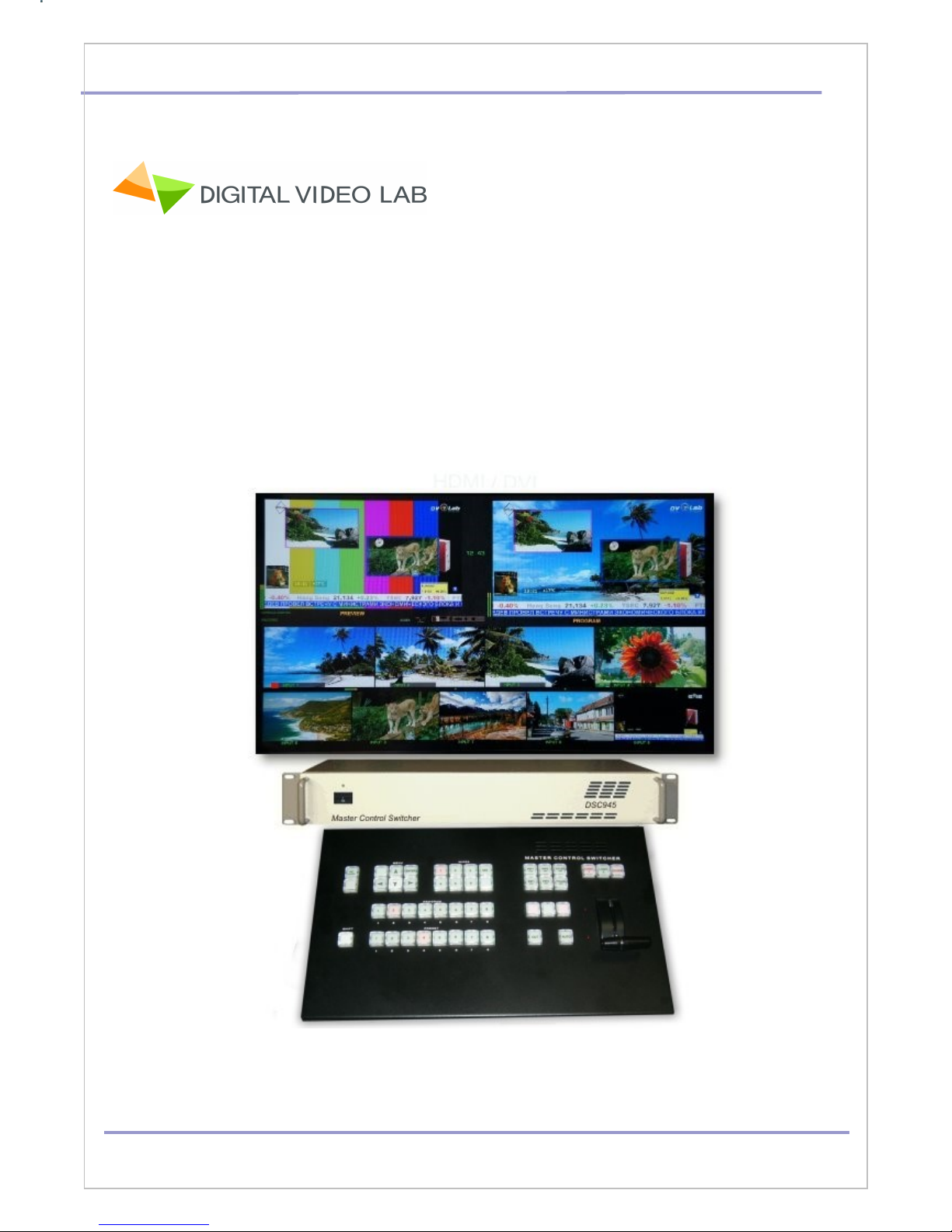
HD/SD Digital Video Switcher DSC945. User’s Manual
HD/SD SDI Master Control Switcher
.
User's Manual
DVLab 1

HD/SD Digital Video Switcher DSC945. User’s Manual
Overview.3
Construction 4
Inputs / Outputs 5
Remote control Console 6
The SHIFT key 7
Program and Preset rows 7
BLACK,BARS,PC Control 7
On Screen Display Menu 8
Transition Selection 8
PiP and Titles 9
OGO 1, OGO 2, C OCK 10
Transition 11
CHROMA KEY 12
Main Unit - Rear Panel 14
MU TI-VIEW 17
Multi-screen information: 18
DSC945 Connections 20
Remote Control Console DB9 DB9 cable 20
How to connect DSC945 to the PC through Ethernet (TCP / IP) 21
EthernetSetup.exe 22
DSCConfig.exe 23
DSCRemote.exe 24
Titling Program «TitleMaster» 27
How to u date the DSC945 Firmware 29
S ecification 30
Dimensions 31
Warranty 32
DVLab 2

HD/SD Digital Video Switcher DSC945. User’s Manual
Overview
The DVLab DSC945 is 8 SD/HD SDI +1HDMI Master C ntr l switcher.
The DSC945 switcher pr vides an array f simple-t -use features:
Inputs and Outputs Embedded and Anal g Audi .
Each audio source, including embedded and analog, can be associated with any or
several video sources.
Audi f ll ws Vide switching perati n.
Built in Frame Synchr nizer f r each channel;
Built in Multi-screen
Wipe effects
Black image S urce
BARS with 1 kHz audi S urce
Tw PiP
Tw L g s (up t 8 pre-st red including 1 Dynamic L g ) .
External Titles ( with -a-channel r Luma Key).
2 Chr ma Key.
Luma Key
8 Still pictures instead each Input .
PC r OSD menu settings.
Audi Delay up t 16 Field by each Audi inputs
Upgrade and Update thr ugh Ethernet
24 bit Audi Pr cessing
IP streaming ( Opti nal)
AUX C mmutat r 8x2
TALLY Output
Wireless TALLY Opti n
ETHERNET Rem te C ntr l
P wer AS 220 r DС 9-15V ( pti nal)
DVLab 3
HD/SD Digital Video Switcher DSC945. User’s Manual
Construction
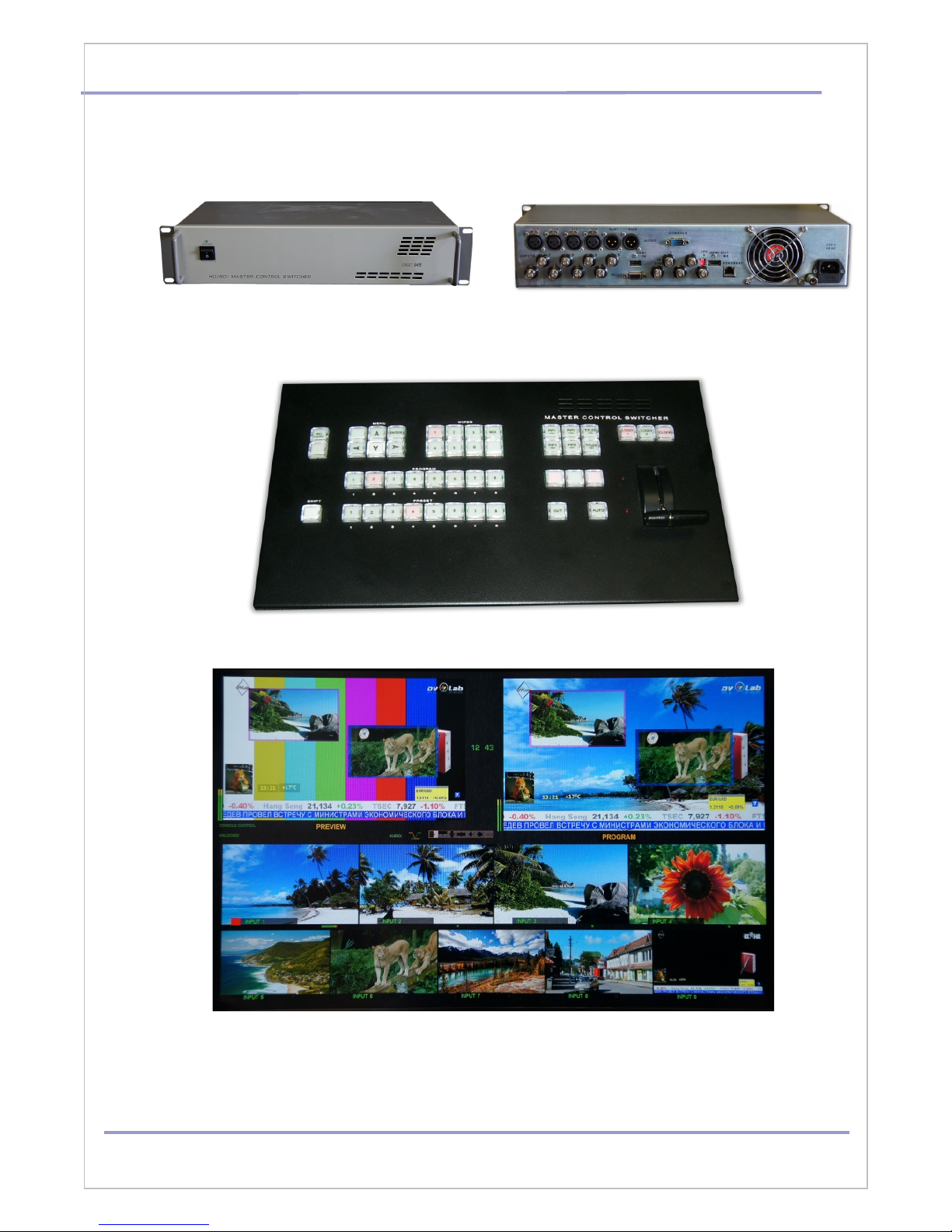
Main Unit: RAC 2U 19`:
The Fr nt Panel The Rear Panel
Rem te C ntr l C ns le:
Multi-screen:
Y u can use any LCD HD TV set with HDMI input 1920х1080 pix.
DVLab 4
HD/SD Digital Video Switcher DSC945. User’s Manual
Inputs / Outputs
The mixer has 8 SDI input and 1HDMI Input, which may be the HD and SD - determined by the
Inputs settings.
SD signals F rmat can be 4:3 r 16:9.
Switcher has separate frame synchr nizer f r each f Inputs.
N te: The HDMI input in the regular use is w rking with HD r SD signals 1920x1080i,
720x576i and 720x576P. Theref re, when playing vide clips fr m PC r ther devices, this
clips must be prepared acc rdingly.
Each input can be switched t a slide
.
Vide Inputs: 8 HD /SD SDI, 8 x BNC .
1 HDMI
Audi Inputs Anal g 4 m n r 2 stere . 4XLR
SDI and HDMI Embedded Audi , 1-st Stere pair fr m each
Input.
Vide utputs Out 1 and Out 2- HD SDI, Out 3 and Out4 HD/SD SDI. 4 BNC
HDMI Out – Multi-screen r Pr gram
Each f SDI utputs can be
presets as
Pr gram
Pr gram L g Free
Pr gram L g &Titles Free
Preview
AUX
Audi Outputs Output SDI Embedded Audi One Stere -pair (Gr up and Pair
can be selected).
Anal g Audi Tw M n r One Stere -pair (2 XLR)
HDMI Out Embedded Audi .
DVLab 5
HD/SD Digital Video Switcher DSC945. User’s Manual
Remote control Console
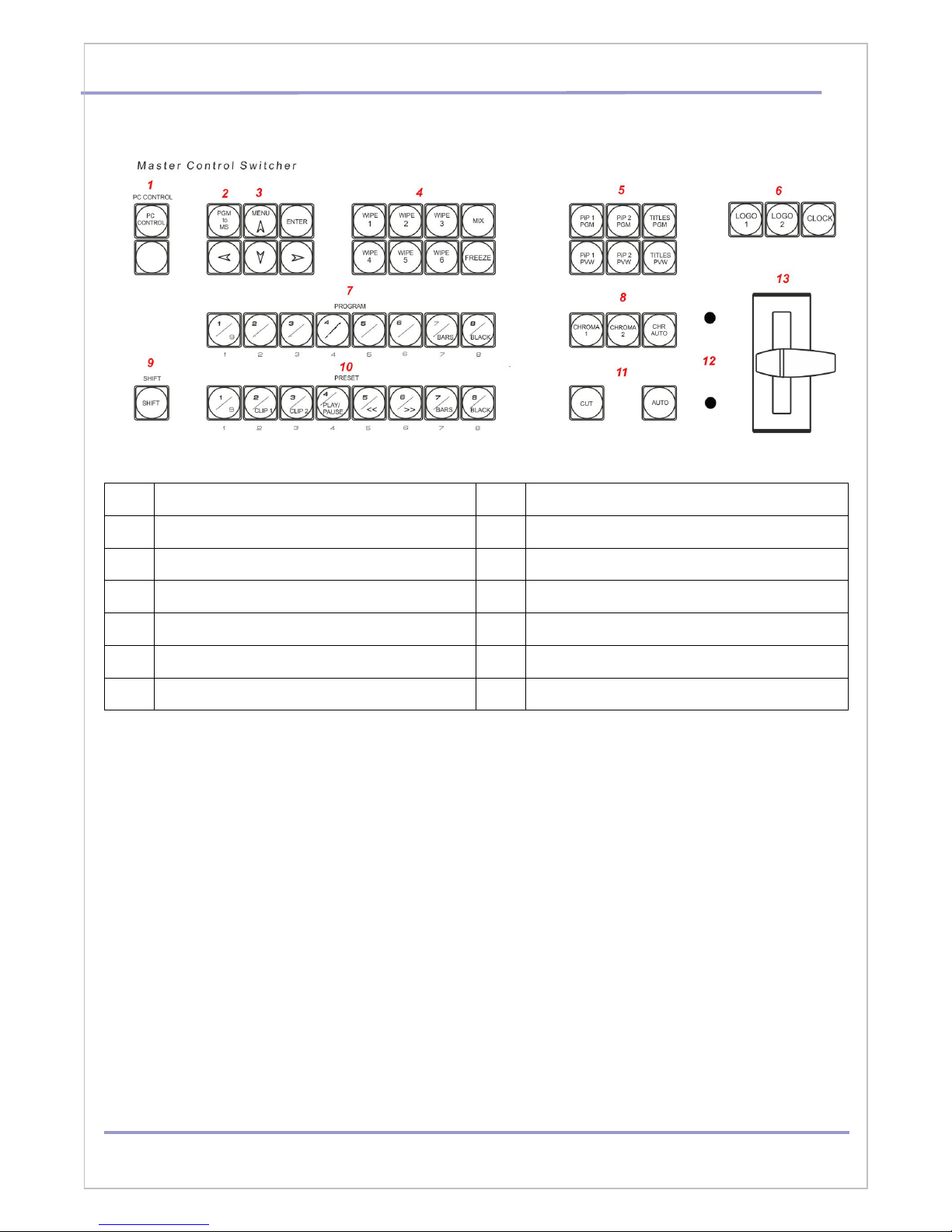
1 PC C ntr l On /Off 8 CHROMA Key C ntr l
2 Pr gram t Multi-screen 9 SHIFT
3 OSD Menu Key 10 S urce selecti n Preview
4 Wipes Effects, MIX, FREEZE 11 Cut & AUTO Take
5 PiP 1, PiP 2, Titles 12 T-BAR end p siti n LED indicat rs
6 L g s & Cl ck 13 T-Bar
7 S urce selecti n Pr gram
DVLab 6
HD/SD Digital Video Switcher DSC945. User’s Manual
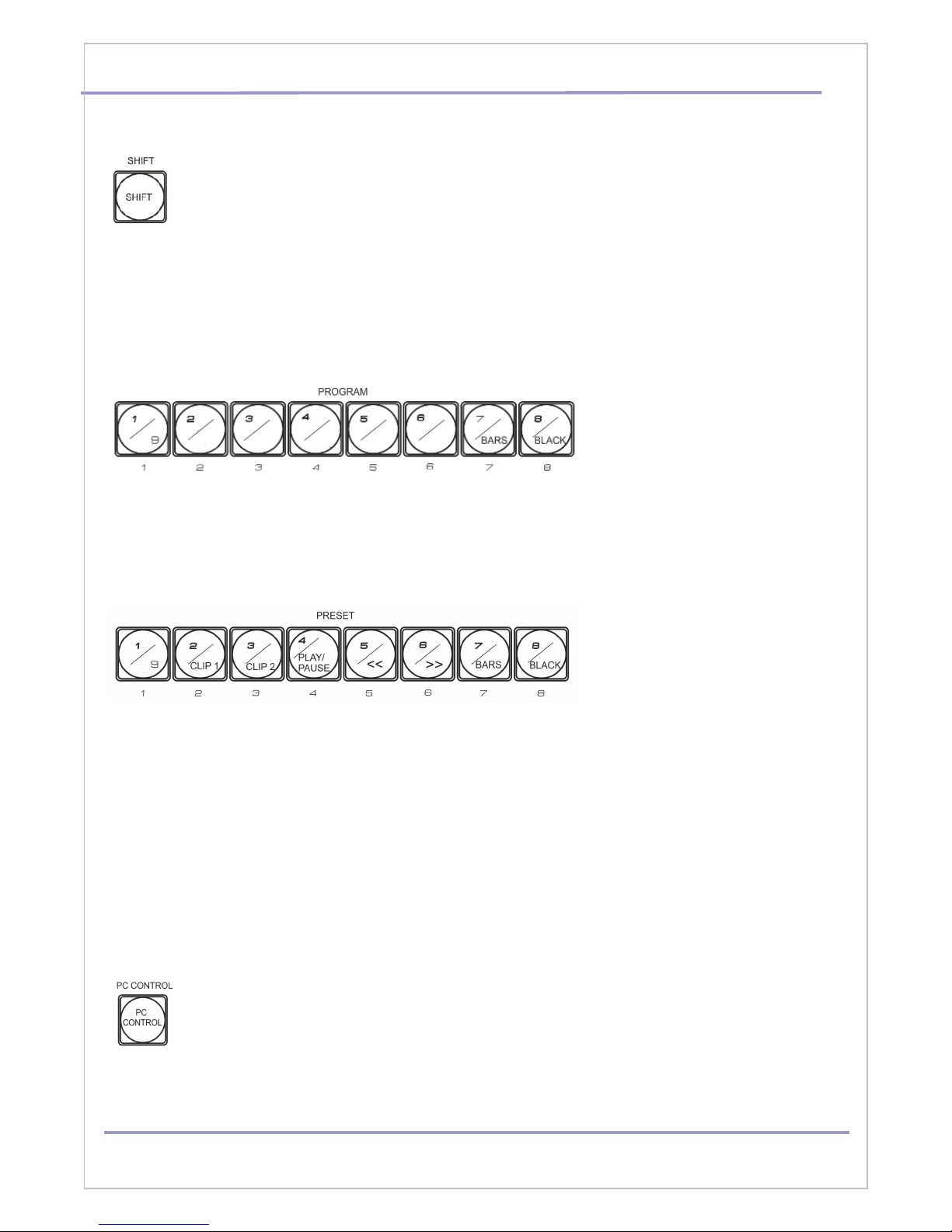
The SHIFT key.
The SHIFT key is a m difier key n a Rem te C ntr l keyb ard, used t expand it t ther
alternate functi ns: Input 9, BARS, BLACK and Title Master s ftware C ntr l.
Pr gram and Preset r ws butt ns has tw -level marking : 1/9 , 7/BLACK - it mean, when SHIFT
is n t light upper marking is in use, when SHIFT is light – b tt m.
Program and Preset rows
The Pr gram r w f butt ns is the active channel, this is the live utput. The active channel will
appear as the Pr gram Output (PGM). Y u can switch r CUT fr m ne vide s urce t an ther
directly n the Pr gram r w. Y u will see the multi view PGM utput change as y u press
different keys al ng this t p r w f butt ns.
The Preset r w is the cued channel, this channel will appear in the PST r Preview Multi-screen
wind w . The Preset r w selecti n decides which input will be transiti ned next when using any
f the transiti n c ntr ls.
BARS button – c l r SMPTE 75% bars f r use n the Pr gram and Preset r w. The BARS
butt n can be acc mpanied ( In the OSD Menu ) with the built audi s urce signal 1 kHz 0 dB,
designed t test and adjust the level f audi channels.
BLACK button – Built -in BLA K Field signal generator
PC Control button.
Press the PC C ntr l butt n f r placed DSC945 int PC C ntr l m de. All DSC945
s ftware can w rking in this m de nly. In this m de the Rem te C ntr l C ns le is
bl cked.
DVLab 7
HD/SD Digital Video Switcher DSC945. User’s Manual
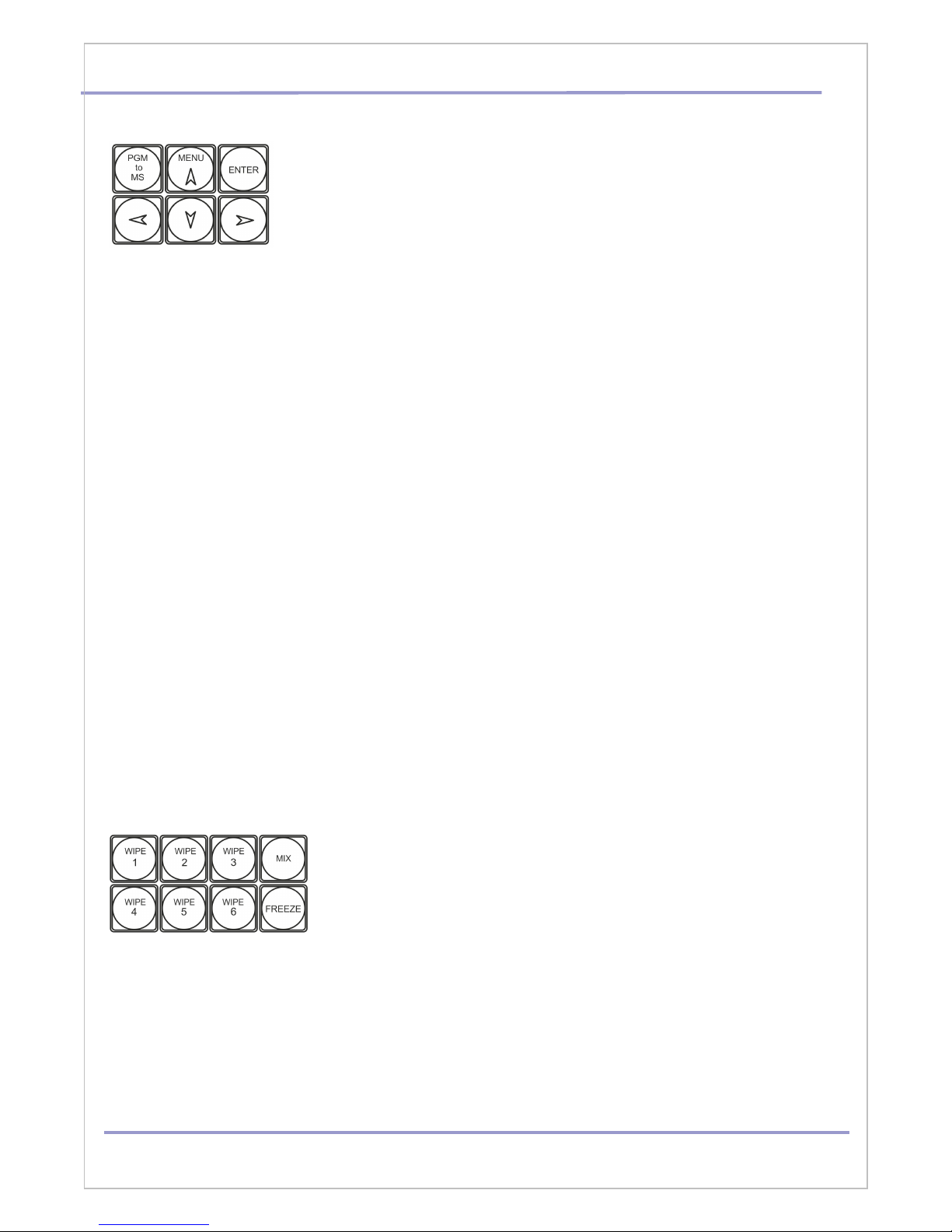
On Screen Display Menu
Press any arr ws butt n and the Main Menu list is displayed on the
HDMI 1 Multi-view output.
Press the up, down, left, and right arr w butt ns t navigate the menu
pti ns and t change values.
Once the chosen setting has been confirmed with the ENTER button it
is stored within the switchers non-volatile memory.
Press any button to return to the operating mode.
MENU SETTINGS:
Inputs Vide settings
Audi Level adjustment
Audi t Butt ns Ass ciati ns
T-Bar One way r Tw way m de
AUTO TAKE speed
S ft BORDER size
Cl ck settings
External Titles – m de Luma r 2 C mp nents (with a- channel)
Luma Key Level
Chr ma Key Settings
Wipes Key settings.
L g & Cl ck p siti n
PIP size & p siti n
AUX c mmutat r setting.
On /Off 1kHz (0dB) t BARS.
Back t fact ry Settings
SDI Embedded audi settings.
Audi mixing type (V r X)
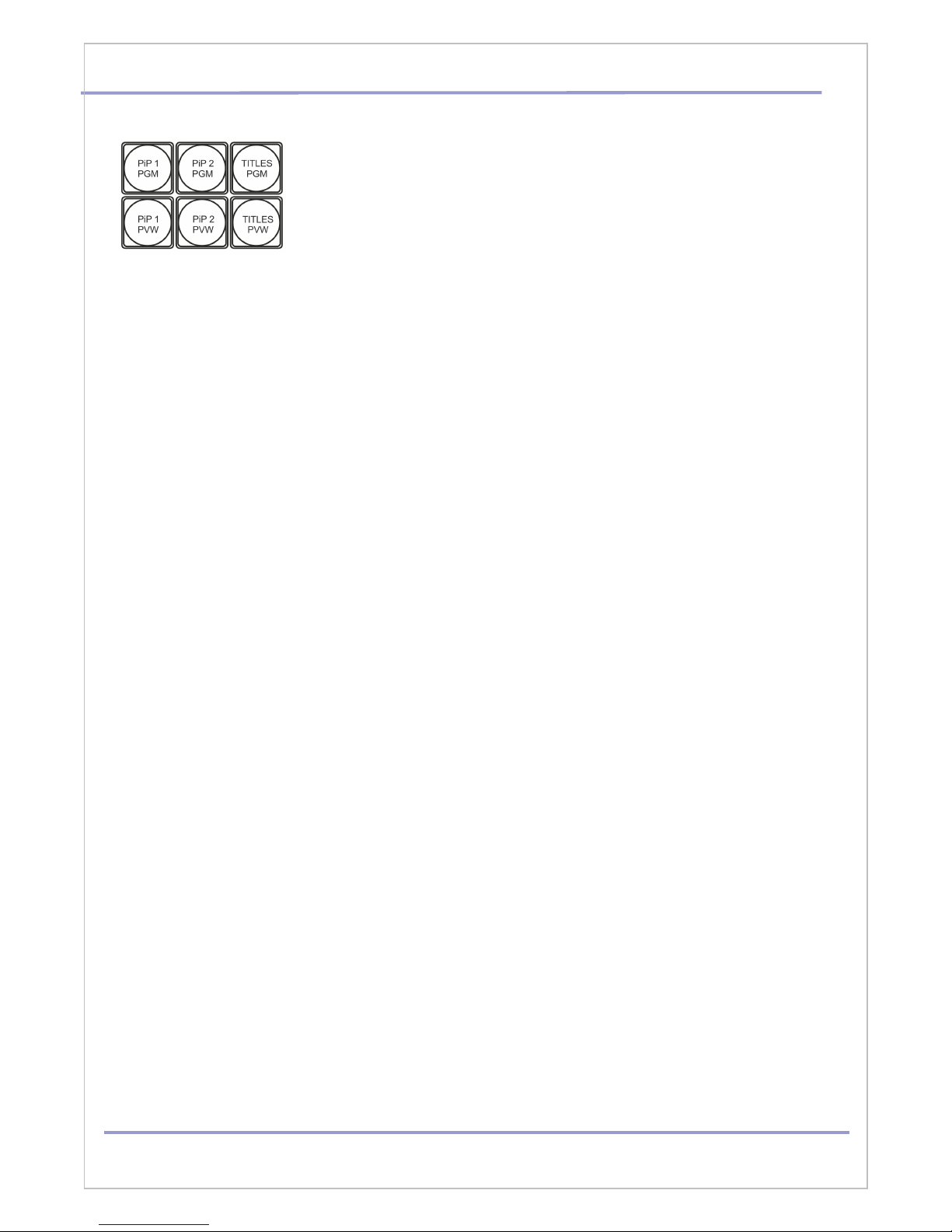
Transition Selection
Six user defined wipe butt ns, an A/B diss lve r MIX butt n, and a
FREEZE butt n.
All wipes can have an pti nal c l r b rder applied. The wipe
b rder width and c l r are ch sen within the menu system.
Transiti ns can be perf rmed manually using the T-Bar r aut matically by using the SPEED
and AUTO TAKE butt ns.
DVLab 8
HD/SD Digital Video Switcher DSC945. User’s Manual
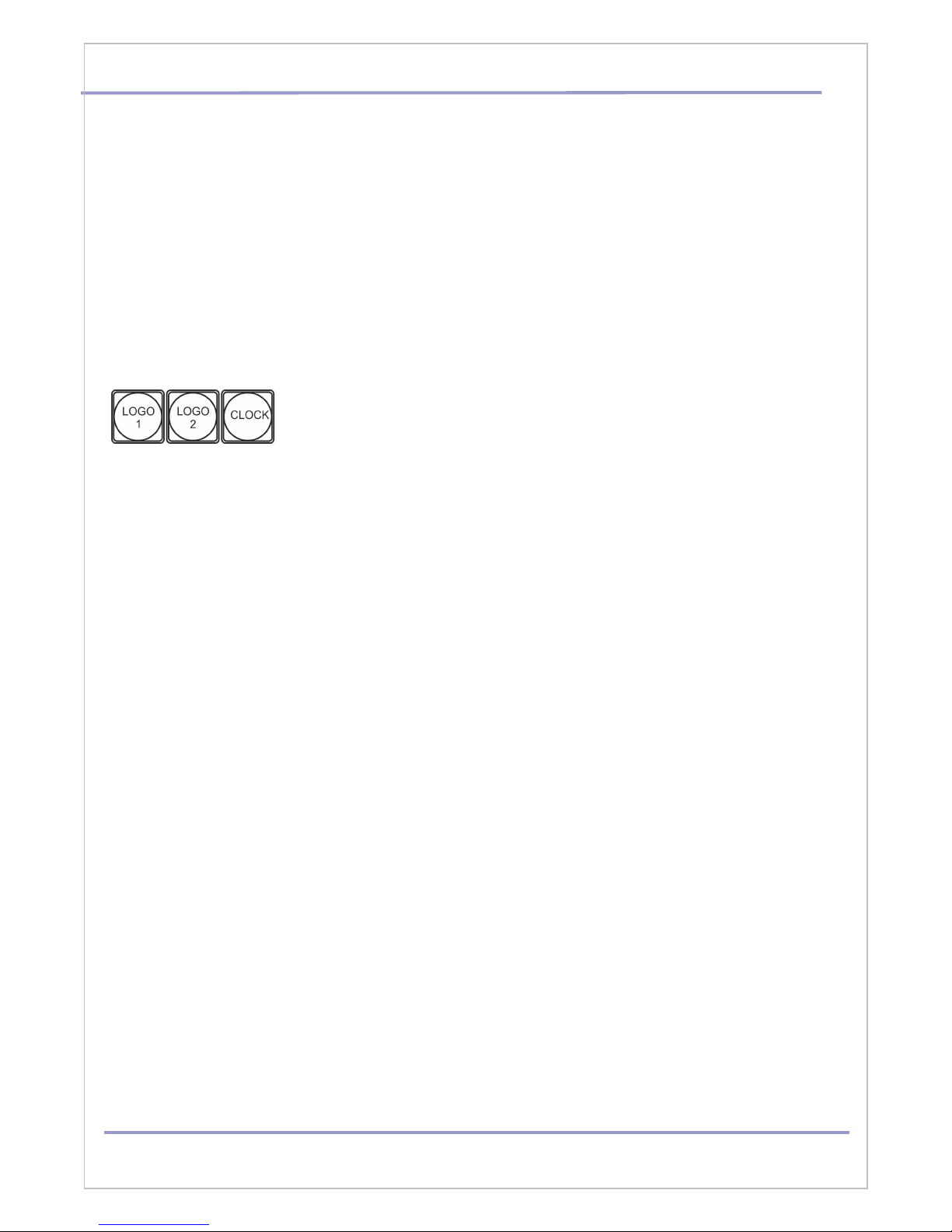
PiP and TITLES
PIP Preset and PIP Pro ram.
There are f ur PIP keys. These are labeled Pr gram and Preset. The
upper PIP1 and PIP2 keys relate t activating Picture In Picture
images n the Pr gram utputs. The l wer PIP1 and PIP2 keys relate
t activating Picture In Picture images n the Multi-view r Preview
utputs.
Assigning a vide s urce input t a PIP:
Using the l wer PIP1 r PIP2 butt ns y u can assign a selected vide input t the ch sen PIP
vide layer.
1) First press and h ld d wn the required PIP butt n n the l wer r w. The Preset r w f input
s urces will light.
2) While still h lding d wn the PIP butt n, press t select the required input fr m the Preset
r w.
3) The input will flash t c nfirm it is selected.
This selecti n will als be c nfirmed n the HDMI Multi-view, with a PiP1 r PiP2 label sh wn
next t the selected input image.
TITLES Preset and TITLES Pro ram.
There are tw TITLES keys. These are labeled Pr gram and Preset. The upper TITLES key
relate t activating D wn Stream Keying n the Pr gram
utputs. The l wer TITLES key relate t activating D wn Stream Keying n the Multi-view r
Preview utputs.
Assigning an input t a DSK channel f r keying:
Using the l wer TITLES butt n y u can assign a selected vide input t the DSK vide layer.
1. First press and h ld d wn the required TITLTS PVW butt n n the l wer r w. The Preset r w
f input s urces will light.
2. While still h lding d wn the TITLES butt n, press t select the required input fr m the Preset
r w.
3. The input will flash t c nfirm it is selected.
This selecti n will als be c nfirmed n the HDMI Multi-view, with a TITLES label sh wn next t
the selected input image.
Titling Mode
The DS 945 has two titling methods: Luma Key and Titles + a hannel selected in the OSD
menu.
Luma ey mode. You can use any video sources (HD/SD SDI, VBS,HDMI, Still Pictures ) to
replace the black parts of this image with the video from another source.
DVLab 9
HD/SD Digital Video Switcher DSC945. User’s Manual
Titles + a-CH mode (alpha channel mode) .You can use HD/SD SDI and HDMI inputs only.
This Titles is used 2 signals , theref r 2 SDI inputs is in use.
Thus, if you choose to input 1 as titles signal, the input 2 is automatically assigned as a-
channel. If Input 2 – a-channel is Input 3 and s n. But if In 8 – a-channel is In 1.
As t HDMI - the Title Master s ftware all w t use ne HDMI inputs f r tw signal passing
thr ugh.
The Title Masters s ftware Titles can be c ntr lled by SHIFT/ Preset r w keys:Play/pause, >>,
<<
OGO 1, OGO 2, C OCK
The DSC945 has the ability t st re seven static l g s and ne
dynamic l g . The l g files are transferred t the DSC945 fr m a
Wind ws PC using the Ethernet c nnecti n and the supplied DSC nfig
s ftware.
The LOGO 1 and LOGO 2 butt ns are used t display pre-selected l g s n the Preset and
Pr gram utputs. When the butt n is active the selected l g is sh wn. These l g s are
selected fr m the switcher’s mem ry and p siti ned using a menu pti n .
LOGO 2 r CLOCK The user cann t display LOGO 2 and CLOCK at the same time. Instead
use
LOGO 1 and CLOCK t gether r use LOGO 1 and LOGO 2 t gether.
The clock time can be synchronized with a computer or set manually using a menu option.
The color and font used in the clock digits can be changed using the supplied DS onfig
software.
DVLab 10
Table of contents
Other DVLab Switch manuals


