ASSEMBLY DimasTec Mini V.2.0 – STEP-10
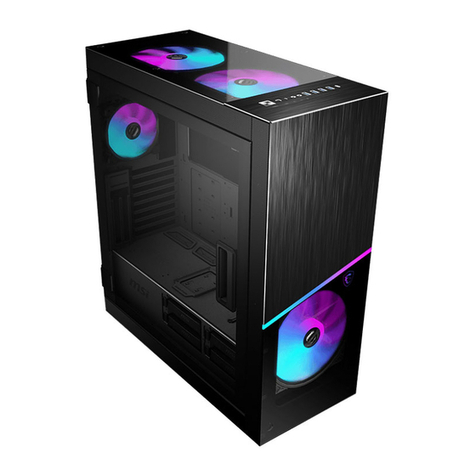
- T e DimasTec Mini V.2.0 as
t e additional possibility to mount
No.1 ard-disk and No.1 SSD disk
(items not included) on t e sides
of t e body according to t e
layout you prefer, t e image as
t e sole purpose to illustrate t e
possible positions of t e parts.
- Before proceeding wit t e
assembly of t e ardware parts, it
is necessary to extract t e
DIMAS_23 (3) and DIMAS-24
components (4) as s own in STEP-
2 and STEP-5.
- Insert No.4 VC019 (14) into t e
appropriate s aped slots c osen
according to t e type of ardware
to be used.
– Align t e oles in t e base of
t e SSD disk wit t e oles in
VC019 (14) and fasten wit No.4
screws VC013_M3 (16), as s own
in figure 1.
- Align t e oles in t e base of t e
ard-disk wit t e oles in VC019
(14) and fasten wit No.4 screws
VC014_6-32 (15), as s own in
figure 2.
Note: T e number indicated in t e brackets indicates t e corresponding
identification in t e table on t e page No.2