6
OPERATINGTHETELEVISIONRECEIVER
ConnectyourTVaerialtothe aerialinputsocketlocated on the back ofthe TV.
Pushthe MainPowerSwitch,PowerIndicatorwill be illuminated.Afterafewsecondsthe TV
screen will lightup.Shouldwhitedotsappearon the screen the TVwill requiretuning intothe
availableTVstationsinyourarea.
Pre-setting theTVstationsintotheMemory
(Note:Presettuning canonlybecarriedoutinTVMode)
1.PressMENU button tomainMENU.
2.Press the VOLbutton /toselectTUNEmode
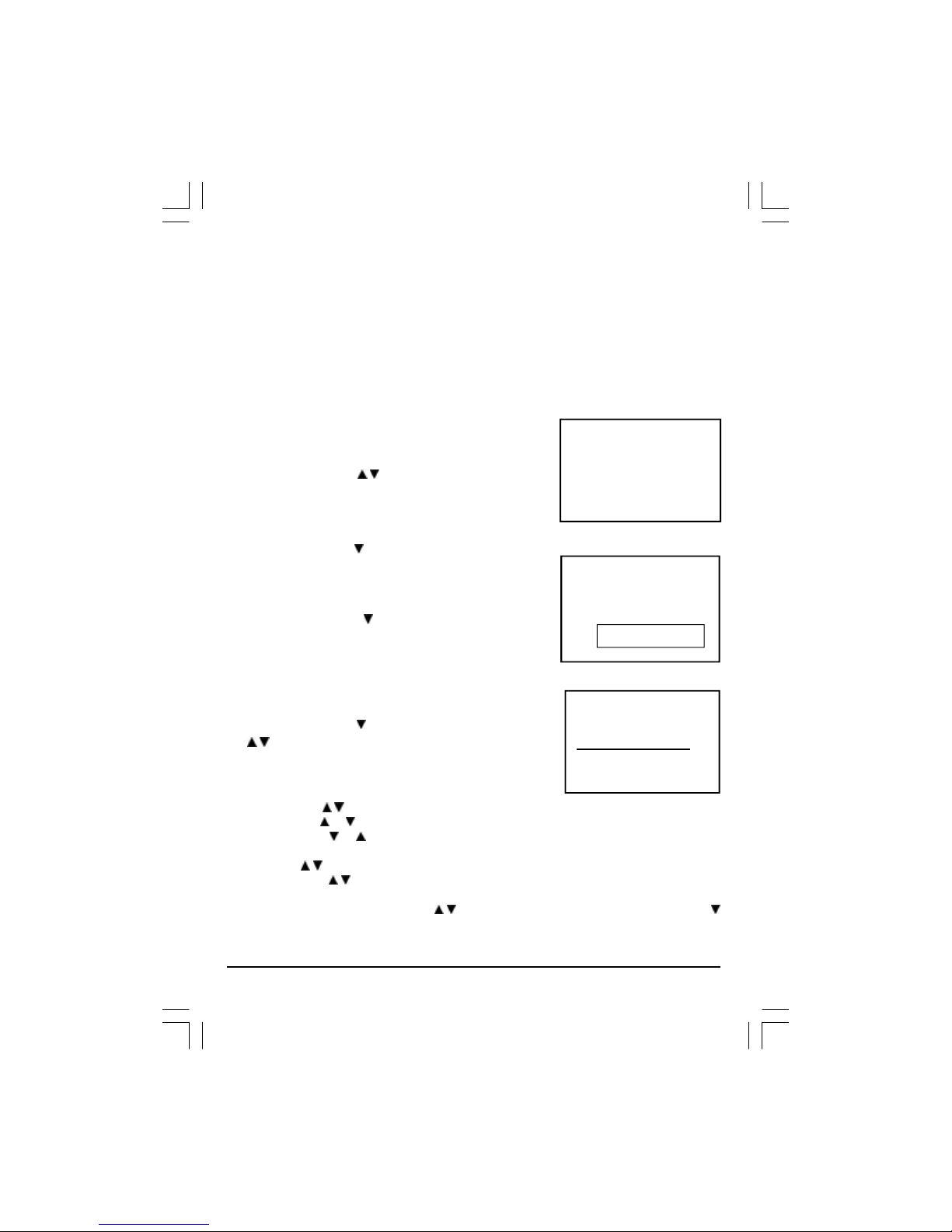
asshowninfigure1.
AUTOSEARCH
1.Press the CH button ToselecttheAUTOSEARCH (auto
memorystore)mode asshowninfigure2.
2.Press the VOLbutton tostartthe automaticscanning
processes,the on airstationswill automaticstoreinto
memoryasshowninfigure3.
•When scanning iscompleted.the setwill tune tolowest
programand showlowestprogramnumberon the screen.
•If wanttostop autosearchfunction,press menu button.
•Press the CH button toselectthe SKIPand press VOL
/toselecton oroff,Thisfunction usefordeletesome
unwantchannels.
SEARCH (manual)
1.Press MENU button.
2.Press the VOL/toselectTUNE
3.Press the CH orbutton and selectSEARCH.
4.Press the VOLorbutton tostartsearching up ordownthe frequency.
5.When aTVstation islocated,the station will show.
6.Press CH /button until Programshows.
7.Press the VOL/button and selectwhichposition.
Tostorethe TVstation i.eBBC1=1,BBC2=2and soon.
8.Tostorethe station,press the CH /button until Storeshows.Nowpress the VOL
button tostorethe station.
Repeat2to7aboveand storethe remaining TVchannelsinyourarea.
VHF-L
|||
FIG.3STOPMENU
5
6
FIG.2
AUTOSEARCH
PICTURETIMERSETUPTUNE
FIG.1
P2130 DENVER IB Eng.p65 2004/2/4, 下午 04:416