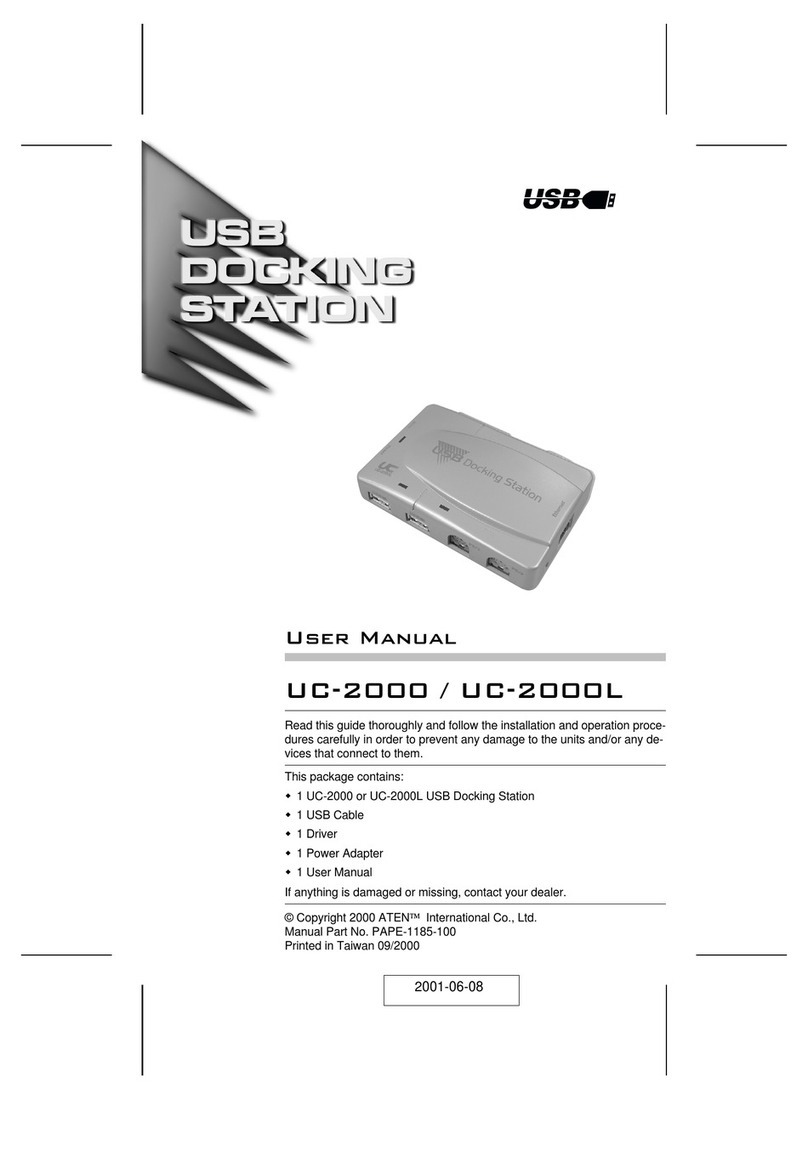
DeLOCK 87743 User manual

USB Type-C™ Docking Station
Product-No:87743
User manual no:87743-a
www.delock.com
User manual
Mode d’emploi
Uživatelská příručka
Manuale utente
Manual de utilizare
Korisnički priručnik
Bedienungsanleitung
Manual del usuario
Instrukcja obsługi
Bruksanvisning
Használati utasítás
Εγχειρίδιο χρήστη

-2-
English
Description
This docking station by Delock can be connected to a mobile device with
a USB-C™ DP Alt Mode or Thunderbolt™ 3 port and provides a variety of
interfaces. One monitor can be operated at the HDMI output. Three built-in USB
ports allow the use of peripherals, as well as an SD / micro SD card reader,
complete the features.
USB Power Delivery (USB PD 2.0) support up to 87 watt
The docking station has a USB Type-C™ Power Delivery port to connect the
power supply of the laptop or tablet to charge it. In addition it also supplies the
USB ports with power. The docking station can also be used without a power
supply.
LED illumination
An internal blue LED illumination ensures that the ports can also be found in the
dark.
Small sturdy helper
Due to its small dimensions and its sturdy housing, this Delock docking station is
particularly suitable for travelling. It can simply be packed into the bag together
with the laptop or tablet and used as needed.
Specication
• Connectors:
1 x USB Type-C™ male
1 x USB 3.0 Type-A female
2 x USB 2.0 Type-A female
1 x SD / SDHC / SDXC slot
1 x Micro SD / SDHC / SDXC slot
1 x HDMI-A female
1 x USB Type-C™ female (power supply)
• Resolution up to 3840 x 2160 @ 30 Hz (depending on the system and the
connected hardware)
• Transmission of audio and video signals
• Input power: 1 x USB Type-C™ female max. 87 W
• It can only be used one memory card, not both at the same time
• Metal housing
• LED illumination
• Cable length without connectors: ca. 15 cm
• Dimensions (LxWxH): ca. 109 x 40 x 12 mm

-3-
English
System requirements
• Linux Kernel 4.6 or above
• Mac OS 10.14 or above
• Windows 7/7-64/8.1/8.1-64/10/10-64
• Windows 10 Mobile
• Device with a free USB Type-C™ port and DisplayPort alternate mode or with a
free Thunderbolt™ 3 port
Package content
• USB-C™ docking station
• User manual
Safety instructions
• Protect the product against moisture
• Protect the product against direct sunlight
Operation
1. Connect the USB-C™ cable of the docking station to the computer or mobile
device.
Note: A free USB Type-C™ port with DisplayPort alternate mode or with a
Thunderbolt™ 3 port is required.
2. Connect USB devices to the USB Type-A ports.
3. Connect an HDMI monitor to the docking station.
4. Connect a power supply to the USB Type-C™ charging port, to charge your
laptop or mobile device during operation.
5. Insert an SD card into the card reader.
6. Insert an Micro SD card into the card reader.

-4-
English
Support Delock
If you have further questions, please contact our customer support
You can nd current product information on our homepage: www.delock.com
Final clause
Information and data contained in this manual are subject to change without
notice in advance. Errors and misprints excepted.
Copyright
No part of this user manual may be reproduced, or transmitted for any purpose,
regardless in which way or by any means, electronically or mechanically, without
explicit written approval of Delock.
Edition: 06/2019

-5-
Deutsch
Systemvoraussetzungen
• Linux Kernel 4.6 oder höher
• Mac OS 10.14 oder höher
• Windows 7/7-64/8.1/8.1-64/10/10-64
• Windows 10 Mobile
• Gerät mit einem freien USB Type-C™ Port und DisplayPort Alternate Mode oder
mit einem freien Thunderbolt™ 3 Port
Packungsinhalt
• USB-C™ Dockingstation
• Bedienungsanleitung
Sicherheitshinweise
• Produkt vor Feuchtigkeit schützen
• Produkt vor direkter Sonneneinstrahlung schützen
Bedienung
1. Verbinden Sie das USB-C™ Kabel der Docking Station mit dem Computer
oder dem Mobilgerät.
Hinweis: Ein freier USB Type-C™ Anschluss mit DisplayPort Alternate Mode
oder ein Thunderbolt™ 3 Port ist erforderlich.
2. Verbinden Sie die USB Geräte mit den USB Typ-A Ports.
3. Verbinden Sie einen HDMI Monitor mit der Dockingstation.
4. Schließen Sie eine Stromversorgung an den USB Type-C™ Ladeanschluss
an, um während des Betriebs Ihr Laptop oder Mobilgerät aufzuladen.
5. Setzen Sie eine SD Karte in den Kartenleser ein.
6. Setzen Sie eine Micro SD Karte in den Kartenleser ein.

-6-
Français
Conguration système requise
• Linux Kernel 4.6 ou version ultérieure
• Mac OS 10.14 ou version ultérieure
• Windows 7/7-64/8.1/8.1-64/10/10-64
• Windows 10 Mobile
• Appareil avec un port USB Type-C™ libre et le mode DisplayPort Alternate ou
avec un port Thunderbolt™ 3 libre
Contenu de l’emballage
• Station d'accueil USB-C™
• Mode d’emploi
Instructions de sécurité
• Protéger le produit contre l’humidité
• Protéger le produit contre la lumière directe du soleil
Fonctionnement
1. Connectez le câble USB-C™ de la station d'accueil à l'ordinateur ou à
l'appareil mobile.
Remarque : Un port USB Type-C™ libre avec le mode DisplayPort Alternate
ou avec un port Thunderbolt™ 3 est requis.
2. Connectez les appareils USB aux ports USB Type-A.
3. Connecter un écran HDMI à la station d'accueil.
4. Connectez une alimentation électrique au port de charge USB Type-C™,
pour recharger votre ordinateur portable ou votre appareil mobile pendant
son fonctionnement.
5. Insérer une carte SD dans le lecteur de carte.
6. Insérer une carte Micro SD dans le lecteur de carte.

-7-
Español
Requisitos del sistema
• Linux Kernel 4.6 o superior
• Mac OS 10.14 o superior
• Windows 7/7-64/8.1/8.1-64/10/10-64
• Windows 10 Mobile
• Dispositivo con un puerto USB Type-C™ y modo alternativo DisplayPort o con
un puerto Thunderbolt™ 3 disponible
Contenido del paquete
• Base de acoplamiento USB-C™
• Manual del usuario
Instrucciones de seguridad
• Proteja el producto contra el polvo
• Proteja el producto contra la luz solar directa
Funcionamiento
1. Conecte el cable USB-C™ de la base de acoplamiento al equipo o al
dispositivo móvil.
Nota: Se necesita un puerto USB Type-C™ disponible con modo alternativo
DisplayPort o con un puerto Thunderbolt™ 3
2. Conecte dispositivos USB a los puertos USB Tipo-A.
3. Conecte un monitor HDMI a la estación de acoplamiento.
4. Conecte una fuente de alimentación al puerto de carga USB Type-C™ para
cargar el equipo portátil o el dispositivo móvil durante el funcionamiento.
5. Inserte una tarjeta SD en el lector de tarjetas.
6. Inserte una tarjeta Micro SD en el lector de tarjetas.

-8-
České
Systémové požadavky
• Linux Kernel 4.6 nebo vyšší
• Mac OS 10.14 nebo vyšší
• Windows 7/7-64/8.1/8.1-64/10/10-64
• Windows 10 Mobile
• Zařízení s volným portem USB Type-C™ a DisplayPort alternativní mód nebo
volný port Thunderbolt™ 3
Obsah balení
• USB-C™ dokovací stanice
• Uživatelská příručka
Bezpečnostní pokyny
• Chraňte produkt před vlhkostí
• Chraňte produkt před přímým slunečním světlem
Operace
1. Připojte kabel USB-C™ dokovací stanice k počítače nebo mobilnímu
zařízení.
Poznámka: Je potřeba volný port USB Type-C™ s DisplayPortem
alternativniho módu nebo s portem Thunderbolt™ 3.
2. Připojte USB zařízení k portům USB Typ-A.
3. Připojte HDMI monitor k dokovací stanici.
4. Připojte napájecí zdroj k napájecímu portu USB Type-C™, pro nabíjení
vašeho notebooku nebo mobilního zařízení během provozu.
5. Vložte SD kartu do čtečky karet.
6. Vložte Micro SD kartu do čtečky karet.

-9-
Polsku
Wymagania systemowe
• Linux Kernel 4.6 lub nowszy
• Mac OS 10.14 lub nowszy
• Windows 7/7-64/8.1/8.1-64/10/10-64
• Windows 10 Mobile
• Urządzenie z wolnym portem USB Type-C™ oraz trybem alternatywnym
DisplayPort, bądź z wolnym złączem Thunderbolt™ 3
Zawartość opakowania
• Stacja dokująca USB-C™
• Instrukcja obsługi
Instrukcje bezpieczeństwa
• Produkt należy zabezpieczyć przed wilgocią
• Produkt należy zabezpieczyć przed bezpośrednim światłem słonecznym
Obsługa
1. Podłącz przewód USB-C™ stacji dokującej do komputera lub urządzenia
przenośnego.
Uwaga: Wymagany jest wolny port USB Type-C™ z trybem alternatywnym
DisplayPort, bądź ze złączem Thunderbolt™ 3.
2. Podłącz urządzenia USB do portów USB Typu-A.
3. Podłączyć monitor HDMI do stacji dokującej.
4. Podłącz zasilacz sieciowy do portu ładowania USB Type-C™, aby ładować
laptopa lub urządzenie przenośne podczas jego obsługi.
5. Włożyć kartę SD do czytnika.
6. Włożyć kartę Micro SD do czytnika.

-10-
Italiano
Requisiti di sistema
• Linux Kernel 4.6 o superiore
• Mac OS 10.14 o superiore
• Windows 7/7-64/8.1/8.1-64/10/10-64
• Windows 10 Mobile
• Dispositivo con una porta USB Type-C™ disponibile e una modalità alternativa
DisplayPort o con una porta Thunderbolt™ 3 disponibile
Contenuto della confezione
• Docking station USB-C™
• Manuale utente
Istruzioni per la sicurezza
• Proteggere il prodotto dall'umidità
• Proteggere il prodotto dalla luce solare diretta
Funzionamento
1. Collegare il cavo USB-C™ della docking station al computer o al dispositivo
mobile.
Nota: È necessaria una porta USB Type-C™ disponibile con una modalità
alternativa DisplayPort o con una porta Thunderbolt™ 3.
2. Collegare i dispositivi USB alle porte USB Tipo-A.
3. Collegare un monitor HDMI alla docking station.
4. Collegare un alimentatore alla porta di carica USB Type-C™ per caricare il
laptop o un dispositivo mobile durante il funzionamento.
5. Inserire una scheda SD nel lettore di schede.
6. Inserire una scheda Micro SD nel lettore di schede.
Table of contents
Languages:
Other DeLOCK Docking Station manuals

DeLOCK
DeLOCK 62661 User manual

DeLOCK
DeLOCK 87895 User manual

DeLOCK
DeLOCK 64000 User manual

DeLOCK
DeLOCK 88017 User manual

DeLOCK
DeLOCK SuperSpeed 87728 User manual

DeLOCK
DeLOCK 87731 User manual

DeLOCK
DeLOCK 87297 User manual

DeLOCK
DeLOCK 63957 User manual

DeLOCK
DeLOCK 87683 User manual

DeLOCK
DeLOCK 87771 User manual

DeLOCK
DeLOCK 64177 User manual

DeLOCK
DeLOCK 63205 User manual

DeLOCK
DeLOCK 87721 User manual

DeLOCK
DeLOCK 64178 User manual

DeLOCK
DeLOCK 87772 User manual

DeLOCK
DeLOCK 87742 User manual

DeLOCK
DeLOCK 63958 User manual

DeLOCK
DeLOCK 87865 User manual

DeLOCK
DeLOCK SuperSpeed 61858 User manual

DeLOCK
DeLOCK 88050 User manual