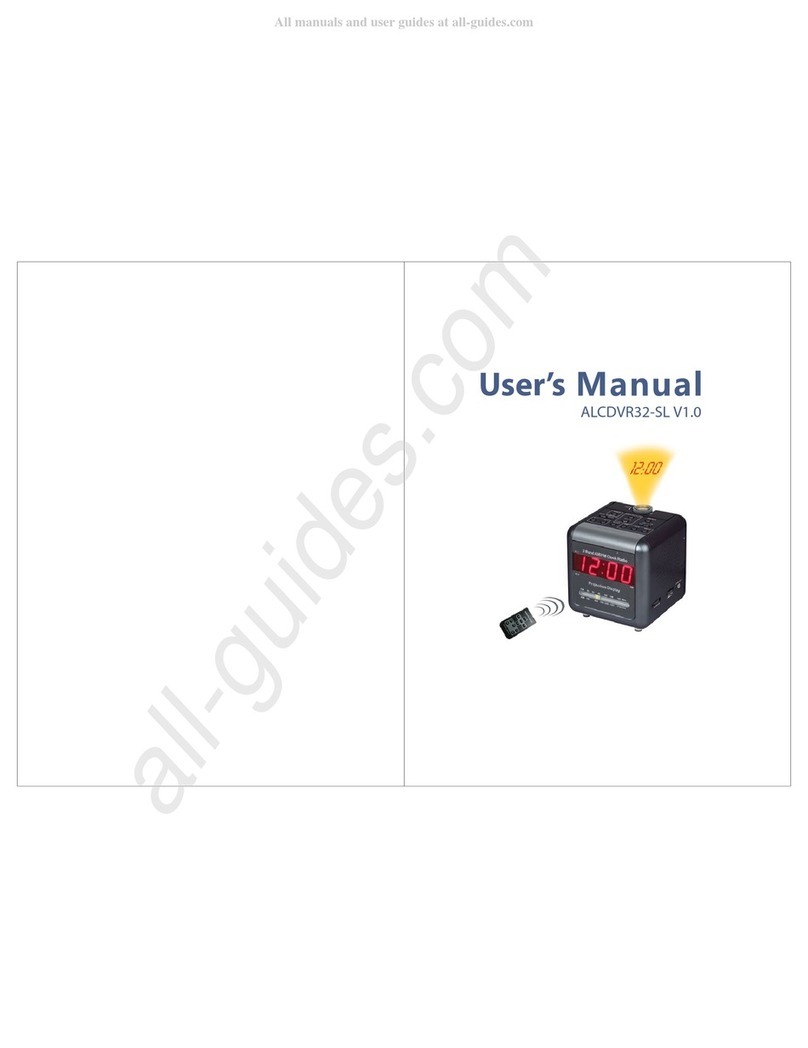
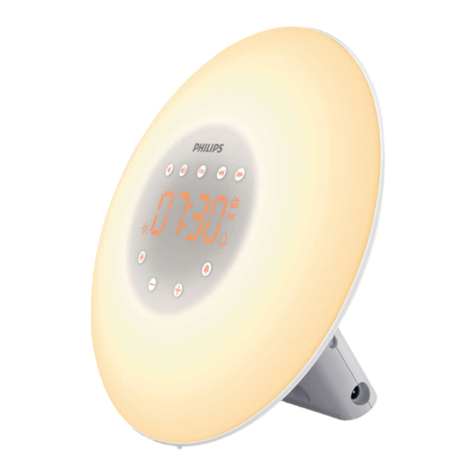
DEKALA Smart Sunrise Pro User manual

单页尺寸:160x160mm 正反面四色印刷 128g双铜 骑马钉

Smart Sunrise Pro Wake Up Light
ACA-002-PRO-S


If you need any assistance please feel free to contact us
01
Instruction VideosDownload App

Content
Clock &Display Setting 09
Setting Sunrise Alarm Clock 11
Snooze 14
Ambient Lamp 15
Setting the Sleep-aid 16
FM Radio 19
Music 20
02
Night Light 20
APP Control 05

Product Overview
Power Out interface
Speaker
FM Antenna
Power In interface
Alarm 2Alarm 1
Ambient Lamp
Night Light
Brightness +
Brightness -
Sleep Aid
Volume -
FM Radio
Music
Volume +
LCD Display
Time Setting/Screen
Brightness Adjustment
Snooze/Setup+-/FM Radio Tuning
03

Get Started
1. Power Connection: Connect the Wake-up Light
to the DC cable and adapter provided, then plug
it into a power source to power it.
2. FM Radio Reception: Loosen the tie that
secures the FM antenna and unroll the wire to
improve FM radio signal reception.
Features
3. Power On/O: Important: This product does not have a power on/o button. It will turn on automatically
once the power adapter is plugged into a socket. To disconnect power, please unplug the power adapter.
12/24H Time Display
Sunrise Simulation
10 Ambient Lights
Dual Alarm Clocks
8 kinds of Sleeping Sound
USB Electronic Device Charging Port
Button Battery
Adjustable LCD Time Display Brightness
Sunset Simulation
FM Radio 76.0-108.0 MHz
7 kinds of Ringing Sound
Snooze Function
DC Outlets Powered
04

05
Download and Install Dekala APP
Search for Dekala from App Store/Google Play, or scan the QR code, then download and install it on
your mobile device. Sign up or log in to the APP.
App Control
Only Supports 2.4GHz WiFi for the initial connection. If your network only has 5GHz, scan the QR code to
follow the instructions to split your WiFi into dual bands of 2.4GHz and 5GHz.
Note:
Split WiFi into dual band 2.4GHz &5GHz

06
Connect Sunrise Light to APP:
1. Turn on Bluetooth and location access on your mobile device so the app can detect the wake up light.
2. Make sure your mobile device is connected to 2.4GHz WiFi. Make sure the wake up light, mobile
device and router are close enough.
3. Plug in the wake up light and wait for to start flashing.
4. Tap Add Device to connect the wake up light.
5. Choose WiFi (2.4GHz WiFi only) and enter password. Tap Done after device added successfully.
1. Reconnect: If the WiFi indicator remains constantly lit or is not visible, press and hold the top button for
at least 5 seconds to reset it. Initially, the WiFi icon will disappear, then press and hold the button for at
least 5 seconds again to make the WiFi icon start flashing.
2. Connected: The WiFi Indicator on the LED display will turn solid.
3. Once connected via 2.4GHz WiFi, you can use the Dekala app to control the device with cellular data
or any other network without the need for the initial WiFi connection.
Note:

07
When finished “Edit Scenes” and “Alarm Settings”, click “Save” to save the settings.
Note:
APP Home Page:
This manual suits for next models
1
Table of contents
Other DEKALA Alarm Clock manuals