DATA SIGNS AUSTRALIA PTY LTD
4
Both the Master and Slave Controllers are fitted with
ON/OFF key-switches for security reasons, however
operational control is ONLY possible via the Remote
Controller.
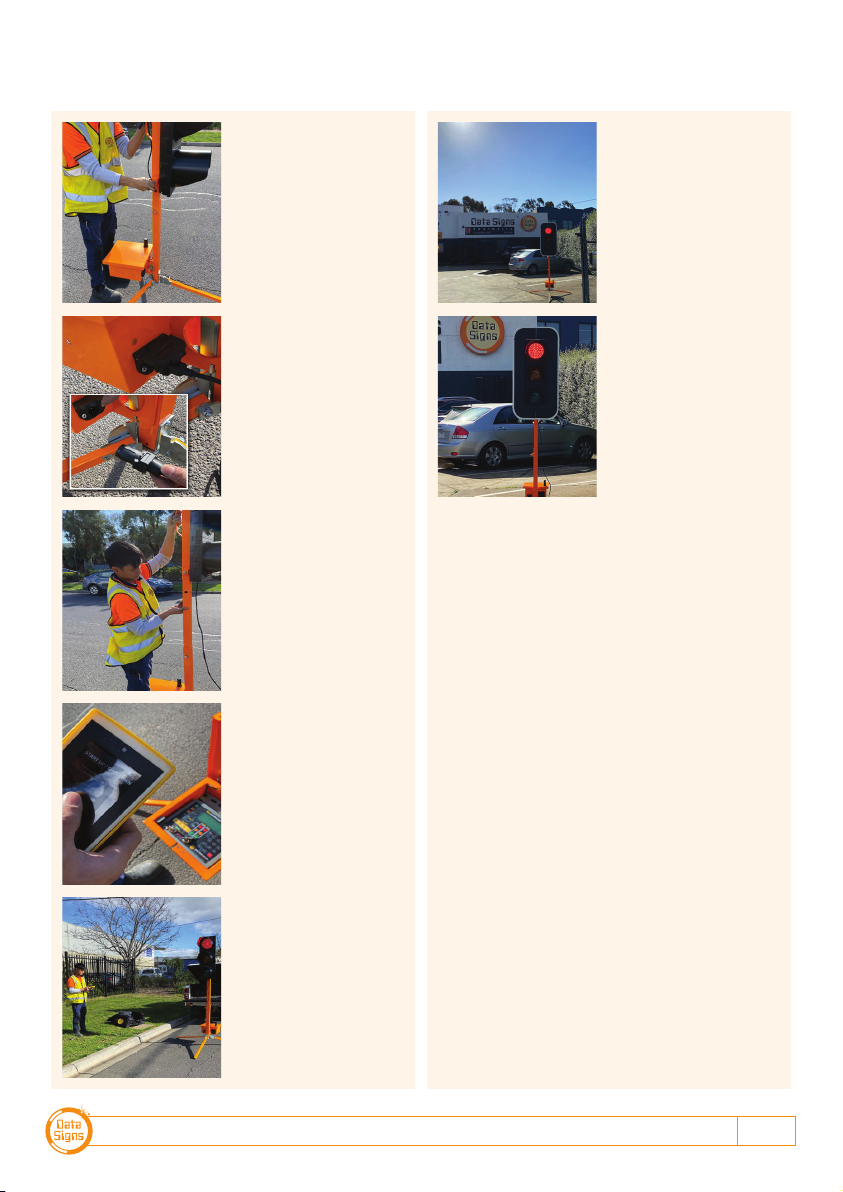
Insert the right-side key and turn the switch to the ON
position for both Master and Slave units.
The Master and the Slave controllers will begin to
establish a radio link as indicated by the TX and RX
green lights on the controllers.
The Lights will remain blank until the Remote is
switched on and the Power ON button is held down for 5
Seconds, after this the Lights will show Flashing Yellow
and progress to showing RED, during this process the
Controllers and Lights will complete a self-diagnosis.
SHUTTLE or PLANT CROSSING Control is selected with
the left side key-switch.
GATING MODE which is single light use is selected via
the MAIN MENU Screen. Scroll down until the GATING
CONTROL menu is shown and select ON/OFF.
For Gating Mode see page 11
If PROGRAM selection is activated with the left key-
switch, the Controller will wait for further input and all
connected traffic lights will display blank.
Note: The left side key cannot be removed from the
key-switch while in the PROGRAM position. For safe
operation, remove the keys after the PTL units have been
setup and are operating.
Turning the Controllers On 4
Master Controller: Operational MODE SELECT 5
QuickStart 5
Shuttle Control – Single-Lane Usage 6
Plant-Crossing Control (2-Way) 8
Cycle and Phase Intervals for Shuttle and
Plant Crossing 10
Gating Control 11
Type 1 PTSS — PTL Remote Usage 12
Type 1 PTSS — Startup and Shutdown
using the PTL Remote 13
Type 1 PTSS — Self-Test using the PTL Remote 13
Main Menu 14
Controller display screens for Master and Slave 15
Wireless Link (RF) Explained 16
Fault Conditions 17
Troubleshooting Guide 18
Contents
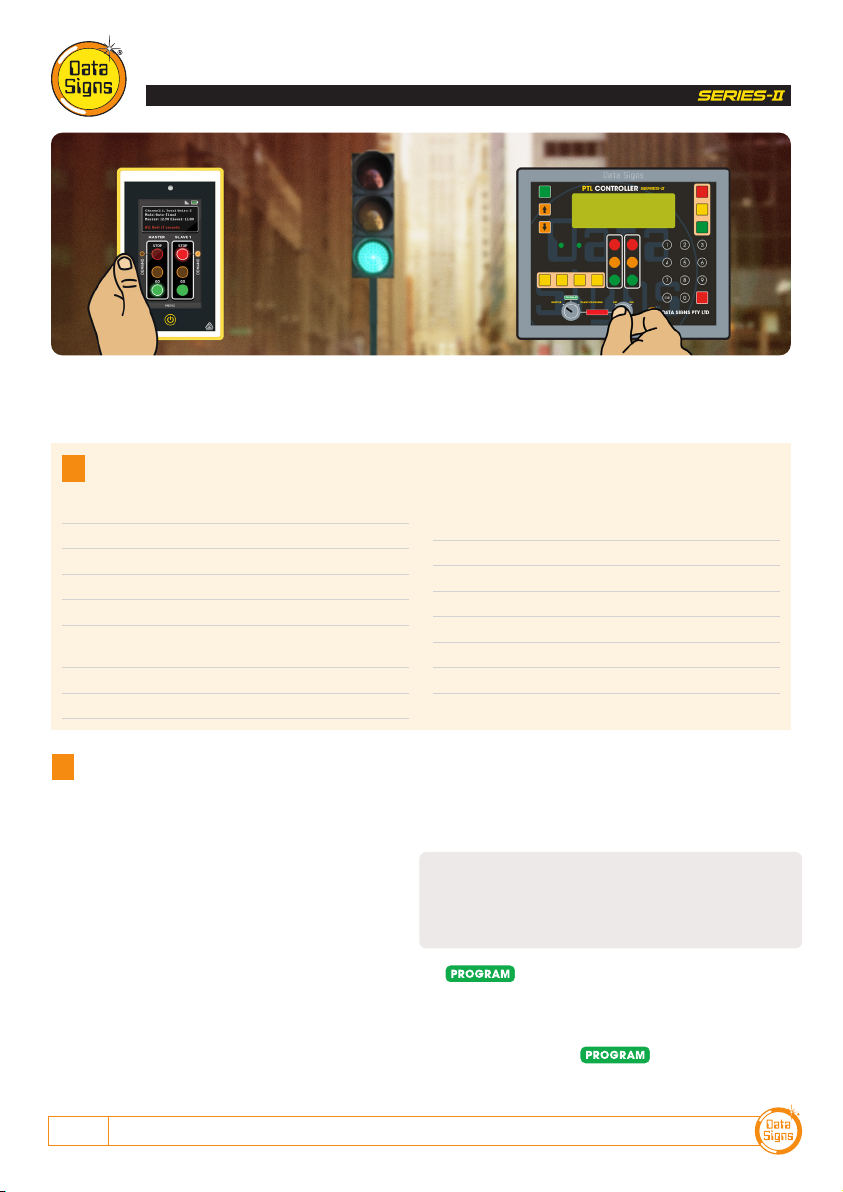
PTL Compact Controller Type 1 QuickStart Guide
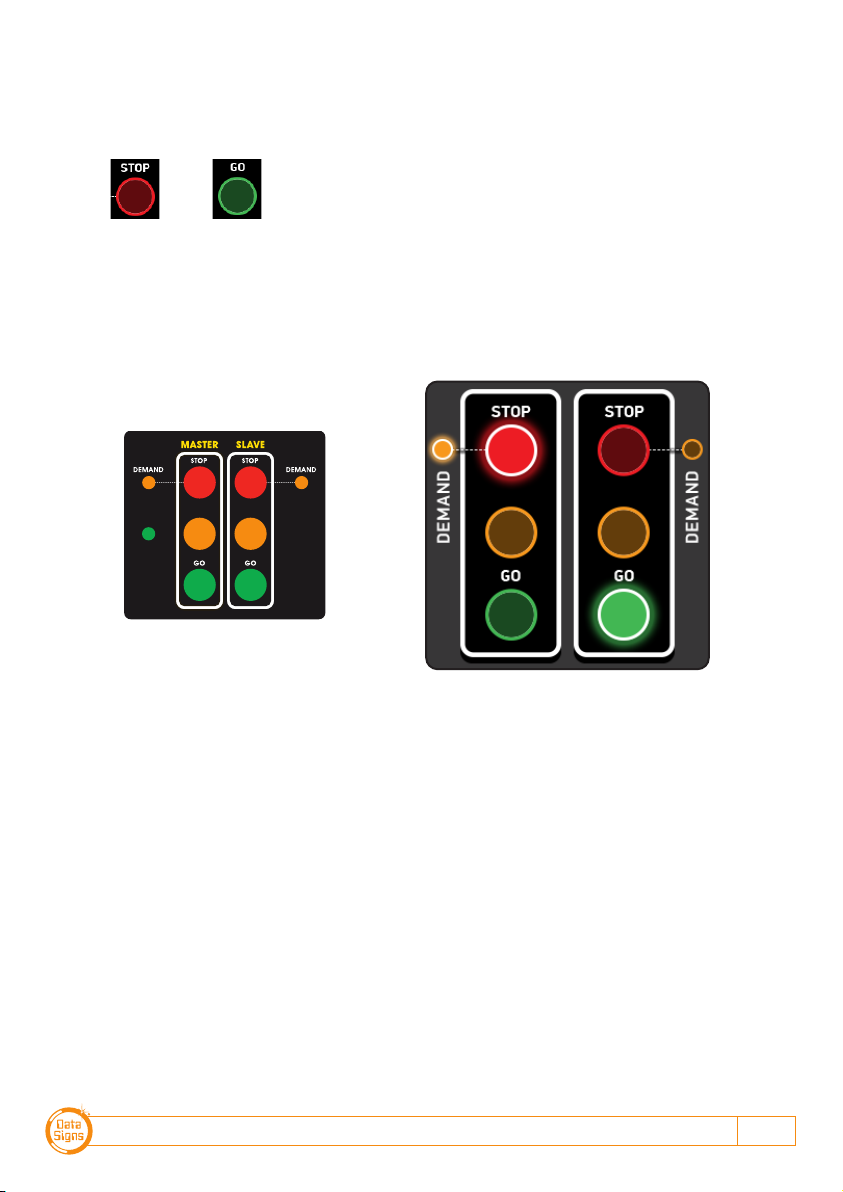
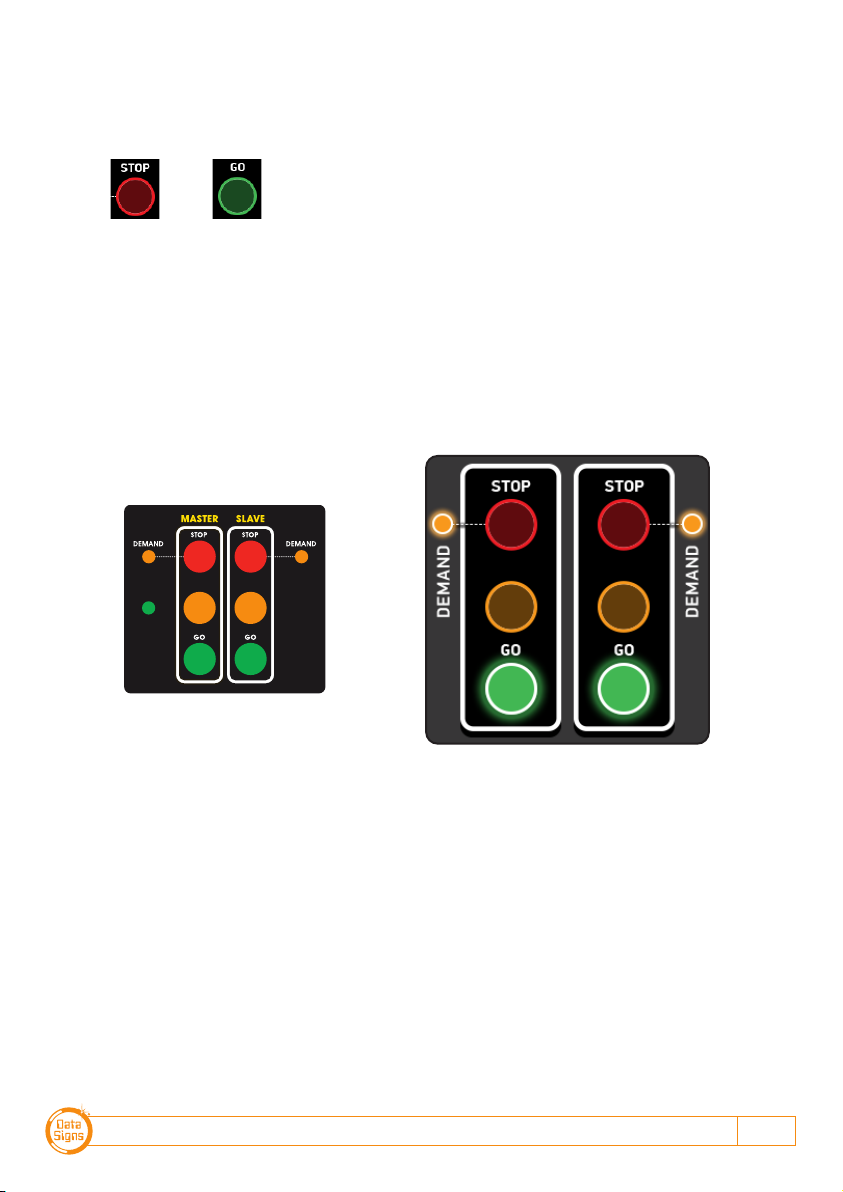
PTL Remote PTL Controller
This QuickStart Guide covers the PTL Controller Operation as per Australian Standards AS-4191:2015 plus QLD MRTS264 and
Various State Authority requirements.
Ensure the units are setup as described in the first section of this booklet. This User Manual applies to Controllers operating on
firmware 05.00.XX or later.
Turning the Controllers On