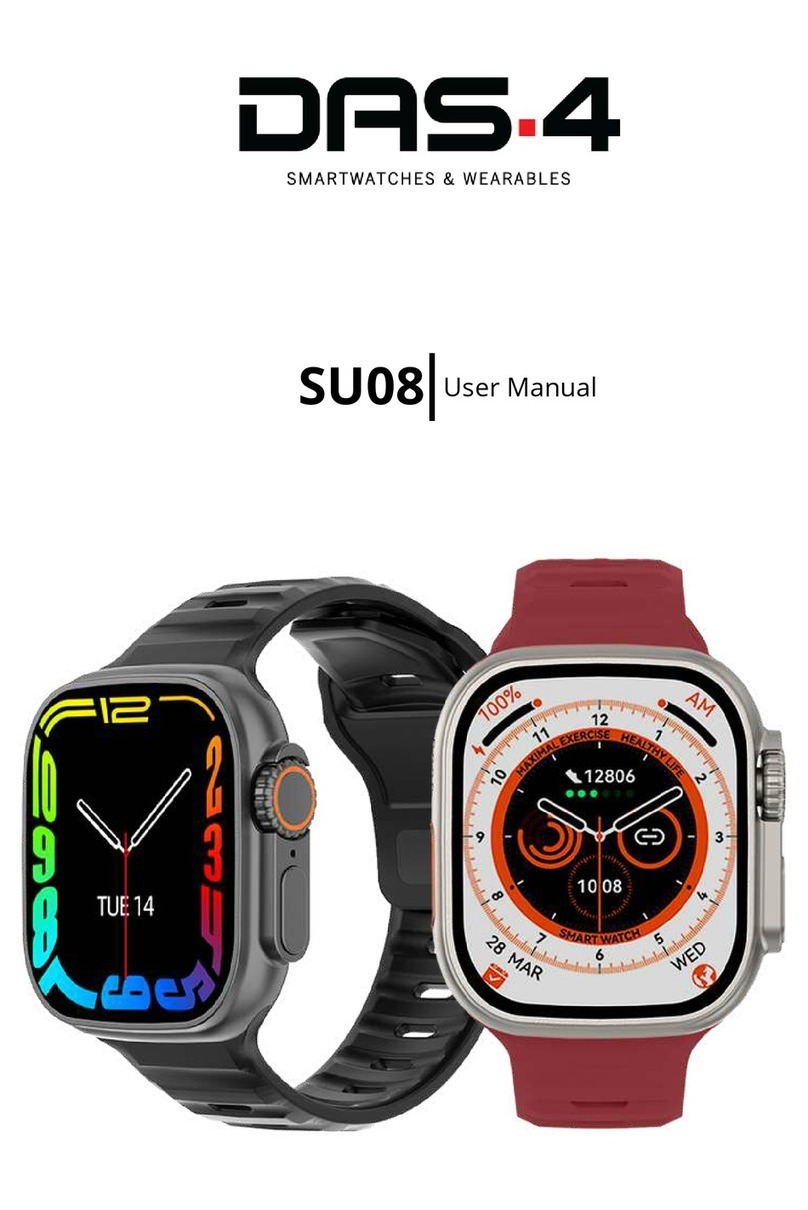
DAS.4 SP20 User manual

Πολυμερών
052025
180mAh
26cm
60g
SP20 USER MANUALUSER MANUAL

Product Presentaon
This is a low-power Bluetooth chip and high-tech
sensor technology watch. It monitors sports and
health data such as walking, running, cycling,
basketball, football, swimming, heart rate, sleep
and movements. It will sync the me, Weather,
informaon nocaon etc., and features such
as an-lost phone, sedentary reminder, alarm
reminder, etc.
Funcon Instrucon
Wearing Instrucon
1.Please wearing the smart watch according to
the picture/
2.Buckle the strap according to your wrist mea-
surement, make sure the heart rate lights are
close to your skin.
OFF/ON
ON: Long-press the buon on the right for 2
seconds to turn on.
OFF: Long-press the buon on the right for 2
seconds.

Device Connecon
Make sure the smart watch is having Bluetooth
enabled, tap on ‘+Add advice’ in the ‘More’
page of the phone APP, nd the right smart
watch to pair, and sync.
Interface Switching
Smart watch interface switching long-press
the face for 3s get into the switching interface,
swipe up and down to switching the dial face,
single press to choose the dial face.
Status: Screen display do not disturb mode when
slide the dial face from top to boom, brightness,
seng and connecon icon funcons.
Measurement data interface: The dial interface
slides from boom to top and enters the measure-
ment data viewing interface, you can view data
such as daily walking, heart rate, sleep, and daily
exercises.

Incoming Message Nocaon: On device screen,
swipe from le to the right to enter Message menu
interface.
Aer the device is successfully paired with the
phone via Bluetooth, please grant permission to app
for accessing incoming call, text messages and app
nocaons, to allow incoming messages on phone
to be synchronized to the watch. (Default number
of stored messages is 8. There is a buon to delete
messages. Later messages will overwrite exisng
messages when exceeded 8 messages).
Menu: Swipe from right to le to navigate from
main screen to other menu screens
Steps Count (Pedometer)
Steps count starts registering number of steps
aer 20 steps. The steps count data is synchro-

nized in real me with the app. Distance and
calories consumed informaon are displayed
along with steps count.
Sports mode
There are some sports modes available to
choose from
Before entering into any sports mode, there is
a seng opon to proceed with or without a
sports target. When starng a sports mode, a
321 countdown will be displayed rst, followed
by stopwatch to record the workout me, unl
the stopwatch is stopped at the end of workout
session. At the same me when a sports mode
is in progress, swiping up and down will show
more related informaon such as distance, me,
calories consumed and heart rate.

Heart rate monitoring
Upon entering heart rate monitoring menu,
the underside heart rate sensor LED will ash,
and start monitoring heart rate aer 8 seconds.
Heart rate menu will display current heart rate,
historical highest and lowest heart rate. To stop
manual heart rate monitoring and exit this
menu, swipe from le to right. The same info
will be displayed on APP aer synchronizaon.
Sport record
Enter sport record, can check the history data
of sport mode.
Remote camera
Open the APP in your smart phone, and click
camera icon in your smart watch, then can
control to take photos and the gallery will be
saved in your smart phone

Music control
Open this funcon inside APP sengs, and open
music APP in your smart phone, then you can
control to switch songs and pause the music.
Blood pressure
Open blood pressure and it will measure your BP
in about 8 seconds, then show the data and sync
data with APP.
Sleep monitor
Wear the smart watch to sleep and check the
data unl wake up, it will show your sleep situ-
aon like light sleep, deep sleep, sleep me and
will sync the data with APP.
Stopwatch: Click stop watch to start counng
me and click again to stop.

Timer: Click mer and set up a me to start
counng me.
Brightness: Click on the screen brightness in
the Sengs item and click on the screen to
switch brightness.
Backlight me: click backlight me in the
Sengs item to set backlight me
Search for mobile phone: click search for
mobile phone in the Sengs item. If the mobile
phone is lost at an appropriate distance, there
will be vibraon and prompt sound at the end
of the mobile phone.

Sedentary reminder: Set the me period,
sedentary me to be reminded on the APP. Turn
on this funcon in the Sengs of the APP and
the watch, and the watch will remind you aer
the preset me.
QR Code: the mobile phone can scan the QR
code in the watch, and the APP can be down-
loaded and installed.
Restore factory: click on the Sengs item to
restore factory sengs and click to conrm that
all user data can be cleared.
System: click on the device in the Sengs to
view the name of the watch, Mac address, the
current soware version of the watch.

Charging: plug one end of the magnec USB
charging cable into the 5V 500Mah charger
port, the other end is directly inserted into the
charging contact point of the watch baery. It
will display charging status when charging.
APP installaon and use
Scan the QR code below to idenfy the APP
and install aer downloading it directly from
the Google play or App store.
Equipment requirements: IOS8.0 or above,
Android 4.4 or above, support for Bluetooth 4.0
Bluetooth connecon: Aer the pairing is suc-
cessful, the APP automacally saves the Blue-
tooth address of the bracelet. Aer the APP
is opened and runs in the background, it will
automacally search and connect successfully.
Table of contents
Other DAS.4 Watch manuals