Contents
1
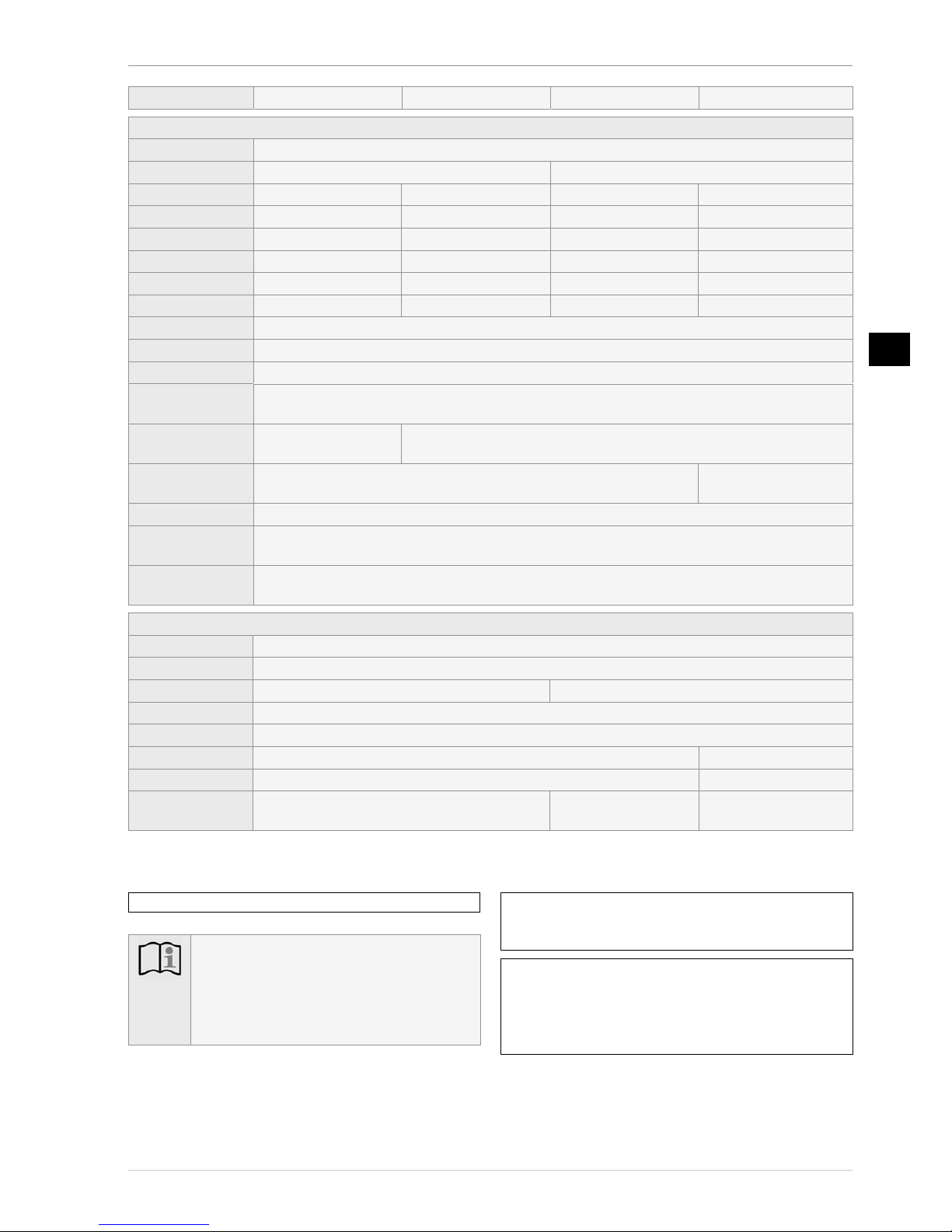
Specifications ........................................................ 3
Quick guide ........................................................... 4
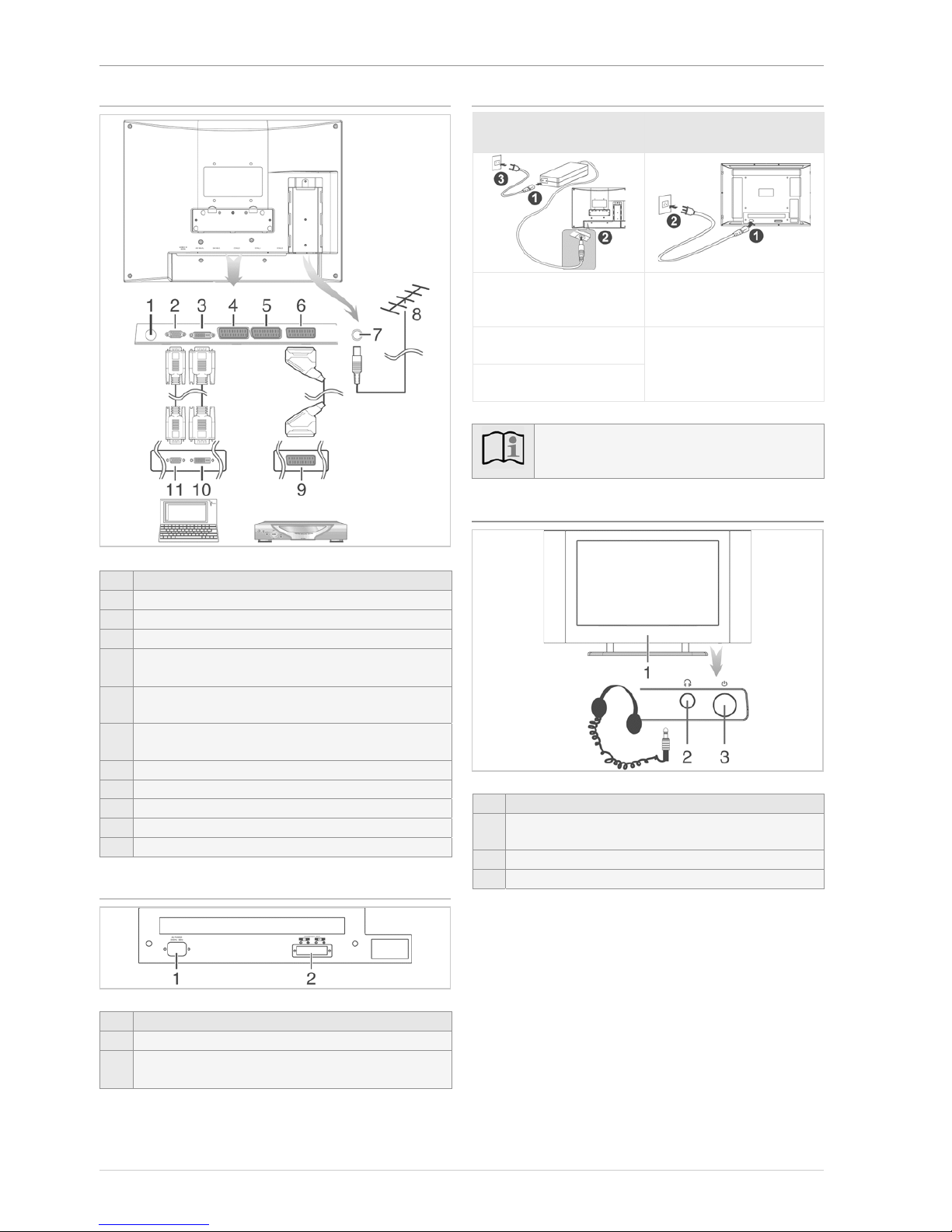
Sockets on the rear of the unit ................................................. 4
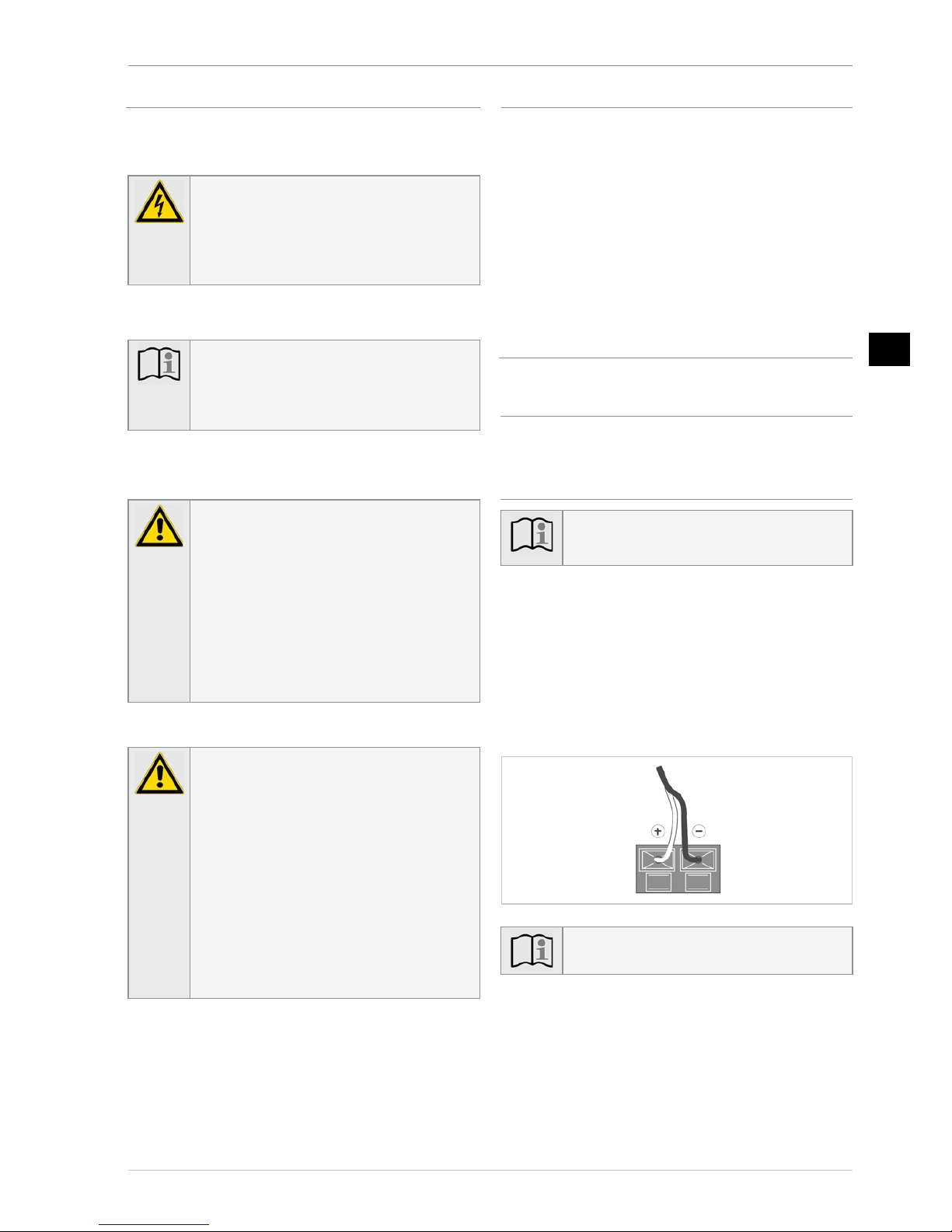
Mains power and speaker sockets 30LB020S4.................... 4
Connecting to the mains power supply.................................. 4
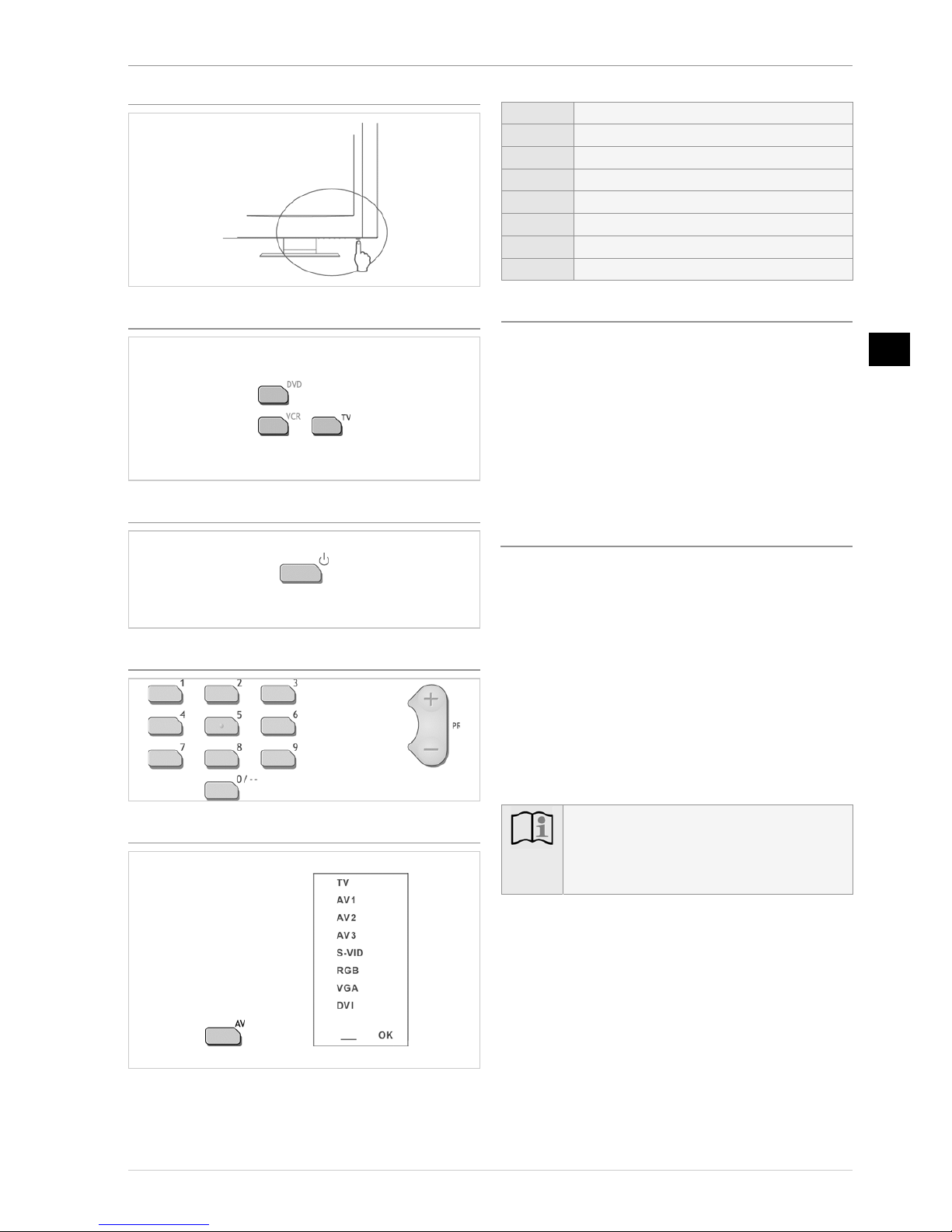
Front of TV................................................................................. 4
Switching on the unit ................................................................ 5
Selecting TV mode on the remote control............................. 5
Switching the TV on and to standby mode ........................... 5
Selecting channels...................................................................... 5
Selecting inputs.......................................................................... 5
Television reception via the antenna cable............................ 5
Television reception via Scart socket
(e.g. SAT or cable receiver)...................................................... 5
Preparations.......................................................... 6
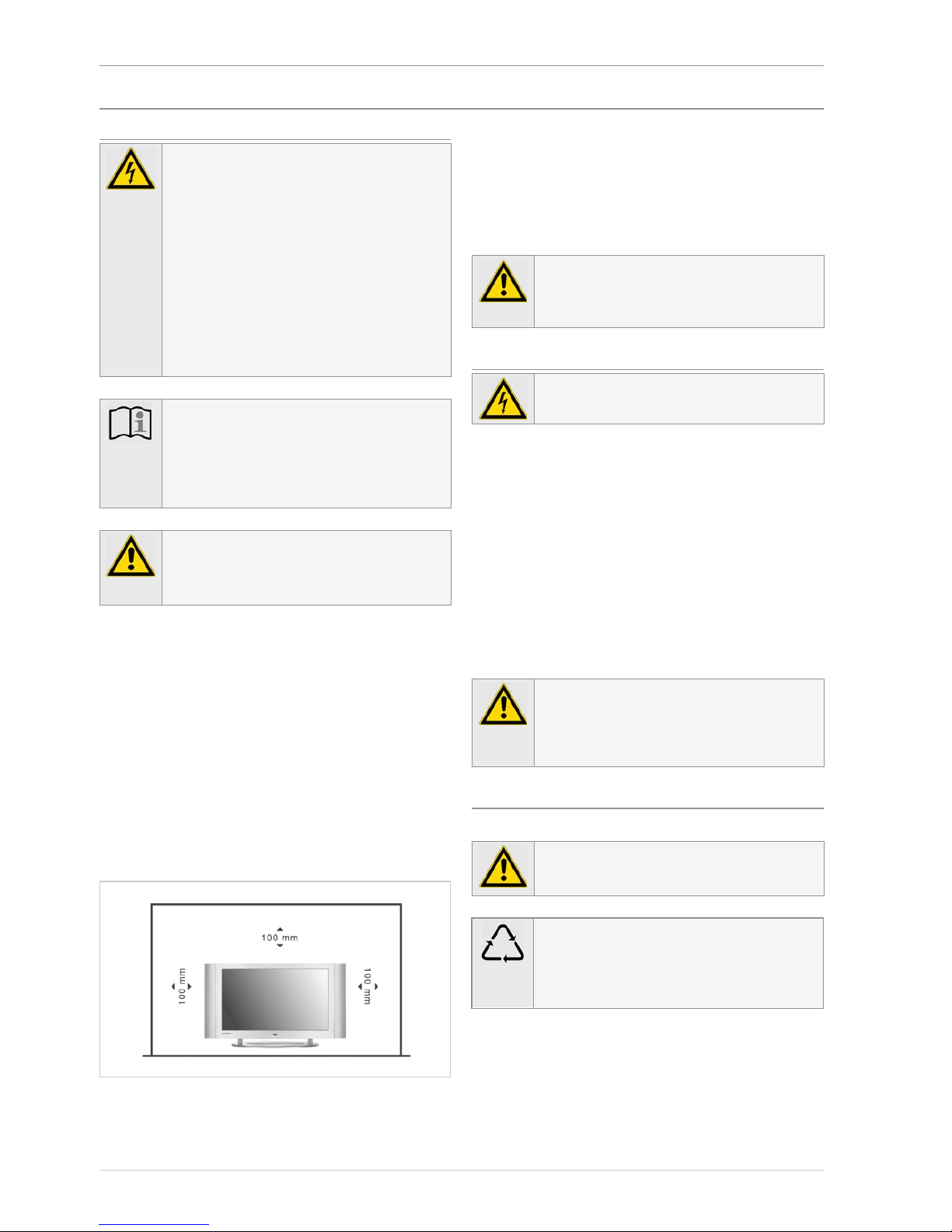
Setting up, care and maintenance....................................6
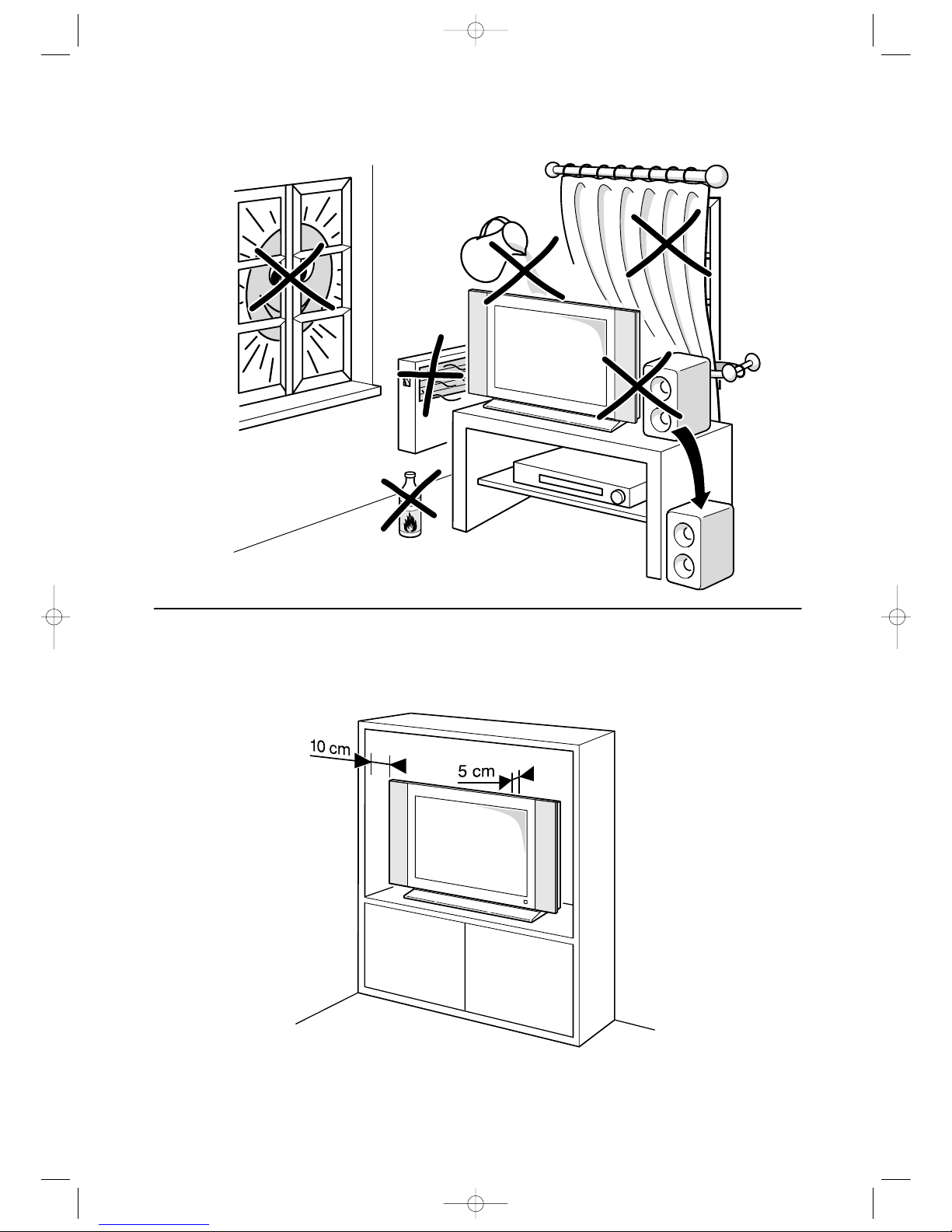
Place of installation.................................................................... 6
Cleaning....................................................................................... 6
Instructions for waste disposal ................................................ 6
Maintenance................................................................................ 7
Scope of delivery................................................................7
Setting up and installing the 30LB020S4......................7
Fitting the base ........................................................................... 7
Fixing and connecting the speakers........................................ 7
Connections........................................................... 8
Connections.........................................................................8
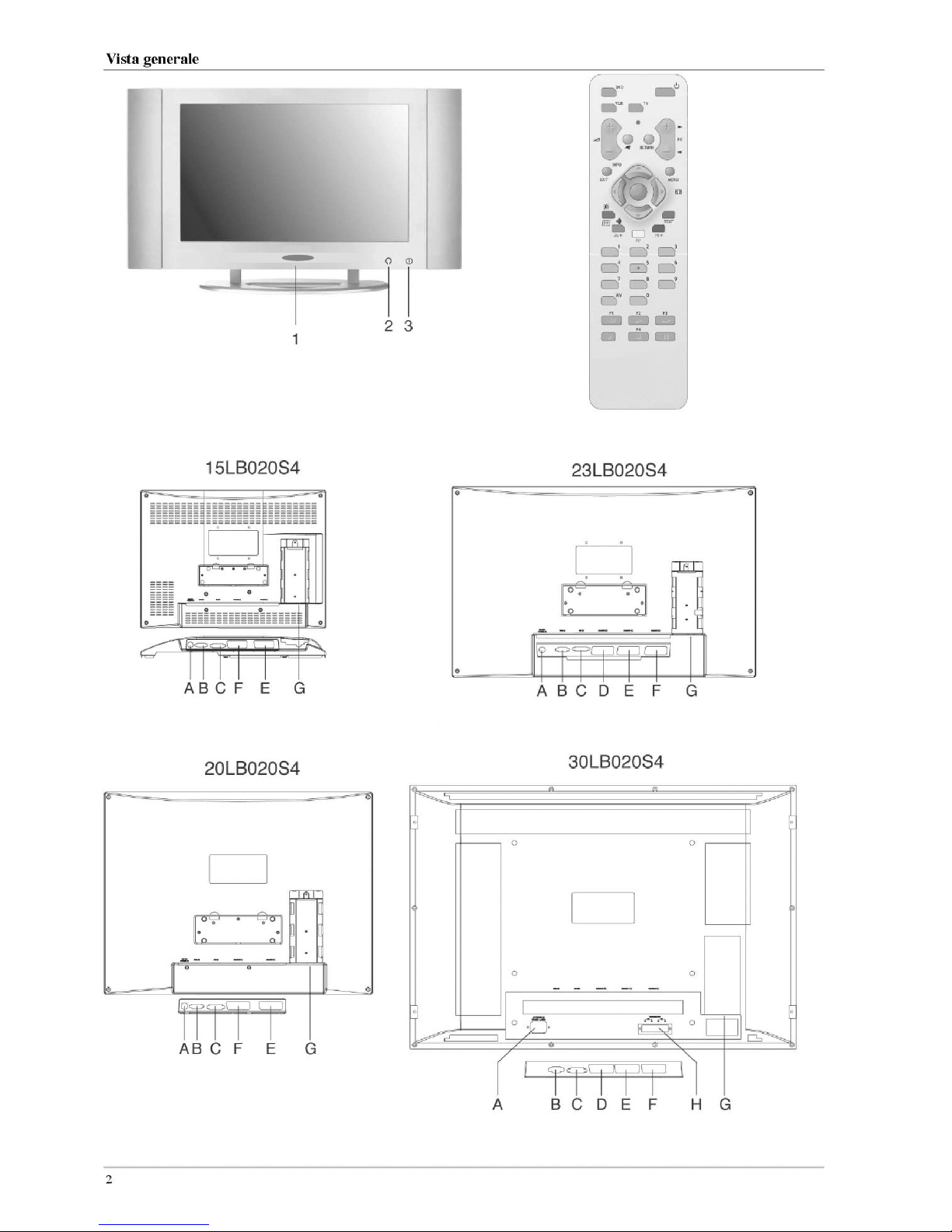
Connection elements on the set ............................................... 8
Connection elements on the rear of the unit.......................... 8
Antenna / cable connection...................................................... 9
Connecting the headphones..................................................... 9
Connecting external auxiliary equipment.............................. 9
Mains connection....................................................................... 9
Operation............................................................. 10
Controls .............................................................................10
Front of TV............................................................................... 10
Remote control......................................................................... 10
Inserting the batteries .............................................................. 10
Using the remote control for other equipments ..........11
Initial startup procedure..................................................13
Menu navigation ..............................................................12
Operation...........................................................................13
Switching on/off ...................................................................... 13
Channel selection..................................................................... 13
Sleep mode................................................................................ 13
Setting channels ....................................................................... 13
Unit configuration.................................................................... 13
Storing channels automatically.............................................. 14
Direct channel input / fine tuning.......................................... 14
Allocating and deleting channels.......................................... 15
Picture and sound .................................................................... 15
Adjusting the picture settings ................................................ 15
Adjusting tone settings............................................................ 16
Channel-specific settings........................................................ 16
The Panorama Sound decoder............................................... 17
The Dolby Virtual Surround Sound Decoder..................... 17
Decoder mode selection ......................................................... 17
Normal television sound......................................................... 17
Dolby Virtual Surround Sound and Panorama................... 18
Special functions..............................................................19
Fade-in display window ......................................................... 19
The function buttons .............................................................. 19
Timer.......................................................................................... 19
Childproof lock........................................................................ 20
PIC (Picture in computer) ...................................................... 20
Resetting to delivery status..................................................... 21
PC mode ............................................................................21
Selecting inputs........................................................................ 21
Setting the language and adjusting screen settings............ 21
Teletext ..............................................................................22
Teletext signals......................................................................... 22
Selecting teletext...................................................................... 22
Page memory facility .............................................................. 22
Favourite pages........................................................................ 22
TOP / FLOF teletext................................................................ 23
Multiple pages.......................................................................... 23
Other teletext functions........................................................... 24
Auxiliary equipment...........................................25
Auxiliary equipment........................................................25
Connecting auxiliary equipment........................................... 25
Connecting to external AV sources....................................... 25
Selecting sockets...................................................................... 26
Additional devices with switching voltage ......................... 27
Copy function / recording via Scart sockets....................... 27
Assigning the Scart sockets ................................................... 27
Index.....................................................................28
En