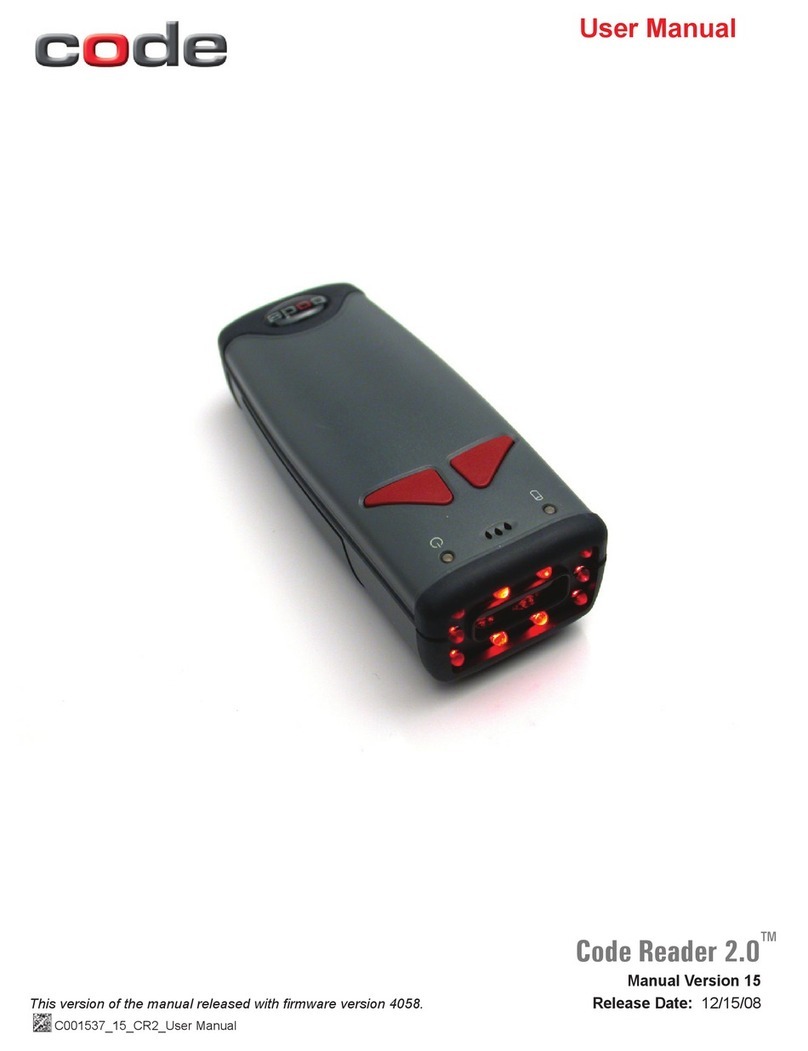
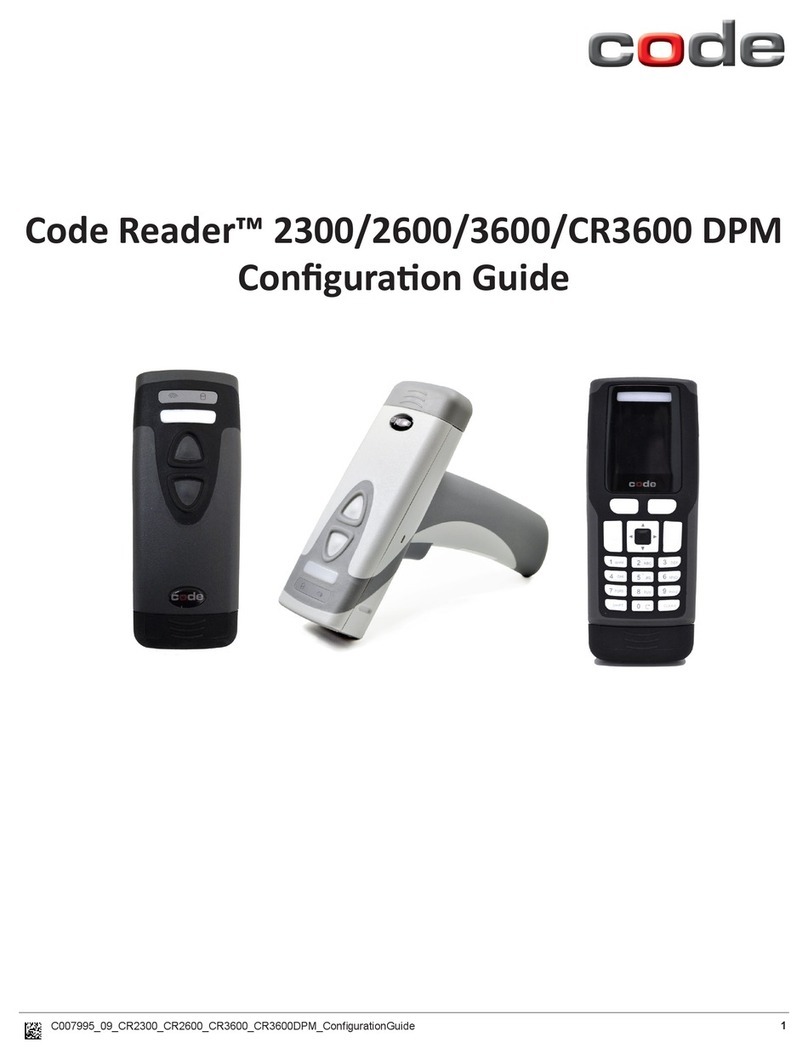
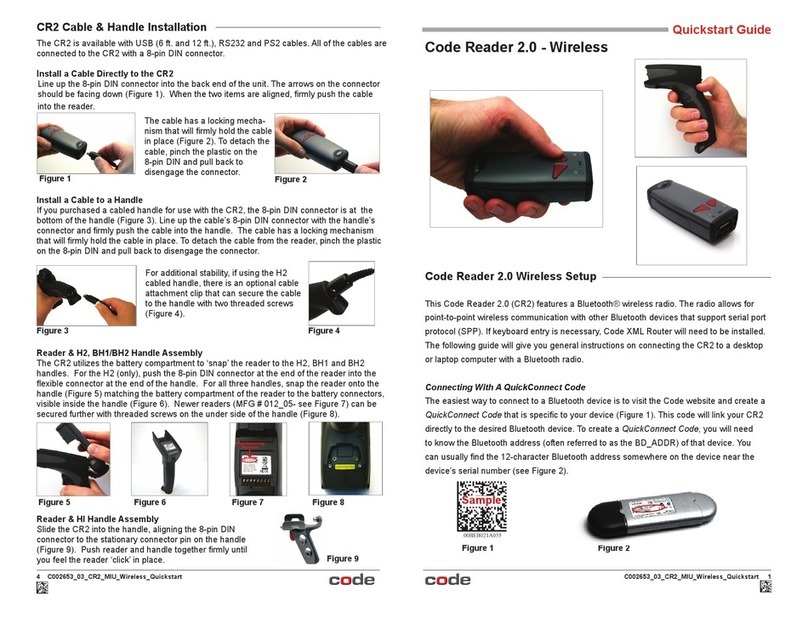
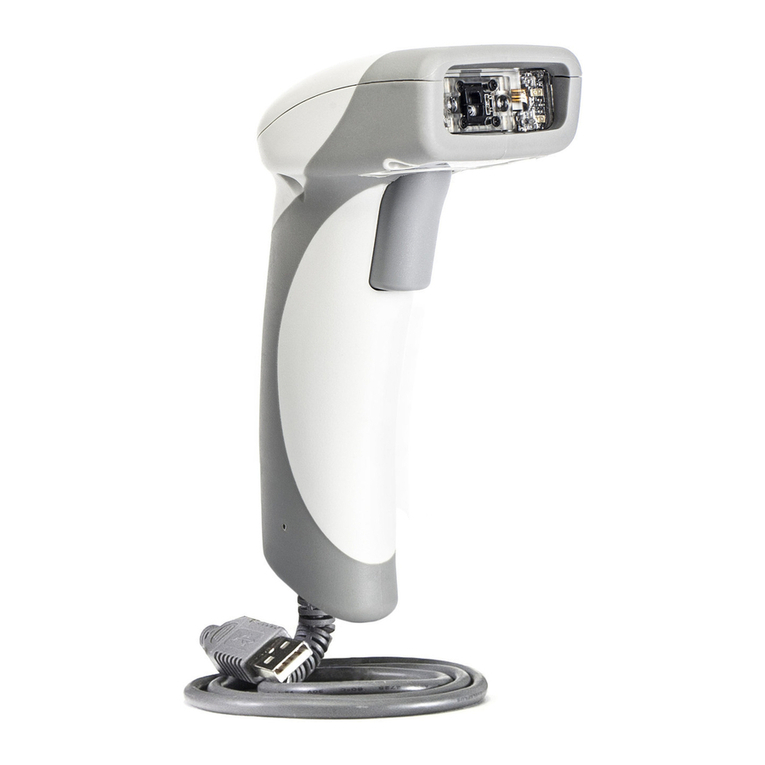
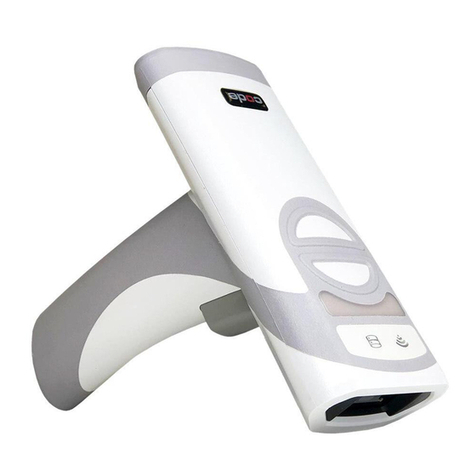
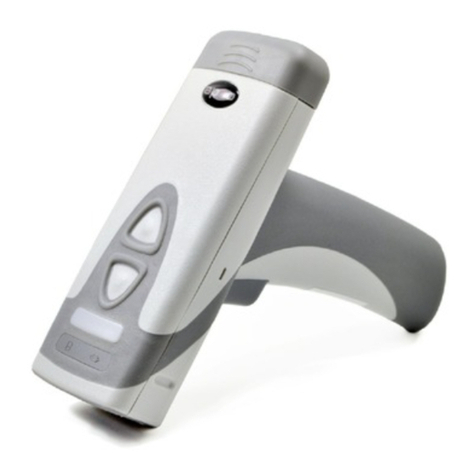
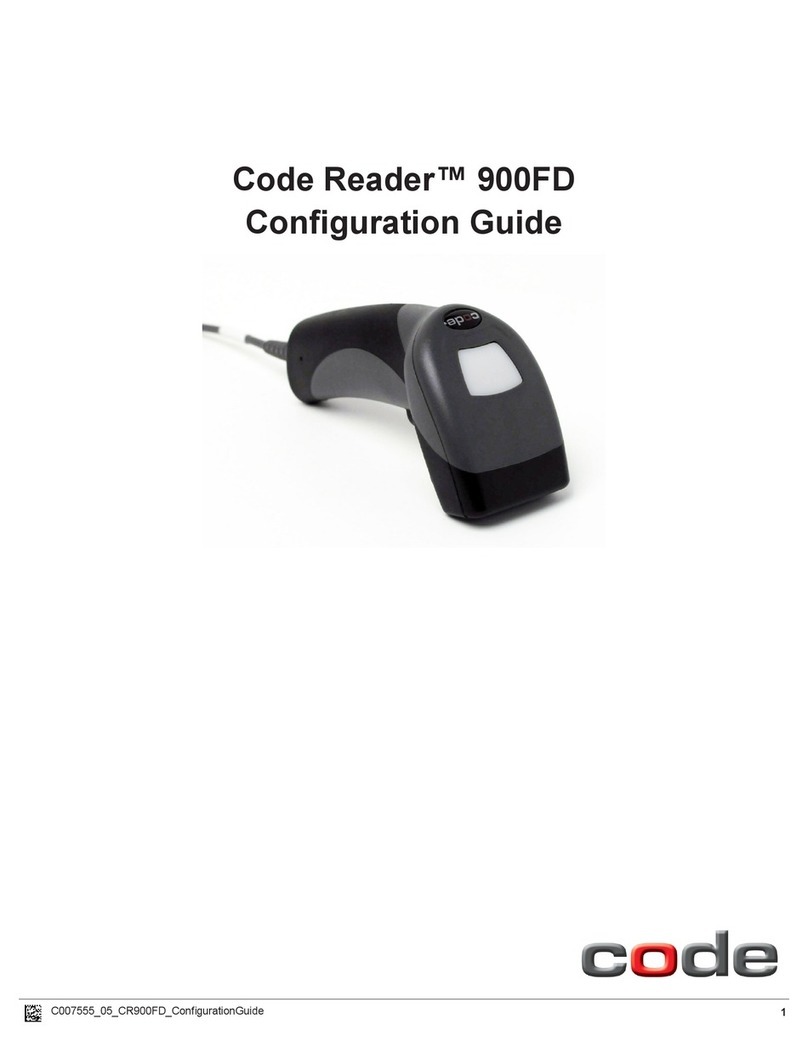
Code Code Reader 2.0 User manual

C001537_04_CR2 User Manual - 1
Save Settings
Manual Version 04
This version of the manual supports firmware 2362 and greater. Release Date: 2/18/05
User Manual

C001537_04_CR2 User Manual - i
Save Settings
Statement of Agency Compliance
The CR2 can be set to use targeting lasers. If the targeting lasers are
activated, do not stare into the beams. The CR2’s targeting lasers have
been rated as Class IIa Lasers by IEC 60825-1.
The CR2 has been tested by an independent electromagnetic compatibility
laboratory in accordance with the applicable specifications and instructions.
The CR2 has been tested for compliance with FCC regulations and was
found to be compliant with all applicable FCC Rules and Regulations.
IMPORTANT NOTE: To comply with FCC RF exposure compliance
requirements, this device must not be co-located or operate in conjunction
with any other antenna or transmitter.
CAUTION: Changes or modifications not expressly approved by the party
responsible for compliance could void the user’s authority to operate the
equipment.
The CR2 has been tested for compliance to CE standards and guidelines
and was found to conform to applicable CE standards, specifically the
EMC requirements EN 55024, ESD EN 61000-4-2, Radiated RF Immunity
EN 61000-4-3, ENV 50204, EFT EN 61000-4-4, Conducted RF Immunity
EN 61000-4-6, EN 55022, Class B Radiated Emissions, and Class B
Conducted Emissions.

C001537_04_CR2 User Manual - ii
Save Settings
Code Reader 2.0 User Manual
Copyright © 2005 Code Corporation.
All Rights Reserved.
The software described in this manual may only be used in accordance with the terms of its license
agreement.
No part of this publication may be reproduced in any form or by any means without written permission
from Code Corporation. This includes electronic or mechanical means such as photocopying or
recording in information storage and retrieval systems.
NO WARRANTY. This technical documentation is provided AS-IS. Further, the documentation does not
represent a commitment on the part of Code Corporation. Code Corporation does not warrant that it is
accurate, complete or error free. Any use of the technical documentation is at the risk of the user. Code
Corporation reserves the right to make changes in specifications and other information contained in this
document without prior notice, and the reader should in all cases consult Code Corporation to determine
whether any such changes have been made. Code Corporation shall not be liable for technical or
editorial errors or omissions contained herein; nor for incidental or consequential damages resulting from
the furnishing, performance, or use of this material. Code Corporation does not assume any product
liability arising out of or in connection with the application or use of any product or application described
herein.
NO LICENSE. No license is granted, either by implication, estoppel, or otherwise under any intellectual
property rights of Code Corporation. Any use of hardware, software and/or technology of Code
Corporation is governed by its own agreement.
The following are trademarks or registered trademarks of Code Corporation:
CodeXML, Maker, QuickMaker, CodeXML Maker, CodeXML Maker Pro, CodeXML Router, CodeXML
Client SDK, CodeXML Filter, HyperPage, CodeTrack, GoCard, GoWeb, ShortCode, GoCode, Code
Router, QuickConnect Codes
All other product names mentioned in this manual may be trademarks of their respective companies and
are hereby acknowledged.
The software and/or products of Code Corporation include inventions that are patented or that are the
subject of patents pending.
Code Corporation, 11814 S. Election Road, Suite 200, Draper, UT 84020
www.codecorp.com

C001537_04_CR2 User Manual - iii
Save Settings
Table of Contents
Chapter 1 - Getting Started
1.1 Introduction ........................................................................................................................ 2
1.2 Unpacking .......................................................................................................................... 3
1.3 Targeting and Reading Techniques .................................................................................3-4
1.4 Imager Field of View and Resolution ...............................................................................4-5
1.5 CR2 Decode Zone ............................................................................................................. 6
Chapter 2 - Installation Guides
2.1 USB Interface ..................................................................................................................... 8
2.2 RS232 Interface ................................................................................................................. 9
2.3 PS/2 Interface .................................................................................................................. 10
2.4 Bluetooth Radio Overview ........................................................................................... 11-13
2.5 Switching Cables .............................................................................................................. 14
2.6 Attaching Handle .............................................................................................................. 15
2.7 CR2 Battery and Battery Blank ........................................................................................ 16
Chapter 3 - CR2 Programming: Optimizing the Reader for Your Environment
3.1 Introduction .................................................................................................................18-20
3.2 Global (All Triggers) Optimization Matrix .......................................................................... 20
3.3 Left Trigger Optimization Matrix ....................................................................................... 21
3.4 Right Trigger Optimization Matrix ..................................................................................... 21
3.5 Handle Trigger Optimization Matrix .................................................................................. 22
3.6 Continous Trigger Optimization Matrix ............................................................................. 22
3.7 Continous Trigger Off ....................................................................................................... 23
Chapter 4 - CR2 Programming: Symbology Settings
4.1 Introduction ...................................................................................................................... 25
4.2 Aztec Symbology ............................................................................................................. 25
4.3 Codabar Symbology ......................................................................................................... 25
4.4 Codablock F Symbology .................................................................................................. 26
4.5 Code 11 Symbology ......................................................................................................... 26
4.6 Code 39 Symbology ....................................................................................................26-27

C001537_04_CR2 User Manual - iv
Save Settings
Table of Contents
4.7 Code 93 Symbology ................................................................................................... 27
4.8 Code 128 Symbology ................................................................................................. 27
4.9 Composite Symbologies ............................................................................................ 27
4.10 Data Matrix Symbology .............................................................................................. 28
4.11 GoCode Symbology ................................................................................................... 28
4.12 Interleaved 2 of 5 Symbology ............................................................................... 28-29
4.13 Maxicode Symbology ................................................................................................. 29
4.14 Micro PDF417 Symbology ......................................................................................... 29
4.15 MSI Plessy Symbology .............................................................................................. 29
4.16 PDF417 Symbology ................................................................................................... 30
4.17 Pharmacode Symbology ............................................................................................ 30
4.18 Postal Symbologies .................................................................................................... 31
4.19 QR Code Symbology ................................................................................................. 31
4.20 RSS Symbology ......................................................................................................... 32
4.21 UPC/EAN/JAN Symbologies ...................................................................................... 32
Chapter 5 - CR2 Programming: Interface Communication Settings
5.1 Reader ID and Firmware Version ............................................................................... 34
5.2 Reader Settings Lock ................................................................................................. 34
5.3 USB Interface ............................................................................................................. 35
5.4 PS/2 Interface ............................................................................................................ 35
5.5 Bluetooth Radio Interface ...................................................................................... 35-36
5.5.1 Bluetooth Radio Auto Connect ............................................................. 36
5.5.2 Bluetooth Radio Auto Disconnect .......................................................... 36
5.5.3 Bluetooth Radio Time Out Settings ....................................................... 37
5.5.4 Bluetooth Radio Out of Range Notification Settings .............................. 37
5.5.5 Bluetooth Radio Disconnect .................................................................. 37
5.6 RS232 Interface ......................................................................................................... 38
5.6.1 Data Bits ................................................................................................ 38
5.6.2 Stop Bit Data ......................................................................................... 38
5.6.3 Baud Rate .............................................................................................. 39
5.6.4 Parity ..................................................................................................... 39
5.6.5 RS232 Batch Mode Considerations ...................................................... 39
5.7 Keyboard Support ...................................................................................................... 40
5.8 Cabled Reader - Time Out Settings ........................................................................... 40

C001537_04_CR2 User Manual - v
Save Settings
Table of Contents
Chapter 6 - CR2 Programming: Trigger Settings
6.1 Left Trigger Programming ......................................................................................... 42
6.2 Right Trigger Programming ....................................................................................... 42
6.3 Handle Trigger Programming .................................................................................... 43
Chapter 7 - CR2 Programming: User Feedback
7.1 CR2 Feedback Definition Guide ........................................................................... 45-46
7.2 Volume & Vibrate Mode Settings ............................................................................... 47
7.3 Laser Settings ........................................................................................................... 47
7.4 Continous Scan Settings ........................................................................................... 48
7.4.1 Sleep Time Out ..................................................................................... 48
7.4.2 Trigger Delays ...................................................................................... 48
7.4.3 Duplicate Scan Delay ........................................................................... 49
7.5 Code Readability Index ........................................................................................ 49-50
Chapter 8 - CR2 Programming: Batch Mode
8.1 Batch Mode Settings ............................................................................................ 52-54
8.2 Time Stamp Settings ................................................................................................. 54
Chapter 9 - Advanced CR2 Programming: Decode Performance
9.1 Decode Time LED’s for Non-Standard Inks ............................................................. 56
9.2 Continous Illumination ............................................................................................... 56
9.3 Targeting Zone Tolerances ........................................................................................ 57
9.4 Windowing ................................................................................................................. 57
9.5 VGA and SXGA Settings ........................................................................................... 58
9.6 Mirror Decoding ......................................................................................................... 58
Chapter 10 - Advanced CR2 Programming: Prefix & Suffix and CodeXML
10.1 Prefix Settings ........................................................................................................... 60
10.2 Suffix Settings ...................................................................................................... 60-61
10.3 Reader Text Commands ............................................................................................ 61

C001537_04_CR2 User Manual - vi
Save Settings
Table of Contents
Chapter 11 - CR2: Maintenance and Troubleshooting
11.1 Reset Reader ................................................................................................................ 63
11.2 General Safety Information ...................................................................................... 63-64
11.3 Warranty ................................................................................................................... 64-65
11.4 CR2 Accessories ...................................................................................................... 65-66
11.5 Frequently Asked Questions .................................................................................... 66-67
11.6 CR2 Maintenance ......................................................................................................... 68
11.7 CR2 Troubleshooting Guide .......................................................................................... 69
Appendix A - CR2 Specifications
Appendix B - CR2 Factory Default Settings
Appendix C - CR2 Programming Matrix
Appendix D - CR2 Cable Pin Out Specifications
Appendix E - QuickConnect Codes
Appendix F - CR2 Dimensions
Appendix G - Pharmacode Support

C001537_04_CR2 User Manual - 1
Save Settings
Chapter 1 - Getting Started

C001537_04_CR2 User Manual - 2
Save Settings
CR2 is a revolutionary new bar and 2-dimensional code reader. Developed to be the first universal
reader, no other single device performs as many functions. With a cost of ownership far less than
comparable systems, the CR2 incorporates a unique dual path optical system, a 1.3 million pixel
CMOS sensor, and a 400 MHz processor. This combination has created a reading system that supports:
• High density matrix codes and larger low density linear codes
• Superior working range
• High-speed omni-directional decoding
• Cordless and cabled interfaces
• Unsurpassed data rates
The CR2 sets a new benchmark for size and weight.
It is smaller and lighter than comparable systems yet
can withstand multiple drops to concrete. It is the only
product available in handheld, gun handle, and
presentation stand form factors with cabled, batch
and cordless versions. The cordless version utilizes
the latest Bluetooth™ class 1 radio with a 300 foot
operating range. The CR2 is rugged and lightweight
and the cordless version will operate for more than
a complete shift at the highest use rate. The CR2
performs more than 3000 reads and transmits from a
single battery charge. The CR2 will automatically
discriminate between all major 2-D matrix and linear
bar code symbologies and features a timestamp
feature for logging data.
Whether you need a small, palm-held device or a traditional gun, CR2 was specifically developed
so users may easily choose the device that best meets their needs. The CR2 is available in three
basic configurations:
1. CR2 Cabled - USB, RS232 or PS/2 interfaces
2. CR2 Batch - Store and forward device with memory and long-life battery
3. CR2 Cordless - Long life battery and Bluetooth radio
1.1 - Introduction

C001537_04_CR2 User Manual - 3
Save Settings
1.2 - Unpacking
Remove the imager from its packing and inspect it for damage. If the scanner was damaged
during shipping, please call Code at (801) 495-2200.
The standard CR2 unit is shipped with a USB cable interface. The unit also features a battery
blank that must be installed in the unit at all times.
Various accessories are available for the CR2.
• 3 cable options (USB, RS232 or PS/2)
• 1400 mAH or 1950 mAH long-life Lithium-Ion battery
• Class 1 Bluetooth radio with 300 foot operating range
• Clip-on pistol grip handle
• External battery charger
• CodeXML Bluetooth modem
Please keep your packing materials. The CR2 is shipped in an approved shipping
container and should be used if you ever need to return your equipment for servicing.
The CR2 utilizes digital camera technology to take a picture of a symbol. Once an image is captured,
the CR2 utilizes advanced decoding algorithms to extract data from the captured image.
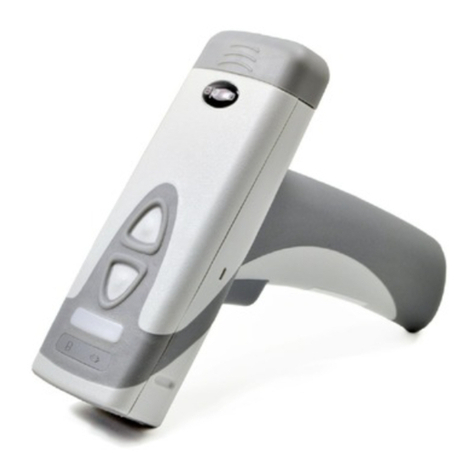
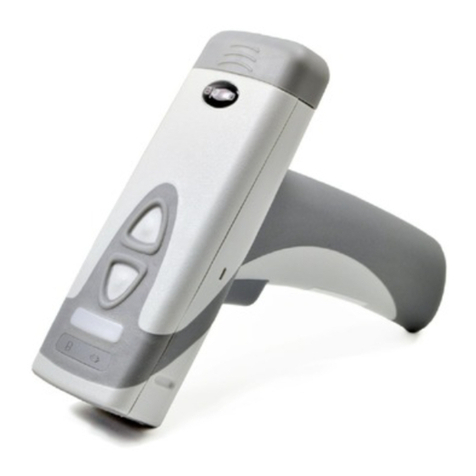
The CR2 is available as a palm-held unit or users may purchase a clip-on pistol-grip handle.
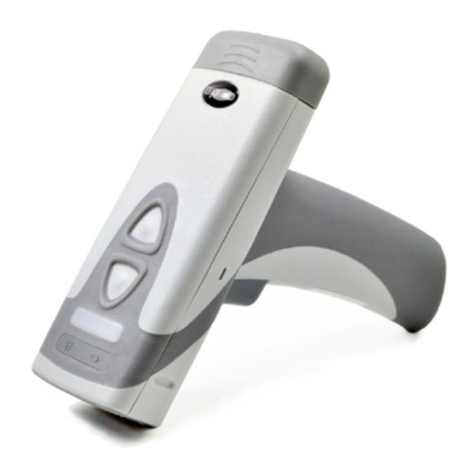
The palm held unit features left and right triggers (figure 1.1). These triggers may be programmed to
perform various features. The reader is shipped with the left trigger and right trigger functioning as a
decode symbol command.
The clip-on pistol-grip handle features a trigger on the handle (figure 1.2). The two triggers on the top
of the unit also work when the handle is attached.
1.3 - Targeting and Reading Techniques
Note: The trigger on the handle attachment is light.
Squeezing to hard may damage the unit.
Figure 1.1 Figure 1.2
Other manuals for Code Reader 2.0
2
Table of contents
Other Code Barcode Reader manuals

Code
Code CORTEXJPOS CR2600 User manual

Code
Code CORTEXJPOS CR2300 User manual

Code
Code Code Reader 1000 User manual

Code
Code CR1000 User manual

Code
Code CORTEXJPOS CR2300 User manual

Code
Code Code Reader 2.0 Operating instructions

Code
Code CORTEXJPOS CR2600 User manual

Code
Code 2600 Quick setup guide

Code
Code 900FD User manual

Code
Code CORTEXJPOS CR6000 User manual