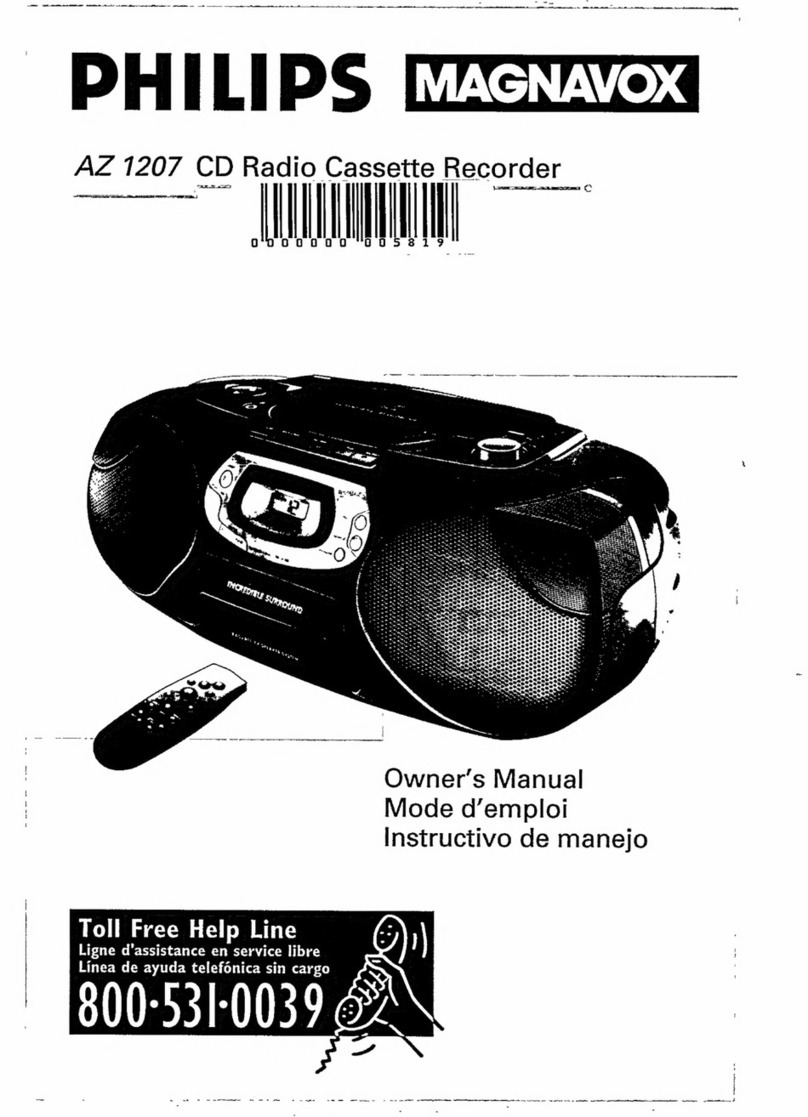
Clas Ohlson PCD-18 User manual

EnglishSvenskaNorskSuomi EnglishSvenskaNorskSuomiDeutsch
Ver. 20130607
Portable CD player/radio
Stereoradio med CD-spelare
Stereoradio med CD-spiller
Stereoradio, jossa CD-soitin
Stereoradio mit CD-Player
Art.no Model
38-1165 PCD-18


3
English
Portable CD Player/Radio
Art.no 38-1165 Model PCD-18
Please read the entire instruction manual before use and save it for future reference.
We reserve the right for any errors in text or images and for making any necessary
technical changes to this document. If you should have any questions concerning
technical problems please contact our Customer Services.
Description
Stereo radio with CD player, electric cable connection or battery operation, AM and
FM, stereo earphone connection, telescopic aerial.
Caution
1. Do not expose the player to dampness or extreme humidity; do not use the radio
in the proximity of the water, beach, bath tub, shower, etc.
2. Make sure that no foreign object or liquid comes in contact with the radio; do not
expose it to blows, vibrations, smoke or dust.
3. Do not place any objects on top of the radio.
4. Do not cover the ventilation openings of the device, and do not insert anything into
the openings.
5. The product should not be taken apart or modified. The housing contains
unprotected live components that could cause fires or electric shocks if touched.
6. The product is designed for indoor use only. Disconnect the device from the
power supply by unplugging it from the wall socket. The product’s plug should
be easily accessible.

4
English
1. Volume control
2. Function switch: CD/RADIO/STANDBY (turned off)
NOTE: The STANDBY function only switches the device
into standby power mode and does not totally cut off
current from the mains.
3. REPEAT, repeat playing a track
4. PROG, programming switch
5. [], go to the previous track
6. [], go to the next track
7. Frequency scale
8. TUNING, station dial
9. [▲
▬
] , open the CD door
10. [/], Play/Pause, play/pause the playback
11. CD display, display CD information
12. [], stop CD playback
13. AM/FM/FM ST, wavelength setting, (medium wave, FM, FM stereo)
Left
14. Earphone jack
Back
15. FM antenna
16. Battery compartment
17. AC~, connection
for electric cable
Top
1
2 3 4 5 6 7
13 12 11 10 9 8
14
15
16 17

5
English
Use
The radio can be battery or mains operated. An electric cable is included (in the
battery compartment). Unplug the electric cable when the radio is not in use.
Battery operation
• Thebatterycompartmentislocatedonthebackside.Slidethelidinthedirection
of the arrow to open the lid. Insert the batteries (6xLR14), with the plus (+) and
minus (-) sides as indicated in the compartment.
• Donotmixoldandnewbatteries,ordifferenttypesofbatteries.
• Alwaysremovethebatteriestopreventdamageifthereisabatteryleakage,
if the radio will not be in use for an extended period of time, or if only the electric
cable is used.
Mains operation
• Inserttheelectriccableintotheplugatthebackoftheradioandplugthecordinto
a wall socket.
Listening to the radio
1. Set the function switch to RADIO.
2. Set the desired wavelength to medium wave (AM), FM, or FM stereo.
3. Adjust the volume and adjust the telescopic aerial to get the best reception
(FM listening). A built-in ferrite-rod aerial is used when listening to AM.
4. You may use earphones in order not to disturb others while listening: Turn down
the volume and connect stereo earphones (Ø3.5 mm, 8–32 ohm) in the jack to the
left. The speaker sound is cut when earphones are used.
5. Turn off the radio by setting the function switch to STANDBY.
Listening to a CD
1. Set the function switch to CD.
2. Press [▲
▬
]to open the CD door.
3. Insert the CD on top (with the text side facing out) of the CD player’s black centre.
4. Close the door.
5. The CD is read in and the number of tracks is shown in the display.
6. Press the [/]switch to start the player (play) and the number of the track is
shown in the display, press it again to stop the playback temporarily (pause).
7. Quickly press [] to go to the previous track, or [] to go to the next track. The
number of the current track is shown in the display. (Press and hold down to fast-
forward within the track.)
8. Press [] to stop the CD playback.
9. Turn off the radio/CD player by setting the function switch to STANDBY.

6
English
Programmed playback
You may program in the playback order of your choice:
1. Set the function switch to CD.
2. Press the program switch. PROG will flash in the display.
3. Set the first track to be played back with [] [], press PROG to confirm.
4. Set the next track to be played back with [] [], press PROG, etc.
5. Continue until you have programmed in the entire list to be played back, press the
[/] switch to start the player. PROG, Play and the number of the track will be
shown in the display.
6. Press [] to stop the pre-programmed CD playback.
7. Again press [] to erase the programming. (The programming is also erased
if the CD door is opened.)
Repeated playback
You may repeat: programmed playback order, one track, or all tracks on the CD.
Repeating a track:
1. Go to the track to be repeated.
2. Press REPEAT (while playing.)
3. REP flashes in the display.
4. The selected track will now play until you press [] (stop.)
5. Again press [] to finish and return to regular playback.
Repeating the entire CD:
1. Press REPEAT twice (while playing.)
2. REP and PLAY are shown in the display.
3. The selected CD will now play until you press [] (stop.)
4. Again press [] to finish and return to regular playback.
Repeating a pre-programmed list of tracks:
1. Program in the desired tracks as described above.
2. Press REPEAT twice.
3. REP and PLAY are shown in the display.
4. Press the [/] switch to start the player.
5. The selected CD will now play until you press [] (stop.)
6. Again press [] to finish and return to regular playback.

7
English
Cleaning
• Unplugthedevicebeforecleaning.
• Cleanthecaseasneededwithasoftclothlightlydampenedwith
a mild cleansing agent.
• Donotusestrongcleansingagents,abrasiveagents,orsolutionssuch
as petrol or alcohol.
Disposal
Follow local ordinances when disposing of this product. If you are unsure about how
to dispose of this product contact your local municipality.
Technical data
Power supply: 230–240VAC, 50Hz
Batteries: 6×LR14 (alkaline batteries are recommended)
Frequency range: 88–108 MHz (FM)
540 1600 kHz (AM)
CD player: Laser diode with 3 points.
1 Bit DA converter with 8× over sampling.
Speakers: 8 Ohm
Earphone jack: 3.5 mm stereo plug, 8–32 Ohm
Size: 295 × 70 × 150 mm (B × D × H)
Net weight: 1300 grams

8
Svenska
Stereoradio med CD-spelare
Art.nr 38-1165 Modell PCD-18
Läs igenom hela bruksanvisningen före användning och spara den sedan för framtida
bruk. Vi reserverar oss för ev. text- och bildfel samt ändringar av tekniska data. Vid tek-
niska problem eller andra frågor, kontakta vår kundtjänst (se adressuppgifter på baksidan).
Beskrivning
Stereoradio med CD-spelare, nätanslutning eller batteridrift, AM och FM, hörlursuttag
stereo, teleskopantenn.
Varning:
1. Utsätt inte spelaren för fukt eller hög luftfuktighet, använd inte radion nära
vatten badplats, badkar, dusch etc.
2. Se till att inte främmande föremål eller vätska kommer in iradion, utsätt den
inte för slag, vibrationer eller rök och damm.
3. Ställ inga föremål på radion.
4. Täck inte för apparatens ventilationsöppningar, stoppa inte heller in något
i öppningarna.
5. Produkten får inte demonteras eller ändras. Farlig spänning finns oskyddat på
komponenter inuti produktens hölje, kontakt med dessa kan leda till brand eller ge
elektriska stötar.
6. Produkten är avsedd endast för inomhusbruk. Bryt strömmen till apparaten genom
att dra ur apparatens stickpropp ur vägguttaget. Apparatens stickpropp måste
vara lättåtkomlig.

9
Svenska
1. Volymkontroll
2. Funktionsreglage: CD/RADIO/STANDBY (avstängd)
Obs! Brytaren är sekundärt kopplad och bryter inte
strömmen från nätet.
3. REPEAT, repetera avspelning av spår
4. PROG, programmeringsknapp
5. [], gå till föregående spår
6. [], gå till nästa spår
7. Frekvensskala
8. TUNING, stationsinställning
9. [▲
▬
] , öppna CD-lucka
10. [/], Play/Paus, starta/göra paus iuppspelning
11. CD display, visa CD information
12. [], stoppa CD-uppspelning
13. AM/FM/FM ST, våglängdsinställning, (mellanvåg, FM, FM stereo)
Vänster sida
14. Hörlursjack
Baksida
15. FM antenn
16. Batterifack
17. AC~, anslutning
för nätsladd
Översida
1
2 3 4 5 6 7
13 12 11 10 9 8
14
15
16 17

10
Svenska
Användning
Radion kan användas med batterier eller nätansluten. Nätkabel medföljer
(ligger ibatterifacket). Dra ur nätkabeln när radion inte används.
Batteridrift
• Batterifacketärpåbaksidan,skjutlocketipilensriktningförattöppnalocket.
Sätt ibatterierna (6xLR14), med plus (+) och minus (-) som markeringen ifacket.
• Blandaintegamla/nyabatterier,ellerolikatyperavbatterier.
• Tagalltidurbatteriernaförattförebyggaskadavidev.batteriläckage,omradion
inte skall användas under en längre tid, eller om endast nätanslutningen används.
Nätanslutning
• Tryckinätsladdeniuttagetpåbaksidanavradionochanslutstickproppen
till ett vägguttag.
Lyssna på radio
1. Ställ funktionsreglaget på RADIO.
2. Ställ in önskad våglängd: mellanvåg (AM), FM eller FM stereo.
3. Justera volymen, dra ut och justera teleskopantennen för bästa mottagning
(FM lyssning). En inbyggd ferritantenn används vid AM-lyssning.
4. Du kan använda hörlurar för att inte störa andra vid lyssning: Vrid ner volymen och
anslut stereohörlurar(Ø3,5 mm, 8–32 ohm) till jacket på vänster sida, högtalarljudet
bryts när du lyssnar ihörlurar.
5. Stäng av radion genom att ställa funktionsreglaget på STANDBY.
Lyssna på CD-skiva
1. Ställ funktionsreglaget på CD.
2. Tryck på [▲
▬
]för att öppna CD-luckan.
3. Tryck fast CD-skivan översidan (med text) utåt på CD-spelarens svarta centrum.
4. Stäng locket.
5. CD-skivan läses in och antalet spår visas på displayen.
6. Tryck på [/], knappen för att starta spelaren (Play) och spårets nummer visas
på displayen, tryck en gång till för att tillfälligt stoppa uppspelningen (Paus).
7. Tryck kort på []för att gå till föregående spår, eller på [] för att gå till nästa
spår, nummer på aktuellt spår visas på displayen (tryck längre för att snabbspola
iaktuellt spår).
8. Tryck på [] för att stoppa CD-uppspelningen.
9. Stäng av radio/CD-spelare genom att ställa funktionsreglaget på STANDBY.

Table of contents
Languages:
Other Clas Ohlson CD Player manuals

Clas Ohlson
Clas Ohlson CD-727 User manual

Clas Ohlson
Clas Ohlson CDX82-60 User manual

Clas Ohlson
Clas Ohlson MC-9814USB User manual

Clas Ohlson
Clas Ohlson CD-726DAB User manual

Clas Ohlson
Clas Ohlson TCD-983WEC User manual

Clas Ohlson
Clas Ohlson DAB-1635 User manual

Clas Ohlson
Clas Ohlson BBX118B-UK User manual

Clas Ohlson
Clas Ohlson Exibel KW-94R-UK User manual

Clas Ohlson
Clas Ohlson MPCD521AR User manual