Citizen 9800 User manual

2
CONTENTS
1. Features ................................................................................................................ 4
2. Before Using......................................................................................................... 4
3. Cases Treated with Duratect.............................................................................. 5
4. Operating the Crown .......................................................................................... 6
5. Names of Components ........................................................................................ 7
6. Setting the Time and Date .................................................................................. 8
• Procedure for Setting the Time
• Procedure for Setting the Date
• Procedure for Setting the Moon Phase
Notice
All repairs performed on this watch are to be performed at the CITIZEN. When desiring to
have your watch repaired or inspected, please contact the Citizen Service Center either
directly or through the store where you purchased your watch.
Proper maintenance can only be received in the country where your watch was purchased.
7. Using the Chronograph .................................................................................... 14
8. Viewing the Charge Indicator.......................................................................... 18
9. General Reference for Charging Times .......................................................... 20
10. Functions Unique to Solar-Powered Watches ................................................ 22
• Low Charge Warning Feature
• Over Charge Prevention Feature
11. Handling Precautions........................................................................................ 25
• Regularly Charge the Watch
• Charging Precautions
• Handling of Secondary Battery
12. Replacing the Secondary Battery..................................................................... 27
13. All-Reset ............................................................................................................. 28
• All-Reset Procedure
14. Precautions......................................................................................................... 30
15. Specifications ..................................................................................................... 36
3
English

1. Features
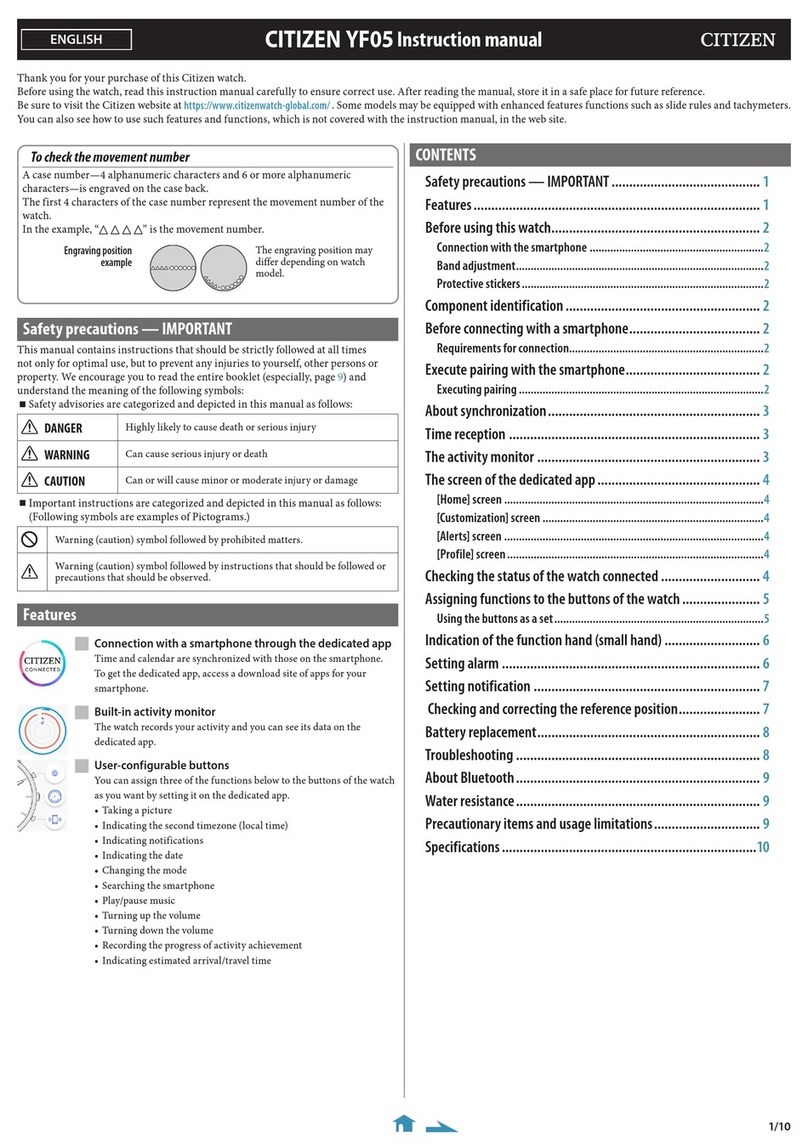
This watch is a solar-powered watch that incorporates a solar cell under its face that
drives the watch by converting light energy into electrical energy. It is provided with the
following features.
(1) Chronograph function......... Capable of timing for up to 12 hours in 1/5-second units
(2) Charge indicator function... Indicates the charged level of the secondary battery at one of
four levels
(3) Moon phase indicator
2. Before Using
To ensure that you can easily use the watch at any time, always try to store it in a bright
location. Charge your watch periodically under direct sunlight or other light source while
storing by exposing the solar cell (watch face) to light as described in section 9, “General
References for Charging Times”. Once fully charged, the watch will continue to run for
about 10 months without additional charging.
If the watch will not be used for an extended period of time, it is recommended that you
charge it before storing until the charge indicator hand is pointing to at least level 3.
3. Cases Treated with Duratect
This product features a Duratect finish – Citizen’s exclusive surface hardening
technology. The Duratech surface is about 5 times harder than stainless steel for
providing superior wear resistance. This material protects the watch from scratches and
maintains its natural attractiveness and luster for a long time. (Gold parts are excluded)
Note: Please note that the watch may become scratched when scratched with hard
objects or subjected to strong impacts. In addition, this DURATECT coating is not
provided on certain parts of the watch (namely, the back cover of the case and the band
buckle).
★Products that have been treated with DURATECT are stamped with the word,
“Duratect”, on the back of the watch.
4 5

4. Operating the Crown
• If the crown of your watch is a screw-lock, first turn the crown counter-clockwise to
loosen the screw locking mechanism before operating the crown. When you are
finished operating the crown, return it to its normal position, and then turn the crown
clockwise while pushing it in and tighten firmly. Be careful that the screw locking
mechanism is tightened properly, as otherwise this could result in bending of the
crown, incorrect time, or poor water
resistance.
• After you have finished setting the time and
performing other operations, be sure to
push the crown back into its normal

position (0 seconds position). If the crown
is not pushed all the way in, it may stop at
the calendar adjustment position. Using the
watch with the crown in this position can
cause the date to change inadvertently or
damage the crown.
1. Charge indicator hand
2. Hour hand
3. Minute hand
4. Second hand
5. Chronograph hour hand
6. Chronograph minute hand
7. Chronograph second hand
8. Date hand
A. Button (A) (reset)
B. Button (B) (start/stop)
C. Button (C)
D. Crown
E. Moon phase
F. Chronograph index
6 7
Normal
position
Calendar
adjustment
position
5. Names of Components
VThe illustrations shown in this manual may differ from the actual watch you have purchased.
(3)
(1)
(A)
(6)
(D)
(B)
(8)
(4)
(E)
(5)
(2)
(C)
(7)
(F)

9
6. Setting the Time and Date
<Procedure for Setting the Time>
1. Pull out the crown to the time adjustment position (second click).
2. Turn the crown to set the time.
• The date hand changes at 12:00
AM. Pay attention to AM and PM
when setting the time.
3. Return the crown to the normal
position (0 position).
8
60-second position
Minute hand
Normal
position
Time
adjustment
position
Date handSecond hand
Hour hand
[Helpful Hint for Accurately Setting the Time]
* When the second hand reaches the 60-second position, pull
the crown out to the second click position.
* Turn the crown to set the time.
* Advance the minute hand 4 to 5 minutes past the correct
time, and then adjust it to the correct time by moving it
back.
* The time can then be set accurately by returning the crown
to the normal position in synchronization with a time signal.
<Reading the seconds>
* The short end of the second hand
points to the inner semi-circle to
indicate 45 seconds to 15 seconds,
and the long end of the second hand
points to the outer semi-circle to
indicate 15 seconds to 45 seconds.
Indicator for the short
end of the second hand
45 to 15 seconds
Indicator for the long
end of the second hand
15 to 45 seconds

<Procedure for Setting the Date>
• This watch is not equipped with an automated calendar, but is displayed based on a 31
day cycle. After months with less than 31 days (months having 30 days and February),
use the crown to set the watch to the first day of the next month.
1. Pull the crown out to the
first click position (date
adjustment position).
2. Turn the crown
clockwise to move the
date hand and set the
date. (Turning the crown
counter-clockwise adjusts
the moon phase.)
• Do not attempt to set the date from about 9:00 PM to 1:00 AM. If the date is set
during this time period, the date may not change the following day.
3. After the date is set, return the crown to the normal position.
* The date hand changes automatically at around 12:00 AM. If the date changes at
around 12:00 PM, advance the time by 12 hours, and readjust the date.
10 11
Date adjustment position
Turn clockwise (date hand
adjustment)
Normal position
Date
Date hand

12 13
<Procedure for Setting the Moon Phase>
• The moon phase indicator shows the phases of the moon, and is not intended to depict
the actual shape of the moon. Use it as a reference for the moon phase.
1. Pull the crown out to the first click position (date adjustment position).
2. Adjust to the current moon phase by turning the crown counter-clockwise. (Turning
the crown clockwise adjusts the date.)
• Check the moon phase
for that day in the
newspaper or other
source, and then adjust
the moon mark by
referring to “Viewing
the Moon Phase” on the
next page.
Date adjustment position
Turn counter-clockwise
(moon phase adjustment)
Normal position
Moon phase
[Helpful Hint for Accurately Setting the Moon Phase]
A more accurate adjustment can be made by setting at times of a new moon (the moon
mark is not visible: Day 0) or full moon (moon is at the 12:00 position: Day 15).
Viewing the Moon Phase (indicator example)
New moon
Day 0
(Spring tide)
Quarter moon
Around Day 7
(Neap tide)
Full moon
Around Day 15
(Spring tide)
Last quarter moon
Around Day 22
(Neap tide)

14 15
7. Using the Chronograph
* The chronograph is capable of timing and displaying the time for up to 12 hours in 1/5
second units. The chronograph stops automatically when 12 hours have elapsed.
* When starting timing, first check that each of the chronograph hands has returned to
12:00. If the hands are not
at 12:00, press button (A)
to return them.
* The force needed to press
button (B) is slightly
greater when you start
timing for the first time to
indicate that chronograph
timing has begun.
Firmly press button
(B) until a clicking
sound is heard.
Chronograph
minute hand
Button (B)
Button (A)
Chronograph
second hand
Chronograph
hour hand
[Chronograph Reset State]
Chronograph index
<Timing Procedure>
1. Press button (A) to reset the chronograph, and then press button (B) to start timing.
Press button (B) again to stop timing.
• Timing starts or stops each time button (B) is pressed.
2. Press button (A) to reset the chronograph to 0 seconds after it has been stopped.
• The chronograph is not reset if button (A) is pressed while timing is in progress. To
reset the time, first press button (B) to stop timing, and then press button (A).
Reset Timing in progress Stop
Button (B)
(Start)
Button (B)
(Stop)
Button (B)
(Restart) Button (A)
(Reset)

16 17
<When Resuming after Timing for 12 Hours>
• When timing has continued for 12 hours, timing is stopped automatically, and each
of the chronograph hands stops at the 12:00 position. In this case, be sure to reset the
chronograph before additional timing since it is not reset to zero at this time.
<Reset Procedure>
1. Press button (B) to stop
the chronograph.
2. Press button (A) to reset
the chronograph.
• This resets the
chronograph after 12
hours of timing. Timing
can be resumed by
pressing button (B).
Chronograph
minute hand
Button (B)
Button (A)
Chronograph
second hand
Chronograph
hour hand
[State when Chronograph Second
Hand has not been Properly Reset]
[Notes]
* Do not subject the watch to strong impacts while timing is in progress.
• The chronograph hands may occasionally be shifted out of position if the watch is
subjected to a strong impact either while timing is in progress or after the
chronograph has stopped automatically after reaching 12 hours.
In this case, use the above procedure to reset the chronograph.

18 19
8. Viewing the Charge Indicator
• The charge indicator uses four levels to provide a general indication of the current
charge level of the secondary battery.
• The charge indicator hand points to the center of each level.
• The charge indicator only provides a rough estimate of the battery level. You can refer
to this level when using your watch. It is recommended that the watch normally be
charged to at least level 2 when using.
• The duration of a level after the watch is fully charged varies based on chronograph
use.
CHARGE Level 1 Level 2 Level 3Level
Indicated
charge level
Remaining
charge
(reference
value)
About 6 days
Level at which low
charge warning
feature is activated
Level at which
watch is somewhat
low charged
(promptly charge the
watch to level 3)
Level at which
watch can be used
without worrying
about charging
Level at which
watch is fully
charged
About 6 days
to 6 months
About 6 months
to 9 months
About 9 months
to 10 months
[Note]
When the charge indicator hand points to “CHARGE”, there is very little charge left in the
secondary battery and the second hand moves in 2-second intervals. The secondary battery will
run out of power in about 6 days, and the watch will stop. Be sure to charge the watch before it
reaches this state.
[Viewing the Secondary Battery Charge Indicator]

20 21
9. General Reference for Charging Times
The charging time varies according to the watch model (including the color of the dial). The
following times are intended as a general reference only.
* Charging time refers to the amount of time that the watch is continuously exposed to light.
Illuminance
(lx)
500
1,000 60-70 cm (24-28 in) under a
fluorescent lamp (30 W) 2 hours
40 minutes
12 minutes
2 minutes
20 cm (18 in) under a
fluorescent lamp (30 W)
Outdoors under a cloudy sky
Outdoors in the summer,
under direct sunlight
3,000
10,000
100,000
Environment
Inside an ordinary office
Charging time (estimated)
4 hours
Charging
time
required for
1 day of
operation
25 hours
6.5 hours
2 hours
25 minutes
45 hours
Charging time to
level 1
(1-second
interval
movement) from
stopped state
―
130 hours
40 hours
6 hours
―
Charging
time to
level 2
from
stopped
state
―
210 hours
70 hours
10 hours
―
Charging time
to
level 3
(fully charged)
from stopped
state
Charging time for 1 day of operation: Time required to charge the watch to run for 1 day
at 1-second interval movement.
Full charging time: Time required to charge the watch from the stopped state to fully
charged.
Level 1: Even if the watch is running at 1-second intervals, it is still not charged enough.
Charge the watch at least to level 2.
Other manuals for 9800
1
Table of contents
Other Citizen Watch manuals

Citizen
Citizen GP10 User manual

Citizen
Citizen 8218 User manual

Citizen
Citizen 6P21 User manual

Citizen
Citizen C020 Operating manual

Citizen
Citizen H61 Series User manual

Citizen
Citizen Quartz 5819 Manual

Citizen
Citizen U010 User manual

Citizen
Citizen E270 User manual

Citizen
Citizen J810 User manual

Citizen
Citizen W770 Operating instructions

Citizen
Citizen 6S50 User manual

Citizen
Citizen MOVEMENT CAL. 6P20 User manual

Citizen
Citizen E260 User manual

Citizen
Citizen Eco-Drive U700 User manual

Citizen
Citizen 2200E-06 Manual

Citizen
Citizen 6P73 User manual

Citizen
Citizen 6P25 User manual

Citizen
Citizen C52 series Manual

Citizen
Citizen FS16 User manual

Citizen
Citizen Eco-Drive User manual