FEATURES OF YOUR REMOTE
If you have a different remote
please visit www.urcsupport.com.
LIST Access and manage DVR recordings.
MENU Display links to your Guide, Favorites,
Recordings, Channel List, Video on Demand,
Search and Self Care.
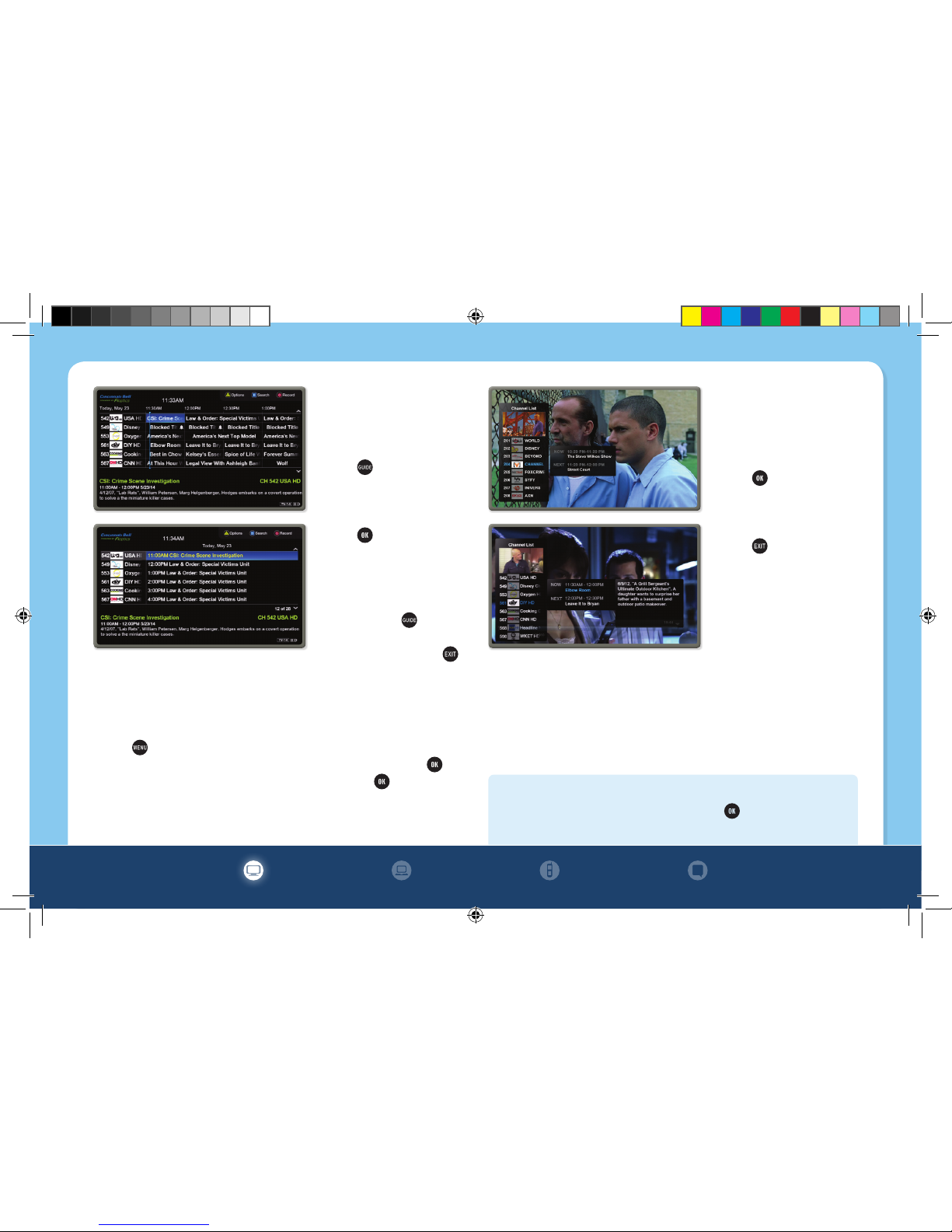
GUIDE See TV Listings for the current time.
DAY +/– Jump ahead or back 24 hours in TV Listings.
ARROWS Navigate through the program guide and
menu screens. Press the up arrow while watching TV
to access menu options.
ABCD Use as shortcuts to access additional features
available for set-top box menu screens, program
guide and interactive applications.
FAV Create or access Favorites lists for multiple
users, and easily access all your favorite channels.
NUMBERS Press channel numbers to directly tune
to a channel.
Switch input mode to alphabet input.
ON/OFF Access picture-in-picture mode.
MOVE Move the location of the picture-in-picture
window.
SWAP Swap between the two picture-in-picture
screens.
LIVE Jump to live TV when using DVR.
DVR CONTROLS Control On Demand
and DVR, where available.
EXIT Return to watching television.
INFO View current program
information and preview the program
coming next.
OK Confirm highlighted selections
or press while watching Live TV to
access the side bar menu.
ON DEMAND Directly access On
Demand movies and TV programs.
CH +/– Change channel to the next
higher or lower channel.
LAST Return to previous channel or
menu when viewing the guide or menu.
#Change the aspect ratio (4:3 or
16:9) on set-top box.
CH +/– Change the channel of the
picture-in-picture window.
PROGRAMMING
INSTRUCTIONS
During installation, your
Cincinnati Bell technician
programmed your
remote. If your remote
control stops working
with your set-top box,
remove any obstructions
between the remote and
set-top box, press
and try again.
If that doesn’t work, you
can re-synchronize the
remote by pressing
+ for 3 seconds.
4
14-CINBELL-0042 CinBell WK IPTV Book Q414.indd 4 10/27/14 7:31 PM