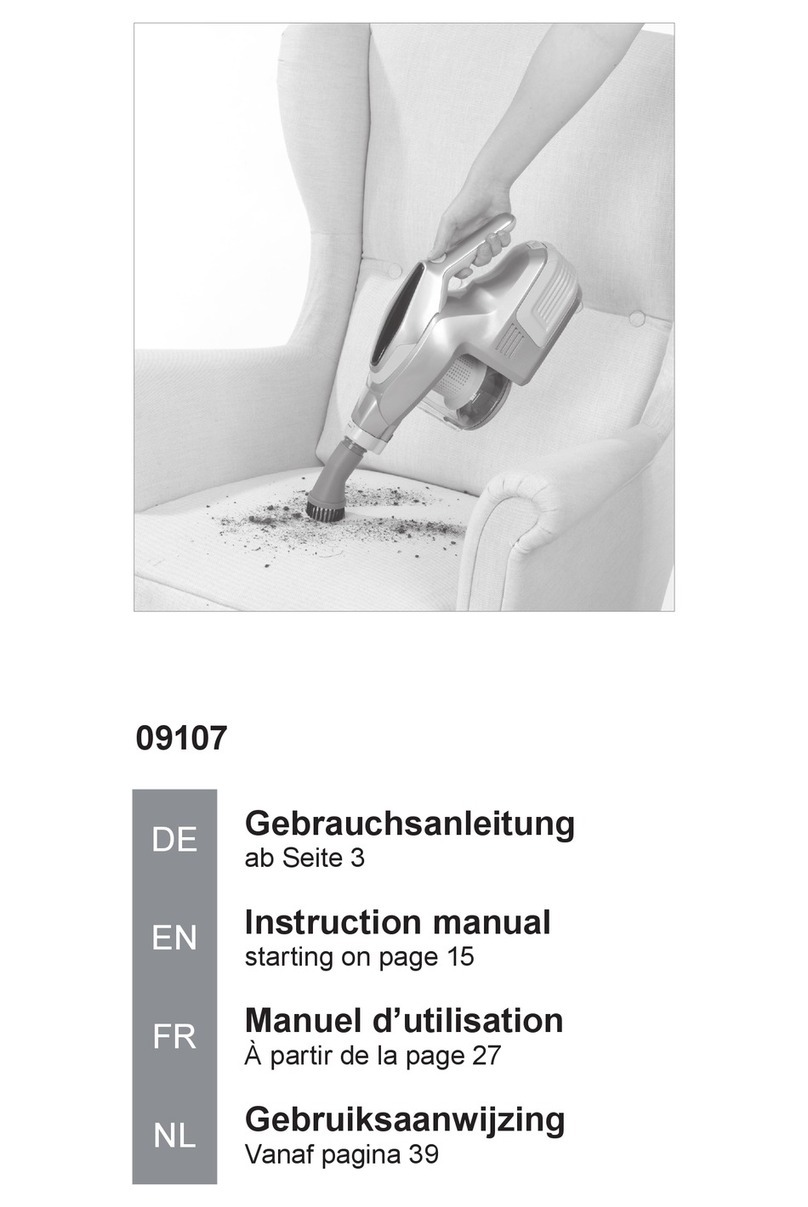
Cellini CVC12 User manual

OPERATION MANUAL
Detachable Rechargeable Stick Vacuum Cleaner
Model no.: CVC12
Read this operation manual carefully before using the product.
Keep this operation manual in a safe place.
This appliance is not intended for use by persons (including children) with reduced physical, sensory or
mentalcapabilities,orlackofexperienceandknowledge,unlesstheyhavebeengivensupervisionorinstruc
-
tion concerning use of the appliance by a person responsible for their safety. Keep children away from the
appliance. Children should be supervised to ensure that they do not play with the appliance.
使用說明書
2 合 1 充電式直立吸塵機
使用前必須閱讀此說明書
請保留此說明書作日後參考用
兒童、傷健人仕、精神及感官受到影響及缺乏操作常識和經驗者不適宜獨立操作此產品。
如需操作,需有相關人仕從旁指引及對其行為安全負責。
型號 : CVC12


SAFETY PRECAUTIONS
Please follow these safety precautions.
In order to prevent any harm or damage to users, third party or property, read this
operation manual carefully before using.
This product is operated by a rechargeable battery pack. Handle with care when
touching the product and the battery pack.
If the supply cord is damaged, it must be replaced by the manufacturer or its service
agent or a similarly qualied person in order to avoid a hazard.
About the built-in battery pack
!
!
!
Danger
Warning
Caution
Do not throw the battery pack in the re or heat it.
Do not connect wire between the terminal of the battery together with articles
which could short the terminals such as necklace or hair pins.
Do not charge the battery unless it is installed in the conguration.
Do not dismantle or modify the battery pack.
Do not connect or use this battery with equipment other than CVC12
Do not wet or soak in water or any liquid.
Do not remove or damage the external protection tube.
Do not subject to strong mechanical shock or do not throw it
at an object.
1

About the main body and battery charger
!Warning
Do not attempt dismantling, repair or modication except by
our authorised engineers.
Sparks inside the motor can ignite ammable vapors or dust. Do not vacuum
or use this product near ammable or combustible liquids (e.g., gasoline or
other fuels, lighter uid, cleaners, oil-based paints), gases (e.g., natural gas,
hydrogen), or explosive dust (e.g., coal dust, magnesium dust, grain dust,
gunpowder).
Clean any dust from the power plug regularly.
Do not touch the rotating parts of power brush when in operation.
Do not attach or leave any metal pins or dust on the battery charger terminal.
Do not wash the product or use in the bathroom and humid area.
Always disconnect the power plug from the power outlet when carrying out
maintenance.
Do not insert sticks into the ventilation part of the lter or exhaust outlet.
Use only the exclusively designed battery charger for this model.
Do not leave this product leaning against a wall when not charging the battery.
Do not damage, break, alter, bend by force, pull, twist or bundle the
conntecting power cord. Also, do not put anything heavy on the cable or tuck
the cable, otherwise it may cause a re or electric shock.
2

!Caution
Do not use the product close to any re sources.
Do not operate the product covering the suction or exhaust ports.
Do not suck water or any objects which may choke the suction port.
(eg. Glass, petrol, push-pins and wire.)
Do not strike the suction head hard against the wall or furniture.
Do not pull the power cable to disconnect, always grasp the power plug.
Disconnect the power plug from the power outlet when not in use.
Do not store the product in high temperature areas such as in the vehicle
under the sun or near heating equipment.
3

Filter Bafe Plate
HEPA Filter
Part names and directions for use
Please charge the battery rst if you are using the product for the rst time
or after storing the product for a long time.
Insert the nozzle by
rotate and insert
Crevice Tool
Dust Retainer
Nozzle Release
Button
Crevice Tool
Release Button
4

Power Indicator
HEPA Filter
Spring Return Button
Main Body
Inlet of Main Body
(Do not Switch ON when the
Filters were detached .)
Exhaust
Port
Battery Door for
Recycling
Single Unit
5
LED is ON durning
charging the battery
( It will not go OFF after the completion)

6
Part Names And Directions For Use
Please charge the battery rst if you are using the product for the rst time
or after storing the product for a long time.
Battery
Charger
Terminal
Battery Charger
Single Unit
Wall Mount
Power Brush
Release Button
Indicator Lamp
for Power Brush
Power Brush
Terminal to
charger
Rotating
Brush
Guide Pins
Suction Port
Attaching the Power Brush
Referring to the position of the guide pins, insert
the power brush to the main body.
Detaching the Power Brush
Press down the power brush release button and
pull out the power brush from the main body.

7
Always switch OFF the power after use or during
battery charging.
ON OFF
Detaching the single unit
Press
Press Press the
button and
then pull out
the single
unit
Main Body
How to straight up the handle
Straight up handle
to click.
How to fold the handle
When fold handle, fold
handle toward back
side of body with push-
ing button.
Press
Whole Unit

8
Charging The Battery
Charge the battery in the following situations.
- When using the product for the rst time after purchase.
- When using the product after storing for a long time.
1. Insert the single unit to the main body.
• Alway switch OFF the stick button when
insert the single unit to the main body.
• Avoid any substances between the
contacts of single unit and the main
body.
• If the main body is not set properly at the battery
charger, the battery will never be charged or the
main body may topple over.
• Avoid any unstable surfaces when carrying out
battery charging, otherwise the battery will never
be charged due to the insecure contact. Select a
stable oor to charge the battery.
• Take care not to trip over the power cable when
charging the battery.
2. Insert the main body to the battery charger.
Always switch OFF the appliance when charging the battery. If the appliance is ON, the battery
never charges.
3. Connect the power plug to the power outlet
4. When in use, the Battery Indicator will depict the battery level. The top green
LED indicates a full battery charge, the bottom red LED indicates the battery
level is low and recharging is necessary. The corresponding LED scale in
between allows you to monitor the battery level.
When the power plug of the battery charger is connected to the
AC power outlet, the indication lamp will light up.
• Note: Even after completing a charging cycle, the
inication lamp will not go OFF.
• The main body may become warm during
charging. This is not an abnormal sign.

Table of contents
Other Cellini Vacuum Cleaner manuals