
Bolymin BEGV643A Series User manual

BEGV643A
USER MANUAL
LCD Embedded System,
Atmel ATmega644p MCU,
Graphic 320x240 STN LCD,
LED/white backlight,
RS232/RS422/RS485, I2C /SPI
64KB in-system programmable Flash
No Operating System required

BEGV643A User Manual Ver.02- 2 -
CONTENTS
Precaution P3
Packing Contents P4
Chapter 1 Introduction P5
1-1ʳFeatures P6
1-2ʳBoard Layout P6
1-3ʳBlock Diagram P7
1-4ʳMechanical Dimension P7
1-5ʳBoard Specifications P8
1-6ʳOrdering Information P8
Chapter 2 Installation P9
2-1ʳJumpers P10
2-1-1 Contrast adjust P10
2-1-2 Frame ground P11
2-1-3 RS-422/485 VDD/ground P11
2-1-4 Screw hole ground P12
2-2ʳConnectors P12
2-2-1 Connector & Pin Definition P12
2-2-2 Pin vs. Function Diagram P16
Chapter 3 MCU Port Mapping P19
3-1 MCU Pin Configuration P20
3-2 MCU Port Mapping P21
3-2-1 LCD Controller P21
3-2-2 Touch Panel P21
3-2-3 RS-232/RS-422/RS-485 P21
3-2-4 Enable Backlight P21
3-2-5 EEPROM/I2C P21
3-2-6 2-wire serial port P21
3-2-7 SPI P22
3-2-8 General I/O P22
Chapter 4 Software Development Tool & Utility P23
4-1 ATMEL ATmega644p Tool P24
4-1-1 Download software from AVR
studio website P24
4-1-2 Additional tool for C language P32
4-2 Execute AVR studio 4.16 on designer PC P36
4-3 In-system programmer AVR ISP mk II P44
4-4 Bolymin Free Software Utilities P62
4-4-1 Website links P62
4-4-2 Introduction of BOLYMIN
software utilities P63
4-4-3 Software utilities function
description P71
Appendix A: LCD Controller Specification
Appendix B: EEPROM Specification
Appendix C: ATMEL ATmega644p MCU Specification

BEGV643A User Manual Ver.02- 3 -
Precaution
FCC
This device is designed to meet the requirement in part 15 of the FCC rules. Operation is subject
to conditions ruled under FCC part 15.
WARNING
CAUTION

BEGV643A User Manual Ver.02- 4 -
Please check packing content upon receiving BEGV643A parcel, make sure that all materials
and options are packed inside parcel according to your order.
Packing Contents Check-List
ƑBEGV643A LCD Embedded module
ƑTouch panel
ƑSoftware Utility Disc
ƑISP Cable (option)
ƑATMEL software development tool

BEGV643A User Manual Ver.02- 5 -
Chapter 1 Introduction
Abstract
This chapter is to offer you basic information regarding
BEGV643A, to help you incorporate BEGV643A into your
system.
Contents include:
1-1 Features
1-2 Board Layout
1-3 Block Diagram
1-4 Mechanical Dimension
1-5 Board Specifications
1-6 Ordering information

BEGV643A User Manual Ver.02- 6 -
1-1 Features
This BEGV643A is designed based on ATmega644p microprocessor, which requires no operating system to run
on. Together with a 320x240 STN LCD and LED backlight built-in, this all-in-one LCD embedded system BEGV643A
help designer enhance a compact design with cost saving, space saving, and design phase saving.
Armed with RS232, RS422/485, I2C and SPI interface port, this BEGV643A communicates many devices and
peripherals. The BEGV643A is therefore suitable to sit as a industrial control panel for factory automation equipment,
electronics instrument, HMI (human-machine interface), office automation equipment, medical equipment, parking
system, ticketing system.. and so on.
There are five LCD colors among choices: STN/gray, STN/yellow-green, STN/blue, FSTN/Positive, and
FSTN/negative. All comes with LED/white backlight.
64KB in-system self-programmable Flash offers sufficient ROM size for designer to develop software, further to
control LCD, touch panel, and interfaces.
Designer may simply design this BEGV643A into your application as you are designing a ATMEL CPU board,
without worrying LCD module and other interfaces, since they are all on one board.
1-2 Board Layout
This layout shows the location of each important IC, connector and jumper. Please refer to chapter 2 for further
information on jumper and connector.
(Drawing 1.2)
1
:LCD controller
7
: CN2
2
:RS232
3
:CN1
4
:Microprocessor
5
:RS-485/422
6
:EEPROM
7
65 43
2
1

BEGV643A User Manual Ver.02- 7 -
1-3 Block Diagram
(Drawing 1.3)
1-4 Mechanical Dimension
(Drawing 1.4)

BEGV643A User Manual Ver.02- 8 -
1-5 Board Specifications
(Table 1.5)
1-6 Ordering Information
(Table 1.6)
Part No. Description RS232-A RS232-B RS422 RS485
BEGV643A Dual RS232 ϩϩ
BEGV643A1 One RS232 ϩ
BEGV643A2 One RS232/One RS422 ϩϩ
BEGV643A3 One RS232/One RS485 ϩϩ
Display: FSTN/Positive LCD,LED/White Backlight(Default)
MCU High-performance, Low-power AVR
®
8-bit microprocessor
ATMEL ATmega644P
Memory 64K Bytes In-System Self-Programmable Flash
2K Bytes Internal EEPROM
4K Bytes Internal SRAM
3 x 64K Bytes External EEPROM(optional)
Display Support 8-bit single-scan resolution 320 x 240 monochrome STN LCD, with
edge LED white backlight only
Touch Panel(optional)Support four-wired resistive touch panel
Serial Ports Support 1 x RS232 port, and 1 x RS232/RS422(isolated)/RS485(isolated)
co-shared port
Support 1 x full-duplex, three-wired synchronous data transfer SPI port
Support 1 x two-wired serial interface to 250 KHz data transfer speed

BEGV643A User Manual Ver.02- 9 -
Chapter 2 Installation
Abstract
This chapter is to offer designer fundamental information
of BEGV643A jumpers and connectors, in order to help
designer configure correct setting and connection between
BEGV643A and system application.
Contents include:
2-1 Jumpers
2-2 Connectors

BEGV643A User Manual Ver.02- 10 -
2-1 Jumpers
This section is to indicate location and function of each jumper on BEGV643A, which user can arrange according
to the needs of different application desired. Be careful when setting jumper, user maybe need tool such as
needle-nose pliers to help setting. Please note, jumpers not described here are intended to keep as factory default
setting. Please consult Bolymin before trying to change default setting.
The table listed below describes location and function of each available jumper.
Jumpers: (Table 2.1)
Label Function
VR LCD contrast control
RG Frame ground
S2,S3 RS-422/RS-485 VDD/ground
JHG Screw hole ground
Detail location and function of each jumper is illustrated below.
2-1-1 Contrast Adjust
(Drawing 2.1.1)
VR Contrast adjust
10K ohm Inside default
N/A Outside
This manual suits for next models
3
Table of contents
Popular Control Unit manuals by other brands
Festo
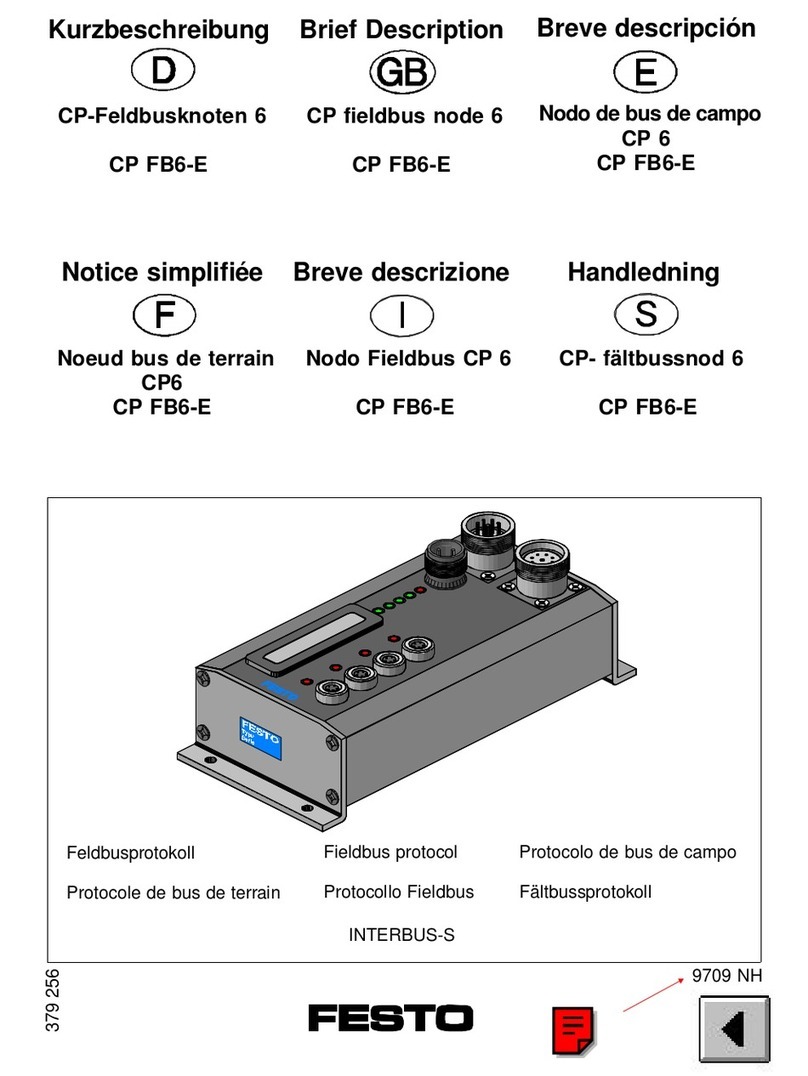
Festo Compact Performance CP-FB6-E Brief description

Elo TouchSystems
Elo TouchSystems DMS-SA19P-EXTME Quick installation guide

JS Automation
JS Automation MPC3034A user manual

JAUDT
JAUDT SW GII 6406 Series Translation of the original operating instructions

Spektrum
Spektrum Air Module System manual

BOC Edwards
BOC Edwards Q Series instruction manual

KHADAS
KHADAS BT Magic quick start

Etherma
Etherma eNEXHO-IL Assembly and operating instructions

PMFoundations
PMFoundations Attenuverter Assembly guide

GEA
GEA VARIVENT Operating instruction

Walther Systemtechnik
Walther Systemtechnik VMS-05 Assembly instructions

Altronix
Altronix LINQ8PD Installation and programming manual


