Contents
3
Introducing Ultimatte 5
What is a Matte? 5
Types of Mattes 6
Getting Started 9
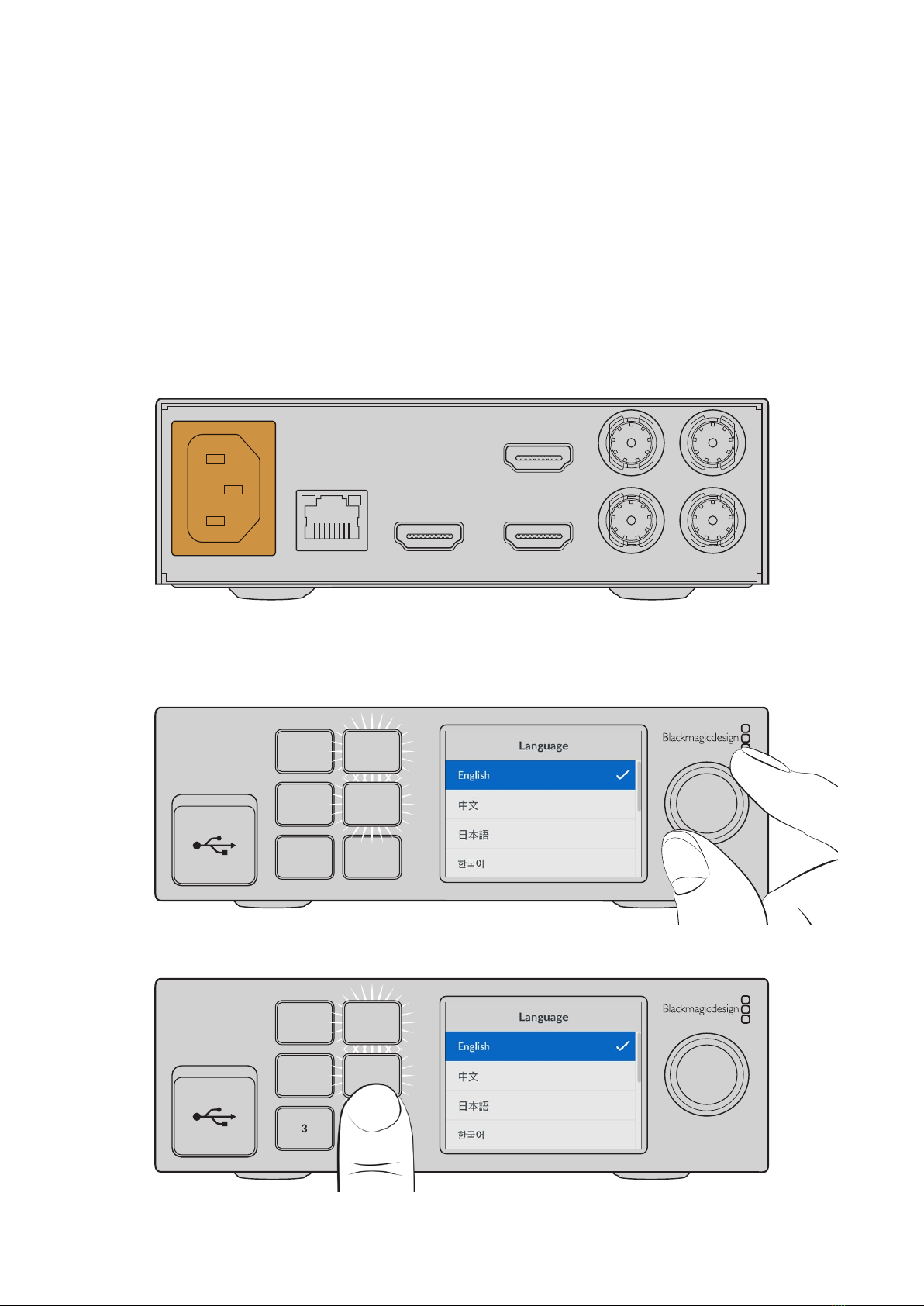
Plugging in Power 9
Setting the Language 9
Connecting your Camera Foreground 10
Connecting to a Switcher 11
Monitoring 11
Setting the Auto Composite 11
Monitor Cascade 12
Connectors 13
Supported Video Formats 15
Using the Front Control Panel 16
LCD Display 16
Quick Preset Buttons 17
Menu 17
Lock 17
LCD Menu Settings 17
Setup Settings 18
Network Settings 19
Matte Status 20
Input Status 21
Reset 21
Controlling Ultimatte 22
Ultimatte Software Control 22
Installing Ultimatte Software 22
Connecting your Computer 23
Assigning a Unit Number 24
Selecting the Ultimatte Main Unit 26
Ultimatte Software Control Layout 27
Main Menu Buttons 27
Information, File Control and Auto Key 27
Groups 28
Functions 28
Status Bar 28
Monitor Out 29
Setting Controls 29
Using the Media Pool 30
Supported File Formats for Stills 31
Stills Background and Layer Options 31
Ultimatte Compositing Workflow 32
Quick Guide to Building a Composite 33
Setting the Foreground Backing Color 33
Setting Screen Correction 34
Setting the Matte Density 35
Perfecting your Composite 35
Advanced Ultimatte Controls 37
Adjusting Matte Controls 37
Adjusting Foreground Flare Controls 42
Adjusting Foreground Ambiance Controls 44
Adjusting Brightness, Color,
Contrast and Saturation 45
Additional Background Settings 47
Additional Layer Settings 47
Matte Input Settings 49
Settings 52
System 52
Media 52
Inputs 52
Outputs 53
Monitor Cascade 55
On Air Settings 55
GPI and Tally Settings 56
Monitor Out Settings 58
Presets 60
Saving and Managing Presets 60
Assigning presets 61
Importing and Exporting Presets 62
Archives 63
Ultimatte 12