2.7 Measurements
Taking gas flow readings
To maintain the best possible accuracy and minimize thermal
effects, Bios recommends fully charging your battery before
taking measurements. If this is not possible, we recommend
disconnecting your Defender from its AC power adapter/charger
while taking flow measurements — or to run gas through your
Defender for 10 minutes before starting the flow measurement.
First steps
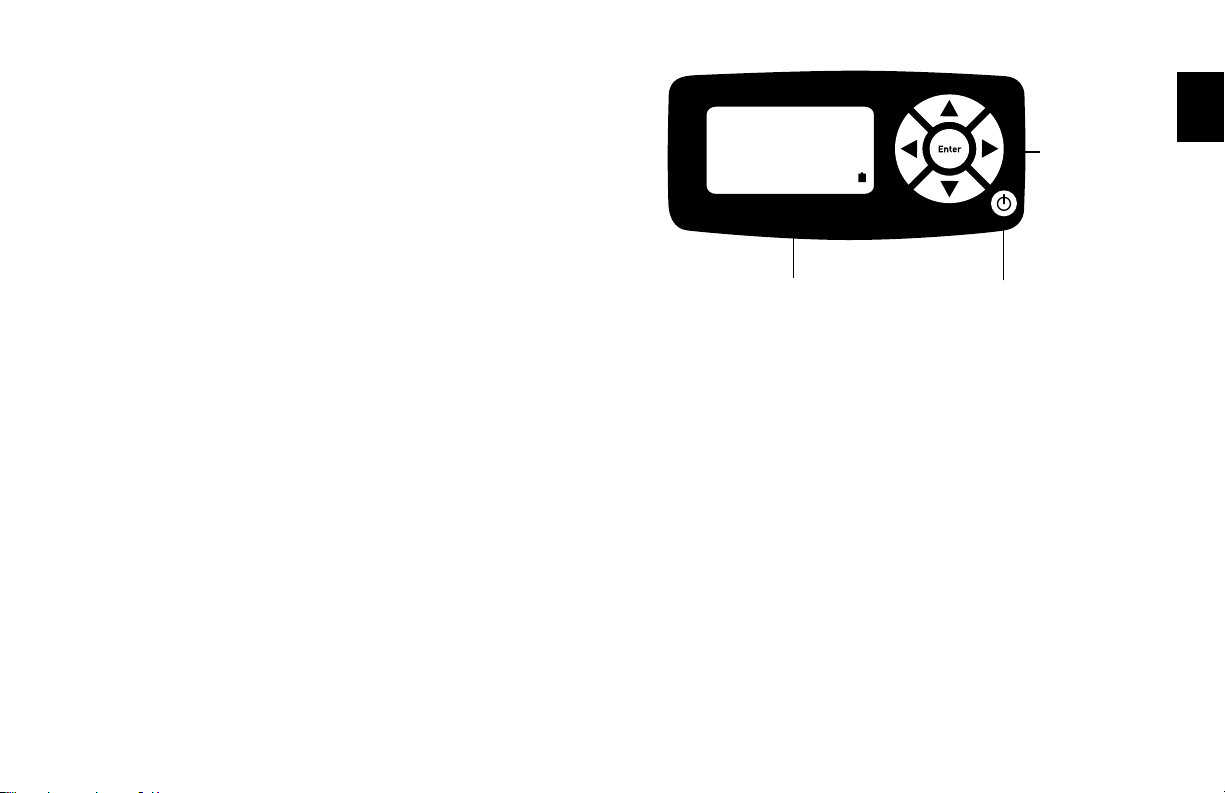
Pressthepowerbutton.
• PresstheOn/Off button for 1 second to turn on your Defender.
• Whenrstturnedon,yourDefenderdisplaysanopening
screen showing the product name, model number and flow
range.
• PresstheOn/Off button for 3 seconds to turn your
Defender off.
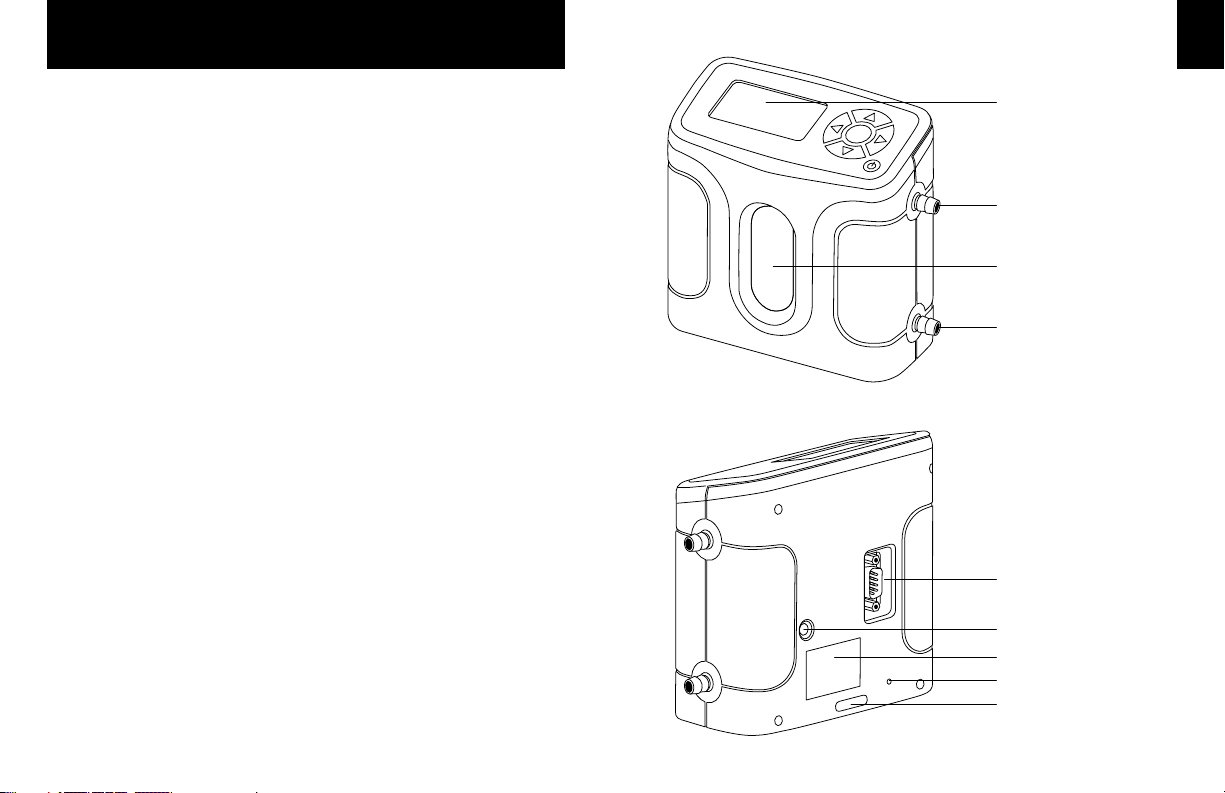
Connect device to be calibrated to the appropriate Defender port.
Use ¼ inch diameter tubing.
• Connecttooutletattop(suctiontting)whenadevicedraws
air (such as sampler).
• Connecttoinletatbottom(pressuretting)whenadevice
pushes air.
• DonotcaptheunusedportontheDefender.
• Choosethemeasurementtype,Single,Burst,orContinuous,
then press enter.
2.8 Single Measurement
Each time the ‘Enter’ button is pressed, one measurement will
bemade.Wheneachsubsequentmeasurementismade,the
current flow and average of all prior readings will be displayed.
2.9 Burst Measurement
This setting functions in the same manner as ‘SINGLE’, but
measurements continue automatically until the preset number of
measurements has been made. Operation then ceases, and the
last reading and average are displayed.
Press‘Enter’ again to begin another preset sequence.
2.10 Continuous Measurement
This setting functions in the same manner as ‘BURST’, but new
sequences will automatically repeat until stopped by the user.
2.0