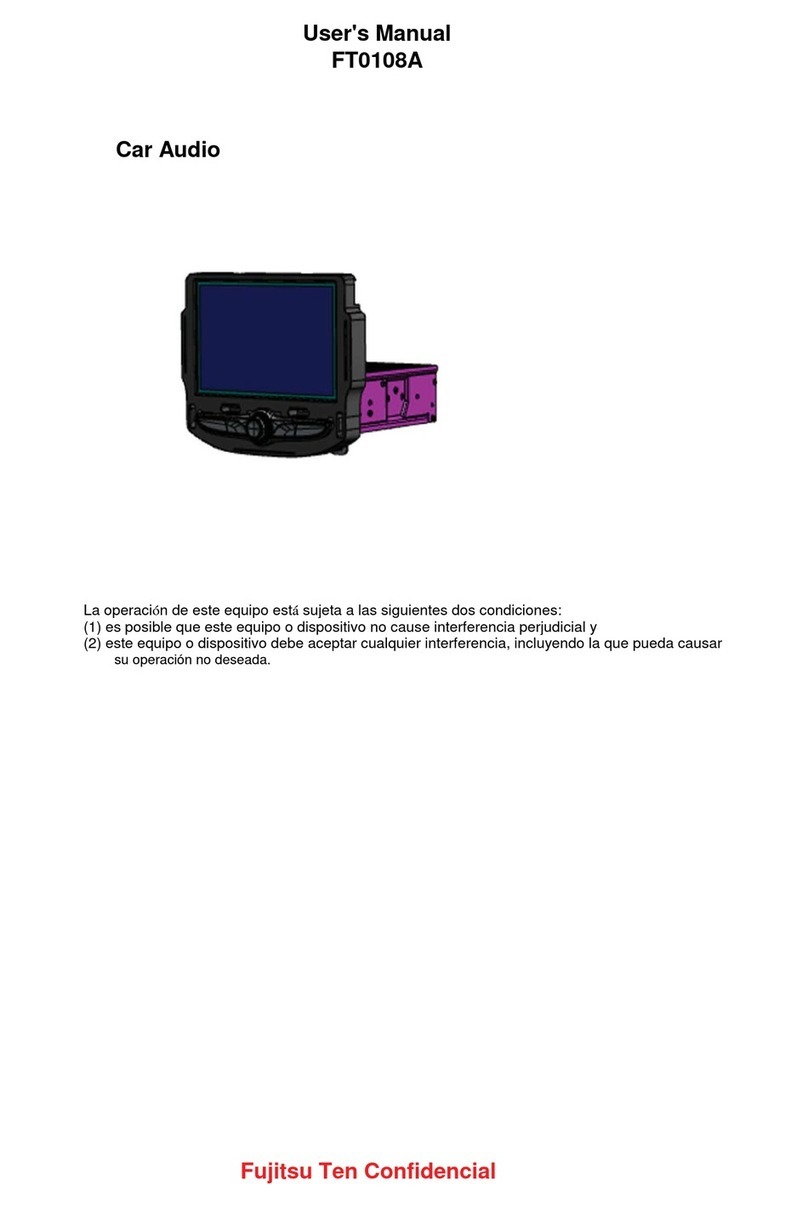
BENZER DV-9812 Operating instructions

DV-9812
INSTALLATION/OWNER’S MANUAL
Car Audio

DV-9812 TABLE OF CONTENTS
Table of Contents..….……………………………………….………………………………….……….. 1
Preparation…………….………………………………………………………………………………….. 2
Precautions………..….……………………………………….……………………………………….3 - 5
Notes on installation ……………………………………………………………………………..….. 6 - 8
Wire connection diagram……….. ………………………………………………………………………9
Control Locations – Receiver…………………………………………………………………………..10
General Operation …………………………………………………………………………………. …. 11
DVD/VCD/CD Operation ……………………………………………………..….…. .….….….….…. 12-13
BLUETOOTH Operation ……………………………………………………………………….………..14
Specification………………………………………………………………………………………………15
Please read all instructions carefully before attempting to install or operate.
Due to its technical nature, it is highly recommended that your BENZER DV-9812 is installed
by a professional installer of an authorized dealer. This product is only for use in vehicles with
12VDC negative ground only.
To get the best from your product, understand its capabilities and avoid all possible risks, we
recommend that you take time to read this manual very carefully before handling the product

– 1 –
DV-9812 NOTES ON INSTALLATION
Preparation
Be sure you test all connections first and then follow these steps
Before installing the unit, make sure your vehicle is connected to 12V DC negative grounded
electrical system.
The negative battery terminal must be disconnected before making connections which can
reduce damage to the product due to short circuit.
Be sure to connect the color coded leads correctly according to the diagram. Incorrect wiring
connections may cause the product to malfunction or damage the vehicle’s electrical
system.
When extending the ignition, battery or ground cables, make sure to use automotive grade
cables or other cables with an area of 0.75mm(AWG 18)or more to prevent voltage drops
&/or fluctuations.
Be sure to connect the speaker (-) leads to the speaker (-) terminal. Never connect the left
and right channel speaker cables with each other or to the vehicle body. Do not block vents
or radiator panels. Blocking them will cause heat to build up inside and may result in fire
After the completion of the installation and commencement of operation of the product
(includes replacing the battery), press the RESET button (1) on the front panel with pointed
objects ( ball pen etc., ) to set the unit to original factory settings.
DO NOT OPERATE THE PRODUCT IF THE TEMPERATURE INSIDE THE VEHICLE IS
UNDER - 20 OR OVER + 60 DEGREES CELCIUS .

– 2 –
DV-9812 NOTES ON INSTALLATION
Precautions
USE THIS PRODUCT SAFELY
When Driving
Keep the volume level low enough to be aware of road and traffic conditions.
When Car Washing
Do not expose the product to water or excessive moisture. This could cause electrical short circuit,
burned or other damage.
When Parked
Parking in direct sunlight can produce very high temperatures inside your vehicle. Give the interior a
chance to cool down before starting playback.
Use the Proper Power Supply
This product is designed to operate with a 12 volt DC, negative ground battery system.
Protect the Disc Mechanism
Avoid inserting any foreign objects into the slot of this player.
Failure to observe this may cause malfunction due to the precise mechanism of this unit.
For Installation
The unit should be installed in a horizontal position with the front end up at a convenient angle, but not
more than 30°.
■Do not attempt to disassemble or adjust this precision senstitive product.
■Do not attempt to modify the unit. Unit modification may cause malfunction.
■To enjoy the optimum audio& video while playing, please handle the disc as following:
1. Disc Handling
• Attempting to use non-standard discs or non standard shape discs ( example : square , start
and heart shaped discs) may damage the unit. Be sure to use good quality standard round
shaped discs only for this product
• Dirt, dust, scratches and bending the disc will cause malfunction.
• Do not place stickers, adhesive tape or make scratches on discs.
• Do not bend discs.
• A disc should always be kept in its protective cover when not in use to prevent from
damaging .
• Do not place discs in the following places :
1). Direct sunlight or sources of heating
2). Dirty, dusty and damp areas
3). Near car heaters or air conditioners
4). On the seats or dashboard
Note: Do not use any solvents such as petrol or thinning agents. Commercially available
cleaning substances of antistatic spray will damage the device.

– 3 –
DV-9812 NOTES ON INSTALLATION
Precautions
2. Disc Cleaning
Use a dry soft cloth to wipe the surface. If the disc is quite dirty, use a soft slightly damp cloth with
isopropyl (rubbing) alcohol. Never use solvents such as benzene , thinner or conventional record
cleaners as they may mar the surface of the disc.
Before playing a disc, please wipe it off with a clean, dust-free cleaning cloth.
Wipe the disc in the direction of the arrow.
Precautions
Always insert the disc with the label side facing upwards.
If the disc is inserted with the printed side facing down wards, the device can be damaged.

– 4 –
DV-9812 NOTES ON INSTALLATION
Precautions
Note: If there is already a disc in the disc slot, do not try to insert a second disc. This may
damage the device.
Always hold discs by the edge. In order to keep the disc clean do not touch the surface. Pull out the disc
as follows.
Note: A disc may become somewhat scratched (although not enough to make it unusable)
depending on the conditions under the environment & the way it has been handled.
These scratches are not an indication of any problem with the product.
Choose the mounting location where the unit will not interfere with the normal driving function of
The driver;
Before finally install the unit , connect the wiring and make sure it is all connected up properly, and
The unit & the system work properly.
Use only the parts included with the unit to ensure proper installation. The use of unauthorized
Parts can cause malfunctions.
Consult with your nearest dealer if installation requires the drill of holes or other modifications of
The vehicle.
Install the unit where it does not get in the driver’s way and cannot injure the passenger if there
Is a sudden stop, like an emergency stop or excessive brakes is applied.
If installed angle exceeds 30 degrees from horizontal, the unit might not giver its optimum
Performance.
Avoid installing the unit where it would be subject to high temperature such as direct sunlight, hot
Air, heater or where it would be subject to dust, dirt or excessive vibration.

– 5 –
DV-9812 INSTALLATION
Notes on Installation
DIN FRONT-MOUNTING METHOD(METHOD A)
Installing the unit
1. Dashboard
2. Holder
After inserting the holder into the dashboard, select the appropriate tab according to the
Thickness of the dashboard material and bend them inwards to secure the holder in place.
3. Screw
– 6 –

DV-9812 INSTALLATION
Notes on Installation
1. Dashboard 2. Nut(5mm) 3. Plan washer 4. Screw (5x25mm) 5. Screw
6. Strap
Be sure to usr the strap to secure the back of the unit in place. The starap can be bent by
Hand to the desired angel.
Removing the unit
1. Frame
2. Insert fingers into the groove in the front of frame and pull out to remove the frame.
(When reattaching the frame, point the side with a groove downwards and attach it.)
3. Lever
Insert the levers supplied with the unit into the grooves at both sides of the unit as shown in figure
Until they click, pulling th levers makes possible to remove the unit from the dashboard.
DIN REAR-MOUNTING METHOD(METHOD B)
Installation using the screw holes on the sides of the unit
– 7 –

DV-9812 INSTALLATION
Notes on Installation
Fastening the unit to the factory radio mounting bracket:
1. select apoition where the screw holes of the bracket and screw holes of the main unit become
Aligned(are fitted). And tighten the screws at 2 places on each side.
Use either truss screws(5 x 5mm) or flush surface screws(4 x 5mm)
2. Screw(“ T “ Position)
3. Dashboard or console
NOTE: The mounting box, outer trim ring, and half-sleeve are not used for method b installation
– 8 –

DV-9812 ADDITIONAL INFORMATION
Wire Connection Diagram
– 9 –
Table of contents