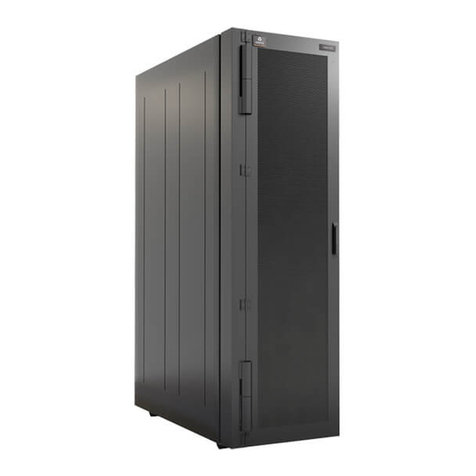
Becken BHC3864 User manual
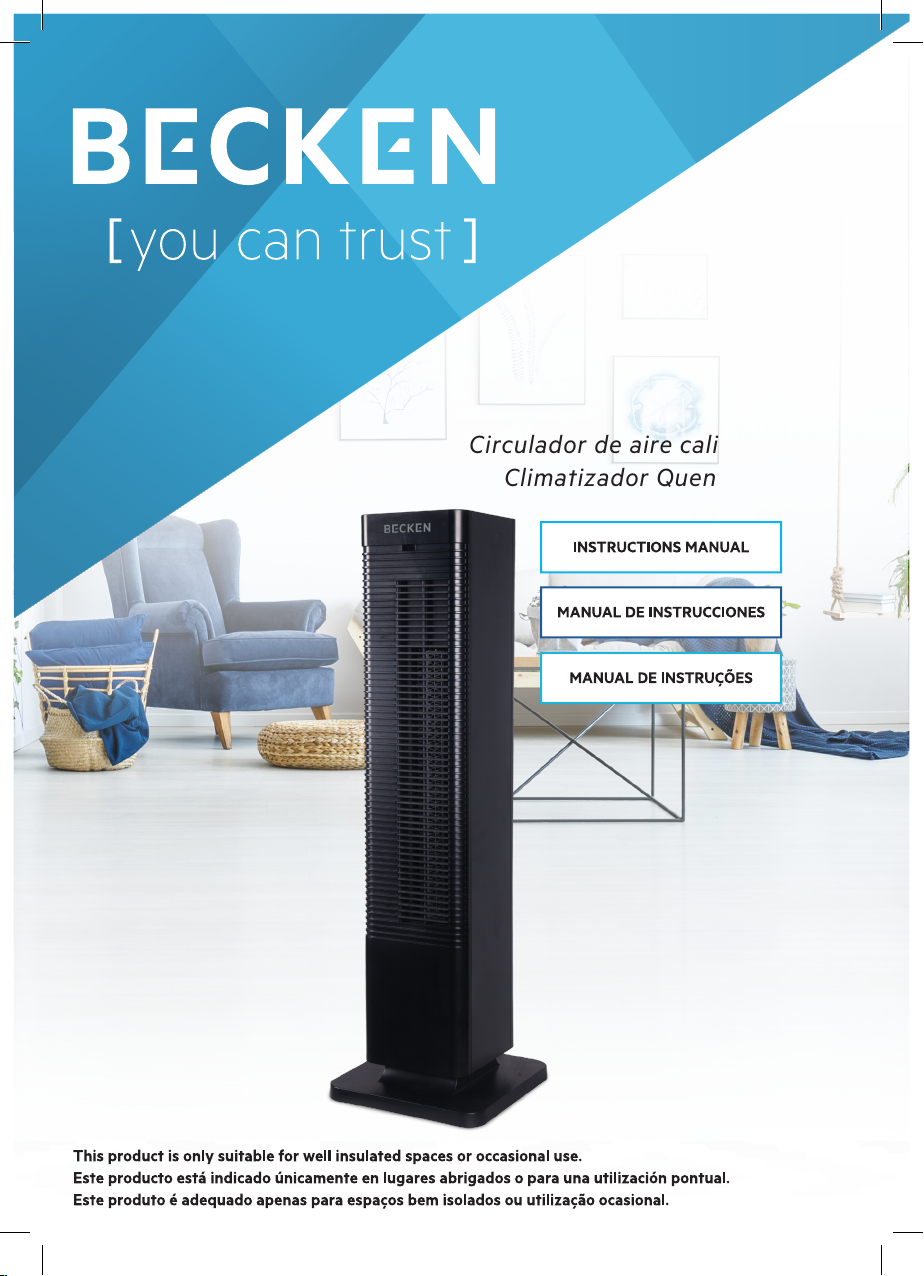
Hot&Cold Air circulator | Circulador de aire caliente y frío | Climatizador Quente&Frio
BHC3864
Hot&Cold
Air circulator
Hot&Cold
Air circulator
Circulador de aire caliente y frío
Climatizador Quente&Frio
AF_BECKEN_MANUAL_climatizador QuenteFrio_BHC3864_A5 (2).indd 1 05/07/2019 15:05

Dear client,
Thank you for purchasing this product.
The quality of this appliance has been certied by several
laboratory tests. This instructions manual is provided to
simplify the use of the appliance as well as to guarantee a
safe use.
Please read carefully the instructions and safety measures
described in this manual.
We sincerely hope you will be satised when using your new
appliance.
AF_BECKEN_MANUAL_climatizador QuenteFrio_BHC3864_A5 (2).indd 2 05/07/2019 15:05

3
EN
Hot&Cold Air circulator | Circulador de aire caliente y frío | Climatizador Quente&Frio
INDEX
1. SAFETY INSTRUCTIONS 4
1.1. Power Supply 5
1.2. Power Cord and Other Cables 5
1.3. Humidity and Water 5
1.4. Cleaning 6
1.5. General Precautions 6
2. OPERATING INSTRUCTIONS 8
2.1. Product Description 8
2.2. Product usage 9
2.3. Maintenance 14
3. TECHNICAL SPECIFICATIONS 14
4. POST-SALE SERVICE 15
5 . E N V I R O N M E N T A L P R O T E C T I O N 1 5
AF_BECKEN_MANUAL_climatizador QuenteFrio_BHC3864_A5 (2).indd 3 05/07/2019 15:05

4
1. SAFETY INSTRUCTIONS
WARNING
RISK OF ELECTRIC SHOCK
DO NOT OPEN
Warning: to avoid the risk of electric shock, do not
remove the cover. The interior does not contain
any parts that can be repaired by the user. Ask for
assistance from the Customer Support Service.
Important Warnings
Before using your appliance read these instructions manual
carefully and keep it in a safe place as you may need to
consult it in the future.
Before turning on your appliance, and to ensure a safe and
correct operation, do not use if:
• It has fallen to the ground;
• You notice any evidence of damage;
• Any anomaly occurs during its operation.
To avoid hazards or deterioration of your appliance through
incorrect use it is advisable to read these instructions
thoroughly.
Your appliance should not be used for other purposes than
the ones intended and solely for household use. Any damage
resulting from using the appliance outside this scope, any
incorrect use, as well as any manual modications to the product
will not be covered and automatically voids the warranty.
AF_BECKEN_MANUAL_climatizador QuenteFrio_BHC3864_A5 (2).indd 4 05/07/2019 15:05

5
EN
Hot&Cold Air circulator | Circulador de aire caliente y frío | Climatizador Quente&Frio
Please note this product is only suitable for well insulated
spaces or occasional use.
Assistance
In case of malfunction, take your appliance to the Customer
Support Service for assistance.
This appliance can be used by children from the age of 8
and by people with reduced physical, sensorial or mental
capabilities and/or lack of experience and knowledge if they
have been given instructions on using the appliance safely
and if they understand the hazards involved. Children may
not play with the appliance. Cleaning and maintenance must
not be carried out by children without supervision.
These instructions are also available at www.suporteworten.pt
1.1. Power Supply
Make sure the main voltage is compatible with the appliance’s. If this is
not the case, please consult the Customer Support Service.
1.2. Power Cord and Other Cables
Do not tangle the cord or pull it to disconnect the appliance. Also, keep
the cord away from warm surfaces.
Never use the appliance if it has a damaged cable or socket.
Take it to the Customer Support Service for replacement.
1.3. Humidity and Water
Do not use your appliance in humid places. Do not allow the appliance
to become wet under any circumstances as this may be dangerous.
To avoid re hazard or electric shock do not expose your appliance
to humidity or water. Furthermore, do not place your appliance under
water (e.g. for cleaning).
AF_BECKEN_MANUAL_climatizador QuenteFrio_BHC3864_A5 (2).indd 5 05/07/2019 15:05

6
1.4. Cleaning
Before cleaning, be sure to switch o the appliance and remove the
plug from the main power supply. Always allow the unit to cool down
before cleaning.
To clean the exterior of the product, use a dry soft cloth only.
1.5. General Precautions
• Please follow the instructions in the user manual which will help you
to properly install and operate this product and enjoy its advanced
features. Please keep the instructions for future reference.
• Read all instructions before using the product.
• Maintenance and service operations are only to be carried out by
authorized professionals.
• Any damage caused by manual modications to the product is not
covered by the warranty.
• If this product is used for other purposes than the ones originally
intended, or if it is not correctly connected, the product may become
damaged and the warranty will be voided.
WARNING:
• CAUTION - Some product parts can become very hot and cause
burns. Pay special attention when children and vulnerable people are
present.
• Warning: in order to avoid overheating, do not cover the heater.
• The heater must not be located immediately under an outlet.
• Do not use this heater near a bath, a shower or a swimming pool.
• Using a PTC (positive temperature coeicient) ceramic heating
appliance enables changing the power automatically according to
the room temperature.
AF_BECKEN_MANUAL_climatizador QuenteFrio_BHC3864_A5 (2).indd 6 05/07/2019 15:05

7
EN
Hot&Cold Air circulator | Circulador de aire caliente y frío | Climatizador Quente&Frio
• The product has a longer lifespan it is remains oxidation free.
• Fanning options for high or low temperatures, cool & warm setting;
heat adjustment is available.
• Timer function (1-12h).
• Automatic air supply, downward wind, even heating.
• Digital temperature control from 15 ºC to 35 ºC.
• Possibility of using cross ow fan with low noise (mute in low power).
• Tip-over safety protection, double over-heating protection
(thermistor, temperature fuse), for a safer use.
• Infrared long-distance remote control, easy to operate.
• Swing feature, with a wide-angle, left-right swing. Soft wind, even
heating.
AF_BECKEN_MANUAL_climatizador QuenteFrio_BHC3864_A5 (2).indd 7 05/07/2019 15:05
8
2. OPERATING INSTRUCTIONS
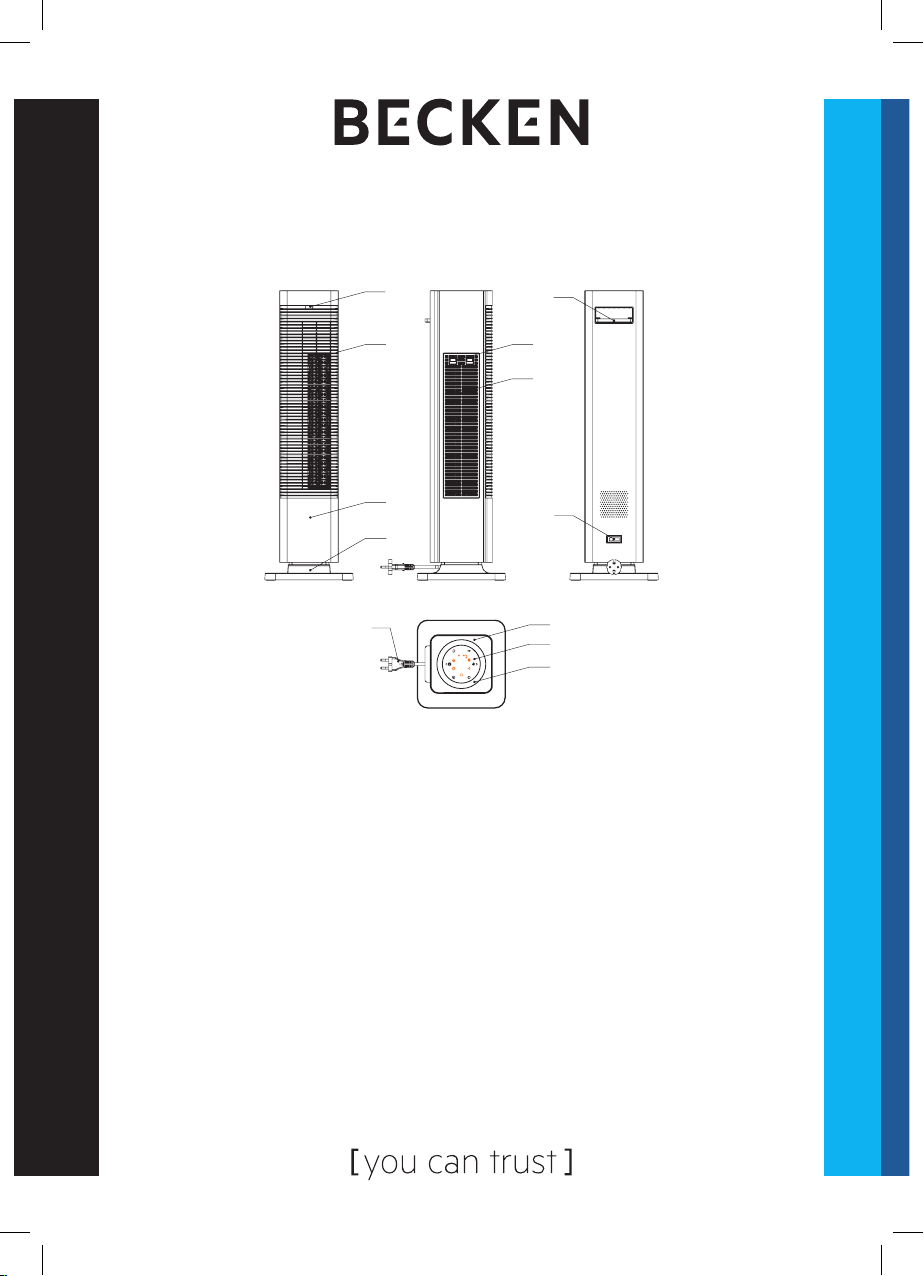
2.1. Product Description
Product parts
1. Remote control receiver 7. Top cover
2. Wind outlet 8. Control panel
3. Front cover 9. Decorative lm
4. Plastic base 10. Power cord
5. Filter cover 11. Power switch
6. Filter 12. Remote control
1
2
3
4
10
11
12
5
6
7
8
9
AF_BECKEN_MANUAL_climatizador QuenteFrio_BHC3864_A5 (2).indd 8 05/07/2019 15:05

9
EN
Hot&Cold Air circulator | Circulador de aire caliente y frío | Climatizador Quente&Frio
Control panel Display panel
Remote control panel
2.2. Product usage
Assembling method
1. Remove the appliance from the package.
2. Carefully place it on a stable oor, correct side up.
3. Remove the packaging, including the master device (1 pcs) and the
remote control (1 pcs); the appliance’s base is not-detachable.
4. Place the appliance in the upright position, on an even and stable
surface.
b
a
c
f
e
d
AF_BECKEN_MANUAL_climatizador QuenteFrio_BHC3864_A5 (2).indd 9 05/07/2019 15:05
10
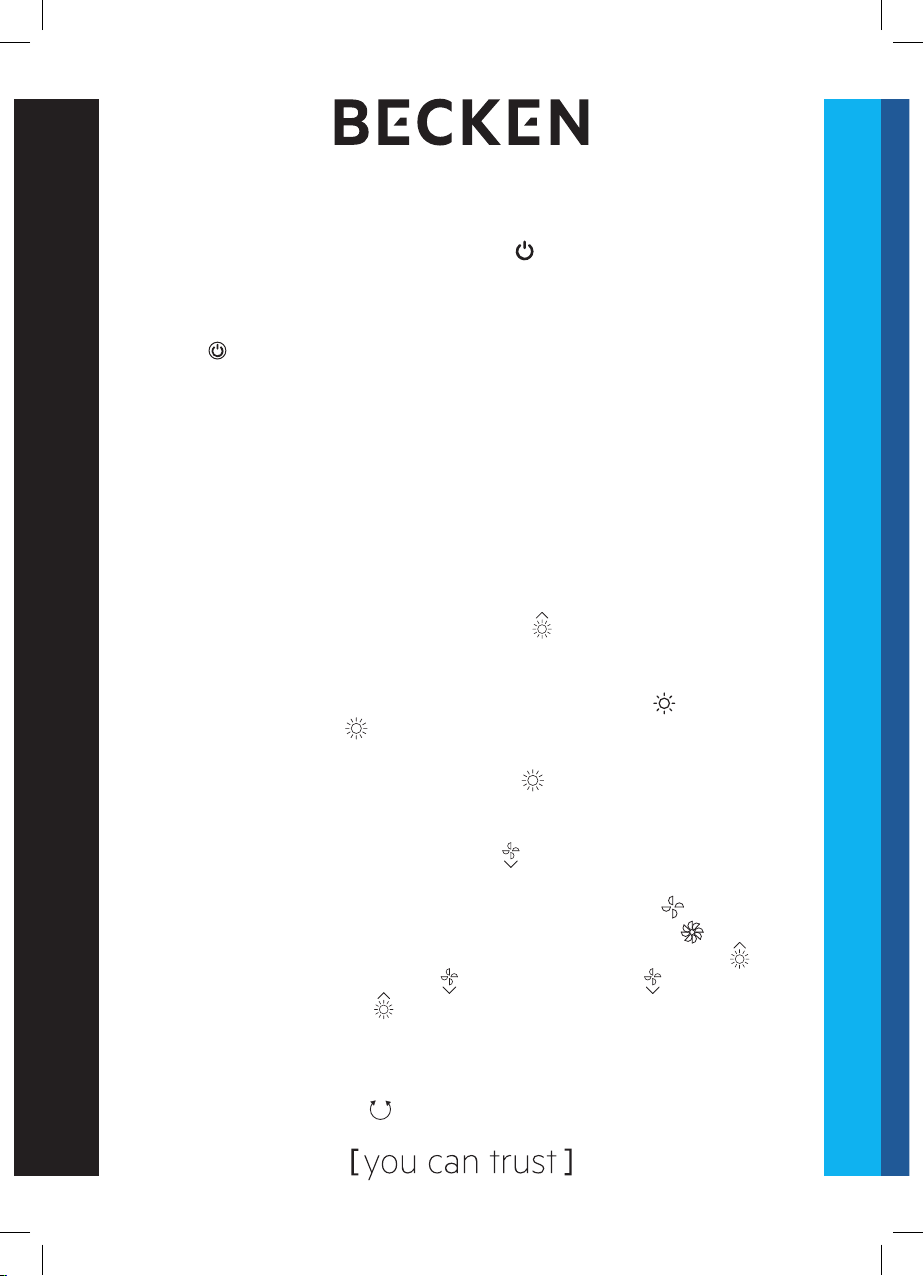
Using the Buttons
1. Plug the appliance in. After emitting a sound, it will have entered
standby mode. The power indicator lamp will light up and all other
features and displays will be locked.
2. Standby mode. Under this mode, all key pressing is invalid except
for the key. Press this key and the appliance will start working. Press
it again and the appliance will stop working. The appliance has the
following default setting after switching it on:
a) PTC heating: Turn on the function and switch between low and high
b) Swing: Turn the function on and o
c) Timer: Activates the function. Automatically set to 0 h (no set timer)
and “h” indicator is o
d) Temperature: Displays the room temperature when operating
e) Fan: Turn on the function and switch between low and high
f) Temperature setting: Automatically set to 25 ° C.
3. When the appliance is working, press the key to shift the PTC
from low heating to high heating. Press it a second time to switch back
to low heating.
a) Working at low heating: the low heating indicator light is on (the
high heating indicator is o).
b) Working at high heating: Both low and high heating levels are
active and the high heating indicator light is on. The function starts
working 10 seconds after.
4. When the appliance is working, press the key to change the fan from low
to high fan power. Press it a second time to switch back to low fan power.
a) Working at low fan power: low fan power indicator light is on.
b) Working at high fan power: high fan power indicator light is on.
Note: when changing between heating and cooling fan, press the
key and the cooling fan indicator will be o. Press the key again
and the heating indicator will be o (there is no cool fan function
when the PTC is working and there is no PTC heating function when
the cooling fan is working.)
5. When working, press the key to activate or deactivate the swing feature.
AF_BECKEN_MANUAL_climatizador QuenteFrio_BHC3864_A5 (2).indd 10 05/07/2019 15:05
Table of contents
Languages:
Other Becken Fan manuals


Popular Fan manuals by other brands

ELTA FANS
ELTA FANS H03VV-F installation guide

Hunter
Hunter 20714 Owner's guide and installation manual

Emerson
Emerson CARRERA VERANDA CF542ORB00 owner's manual

Hunter
Hunter Caraway Owner's guide and installation manual

Panasonic
Panasonic FV-15NLFS1 Service manual

Kompernass
Kompernass KH 1150 operating instructions