
ATEN VC812 User manual

VC812
HDMI to VGA/Audio Converter
with Scaler
User Manual

VC812 User Manual
ii
Compliance Statements
FEDERAL COMMUNICATIONS COMMISSION INTERFERENCE
STATEMENT
This equipment has been tested and found to comply with the limits for a Class
A digital device, pursuant to Part 15 of the FCC ules. These limits are
designed to provide reasonable protection against harmful interference when
the equipment is operated in a commercial environment. This equipment
generates, uses, and can radiate radio frequency energy and, if not installed and
used in accordance with the instruction manual, may cause harmful
interference to radio communications. Operation of this equipment in a
residential area is likely to cause harmful interference in which case the user
will be required to correct the interference at his own expense.
The device complies with Part 15 of the FCC ules. Operation is subject to the
following two conditions: (1) this device may not cause harmful interference,
and (2) this device must accept any interference received, including
interference that may cause undesired operation.
FCC Caution
Any changes or modifications not expressly approved by the party responsible
for compliance could void the user's authority to operate this equipment.
Warning
Operation of this equipment in a residential environment could cause radio
interference.
Achtung
Der Gebrauch dieses Geräts in Wohnumgebung kann Funkstörungen
verursachen.
KCC Statement
VC812 User Manual
iii
Industr Canada Statement
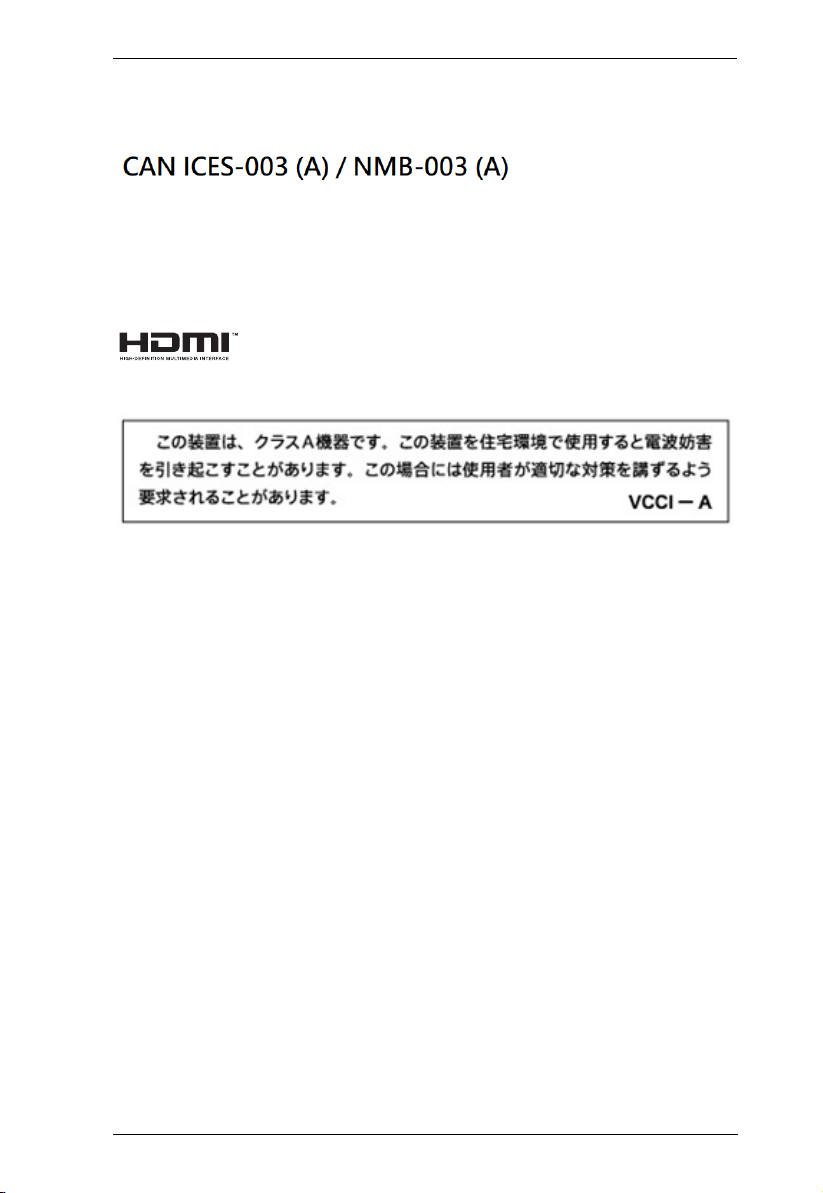
This Class A digital apparatus complies with Canadian ICES-003.
HDMI Trademark Statement
The terms HDMI, HDMI High-Definition Multimedia Interface, and the
HDMI Logo are trademarks or registered trademarks of HDMI Licensing
Administrator, Inc.
VCCI Statement
RoHS
This product is oHS compliant.
VC812 User Manual
iv
User Information
Online Registration
Be sure to register your product at our online support center:
Telephone Support
For telephone support, call this number:
User Notice
All information, documentation, and specifications contained in this manual
are subject to change without prior notification by the manufacturer. The
manufacturer makes no representations or warranties, either expressed or
implied, with respect to the contents hereof and specifically disclaims any
warranties as to merchantability or fitness for any particular purpose. Any of
the manufacturer's software described in this manual is sold or licensed as is.
Should the programs prove defective following their purchase, the buyer (and
not the manufacturer, its distributor, or its dealer), assumes the entire cost of all
necessary servicing, repair and any incidental or consequential damages
resulting from any defect in the software.
The manufacturer of this system is not responsible for any radio and/or TV
interference caused by unauthorized modifications to this device. It is the
responsibility of the user to correct such interference.
The manufacturer is not responsible for any damage incurred in the operation
of this system if the correct operational voltage setting was not selected prior
to operation. PLEASE VE IFY THAT THE VOLTAGE SETTING IS
CO ECT BEFO E USE.
International http://eservice.aten.com
International 886-2-8692-6959
China 86- 00-810-0-810
Japan 81-3-5615-5811
Korea 82-2- 67-6789
North America 1-888-999-ATEN ext 988
1-9 9- 28-1111

VC812 User Manual
v
Product Information
For information about all ATEN products and how they can help you connect
without limits, visit ATEN on the Web or contact an ATEN Authorized
eseller. Visit ATEN on the Web for a list of locations and telephone numbers:
Package Contents
The VC812 HDMI to VGA Converter with Scaler package consists of:
1 VC812 HDMI to VGA Converter with Scaler
1 Software CD
1 Power Adapter
1 User Instructions*
International http://www.aten.com
North America http://www.aten-usa.com

VC812 User Manual
vi
Contents
Compliance Statements . . . . . . . . . . . . . . . . . . . . . . . . . . . . . . . . . . . . . . . ii
User Information . . . . . . . . . . . . . . . . . . . . . . . . . . . . . . . . . . . . . . . . . . . .iv
Online Registration . . . . . . . . . . . . . . . . . . . . . . . . . . . . . . . . . . . . . . . .iv
Telephone Support . . . . . . . . . . . . . . . . . . . . . . . . . . . . . . . . . . . . . . . .iv
User Notice . . . . . . . . . . . . . . . . . . . . . . . . . . . . . . . . . . . . . . . . . . . . .iv
Product Information . . . . . . . . . . . . . . . . . . . . . . . . . . . . . . . . . . . . . . . . . . v
Package Contents . . . . . . . . . . . . . . . . . . . . . . . . . . . . . . . . . . . . . . . . . . . v
Contents . . . . . . . . . . . . . . . . . . . . . . . . . . . . . . . . . . . . . . . . . . . . . . . . . .vi
About this Manual . . . . . . . . . . . . . . . . . . . . . . . . . . . . . . . . . . . . . . . . . . viii
Conventions . . . . . . . . . . . . . . . . . . . . . . . . . . . . . . . . . . . . . . . . . . . . . . . .ix
1. Introduction
Overview. . . . . . . . . . . . . . . . . . . . . . . . . . . . . . . . . . . . . . . . . . . . . . . . . . . 1
Features . . . . . . . . . . . . . . . . . . . . . . . . . . . . . . . . . . . . . . . . . . . . . . . . . . . 2
Requirements . . . . . . . . . . . . . . . . . . . . . . . . . . . . . . . . . . . . . . . . . . . . . . 3
Source Device(s). . . . . . . . . . . . . . . . . . . . . . . . . . . . . . . . . . . . . . . . . . 3
Display Device . . . . . . . . . . . . . . . . . . . . . . . . . . . . . . . . . . . . . . . . . . . 3
Cables. . . . . . . . . . . . . . . . . . . . . . . . . . . . . . . . . . . . . . . . . . . . . . . . . . 3
Components . . . . . . . . . . . . . . . . . . . . . . . . . . . . . . . . . . . . . . . . . . . . . . .
Front View . . . . . . . . . . . . . . . . . . . . . . . . . . . . . . . . . . . . . . . . . . . . . .
Rear View . . . . . . . . . . . . . . . . . . . . . . . . . . . . . . . . . . . . . . . . . . . . . . . 5
2. ardware Setup
Mounting . . . . . . . . . . . . . . . . . . . . . . . . . . . . . . . . . . . . . . . . . . . . . . . . . . . 7
Installation . . . . . . . . . . . . . . . . . . . . . . . . . . . . . . . . . . . . . . . . . . . . . . . . . 8
3. Operation
Overview. . . . . . . . . . . . . . . . . . . . . . . . . . . . . . . . . . . . . . . . . . . . . . . . . . . 9
On-Screen Display (OSD) . . . . . . . . . . . . . . . . . . . . . . . . . . . . . . . . . . . . . 9
Output Setup . . . . . . . . . . . . . . . . . . . . . . . . . . . . . . . . . . . . . . . . . . . . 10
Output Resolution . . . . . . . . . . . . . . . . . . . . . . . . . . . . . . . . . . . . . 10
Default Pattern . . . . . . . . . . . . . . . . . . . . . . . . . . . . . . . . . . . . . . . 11
Image . . . . . . . . . . . . . . . . . . . . . . . . . . . . . . . . . . . . . . . . . . . . . . . . . 11
Adjustment . . . . . . . . . . . . . . . . . . . . . . . . . . . . . . . . . . . . . . . . . . . . . 12
System . . . . . . . . . . . . . . . . . . . . . . . . . . . . . . . . . . . . . . . . . . . . . . . . 13
Exit . . . . . . . . . . . . . . . . . . . . . . . . . . . . . . . . . . . . . . . . . . . . . . . . . . . 13
Utility Tool . . . . . . . . . . . . . . . . . . . . . . . . . . . . . . . . . . . . . . . . . . . . . . . . 1
Output Setup . . . . . . . . . . . . . . . . . . . . . . . . . . . . . . . . . . . . . . . . . . . . 16
Output Resolution . . . . . . . . . . . . . . . . . . . . . . . . . . . . . . . . . . . . . 16
Default Pattern . . . . . . . . . . . . . . . . . . . . . . . . . . . . . . . . . . . . . . . 17
Image . . . . . . . . . . . . . . . . . . . . . . . . . . . . . . . . . . . . . . . . . . . . . . . . . 17
Adjustment . . . . . . . . . . . . . . . . . . . . . . . . . . . . . . . . . . . . . . . . . . . . . 18
System . . . . . . . . . . . . . . . . . . . . . . . . . . . . . . . . . . . . . . . . . . . . . . . . 19

VC812 User Manual
vii
Powering Off and Restarting . . . . . . . . . . . . . . . . . . . . . . . . . . . . . . . . . . 20
Appendix
Safety Instructions. . . . . . . . . . . . . . . . . . . . . . . . . . . . . . . . . . . . . . . . . . . 21
General . . . . . . . . . . . . . . . . . . . . . . . . . . . . . . . . . . . . . . . . . . . . . . . . 21
Technical Support . . . . . . . . . . . . . . . . . . . . . . . . . . . . . . . . . . . . . . . . . .23
International . . . . . . . . . . . . . . . . . . . . . . . . . . . . . . . . . . . . . . . . . . . . 23
North America . . . . . . . . . . . . . . . . . . . . . . . . . . . . . . . . . . . . . . . . . . 23
Specifications . . . . . . . . . . . . . . . . . . . . . . . . . . . . . . . . . . . . . . . . . . . . . . 2
ATEN Standard Warranty Policy. . . . . . . . . . . . . . . . . . . . . . . . . . . . . . . . 25
Limited Warranty . . . . . . . . . . . . . . . . . . . . . . . . . . . . . . . . . . . . . . . . 25

VC812 User Manual
viii
About this Manual
This User Manual is provided to help you get the most from your VC812
system. It covers all aspects of installation, configuration and operation. An
overview of the information found in the manual is provided below.
Introduction, introduces you to the VC812 system. Its purpose, features and
benefits are presented, and its front and back panel components are described.
ardware Setup, describes how to set up your VC812 installation. The
necessary steps are provided.
Operation, explains the fundamental concepts involved in operating the
VC812 via the front panel pushbuttons.
Appendix, provides specifications and other technical information regarding
the VC812.
Note:
ead this manual thoroughly and follow the installation and operation
procedures carefully to prevent any damage to the unit and/or connected
devices.
The product may be updated, with features and functions added, improved,
or removed since the release of this manual. For an up-to-date user
manual, visit http://www.aten.com/global/en/.

VC812 User Manual
ix
Conventions
This manual uses the following conventions:
Monospaced Indicates text that you should key in.
[ ] Indicates keys you should press. For example, [Enter] means to
press the Enter key. If keys need to be chorded, they appear
together in the same bracket with a plus sign between them:
[Ctrl+Alt].
1. Numbered lists represent procedures with sequential steps.
♦Bullet lists provide information, but do not involve sequential steps.
>
Indicates selecting the option (on a menu or dialog box, for
example), that comes next. For example, Start
>
Run means to
open the Start menu, and then select Run.
Indicates critical information.

VC812 User Manual
x
This Page Intentionally Left Blank
Other manuals for VC812
1
Other ATEN Media Converter manuals

ATEN
ATEN VC180 User manual

ATEN
ATEN IC-485AI User manual

ATEN
ATEN VanCryst VS1804T User manual

ATEN
ATEN UC-232A User manual

ATEN
ATEN CV-130 User manual

ATEN
ATEN CV190 User manual

ATEN
ATEN IC-485AI User manual

ATEN
ATEN Centronics SXP-320A User manual

ATEN
ATEN Interface Converter IC-485S User manual

ATEN
ATEN IEEE-488/Parallel Converter IC-488P User manual

ATEN
ATEN Interface Converter IC-485S User manual

ATEN
ATEN Interface Converter IC-485S User manual

ATEN
ATEN SXP-500 User manual

ATEN
ATEN VS192 User manual

ATEN
ATEN CV-130 User manual

ATEN
ATEN CV-130A User manual

ATEN
ATEN VC180 User manual

ATEN
ATEN VC182 User manual

ATEN
ATEN VS92A User manual

ATEN
ATEN VC1280 User manual


