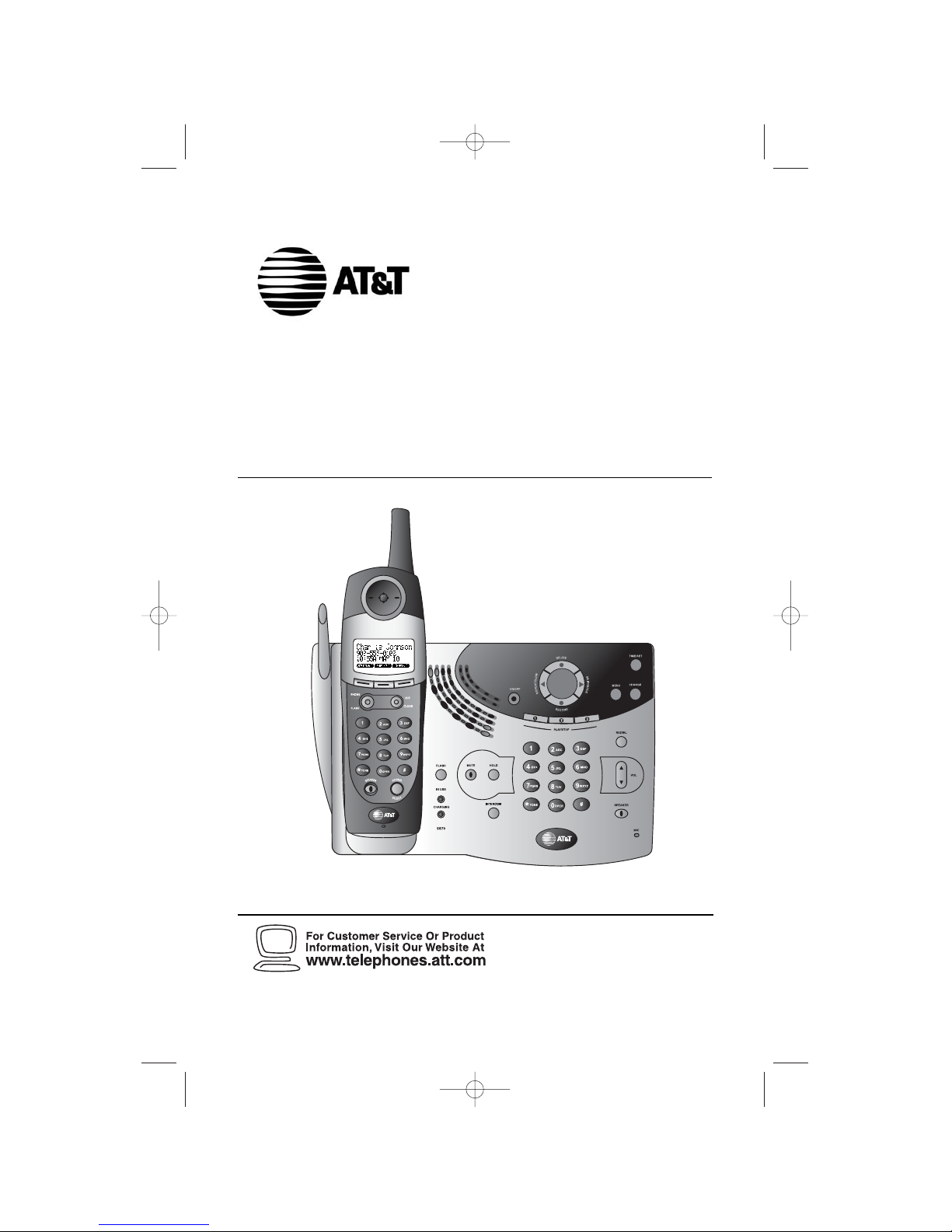
AT&T 5870 User manual

5.8 GHz Cordless Telephone
5870 with Talking
Caller ID/Call Waiting
Please also read
Part 1 — Important
Product Information
User’s Manual
Part 2
© 2003 Advanced American Telephones. All Rights Reserved.
AT&T and the Globe Symbol are trademarks of AT&T Corp., licensed to Advanced American Telephones.
91-5431-10-00_ATT5870_R0JUN040 2/5/03 4:03 PM Page II

© 2003 Advanced American Telephones.
All Rights Reserved.
AT&T and the Globe Design are
trademarks of AT&T Corp., licensed to
Advanced American Telephones.
Printed in China. Issue 1AT&T 05/03
Visit us at www.telephones.att.com
91-5431-10-00_ATT5870_R0JUN040 2/5/03 4:03 PM Page III

CONTENTS
BEFORE YOU BEGIN ................ 1
Parts List.................................................... 1
About Caller Identification
(Caller ID) ............................................ 2
About the Calls Log ............................... 2
About Adding Handsets......................... 2
INSTALLATION.........................3
Ta ble/Desktop Installation..................... 3
About Handset Registration...................5
Register an Additional Handset
(Model 5800 Handset).............................5
Wall Installation ....................................... 6
Spare Battery/
Power Failure Backup ........................ 7
Belt Clip..................................................... 8
Headset...................................................... 8
FEATURE SETUP – HANDSET 9
Feature Setup Menu................................ 9
Set Time..................................................... 9
Clock Mode............................................ 10
Sound Select........................................... 11
Ringer Volume ........................................ 12
Ringer Melody........................................ 13
Vibrate Control..................................... 14
Low Batt Tone........................................ 15
Range Tone.............................................. 16
Keypad Tone ........................................... 17
Set Contrast........................................... 18
Language Setting.................................... 19
FEATURE SETUP – BASE..... 20
Ringer Volume ........................................ 20
Ringer Melody........................................ 21
Dial Mode (Tone/Pulse)....................... 22
TELEPHONE OPERATION .. 23
Make a Call ............................................ 23
Answer a Call ........................................ 23
Volume..................................................... 24
Handset Speakerphone........................ 25
Redial ....................................................... 26
Flash/Call Waiting .................................. 27
Mute......................................................... 28
Hold ......................................................... 29
Temporary Tone Dialing ...................... 30
Display Screen Messages..................... 31
Handset Icons ........................................ 32
Base Lights.............................................. 33
Tones and What They Mean ............... 33
INTERCOM OPERATION..... 34
Intercom Calls ....................................... 34
Answering Intercom............................. 35
End Intercom ......................................... 35
To Answer an Incoming Call
while intercomming..........................35
Blind Call Transfer................................. 36
Announced Call Transfer..................... 36
Conference Calling ............................... 37
PHONE BOOK ....................... 38
Store a Number and Name in
Phone Book ....................................... 38
Keypad Characters.................................39
Dial a Number in Phone Book.......... 40
Edit a Number/Name in
Phone Book ....................................... 41
Delete a Number/Name in
Phone Book ....................................... 42
CALLER ID OPERATION...... 43
Setup Talking Caller ID ........................ 44
Record a New Talking Caller ID
Announcement.................................. 45
Edit Talking Caller ID
Announcement.................................. 46
Review, Play, Erase Talking
Caller ID Announcement................ 47
Review Calls Log................................... 48
Store Record in Phone book ............. 48
Display Dial..............................................49
Answering system operation
AT THE BASE ............................. 50
Audible Indicators................................. 50
Turn Answering system On/Off......... 50
Set the Clock ......................................... 50
About Mailboxes ................................... 51
About Announcements........................ 51
Record Your Announcement................52
Answering System Feature Setup.......53
Feature Summary ...................................54
Listen to, Save&Delete Messages........55
Adjust Playback Volume.........................56
Call Screening/Intercept........................56
Record a Memo......................................57
Message Window Display .....................58
Answering system operation
AT TOUCH TONE PHONE ............ 59
Connect with the
Answering System .............................. 59
Voice Menu............................................. 59
Remote Access Commands................ 60
BATTERIES ............................. 61
Battery Life............................................. 61
Battery Indicator................................... 61
Charge the Handset
Battery Pack ...................................... 61
Spare Battery/
Power Failure Backup ...................... 62
Replace the Handset Battery Pack ... 63
IN CASE OF DIFFICULTY .... 64
Phone....................................................... 65
Caller ID ................................................. 67
Answering System................................. 68
DEFAULT SETTINGS ............ 70
TECHNICAL SPECIFICATIONS 71
INDEX...................................... 72
CONTENTS
CONTENTS

91-5431-10-00_ATT5870_R0JUN040 2/5/03 4:03 PM Page V

BEFORE YOU BEGIN
BEFORE YOU BEGIN
Parts List
Your box should include:
1
BEFORE YOU BEGIN
NiMH
Battery
Pack
Power Cord
Long
Telephone
Line Cord
Handset
Base Unit
Wall Mounting Bracket
This User’s Manual Quick Start Guide
Belt Clip
Wallet Card
Short
Telephone
Line Cord
91-5431-10-00_ATT5870_R0JUN040 2/5/03 4:03 PM Page VI

About Caller Identification (Caller ID)
This product has a Caller ID with Call Waiting feature that works with
service from your local phone service provider.
Caller ID with Call Waiting lets you see who’s calling before you answer
the phone, even when you’re on another call.
You may need to change your phone service to use this feature.
Contact your phone service provider if:
•You have both Caller ID and Call Waiting, but as separate services
(you may need combined service)
•You have only Caller ID service, or only Call Waiting service
•You don’t subscribe to any Caller ID or Call Waiting services.
You can use this product with regular Caller ID service, and you can
use this product’s other features without subscribing to either Caller ID or
combined Caller ID with Call Waiting service.
There are fees for Caller ID services, and they may not be available in
all areas.
This product can provide information only if both you and the caller
are in areas offering Caller ID service, and if both telephone companies use
compatible equipment.
About the Calls Log
This phone assigns each incoming call a number from 1 to 50 at the
handset. The most recent call will have the lowest number. When the
memory is full, the oldest call information is deleted to make room for new
incoming call information. See CALLER ID OPERATION, beginning on page
43, for more details.
If you answer a call before call information appears on the screen, it will not
appear in the calls log.
About Adding Handsets
This product is compatible with the AT&T 5800 Expansion Handset. You
may add up to five additional 5800 units (purchased separately)
to this phone. Follow the instructions provided with the additional
handset(s) for installation and registration.
NOTE: Although you can register up to six handsets, only four can be
used at one time.
2
BEFORE YOU BEGIN
BEFORE YOU BEGIN
91-5431-10-00_ATT5870_R0JUN040 2/5/03 4:03 PM Page 1

INSTALLATION
INSTALLATION
Ta b le/Desktop Installation
NOTE: Install this telephone away from electronic equipment, such as
personal computers, television sets or microwave ovens. Avoid
excessive heat, cold, dust or moisture.
1Connect the telephone line cord.
2Connect the power cord.
The ON/OFF light goes on, and CL
flashes in the Message Window.
Use only the power cord supplied with this product.
If you need a replacement, call 1-800-222–3111.
3
INSTALLATION
Standard
electrical
outlet
Modular
telephone
jack
91-5431-10-00_ATT5870_R0JUN040 2/5/03 4:03 PM Page 2

INSTALLATION
INSTALLATION
3Install the handset battery.
Use only AT&T Battery 2401, SKU# 91077.
4Charge the handset battery.
•Place the handset in the base.
•Charge the battery at least 12 hours. After the first charge,
the battery will charge in eight hours.
5Check for dial tone.
•After the batteries are charged, lift the handset and press
P;You should hear a dial tone.
4
b) Align the contacts and place
the battery pack in the
battery compartment.
a) Remove battery
compartment cover by
pressing on the raised spot
and sliding downward.
c) Replace cover by sliding
it on its track up over
battery case until it
snaps firmly into place.
91-5431-10-00_ATT5870_R0JUN040 2/5/03 4:03 PM Page 3

INSTALLATION
INSTALLATION
5
About Handset Registration
1 The cordless handset that came with your system is automatically
registered as Handset 1.There is no need to re-register.
2 You may register up to a total of six Expansion Handsets to this
telepnone system.(Model 5800 handset sold separately).
3 Additional handsets will be assigned Handset 2, Handset 3, Handset 4,
Handset 5, and Handset 6.
4 When you install the handset battery pack, the handset will display
SEARCHING FOR BASE (if it’s registered) or ENTER BASE ID (If it has
not been registered).
Register an Additional Handset(Model 5800
Handset)
1 Make sure the handset battery pack has been charged for at least 12
hours and that the power cord is plugged into the base unit.
2 At the cordless handset, press the softkey under .
3 Enter the 15-digit Base Unit ID Code located on the underside of your
Model 5870 base.
4 Press the softkey under . The screen displays PLEASE WAIT!!
5 After about 45 seconds, the screen displays FOUND BASE. If the handset
displays BASE BUSY TRY LATER, the base is in use.Wait until the base is
in idle, then try the registration process again by repeating the step2~4
above.
OK
NEW
91-5431-10-00_ATT5870_R0JUN040 2/5/03 4:03 PM Page 4

Wall Installation
1Connect the power cord and
telephone line cord to the underside
of the base, as shown (figure a).
2Position the mounting bracket as
shown (figure b).
3Feed the short telephone line cord
through the hole in the center of the
mounting bracket (figure b), align the
bracket with the base, and slide into
the hole on the base as shown (figure
c).
4Lock the mounting bracket in place
(figure d).
5Plug the short telephone line cord
into a modular wall jack, and mount
the base on the wall (figure e).
a) Align holes on base with mounting
studs on wall jack.
b) Place power cord as shown.
c) Pull base down on mounting studs
until it locks into place.
6Plug the power cord into an electrical
outlet not controlled by a wall switch
(figure e).
The ON/OFF light goes on, and CL flashes
in the Message Window.
Use only the power cord supplied
with this product. If you need a
replacement, call 1-800-222–3111.
7Follow Steps 3–5 in “Table/Desktop
Installation.”
6
figure a
figure b
figure c
figure d
figure e
INSTALLATION
INSTALLATION
91-5431-10-00_ATT5870_R0JUN040 2/5/03 4:03 PM Page 5

INSTALLATION
INSTALLATION
Spare Battery/Power Failure Backup
You can buy a spare handset battery (AT&T Battery 2401, SKU# 91077, sold
separately) and keep it charged in the base at all times.
In the event of a power failure, a fully charged battery in the spare battery
compartment will allow you to make and receive calls from the cordless
handset only for up to 21
/2hours.
The spare battery will fully charge in 24 hours.
7
91-5431-10-00_ATT5870_R0JUN040 2/5/03 4:03 PM Page 6
Other manuals for 5870
1
Table of contents
Other AT&T Telephone manuals

AT&T
AT&T BELL 540 Series Setup guide

AT&T
AT&T EL50003 User manual

AT&T
AT&T Merlin Legend MLX-10D User manual

AT&T
AT&T CL82101 User manual

AT&T
AT&T 1527 User manual

AT&T
AT&T CL82100 User manual

AT&T
AT&T 831 Series User manual

AT&T
AT&T E5960C User manual

AT&T
AT&T Merlin Legend 10BS User guide

AT&T
AT&T CL82115 User manual

AT&T
AT&T Trimline 205 User manual

AT&T
AT&T SPIRIT 1224 Controller User manual

AT&T
AT&T ATT950 User manual

AT&T
AT&T E5811 User manual

AT&T
AT&T Definity 7313H User manual

AT&T
AT&T Touch-a-Matic S Series Instruction manual

AT&T
AT&T 1080 User manual

AT&T
AT&T EL52315 User manual

AT&T
AT&T E5965C User manual

AT&T
AT&T ML17929 User manual