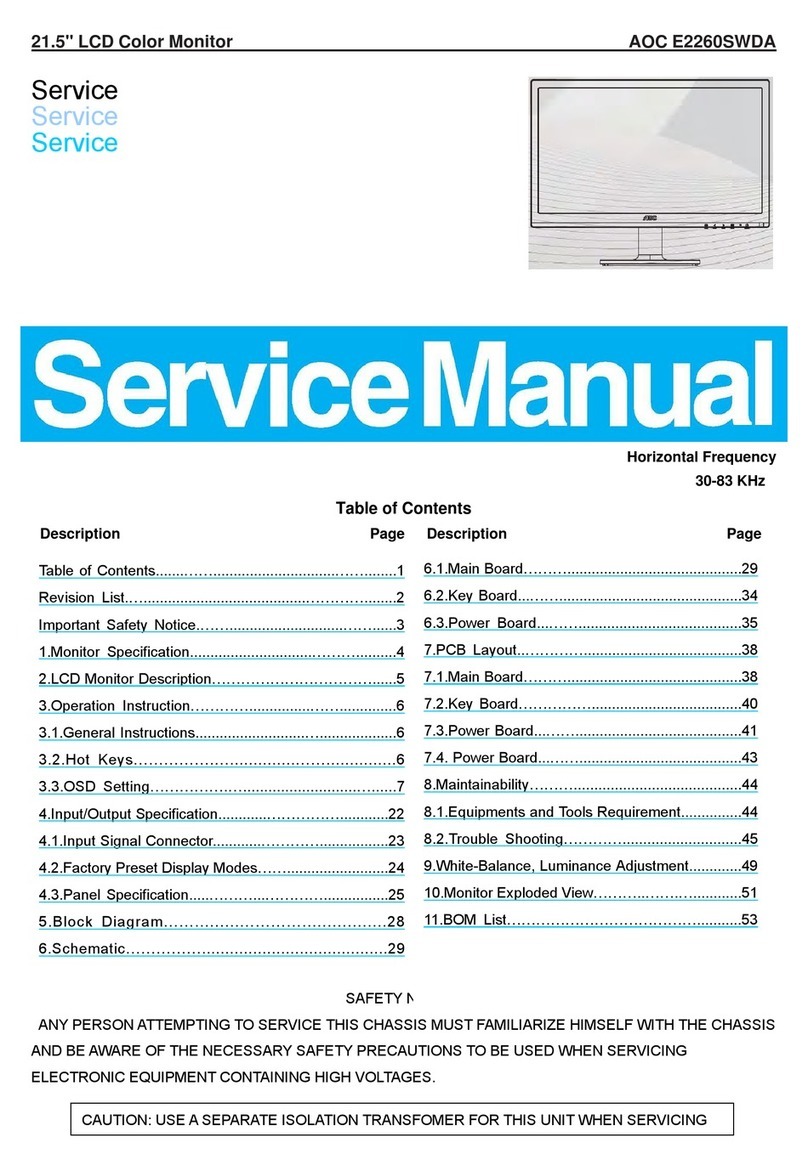
AOC LM-729 User manual

LM-729 ServiceManual Rev:A
Page1of61
17” LCD Monitor
LM-729
THESE DOCUMENTS ARE FOR REPAIR SERVICE INFORMATION ONLY. EVERY REASONABLE
EFFORT HAS BEEN MADE TO ENSURE THE ACCURACY OF THIS MANUAL; WE CANNOT
GUARANTEE THE ACCURACY OF THIS INFORMATION AFTER THE DATE OF PUBLICATION
AND DISCLAIMS RE LIABILITY FOR CHANGES, ERRORS OR OMISSIONS.
SERVICE MANUAL
英华软件专用 购买QQ:505966338

LM-729 ServiceManual Rev:A
Page2of61
Prepared: Shiwei
Date: Jul-30-03
英华软件专用 购买QQ:505966338

LM-729 ServiceManual Rev:A
Page3of61
Revision History
Revision Date Page Items Modification
ADate:Jul-30-03 All First version release;
英华软件专用 购买QQ:505966338

LM-729 ServiceManual Rev:A
Page4of61
Table of Contents
Table of Contents ---------------------------------------------------------------------------------------------------3
1. MONITOR SPECIFICATIONS ---------------------------------------------------------------------------5
2. LCD MONITOR DESCRIPTION ---------------------------------------------------------------------------6
3. OPERATING INSTRUCTIONS ---------------------------------------------------------------------------7
3.1 GENERAL INSTRUCTIONS -------------------------------------------------------------------------7
3.2 CONTROL BUTTONS ------------------------------------------------------------------------------------7
3.3 ADJUSTING THE PICTURE--------------------------------------------------------------------------------7
4. Input/Output Specification - -------------------------------------------------------------------------------10
4.1 Input Signal Connector --------------------------------------------------------------------------------10
4.2 Factory Preset Display Modes -------------------------------------------------------------------------- 11
4.3 Power Supply Requirements ------------------------------------------------------------------------ 12
4.3.1 Input Requirements -------------------------------------------------------------------------------------12
4.3.2 Output Requirements ------------------------------ ------------------------------------------------12
4.4 PANEL SPECIFICATION -------------------------------------------------------------------------------14
4.4.1 Panel Feature ------------------------------------------------------------------------------------------14
4.4.2 Display Characteristics --------------------------------------------------------------------------------14
4.4.3 Optical Characteristics -------------------------------------------------------------------------------14
4.4.4 Parameter guide line for CCFL Inverter ------------------------------------------------------14
5. Block Diagram ------------------------------------------------------------- -----------------------------15
5.1 Monitor Exploded View ------------------------------------------------------------------------------------15
5.2 Software Flow Chart -------------------------------------------------------------------------------------16
5.3 Electrical Block Diagram ------------------------------------------------------------------------------18
5.3.1 Main Board -------------------------------------------------------------------------------------------------18
英华软件专用 购买QQ:505966338

LM-729 ServiceManual Rev:A
Page5of61
5.3.2 Inverter/Power Board-------------------------------------------------------------------------------------19
6. Schematic -------------------------------------------------------------------------------------------------------21
6.1 Main Board -----------------------------------------------------------------------------------------------21
6.2 AUDIO Board -----------------------------------------------------------------------------------------25
6.3 Key Board ------------------------------------------------------- ---------------------------------------26
6.4 Inverter/Power Board -----------------------------------------------------------------------------------27
7. PCB Layout -------------------------------------------------------------------------------------------------29
7.1 Main Board -----------------------------------------------------------------------------------------------29
7.2 Inverter/Power Board -----------------------------------------------------------------------------------31
7.3 Keypad Board And Audio board-------------------------------------------------------------------------34
8. Maintainability --------------------------------------------------------------------------------------------------34
8.1 Equipments and Tools Requirements ----------------------------------------------------------------35
8.2 Trouble Shooting ---------------------------------------------------------------------------------------------33
8.2.1 Main Board --------------------------------------------------------------------------------------------------35
8.2.2 Power/Inverter Board -------------------------------------------------------------------------- ----------38
8.2.3 Key Pad Board ---------------------------------------------------------------------------------------------40
9. White-Balance, Luminance adjustment ----------------------------------------------------------------41
10. EDIT Content -------------------------------------------------------------------------------------------42
11. BOM List -------------------------------------- -----------------------------------------------------------------43
英华软件专用 购买QQ:505966338

LM-729 ServiceManual Rev:A
Page6of61
1.MONITOR SPECIFICATIONS
Driving system TFT Color LCD
LCD Panel Size 43.2cm(17.0")
Pixel pitch 0.264mm( H )x 0.264mm( V )
Viewable angle 90˚(H) 90˚(V)
Response time (typ.) 25 ms
Video Analog /Digital
Input Sync. Type H/V TTL
H-Frequency 30kHz – 80kHz
V-Frequency 55-75Hz
Display Colors Over 16 million Colors
Dot Clock 135MHz
Max. Resolution 1280 x 1024
Plug & Play VESA DDC2BTM
Power Consumption ON Mode <45W
OFF Mode
<2W
Maximum Screen Size Horizontal : 13.3”(337.92mm)
Vertical : 10.6”(270.336mm)
Power Source 100~240VAC,47~63Hz
Environmental
Considerations Operating Temp: 0°C to 40°C
Storage Temp.: -20°C to 60°C
Operating Humidity : 15% to 90%
Weight (N. W.) Packaged 7.0Kg Unit
Unpackaged 6.0Kg Unit
英华软件专用 购买QQ:505966338

LM-729 ServiceManual Rev:A
Page7of61
2. LCD MONITOR DESCRIPTION
The LCD MONITOR will contain a main board, an inverter/power board, keypad board , Audio board and
external power adapter which house the flat panel control logic, brightness control logic and DDC.
The Inverter board will drive the backlight of panel and the DC-DC conversion.
The Adapter will provide the 12V DC-power to inverter/power board.
Power board
(
include:ada
p
ter
,
inverter
)
Flat Panel and
CCFL backlight
Main Board
Keyboard
RS232 Connector
For white balance
adjustment in
factory mode
HOST Computer
CCFT Drive.
AC-IN
100V-240V Video signal, DDC
Monitor Block Diagram
英华软件专用 购买QQ:505966338

LM-729 ServiceManual Rev:A
Page8of61
3. OPERATING INSTRUCTIONS
3.1 GENERALINSTRUCTIONS
Press the power button to turn the monitor on or off. The other control buttons are located at front panel of the monitor. By
changing these settings, the picture can be adjusted to your personal preferences.
-The power cord should be connected.
-Connect the video cable from the monitor to the video card.
-Press the power button to turn on the monitor, the power indicator will light up.
3.2 CONTROL BUTTONS
-Power Button:
When pressed, the monitor enters the off mode, and the LED turns blank. Press again to restore normal status.
-Left / Right Button:
When the OSD show on screen, Left/Right Button are used to control the monitor functions. Press to switch functions or adjust
settings. And if the OSD off, Left/Right buttons are used to control the audio volume;
-Auto Adjust Key:
The Auto Adjust Key is used to automatically set the H Position, V Position, Clock and Phase.
-Power Indicator:
Green — Power On mode.
Orange — Power Saving mode.
Blank —Power Off Mode.
A B C D E F
Auto Volume Menu LED Power
A. Menu button
B. Left button/Volume down
C. Right button/Volume up
D. Auto button/Exit
E. Indicator light
F. Power button
3.3 ADJUSTING THE PICTURE
CONTROL Buttons
Free Datasheet Download http://www.Chinadz.Com http://www.Icver.Com
英华软件专用 购买QQ:505966338

Bbs.Chinadz.Com
LM-729 ServiceManual Rev:A
Page9of61
OSD Table:
Main
Menu Item Main
Menu Icon Sub Menu
Item Sub
Menu
Icon
Description Ad
j
ust
Range Reset Value
Contrast Contrast from Digital-register. 0-100 Recall Cool
Contrast Value
Luminance
Brightness Backlight Adjustment 0-100 Recall Cool
Brightness Value
Focus Adjust Picture Phase to reduce
Horizontal-Line noise
0-100 Do Auto ConfigImage
Setup
Clock Adjust picture Clock to reduce
Vertical-Line noise.
0-100 Do Auto Config
H. Position Adjust the horizontal position
of the picture.
0-100 Do Auto ConfigImage
Position
V. Position Adjust the verticalposition of
the picture.
0-100 Do Auto Config
Warm N/A Recall Warm Color
Temperature from EEPROM.
N/A
Cool N/A Recall Cool Color
Temperature from EEPROM.
N/A
User / Red Red Gain from
Digital-register.
0-100
User / Green Green Gain Digital-register. 0-100
Color
Temp.
User / Blue Blue Gain from
Digital-register.
0-100
The Color
Temperature will
be set to Cool.
The User R/G/B
value(default is
100) will not be
Modified by Reset
function.
Yes N/A Auto Adjust the H/V Position,
Focus and Clock of picture.
N/A N/AAuto
Config
(Analog-On
ly Model)
No N/A Do not execute Auto Config,
return to main menu.
N/A N/A
Analog N/A Select input signal from analog
(D-Sub)
N/A N/AInput Select
(Dual-Input
Model) Digital N/A Select input signal from digital
(DVI)
N/A N/A
H. Position Adjust the horizontal position
of the OSD.
0-100 50
V. Position Adjust the verticalposition of
the OSD.
0-100 50
OSD Setup
OSD Timeout Adjust the OSD timeout. 10-120 10
Free Datasheet Download http://www.Chinadz.Com http://www.Icver.Com
英华软件专用 购买QQ:505966338

Bbs.Chinadz.Com
LM-729 ServiceManual Rev:A
Page10of61
English N/A Set OSD display language to
English.
N/A
Deutsch N/A Set OSD display language to
German.
N/A
Français N/A Set OSD display language to
French.
N/A
Español N/A Set OSD display language to
Spain.
N/A
Italiano N/A Set OSD display language to
Italian.
N/A
Language
亞խ֮ N/A Set OSD display language to
Simplified Chinese.
N/A
The Language will
be set to English.
Information Information N/A Show the resolution, H/V
frequency and input port of
current iput timing.
N/A N/A
Yes N/A Clear each old status of
Auto-configuration and set the
color temperature to Cool.
N/A N/AReset
No N/A Do not execute reset, return to
main menu.
N/A N/A
Exit N/A N/A Exit OSD N/A N/A
Free Datasheet Download http://www.Chinadz.Com http://www.Icver.Com
英华软件专用 购买QQ:505966338
Other manuals for LM-729
3
Table of contents
Other AOC Monitor manuals