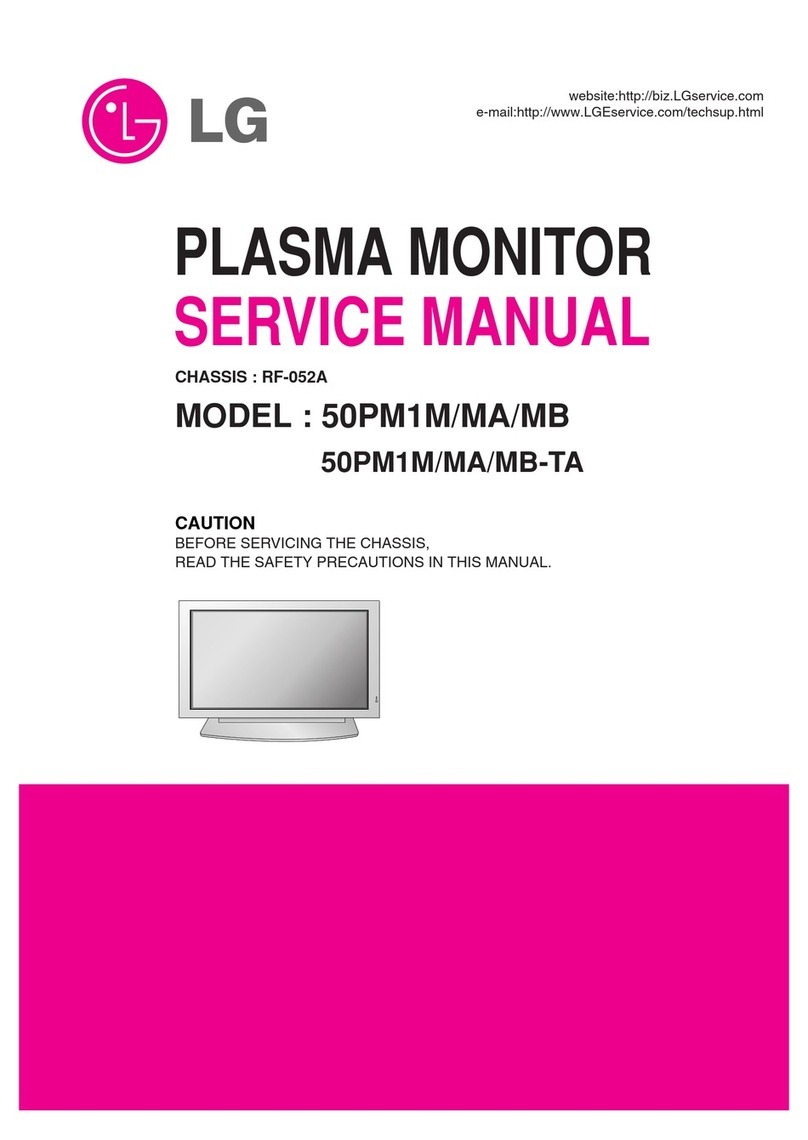
AOC AOC2241VG User manual

Service Manual AOC2241VG
1
LCD 显示器维修手册
Custom:AOC
Model:AOC2241VG

Service Manual AOC2241VG
2
REVISION LIST
Version Release Date Revision History Model TPV Model No
A00 Aug-30-2010
Initial Release AOC2241VG TC9GNT8NWVA1HNJ
TC9GNTN8WVA1HNJ
TC9GNTNYWVA1HNJ
TC9GNTNBWVK2HNJ
TC9SNTNYWVA1HNJ
TC9GNTNMWVK2HNJ

Service Manual AOC2241VG
3
CONTENTS
1. LCD Specifications -------------------------------------------------------------------------------------------------------- 4
1.1 Product Features---------------------------------------------------------------------------------------------------------4
1.2 Factory Preset Timing --------------------------------------------------------------------------------------------------5
2. Operation Instruction ----------------------------------------------------------------------------------------------------- 6
2.1 Control Button ------------------------------------------------------------------------------------------------------------6
2.2 OSD Menu Adjusting----------------------------------------------------------------------------------------------------7
2.3 OSD Lock Function------------------------------------------------------------------------------------------------------10
3. Interface description ------------------------------------------------------------------------------------------------------ 11
3.1 VGA interface-------------------------------------------------------------------------------------------------------------11
3.2 DVI interface--------------------------------------------------------------------------------------------------------------11
3.3 USB interface-------------------------------------------------------------------------------------------------------------12
4. Panel Feature ---------------------------------------------------------------------------------------------------------------13
4.1 General Specifications--------------------------------------------------------------------------------------------------13
4.2 Electrical Absolute Ratings --------------------------------------------------------------------------------------------13
4.3 Electrical Characteristics-----------------------------------------------------------------------------------------------13
4.4 Optical Characteristics--------------------------------------------------------------------------------------------------14
4.5 TFT LCD Module Block Diagram-------------------------------------------------------------------------------------15
4.6 LCD module input terminal pin assignment------------------------------------------------------------------------15
5. Block diagram--------------------------------------------------------------------------------------------------------------- 16
5.1 LCD Block diagram------------------------------------------------------------------------------------------------------16
5.2 Main board Block diagram---------------------------------------------------------------------------------------------16
5.3 Power board Block diagram-------------------------------------------------------------------------------------------17
5.4 LCD software flow chart------------------------------------------------------------------------------------------------18
6. Circuit Schematic ---------------------------------------------------------------------------------------------------------- 19
6.1 Main board ---------------------------------------------------------------------------------------------------------------19
6.2 Power board --------------------------------------------------------------------------------------------------------------25
6.3 Invweter part --------------------------------------------------------------------------------------------------------------26
6.3 Key board------------------------------------------------------------------------------------------------------------------27
7. Monitor exploded view----------------------------------------------------------------------------------------------------28
8. PCB Layout ------------------------------------------------------------------------------------------------------------------ 31
8.1 Main board ----------------------------------------------------------------------------------------------------------------31
8.2 Power board --------------------------------------------------------------------------------------------------------------33
8.3 Key board------------------------------------------------------------------------------------------------------------------34
9. Maintainability ---------------------------------------------------------------------------------------------------------------- 35
9.1 Maintainability Requirement-------------------------------------------------------------------------------------------35
9.2 Trouble Shooting---------------------------------------------------------------------------------------------------------35
9.3 Roft re-wirting step-------------------------------------------------------------------------------------------------------39
9.4 DDC re-wirting step------------------------------------------------------------------------------------------------------43
9.5 Factory mode OSD------------------------------------------------------------------------------------------------------45
10. BOM List---------------------------------------------------------------------------------------------------------------------- 47
10.1 TC9GNTNBWVK2HNJ BOM ------------------------------------------------------------------------------------------47

Service Manual AOC2241VG
4
1. LCD Specifications
1.1 Product Features
Monitor Model AOC2241VG
LCD Panel
Driving system TFT Color LCD
Active Display Area 558.67mm(21.995inch)diagpnal
473.76mm (W)×296.15mm(H)
Pixel Pitch 0.282 mm×0.282mm
Display Colors 16.7M Colors
Max. Resolution 1680 x 1050@60Hz
Input
Video R,G,B Analog Interface,75ohm,0.7V
DVI digital Interface, 150mV-1200mV
Separate Sync. H/V TTL
H-Frequency 30kHz—81kHz
V-Frequency 56Hz--75Hz
Dot Clock 165MHz
Plug & Play VESA DDC2B /CI
Connector D-Sub 15pin
DVI -D 24pin
USB HUB 1 upstream, 1 downstream 2.0
Power Consumption ON Mode <35W
Power Saving Mode <0.5W
Switch OFF <0.1W
Power Source 90~264VAC,47~63Hz, 1.5A Max supply current
Dimensions(including stand) 522.3mm×413.3mm×186.8mm
Weight (N. W.): 5.15kg
Environmental
Considerations
Operating Temp: 0° to 40°C
Storage Temp.: -20° to 60°C
Operating Humidity : 8% to 80%
Altitude:
Operating :0~ 3000m (0~ 10000 ft )
Non-Operating:0~ 5000m (0~ 15000 ft )
Safety FCC B CCC IEC950CB etc.

Service Manual AOC2241VG
5
1.2 Factory preset modes
STANDARD RESOLUTION HORIZONTAL
FREQUENCY VERTICAL
FREQUENCY
DOS-mode 720 × 400 31.469kHz 70.087Hz
Mac-mode 832 ×624 49.725kHz 74.55Hz
VGA
640×480 31.469kHz 59.94Hz
640×480 35.00kHz 66.67Hz
640×480 37.861kHz 72.80Hz
640 × 480 37.50kHz 75.00Hz
SVGA
800 × 600 35.16kHz 56.25Hz
800 × 600 37.879kHz 60.317Hz
800 × 600 48.07kHz 72.188Hz
800 × 600 46.875kHz 75Hz
XGA
1024 × 768 48.363kHz 60Hz
1024 × 768 56.476kHz 70Hz
1024 × 768 60kHz 75Hz
1280 × 720 45kHz 60Hz
1280 × 960 60kHz 60Hz
SXGA 1280 × 1024 63.981kHz 60Hz
1280 × 1024 79.976kHz 75Hz
WXGA 1440 × 900 55.93kHz 59.88Hz
1440 × 900 55.469kHz 59.90Hz
WSXGA 1680 × 1050 65.29kHz 59.95Hz
1680 × 1050 64.67kHz 59.88Hz

Service Manual AOC2241VG
6
2. Operation instruction
Generalization
Press the power button to turn the monitor on or off. The other control buttons are located at front panel of the
monitor. By changing these settings, the picture can be adjusted to your personal preferences.
The power cord should be connected.
Connect the video cable from the video card of PC to the monitor.
Press the power button to turn on the monitor, the power indicator will light up.
2.1 Control Buttons
Control Description
1 Power Button To turn ON/OFF the moniteor, and power indicator
(Green/Blue and Amber/Orange).
2 Menu / Enter
Active main menu while no OSD display,enter next level on
main menu or sub menu status, or enter last level on
adjustment bar..
Hotkey ,exit
34:3 or wide/ +
Hotkey,Audio volume adjust for VA ,or chang 4:3 or wide
image ratio for SA .
OSD, increase current value of bar, or move to next item of
menu
4 ECO mode(DCR)/ -
If there is no OSD,select the ECO mode of brightness and
DCR.
OSD, it will decrease current value of bar, or it will move to
last item of menu.
5 Auto / Exit
If there is no any OSD, select video source(DVI/RGB).
Press hold to 2s , it is auto configuration.
Exit current OSD and return to last level.

Service Manual AOC2241VG
7
2.2 OSD User mode adjustment
a) OSD Menu adjustment steps:
1.Press MENU button to activate OSD window of as below, Press Left button or Right button may select other
main Menu.
2. Press MENU button to adjust items of each main menu.
3. Press Left button or Right button may select item you wish to enter.
4. Press MENU button to enter, and press Left button or Right button to adjust item you select.
5. Press EXIT button may back previous menu.
6. Repeat steps 2-5 to adjust an additional item, or select the EXIT button to return to previous menu.

Service Manual AOC2241VG
8

Service Manual AOC2241VG
9

Service Manual AOC2241VG
10
2.3 OSD Lock Function
Press “menu” and hold,with turn on “Power”, the OSD menu is locked. Again, the OSD menu is non-locked.
For the OSD menu other function ,Please refer to “user manual” .
Table of contents
Other AOC Monitor manuals