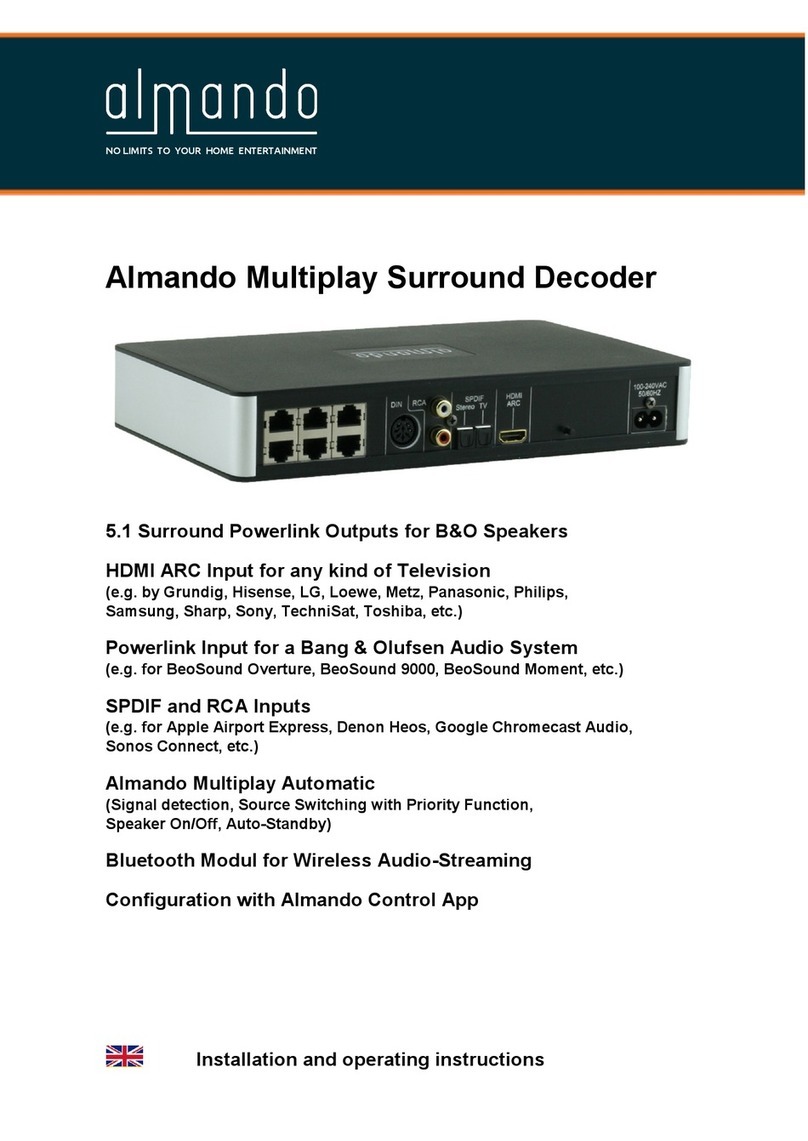
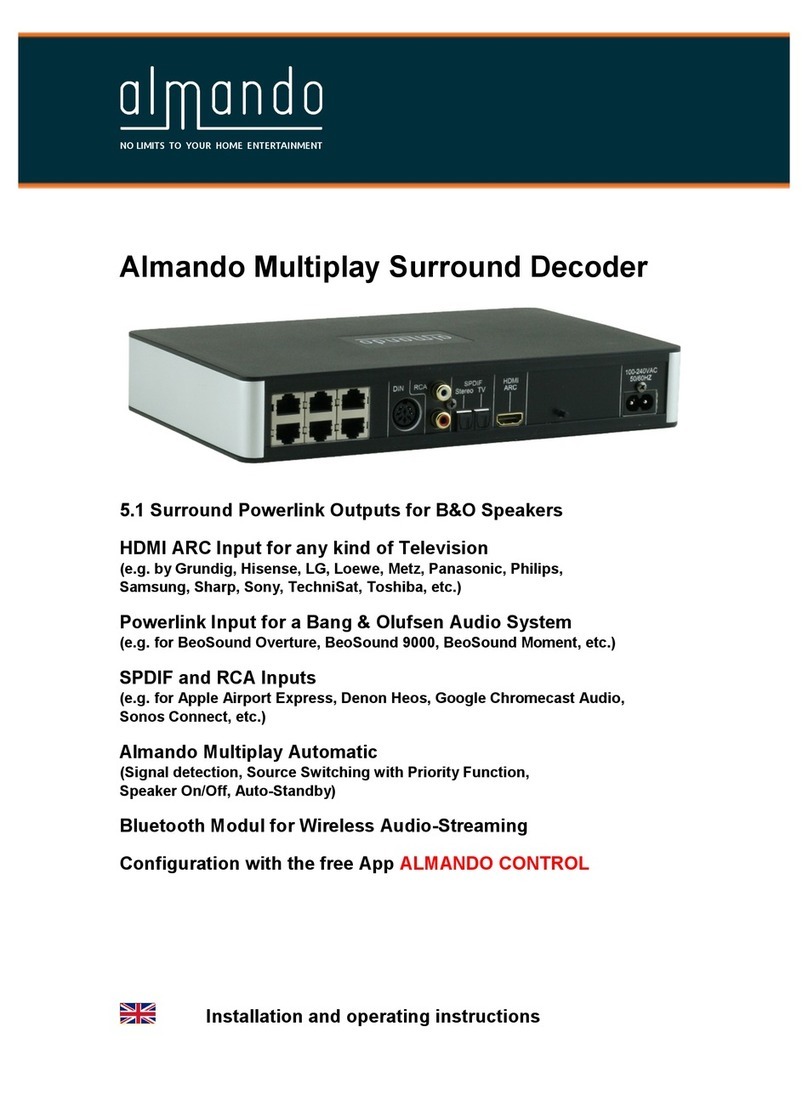
almando Masterplay User manual

Almando Masterplay
Masterlink output for B&O Masterlink speakers
(BeoLab 3500, BeoLab 2000, MCL 000, BeoLink Passive, BeoLink Active)
8pin DIN input for devices from B&O and other manufacturers
(audio signal detection for devices with RCA or headphone output,
e.g. Sonos Connect, Sony TV etc.)
Almando Autoplay automatic
(signal detection, speaker on/off, auto standby)
Bluetooth module for wireless audio streaming
installation manual

ALMANDO
!
"
# $ ! %&'
%&'$(%)
*+,,%),,,$#)-,,,%).%)
/%&'
012!$
$
!
$
!$%3!
4'56
($
7
8
7
% & '
7
7
)
7
$8
7
5
7
5
7
!5
7
TRADEMARKS
!%
%5

*
TABLE OF CONTENTS
)$21'
!91:$9;5
!%):'<#'2!:2!5*
5<:!=25!9>#!'25?
#+
'@!@'9;5A
5!:.5<'95:!>.0
5BC#%&'$$0
5C#%&'$B,
5*C!$:9%&'$B,
5?C51.$B,
1.4CD6B,
1.B46B,
5+C#"12$BB
5AC#$BB
5EC.$%BB
50C!%BB
5-C5"B
5B,CF$GB
!9'>%):5 ''!2%:')%*+,,B?
1%)*+,,B?
#%)*+,,B?
9B?
!:# 2#)1!BA

?
SAFETY INSTRUCTIONS
#
!
.1
!
1
F
""
%
!
"
!
"H
1C
!

+
Consumer information on the co ection and disposa of o d
e ectrica app iances
D
1
,BDB-D:>
%
<
I:>J
I1:>J
!:>

A
HOW IT WORKS
!$%&'$
$4%&'!/%&'
6$
2 %&' 4 $6
%&'$
C
!/%&')$85!5
%&'48%%5#6
4:"
#5#
Example of use: BeoLab 3500 as a soundbar for a Sony TV
!/!/$
%)*+,,=%&'

E
Example of use: BeoLab 2000 connected to a Sonos Connect
5#5#
$%),,,2
55 $
Example of use: BeoLab 3500 as a Bluetooth speaker
'
$%!$
=K%&'
5=!9H

0
STEPS FOR SETUP
Step 1: Connect the B&O Master ink speaker with the Masterp ay
Important notes:
#$
!$F"
<$$=
$$

-
!$C
Version 1 $
$
$
Version 2
$
$
4
F"6
"
? +
!
!
21

B,
Step 2: Connect the B&O Master ink speaker to the mains power supp y
Step 3: Activate the TIMER on the B&O Master ink speaker
.!$:9$%)92
):1%&'!$:9
Step 4: Set the DIP switches on the a mando Masterp ay
DIP switch 2 (operating modes: trigger vo tage / audio signa detection)
11.
$C
1.'246
8%%5#%5+:
1.'246F
%$
1.'<<46
5#!/F
@$
DIP switch 1 ( ength of the tun-off de ay)
1.B
1.B'246 !L
1.B'<<46 !
41.M'261.B !
$$
Other manuals for Masterplay
1
Table of contents
Other almando Media Converter manuals