
AKVIGO TABinTIME User manual
INSTRUCTION MANUAL
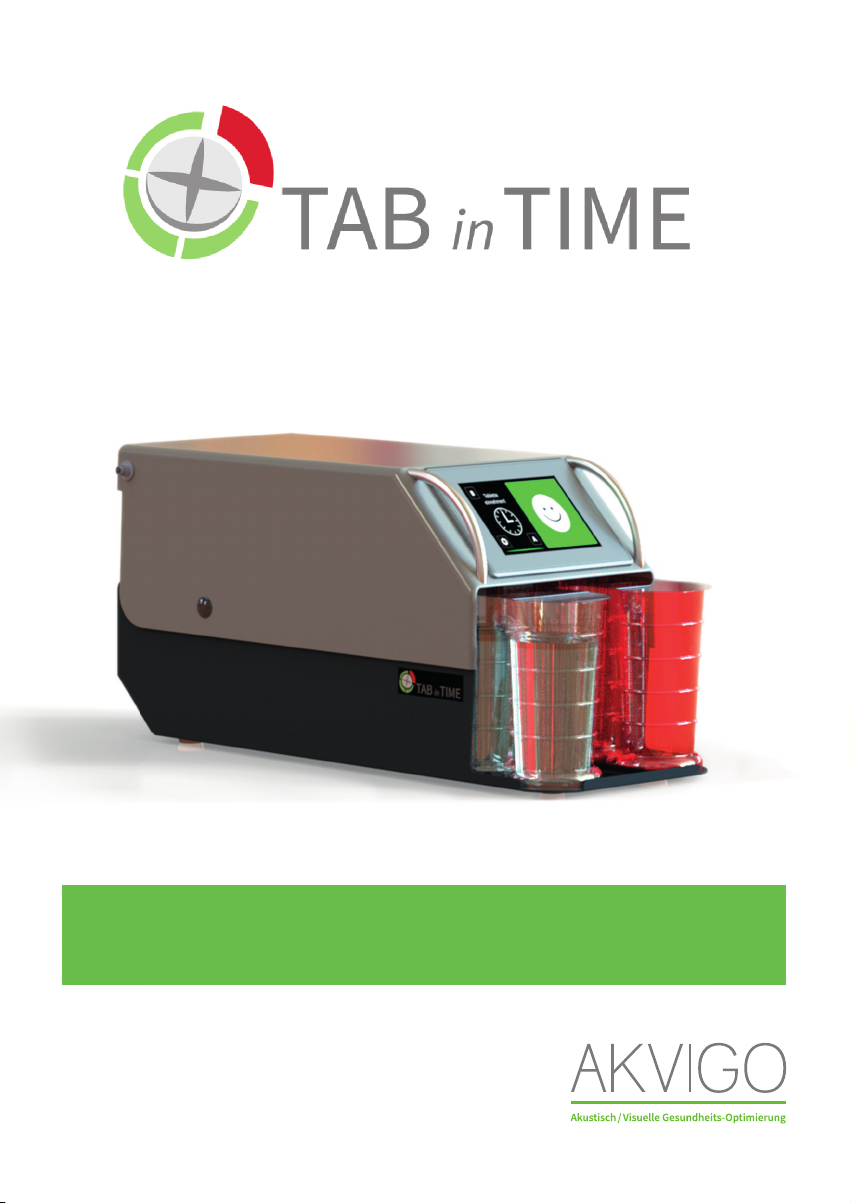
TABinTIME Medication Management System
Version April 2019

INTRODUCTION
Dear customer,
Thank you for deciding to purchase our product TAB in TIME .
We appreciate your trust and your decision to simplify your everyday
medication management.
A CE conformity declaration has been issued for TAB in TIME.
The legally required full declaration is available from the manufacturer
AKVIGO GmbH.
To ensure safe operation and maintain the TAB in TIME
in proper condition,
please read and observe the entire instruction manual carefully before
commissioning!
Please observe all usage and safety information important for the everyday
operations of TAB in TIME. AKVIGO GmbH shall accept no liability for
subsequent damages resulting from improper use.
The content of this operating manual can be changed without prior
notifi cation.
All company names and product designations contained herein are protected
trademarks of their respective holders. All rights reserved.

TABLE OF CONTENTS
Page
6 ............................... Device description and technical data
10 ............................. Device images
12 ............................. Your and our contribution to environmental protection
13 ............................. Safety information and warnings
13 ......................................... Proper use
14 ......................................... Children or guests in the household
15 ......................................... Technical safety
15 ............................. Data privacy
16 ............................. Initial commissioning of the TAB in TIME
16 ........................................ Choosing a location for the TAB in TIME
16 ....................................... Connecting the device
17 ....................................... Start-up and setting your data
17 ......................................................... Setting the time
18 ......................................................... Setting the patient name
19 ......................................................... Setting the primary contact
20 ......................................................... Setting the 1st secondary contact
20 ......................................................... Setting the 2nd secondary contact
21 ........................................................... Setting the number of medications
21 ......................................................... Setting medication times
22 ........................................................... Checking the strength of reception
24 ........................................................... Accessing the time check

TABLE OF CONTENTS
Page
25 ............................. Handling the TAB in TIME
25 ......................................... Filling the cups
29 ............................. Taking medications at the right time
31 ............................. Deactivating the TAB in TIME when you are away
32 ............................. What happens if medication is not taken?
33 ............................. Warning notice for incorrect medication removed
36 ............................. Warning notice of heat build-up
37 ............................. Cleaning and care
39 ............................. Changing settings
39 ......................................... Changing the time
40 ......................................... Changing and setting symbols
40 ......................................... Changing and setting the background colour
41 ......................................... Changing the language
41 ....................................... Setting the volume level
41.......................................... Reset device
42 ............................. What should I do if …
DEVICE DESCRIPTION + TECHNICAL DATA
Page 6
DEVICE DESCRIPTION + TECHNICAL DATA
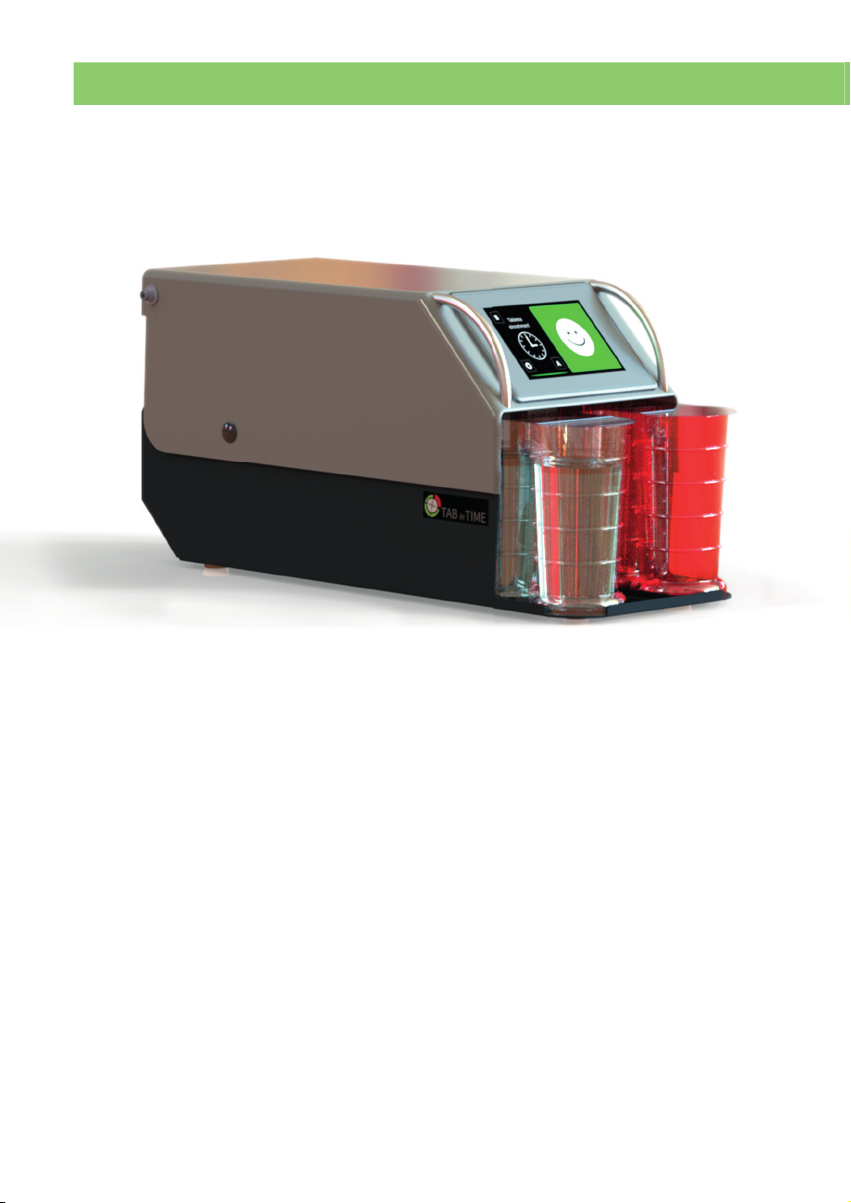
TAB in TIME is a self-contained electronic device that can be used to
help
patients receiving outpatient care to properly take their medications. The
device is fi lled with medications and water in the included cups by the user/
outpatient nursing care service. The integrated computer saves the times/
dates when medication should be taken as entered by the user/outpatient
nursing care service. These are always based
on the physician's current
medication schedule. The device reminds the patient
through audiovisual
output/announcement that it is time to take their medication at the pro-
grammed time. If the patient takes the wrong medication or does not take
their medication, the device can contact a defi ned contact person. In
addition to its connection to mobile wireless networks, a freely accessible
USB slot, WiFi, or a Bluetooth adapter can be connected to the device as
communication media. The device is designed for operation in a 230V
network with the included plug-in power supply.
TAB in TIME is designed exclusively to support patients in taking medication
as
prescribed by physicians. It does not guarantee that they will take medications
correctly, if it is programmed incorrectly. The device does not prevent the
patient from consciously taking their medications incorrectly.
DEVICE DESCRIPTION + TECHNICAL DATA
Page 7
TECHNICAL DATA
Page 8
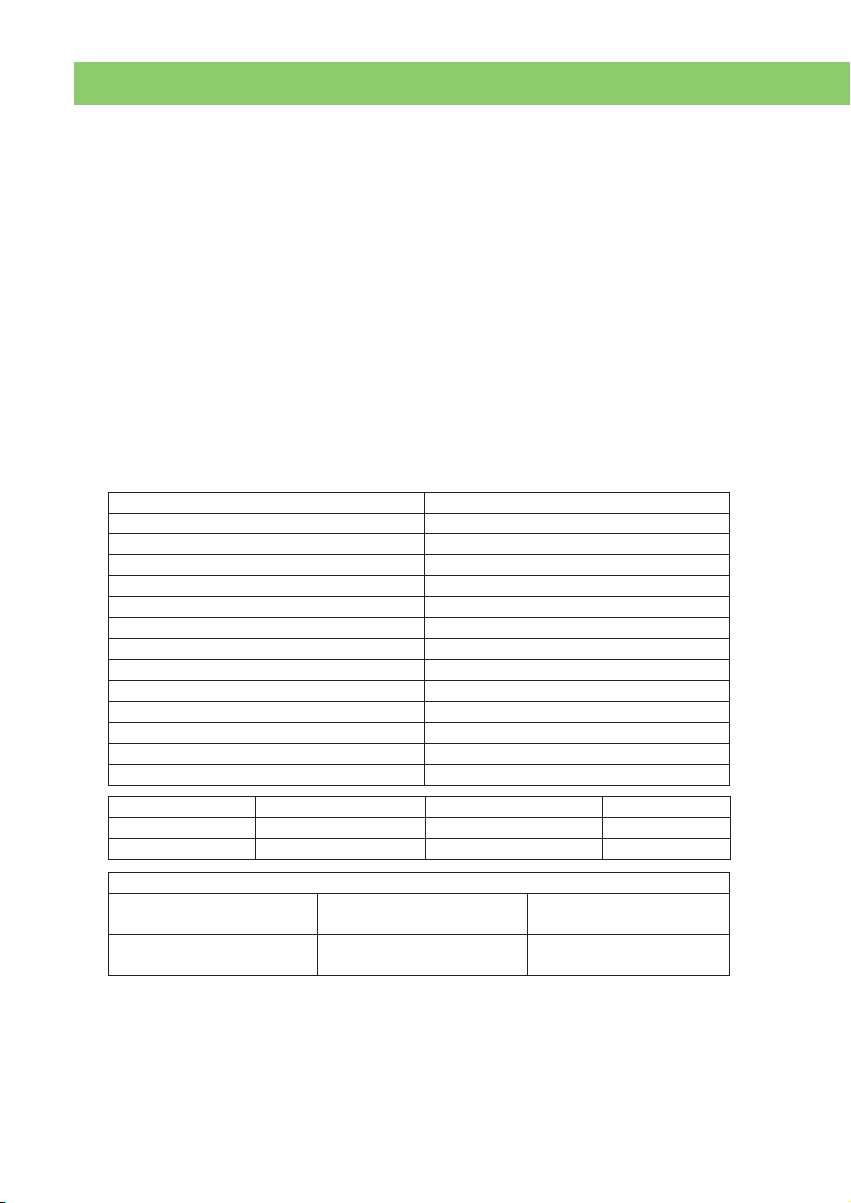
Width 200 mm
Depth with swivel cover closed 460 mm
Depth with swivel cover open 470 mm
Height with swivel cover closed 225 mm
Height with swivel cover open 463 mm
Touch screen (display) 5 inches
Weight (without cups) 4350 g
Capacity 2 x 5 cups, for pills and water
Connection voltage 230 V
Operating voltage 24 V
Connection cable length 150 cm
Cup height 133 mm
Cup diameter 70 mm
Cup capacity 250 ml water
Applicable standards and directives
Safety Directive 2014/35/EU EMC
Directive 2014/30/EU
Radio
Directive 2014/53/EU
EN 60950-1, EN 61010-1,
IEC 60825-1, EN 62311
EN 61326-1, EN 301 489-1,
EN 301 489-52
EN 301 908-1,
EN 301 908-13, EN 301 511
Radio frequencies E-GSM 900 and LTE B8 DCS 1800 and LTE B3 LTE B20
Transmission 880 – 915 MHz 1710 – 1785 MHz 832 – 862 MHz
Reception 925 – 960 MHz 1805 – 1880 MHz 791 – 821 MHz
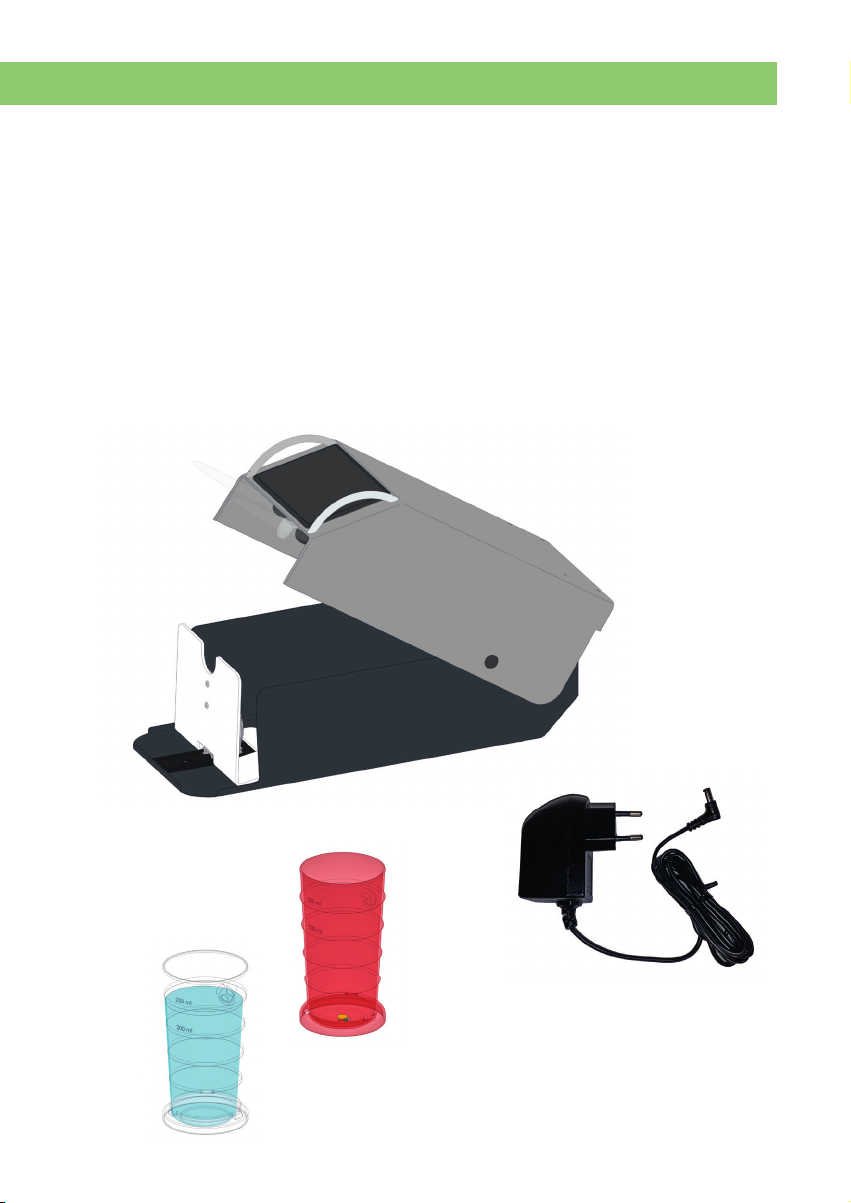
SCOPE OF DELIVERY
• 1 TAB in TIME medication management system
• 1 instruction manual
• 1 microfi bre cleaning cloth for the display screen
• 1 plug-in power supply with cable
• 1 touch pen for input (hygiene purposes)
• 12 transparent cups for water
• 12 coloured cups for pills
DEVICE DESCRIPTION + TECHNICAL DATA
Page 9
12 x
12 x

DEVICE DESCRIPTION
Page 10
Designation in the operating manual
A Base metal housing
B Stop edge
C Sliding rail
D Swivel cover
E Connection socket
J
Exterior viewside/rear
(Figure 2)
Designation in the operating manual
F Handles
G Touch screen
H Transparent water cup
I Coloured pill cup
J Document compartment (Fig. 2)
C
B
A
D
F
G
H
I
E
Exterior viewside
(Figure 1)
DEVICE DESCRIPTION
P
P
R
T
T
U
V
Q
S
DEVICE DESCRIPTION
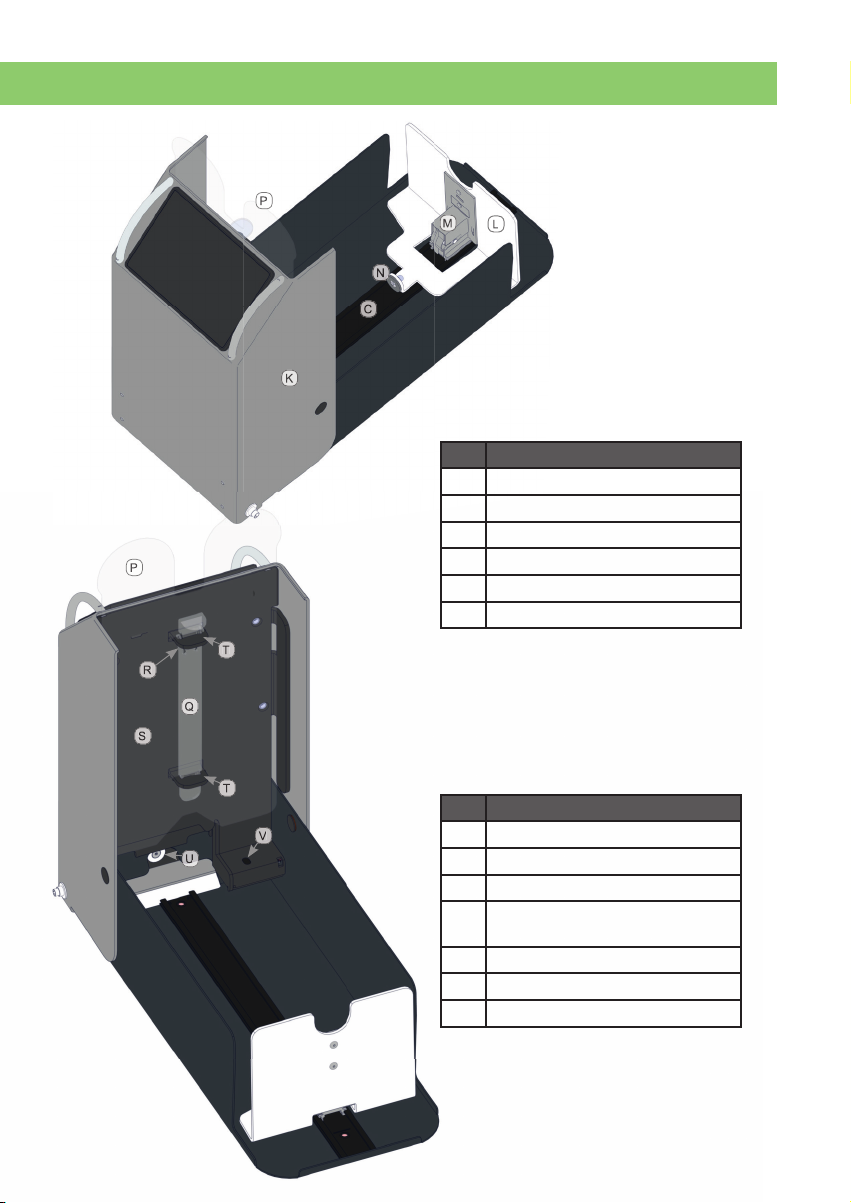
Interior viewopen, from rear
(Figure 3)
Designation in the operating manual
K Swivel cover open
L Pusher plate
M Spring feed
N Magnetic clamp feed
C Sliding rail
P Protective cover
Interior viewopen, from front
(Figure 4)
Designation in the operating manual
P Protective cover
Q Locking bar for protective cover
R Locking bar catch
S Processor cover (rear protective
cover)
T Mount for locking bar
U Magnetic clamp housing
V Fill level sensor
L
M
N
C
K
Page 11
Table of contents









