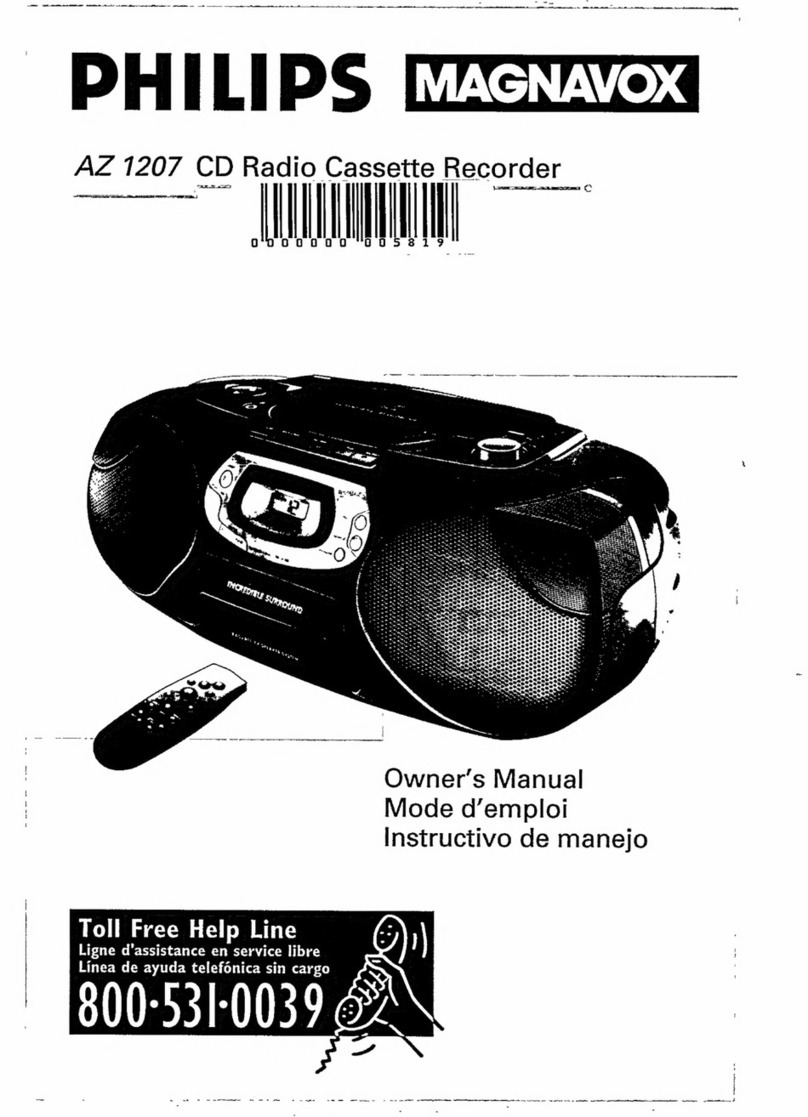
Aiwa XP-Z3C User manual

XP-Z3C
COMPACT DISC PLAYER
REPRODUCTOR DE DISCOS
COMPACTOS
OPERATING INSTRUCTIONS
INSTRUCCIONES DE MANEJO
MODE D’EMPLOI
WARNING: TO REDUCE THE RISK OF FIRE OR ELECTRIC SHOCK, DO NOT
EXPOSE THIS APPLIANCE TO RAIN OR MOISTURE.
ENGLISH
FRANÇAIS
ESPAÑOL
OWNER’S RECORD
For your convenience, record the model number
andtheserialnumber(youwillfinditonthebottom
of your set) in the space provided below. Please
refertothemwhenyoucontactyourAiwadealerin
case of difficulty.
Model No. XP-Z3C Serial No.

2
ENGLISH
NOTE
This equipment has been tested and found to
comply with the limits for a Class B digital device,
pursuantto Part15ofthe FCC Rules. These limits
are designed to provide reasonable protection
against harmful interference in a residential
installation.
This equipment generates, uses, and can radiate
radio frequency energy and, if not installed and
used in accordance with the instructions, may
cause harmful interference to radio
communications. However, there is no guarantee
that interference will not occur in a particular
installation. If this equipment does cause harmful
interference to radio or television reception, which
can be determined by turning the equipment off
andon, the user is encouraged to try to correct the
interference by one or more of the following
measures:
–Reorient or relocate the receiving antenna.
–Increase the separation between the equipment
and receiver.
–Connect the equipment into an outlet on circuit
different from that to which the receiver is
connected.
–Consult the dealer or an experienced radio/TV
technician for help.
CAUTION
Modificationsoradjustmentstothisproduct,which
are not expressly approved by the manufacturer,
mayvoidtheuser’srightorauthoritytooperatethis
product.
This Class B digital apparatus complies with
Canadian ICES-003.
TABLE OF CONTENTS
PRECAUTIONS ........................................... 3
USING ON RECHARGEABLE
BATTERIES ............................................. 4
USING ON DRY CELL BATTERIES............ 6
BEFORE PLAYBACK ................................. 7
PLAYBACK OF AUDIO DISC ...................11
OTHER FUNCTIONS ................................ 13
NOTES ON MP3 FILES............................. 17
PLAYBACK OF MP3 DISCS..................... 20
CONNECTING AN EXTERNAL UNIT .......27
CONNECTING TO A CAR STEREO
SYSTEM ................................................ 27
MAINTENANCE ......................................... 28
TERMINOLOGY ........................................ 29
SPECIFICATIONS ..................................... 30
•An MP3 file stores audio data
compressed using MPEG1/2/2.5, the
audio layer-3 file-coding scheme.
•In this manual, CDs, CD-R discs and
CD-RW discs are all referred to as
“discs”. We refer to what are called
“folder” and “file” in PC terminology as
“album” and “track”.

ENGLISH
3
ENGLISH
To maintain good performance
•Do not use the unit in places which are
extremely hot, cold, dusty or humid. In
particular, do not use or keep the unit in
following places.
•inahighhumidityareasuchasabathroom
•near a heater
•in an area exposed to direct sunlight
(e.g., inside a parked car, where it can
become extremely hot)
•near sources of strong magnetism, such
as televisions, speakers, or magnets
•where there is a lot of movement or
vibration, such as on a car dashboard or
an unstable shelf
For safety
•Do not attempt to disassemble the unit.
Laser rays from the optical pickup are
dangerous to the eyes.
•Makesure that pinsor otherforeign object
do not get inside the player.
•Take care not to drop the unit or subject it
to strong shocks.
•To keep dust from the pickup lens, keep
the disc compartment lid closed after use.
Never touch the lens.
•If you hear no sound when playing a disc,
DO NOT turn the volume up high because
musiccouldsuddenlystartathighvolume.
Turnthe volume controlto thelowest level
before starting playback and slowly turn it
up to the desired level.
Notes on listening with the
headphones
•Listenatmoderatevolumestoavoidhearing
damage.
•Do not wear the headphones while driving
or cycling.It may create a traffic hazard.
•You should use extreme caution or
temporarily discontinue use in potentially
hazardous situations, such as walking,
jogging, etc.
•Wear them properly; L is left, R is right.
•The in-ear type headphones should be
worn with the longer cord behind your
neck.
CAUTION
Listening to headphone stereo at full power
for extended periods of time can result in
hearing damage.
Note on condensation
If the unit is suddenly moved from a cold
place to a warm one, it may result in
condensation on the pickup lens and
malfunction or playback difficulties.
Should this occur, leave the unit for a few
hours, then try to playback again.
PRECAUTIONS

4
ENGLISH
USING ON RECHARGEABLE BATTERIES
When using on the rechargeable batteries
forthefirsttime,chargethemuntilthebattery
indicators go out.
1Insert the supplied rechargeable
batteries with the 0and 9marks
correctly aligned.
2Place the unit on the charging
stand,and then connect the AC
adaptor.
Chargingstartsandthechargingindicator
lights in red.
When charging is completed, charging
indicator goes out.
Recharging fully used batteries takes
about 4 hours.
to the DC 4.5~
6 V jack
to a wall outlet
Chargingindicator

ENGLISH
5
ENGLISH
To detach the unit from the charging
stand
Lifttheunitupwardwhileholdingthecharging
stand.
Time to recharge the batteries
The battery indicator in the display changes
from to according to the
remaining power of the batteries. Recharge
the batteries when lights and “Low-
Batt” appears.
If the cover of the battery
compartment comes off
Notes on recharging
•Use only the supplied AC adaptor and the
charging stand to recharge the battery.
•Do not carry the battery in a pocket or
handbag together with metal objects such
as pendants or keyholders. Use the
supplied battery carrying case when
carrying the rechargeable battery.
•Do not short-circuit the terminals of the
rechargeable battery or charging stand.
•Do not disassemble the battery, heat it or
get it wet.
•The supplied rechargeable battery can be
recharged approximately 300 times.
USING ON AC HOUSE CURRENT
Connect the supplied AC adaptor in the
same way as recharging the batteries.

6
ENGLISH
USING ON DRY CELL BATTERIES
Use the supplied battery case.
1Open the battery compartment of
thesuppliedbatterycase,andinsert
two LR6 (size AA) alkaline batteries
with the 0and 9marks correctly
aligned.
2Attach the battery case to the unit.
Battery replacement
The battery indicator in the display changes
from to according to the
remaining power of the batteries. Replace
the batteries when lights and “Low-
Batt” appears.
If the cover of the battery
compartment comes off
Notes on dry cell batteries
•Make sure that the 0and 9marks are
correctly aligned.
•Do not mix the different types of batteries,
or an old battery with a new one.
•Topreventtheriskofelectrolyteleakageor
explosions, never recharge the batteries,
apply heat to them, or take them apart.
•Whennotusingthebatteries,removethem
to prevent needless battery drain.
•If liquid leaks from the batteries, wipe
thoroughly to remove it.
For prolonged operation
Insert the fully charged rechargeable
batteries in the unit and attach the battery
case with two new LR6 (size AA) alkaline
batteries inside.
For the maximum playback time, see
“SPECIFICATIONS” on page 30.

ENGLISH
7
ENGLISH
BEFORE PLAYBACK
Using with the headphones
Connect the supplied headphones, remote
control, and main unit.
•Be sure to press sto stop operation
before you connect/disconnect the
headphone or the remote control to/from
the main unit.
•Whenyouputonthesuppliedheadphones,
besuretoroutetherightheadphone’scord
(the longer one) around the back of your
neck.
•The remote control can be clipped onto
yourclothing, etc. withthe clipon the back
of the remote control.
HOLD switch
OFF
HOLD
RESUME
Release the HOLD switch before playback.
ba
When not using the unit, set the HOLD
switchtotheHOLDposition.bb
Accidentallypressedbuttonwillnotfunction.
If buttons on the unit are pressed when only
the HOLD switch on the unit is set to HOLD
position, “HOLD” flashes in the display.
R (right) L (left)
Clip
\

8
ENGLISH
BEFORE PLAYBACK
Turning on and off
Turning the power on
Press eon the unit or c/aon the
remote control. Power is turned on and
playback starts.
Note
“ERROR”appearsonthedisplaywhenyouplay
a disc placed upside-down or a defective disc.
Auto power off
Ifnooperationisperformedwithin30seconds
on an audio disc or within 60 seconds on an
MP3disc,thepoweristurnedoffautomatically.
(Auto power off function)
•You can turn off the power by pressing s
before it is automatically turned off.
Standby mode
When an operation finishes, the unit goes
into standby mode until the auto power off
function automatically turns off the power.
To enter standby mode, press eto start
playback, then press s.

ENGLISH
9
ENGLISH
DSL*
DSL
PressDSLon theremotecontrol repeatedly
for more powerful sound and deeper bass.
:Deep bass is emphasized
:Normal sound
*DSL: Dynamic Super Linear Bass
Loading a disc
1Slide the OPEN switch to open the
disc compartment.
OPEN
Adjusting the sound
Volume
Press VOLUME M/Non the unit or
VOLUME -/+on the remote control to
adjust the volume.

10
ENGLISH
2Place a disc in the center with the
label side facing up.
3Close the disc compartment.
To remove the disc
Pick up the disc, holding its edge, while
holding the pivot gently pressed.
Note
•The unit is designed for 8 cm discs only.
•TheunitcanplayaCD-R/RWdiscrecorded
in MP3 or CD-DA format. However, some
CD-R/RWdiscsrecordedonsomekindsof
personalcomputersorCD-R/RWrecorders
may not be playable on this unit, owing to
the differences in recording platforms.
•Do not attach any sticker or label to either
side (the recordable side or the labeled
side) of a CD-R/RW disc. It may cause
malfunction.
BEFORE PLAYBACK
Other manuals for XP-Z3C
1
This manual suits for next models
1
Table of contents
Other Aiwa CD Player manuals