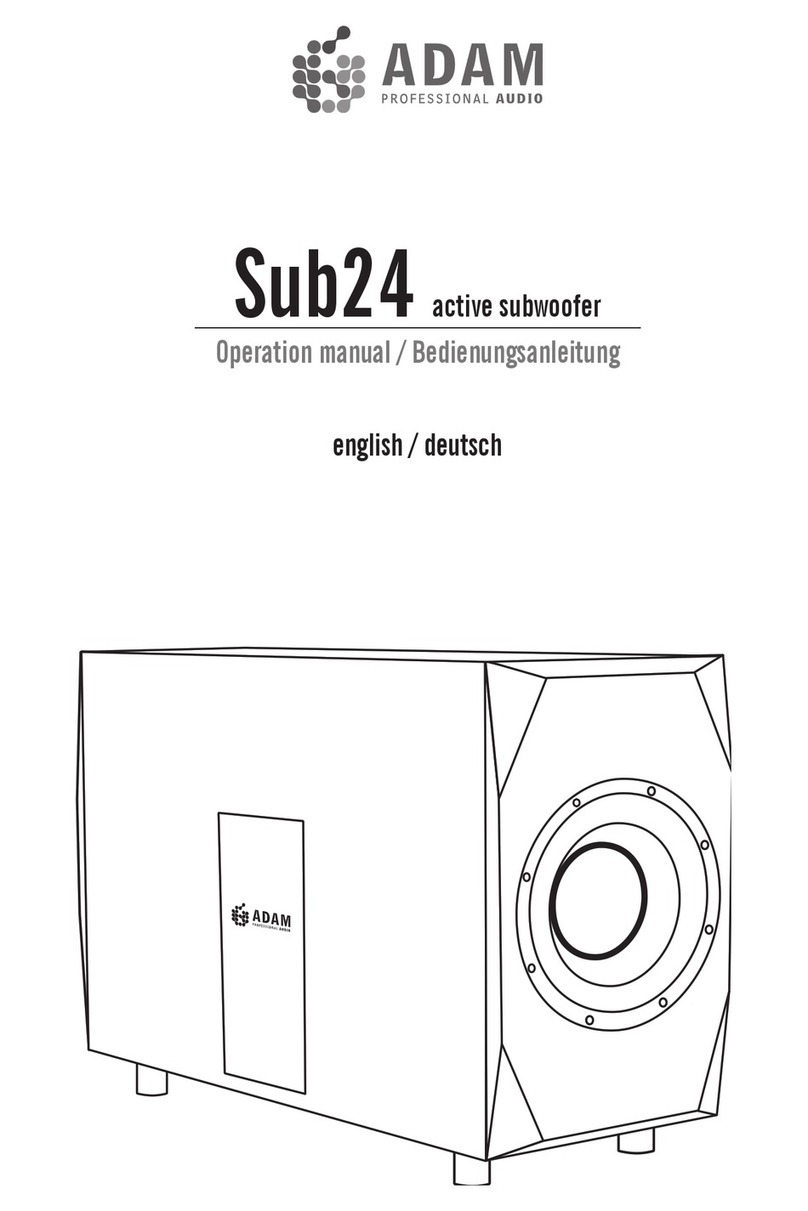
Adam Sub20 User manual

Sub20 active subwoofer
Operation manual / Bedienungsanleitung
english / deutsch

2
Introduction
First of all, we would like to thank you for choosing ADAM Audio!
ADAM Studio Subwoofers are built to a maximum in reproduction quality and perfection. To
enjoy the capabilties of your new subwoofer please read the following hints and considera-
tions, as the positioning and the acoustical properties of the control room often play a bigger
role than you might think.
General recommendations for the Setup:
• Thesubwoofershouldbepositionedonarmground.Vibratingpartscanmaskthesound;
there is not necessarily a clear distortion to be heard.
• Itisrecommendedtopositionthesubwooferbetweenthefrontspeakers,ifpossiblewith
a minimum distance of 20cm to the back wall.
• Avoidtopositionthesubwooferin a corner. Duetoaresultingphysicalpeakin the
frequency response there will always be a tendency for resonances and boominess.
Transportation
Ifyouhavetosendyoursubwoofertoanyotherlocationitisofvitalinteresttohavethe
originalpackagingmaterials.Experienceshowsthatitisverydifculttoavoiddamagesif
youhavetosendthemwithoutthesematerials.Wewillnotberesponsiblefordamagesdue
to improper packaging.
Wehopeverymuchthatyouenjoyyournewsubwooferanditsuniquesoniccapabilities.If
therearequestionspleasedonothesitatetocontactus-wewillbehappytoadviceyou.
The ADAM people.
Table of contents
SafetyInstructions 3
Quick Start 4
Controls ans Connectors 5-7
Limited warranty 8
Technical Data 9

English
3
Safety Instructions
Incaseofaproblem,pleaseeithercontactyourADAMdealerorus.Wearehappytotryand
help.Alwaysreferservicingtoqualiedpersonnelandneverattempttorepairthisproduct
by yourself. Please read through the following safety instructions completely before setting
your system up.
• Donotopenthesubwoofer.Therearenouser-serviceablepartsinside.
• Donotexposethisproducttorainormoisture,neverwettheinsidewith
anyliquidandneverpourorspillliquidsdirectlyontothisunit.
• Neveruseammableorcombustiblechemicalsforcleaningaudio
components
• Avoidtouchingthespeakermembranesanddonotblockthewoofer’s
ventilationports.
• Assurefreeairowbehindthespeakerstomaintainsufcientcooling.
• Alwaysusefullycheckedcables.Defectivecablescanharmyourspeakers.
They are a common source for any kind of noise, hum, crackling etc.
• Alwaysswitchoffyourentiresystembeforeconnectingordisconnecting
any cables, or when cleaning any components.
• Thisproduct,aswellasallattachedextensioncords,mustbeterminated
withanearthgroundthree-conductorACmainspowercord.Toprevent
shock hazard, all three components must always be used.
• Neverreplaceanyfusewithavalueortypeotherthanthosespecied.
Neverbypassanyfuse.
• Neverexposethisproducttoextremelyhighorlowtemperatures
• Neveroperatethisproductinanexplosiveatmosphere.
• Alwayskeepelectricalequipmentoutofthereachofchildren.
• Alwaysunplugsensitiveelectronicequipmentduringlightningstorms.

4
Quick Start
•After having unpacked your subwoofer, please allow the system to acclimate to the
temperature of the room. Please do not connect the subwoofer for approximately an
hour.
•Makesurethepowerswitchatthecontrolpanelisturnedoff.
•Decrease the volume of your audio system to protect your speaker and ears from
damage when switching the system on.
•Connecttheprovidedpowercordtothesubwoofer.
•Connectthesubwooferwithyou’reaudiosystemviaXLR(1)-orChinchinput(2).
•Switchpoweronatthecontrolpanel.Byincreasingthevolumefromyouraudiosys-
tem, you should now hear sound.
•Toachievethebestpossible soundreproduction,please see thefollowingconsidera-
tions for speaker placement.
(1) (2)

English
5
Mode
ThispushbuttongivesachoicebetweenSignal On: woofer starts operation as
soonasamusicalsignalarrives,andstopsafter15minuteswithoutasignal.
Continuous: the unit is always working.
Werecommendthe”Signalon”positionthatminimisespowerconsumptionandhasproved
to be practical that way as you do not need to look for the main power switch any more.
Phase Switch
WiththePhaseswitchyoucanalterthephaseoftheSub20relativetothesatel-
lites. Practically it means you change the polarity of the bass unit. Depending on
thedistancebetweenwooferandsatellites0°or180°maybethebetterposition.Thereis
no“right”or“wrong”position,youhavetondoutbyyourselfwhatsoundsbetter,more
exactlyandmorehomogeneousinthelowend.IfyourepositiontheSubwooferyouneed
to repeat the procedure.
Controls and Connectors

6
Satellite Filter
Thesatellitesinsuchasystemcanbedrivenfullrangeorwitha85Hzhighpassas
recommended by Dolby® laboratories for use in surround setups. Recommenda-
tion:IfpossiblegowiththemainsignaltotheSub20rstandconnectyoursatellitestothe
Sub20output,beitXLRsymmetricalorRCAasymmetrical.Topreventthesatellitesfrom
the low frequencies in most cases leads to a better sound from your satellites, as they do
nothavetodeliverthebigamplitudes.Oftenclarityanddynamicrangeofthesespeakers
areimprovedthatway.
Attention! If you switch the filter in or out, it often becomes necessary to switch the
phase as well - try it out please!
Sub Level:
InputSensitivitycontrolfrom-60dBto+6dBrelativeto775mVwhenusedvia
thesymmetricalXLRinputorrelativeto250mVwhenusedviatheasymmetrical
Cinch(RCA)input.
Sub Filter:
Theupperfrequencylimitoftheunitisvariableandcanbesettoanyvalue
between50and150Hz.The85Hzmarkerindicatestherecommendationof
Dolby®labsforsurroundsoundsettings.Inpracticeaslightlylowercrossover
frequencydeliverstighterbassresponse,fortypicalnear-mideldmonitorswerecommend
a12or11clockposition,meaning70to75Hzasupperlimitor,tobemoreexact,-3dBpoint
in the frequency response.
Pleasenote:thesesettingsdonothaveaprecisecharacter,asdifferentsatellitesanddifferent
roomacousticsleadtoresultsthatcannotbeforeseen.Inthemajorityofcasesthereisthe
dangerofboominess,ifyoutakethesamesay85Hzforboththesatelliteandthesubwoofer.
Somewhatsmallervaluesforthesubleadtotighterandbettercontrolledbassresponse.
Controls and Connectors

English
7
Sub Out
This a symmetrical and buffered output representing the input signal. This en-
ablesyoutochainasmanySub20inarowasyoulike.TheSubLeveleffectsthe
output,sothatallpossiblechainmemberscanbelevelledatatime.Insteadof
oneverybigsubwooferitoftenisbettertohave2smalleronestoavoidstandingwavesat
verylowfrequencies.Thisalwaysmeansalittlebitoftesting,asitisnotpossibletopredict
thebehaviourofasubwooferinunknownacousticalconditions.
Input - Balanced and Unbalanced
Thesestereojacks-XLRinthebalanced(alsonamed:symmetri-
cal),CinchorRCAintheunbalanced(alsonamed:asymmetrical)
case, should be connected to the output of your mixing console
or stereo/surround sound system.
Satellite out - Balanced and Unbalanced
Thesejacksshouldbeconnectedtotheinputsofyouractive
studiomonitorsortheinputsofapowerampthatdrivespas-
sivemonitors.Thesignalissimultaneouslyavailablefromall
connectors.
Final recommendation:
After using the set up a few times we recommend to test the position of the controls again.
Inmostcases,whentheexcitementaboutthenewbottomhasbecomeless,youprefera
solutionwithlessbasslevel,andfromourexperiencethiswillbethemorecorrectone.
Controls and Connectors

8
d)
a)
b)
c)
e)
Warranty
ADAMAudioGmbHprovidesafive year limited warranty for this product.
Terms and Conditions
This warranty is limited to the repair of the equipment or, if necessary, the
replacement of parts or the product and return shipping within the country
of purchase.
This warranty complements any national/regional law obligations of deal-
ers or national distributors and does not affect your statutory rights as a
customer.
Neitherothertransportation,noranyothercosts,noranyriskforremoval,
transportationandinstallationofproductsiscoveredbythiswarranty.
Productswhoseserialnumberhavebeenaltered,deleted,removedormade
illegible are excluded from this warranty.
The warranty will not be applicable in cases other than defects in materials
and/or workmanship at the time of purchase and will not be applicable:
for damages caused by incorrect installation, connection or packing,
for damages caused by any use other than correct use described in the user
manual,
for damages caused by faulty or unsuitable ancillary equipment,
ifrepairsormodicationshavebeenexecutedbyanunauthorizedperson,
fordamagescausedbyaccidents,lightning,water,reheat,publicdistur-
bances or any other cause beyond the reasonable control of ADAM Audio.
How to claim repairs under warranty
Shouldserviceberequired,pleasecontact the ADAM Audio dealer where
the product has been purchased.
Iftheequipmentisbeingusedoutsidethecountryofpurchase,theinterna-
tionalshippingcostshavetobepaidforbytheowneroftheproduct.
ServicemaybesuppliedbyyourADAMAudionationaldistributorinthecoun-
tryofresidence.Inthiscase,theservicecostshavetobepaidforbythe
owner of the product whereas the costs for parts to be repaired or replaced
arefreeofcharge.Pleasevisitourwebsitetogetthecontactdetailsofyour
local distributor.
Tovalidateyourwarranty,youwillneedacopyofyouroriginalsalesinvoice
with the date of purchase.

English
9
Technical Data
Technical data Sub20
Woofer 2
Basketø 10“/260mm
Voicecoilø 2“ / 50 mm
Cone Material Coated Paper
BuiltinampsRMS/Music*1/2 2x200W/300W
Frequency response 25Hz-150Hz
THD>60Hz ≤1%
MaximumpeakSPLin1mhalfspace ≥118dB
Crossoverfrequencies 50-150Hz
Inputconnectors XLR/ RCA
Inputimpedance 10kΩ
Weight 38kg/83.8lb.
Magnetically shielded no
Heightxwidthxdepth 22“x32“x12“/560x810x300mm
Warranty 5 years
*1 = long term IEC 265-8-Wrms / 10 min
*2 = nominal IEC 265-8 = Peak Power 5 µsec

10
Notes
Other manuals for Sub20
1
Table of contents
Languages:
Other Adam Subwoofer manuals