
AAMP Global Echomaster DVR-20M User manual
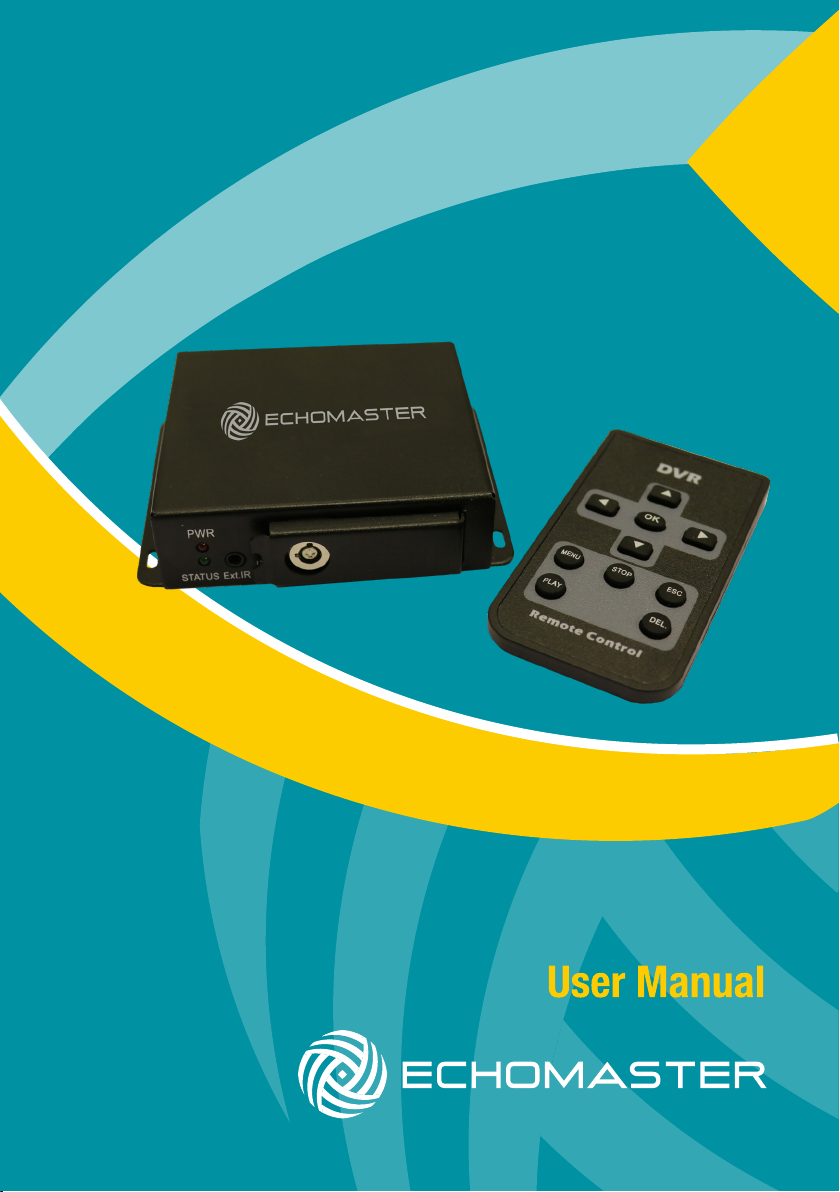
2 Channel DVR with SD storage
DVR-20M

2email - [email protected]
tel - 1-800-477-2267
DVR-20M
2 Channel DVR with SD storage
Introduction
Thank you for purchasing the EchoMaster DVR-20M Digital
Video Recorder (DVR).
This system is specically designed for vehicle video surveillance.
Box ContentsKey Features
u Compact size
u Dual channel simultaneous recording
u Supports up to 128GB SD card
(32GB included)
u Lockable storage cover
u Commercial grade (GX16)
screw t connectors
u 2 Channel DVR unit
u 3 x GX – RCA adaptors
u 2 Keys
u Remote control
u Power harness
u User Manual
Front Panel Layout
PWR
STATUS
IR
LOCK
EXT. IR
Ext IR port (not applicable)
DVR status
Lock
SD card slot

3
tel - 1-800-477-2267
DVR-20M
2 Channel DVR with SD storage
u 2 Channel DVR unit
u 3 x GX – RCA adaptors
u 2 Keys
u Remote control
u Power harness
u User Manual
Rear Panel Layout
DC 9-30V AV OUT ALARMCAM 2CAM 1
Remote Control
M E N U
ST OP ES C
PL AY DE L .
DVR
Cam 2
AV Out
Power Input
Cam 1 Alarm
(not applicable)
Item Function
pSnap shot / switch les
qSwitch les
tSwitch Channel / Volume down
uSwitch Channel / Volume up
OK Conrm / Start recording
MENU Enter Info Menu / Back to Last Menu
PLAY Play / Pause / Enter into record list
STOP Stop recording / play back
ESC Exit to preview mode
DEL Double press to delete le

4email - [email protected]
tel - 1-800-477-2267
DVR-20M
2 Channel DVR with SD storage
Inserting SD card
PWR
STATUS
IR
LOCK
EXT. IR
SD card
128GB
Connection
+ -
DC 9-30V AV OUT ALARMCAM 2CAM 1
* Power input range: 9V-30V
Connection to Power Source

5
tel - 1-800-477-2267
DVR-20M
2 Channel DVR with SD storage
Camera Connection
a
DC 9-30V AV OUT ALARMCAM 2
Video Audio
Camera 2
Camera 1
VIDEO
VIDEO
AUDIO
AUDIO
Icons Description
Preview Mode
SD
CAM-01
2017/06/24 19:25:47 2017/06/24 19:25:47
Cam 1 Video Preview Mode
Date & Time SD card
Press tor u to switch camera view.
Snapshot 1. Press pbutton in preview mode to take a photo.

6email - [email protected]
tel - 1-800-477-2267
DVR-20M
2 Channel DVR with SD storage
Recording Mode
SD
CAM-01
2017/06/24 19:25:47 2017/06/24 19:25:47
Cam 1 Video Recording Mode
Date & Time SD card
Set-up
REC
Menu Navigation
1. Press por q button to select different items
2. Press tor u button to adjust the setting
3. Press MENU to enter next step
4. Press ESC to exit MENU mode
Time Setting
Time
Setting
Year 2013
Mo nth 12
ME NU
H our 18
Minute 50
Da y 15
1. Press MENU button in preview
mode to enter setup then select
time settings
2. Press por q button to select
different items
3. Press tor u button to adjust
the item

7
tel - 1-800-477-2267
DVR-20M
2 Channel DVR with SD storage
Recording Mode
Set-up (continued)
Video Setting
Ch1 Setting
Frame Rate 30 fps
File Save Yes
ME NU
Ch2 Setting
Frame Rate 30 fps
File Save Yes
ME NU
Frame rate:
5 / 15 / 30 f/s selectable.
NOTE: The higher the frame rate selected, the higher the memory usage.
File save:
Set to YES to save this channels video stream. If you only wish to record a
single stream set the other channels File Save option to NO
Enter MENU then select Video Settings

8email - [email protected]
tel - 1-800-477-2267
DVR-20M
2 Channel DVR with SD storage
REC.
Setting
Quality
High
Yes
ME NU
Manual
5 mins
Overwrite
Section
REC mode
Record Setting
Quality:
High / Middle / Low selectable.
NOTE: The higher the recording quality, the higher the memory usage.
Overwrite:
Overwrite automatically once memory is full. If set to NO then recording will
be stopped when the card is full.
Section
Select how long each recording segment is 5 / 15 / 30 / 60
REC Mode:
Manual: Start/Stop recording manually
IMOT: Start/Stop recording by motion detected
Boot Rec: Start recording on DVR power up
Set-up (continued)
Enter MENU then select Record Settings
9
tel - 1-800-477-2267
DVR-20M
2 Channel DVR with SD storage
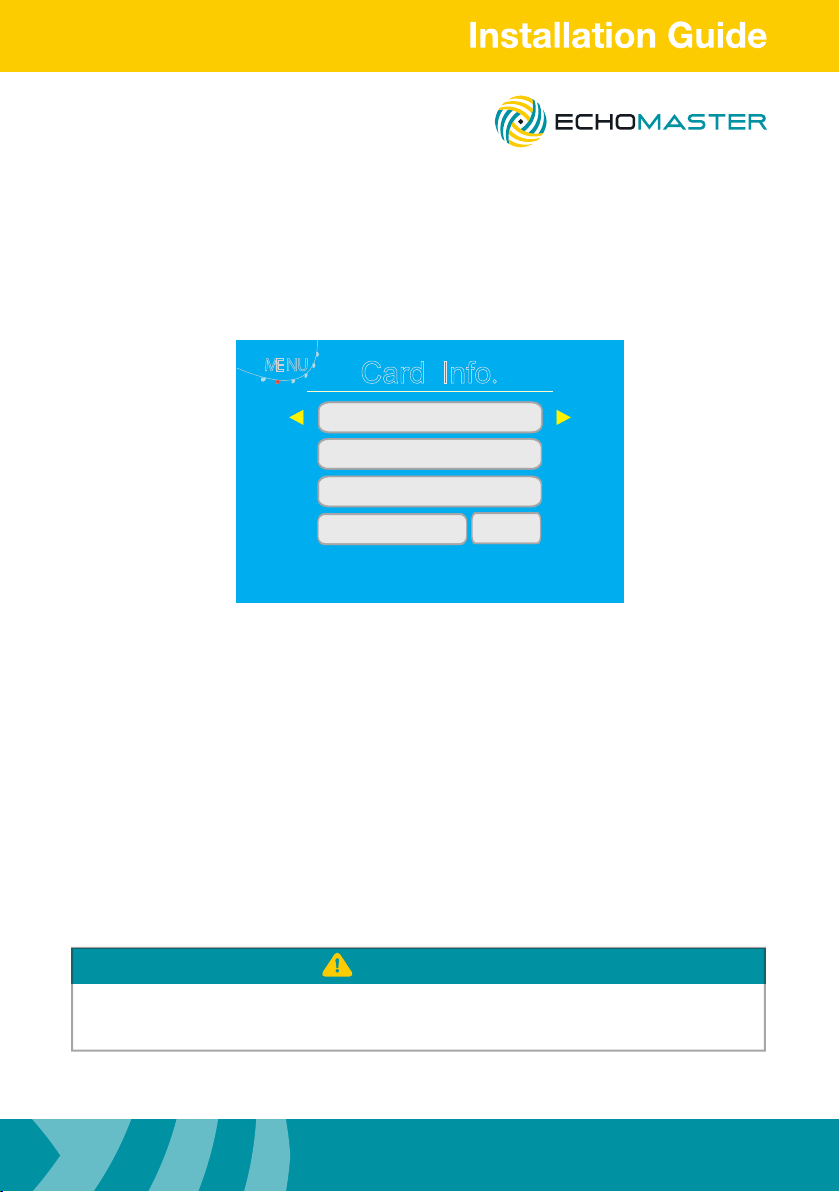
Enter MENU and select Card Info
Card
Info.
total
Size 0M B
Re ma in
Size
ME NU
Re ma in
File
Nu m .0
Fo rm atFo rm at NO
0.0%
Fo rm atFo rm at NO
Total Size: Shows SD card capacity
Remain: The remaining storage capacity of SD card
Remain File Num: The amount of recordings remaining on
SD card memory according to recording size
Format: Format the installed SD card (all data will be lost)
1. Please ensure SD card is formatted with the DVR before rst use.
2. Please ensure any information on SD card is backed up before any formatting.
ATTENTION
Set-up (continued)
SD card information

10 email - [email protected]
tel - 1-800-477-2267
DVR-20M
2 Channel DVR with SD storage
Set-up (continued)
System setting
Language: Select the language of the on-screen display
Alarm Period: Set the time of alarm electrical level triggered by motion
detection
Time Stamp: When set to YES the time and date will be shown on
video recordings
Reset: Reset to factory settings
Version: The software version number
Language E nglish
Alarm
Period 10sec
ME NU
Version 1.0
Timestamp Yes
System
Setting
R eset NO
Enter menu and select System Settings
Table of contents


