2
Manual DIATRON 2200
Contents
1. Introduction
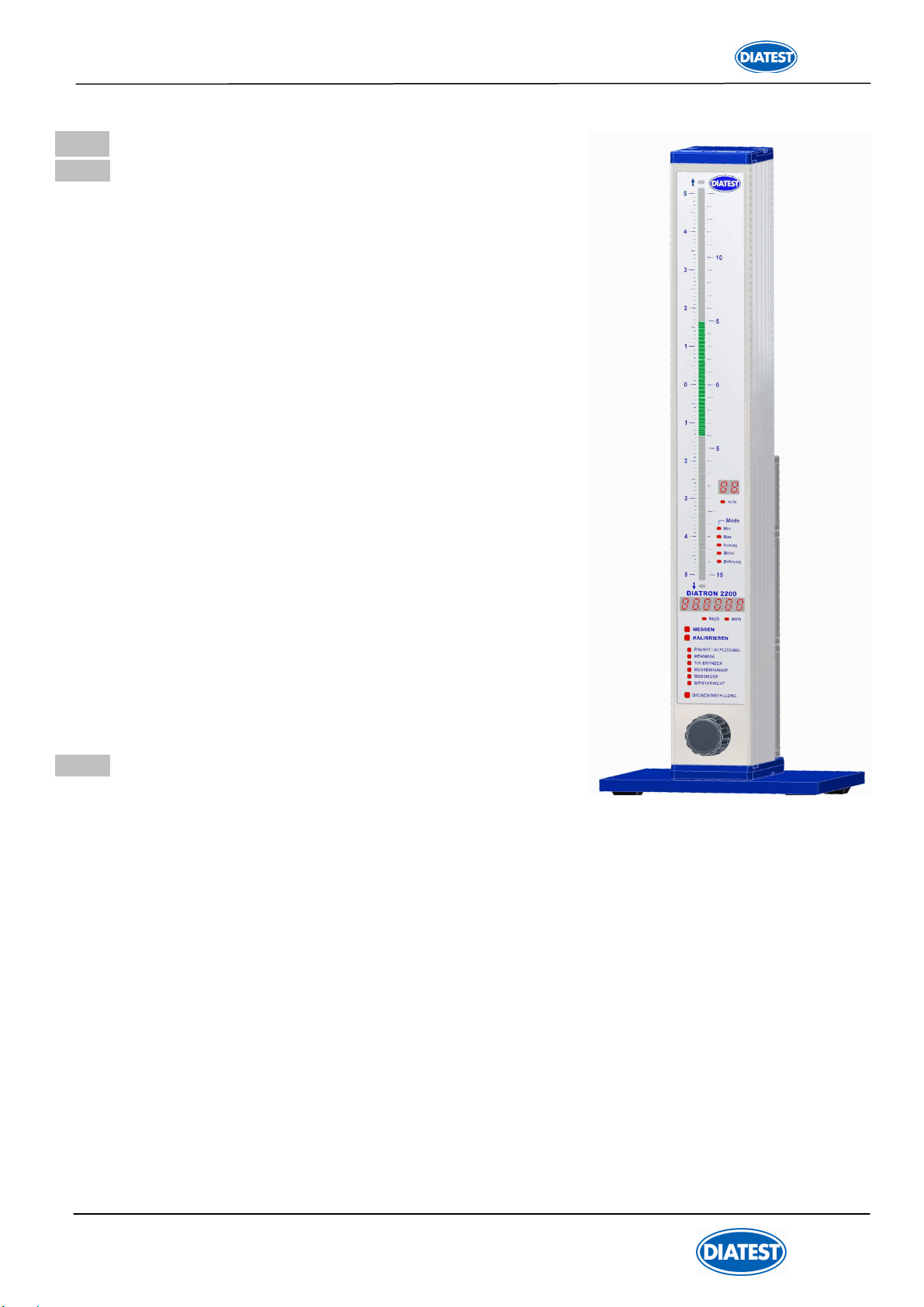
1.1 General information......................................................................................................................... 4
1.2 Measuring and display features ...................................................................................................... 4
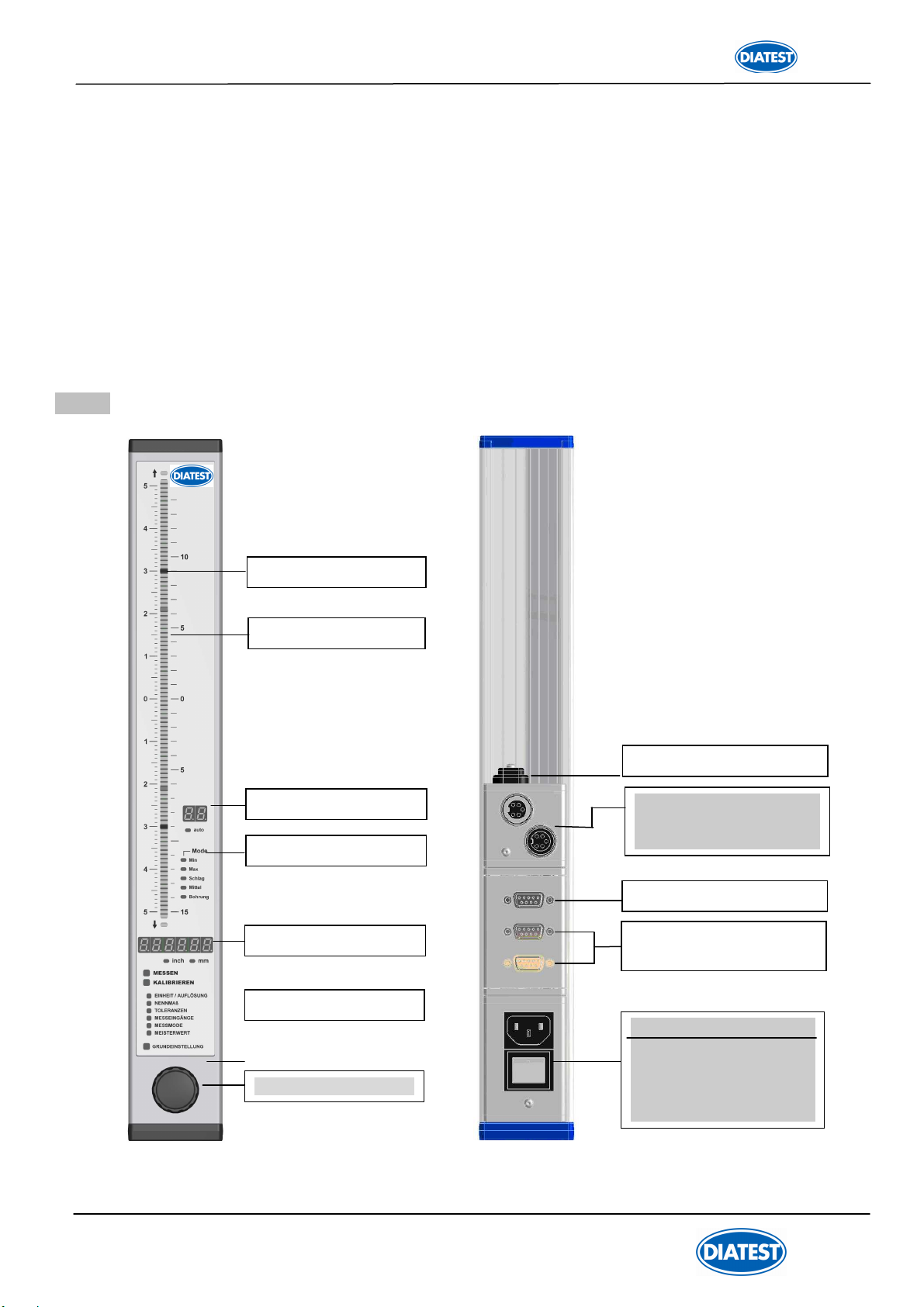
1.3 Front and rear panel ....................................................................................................................... 5
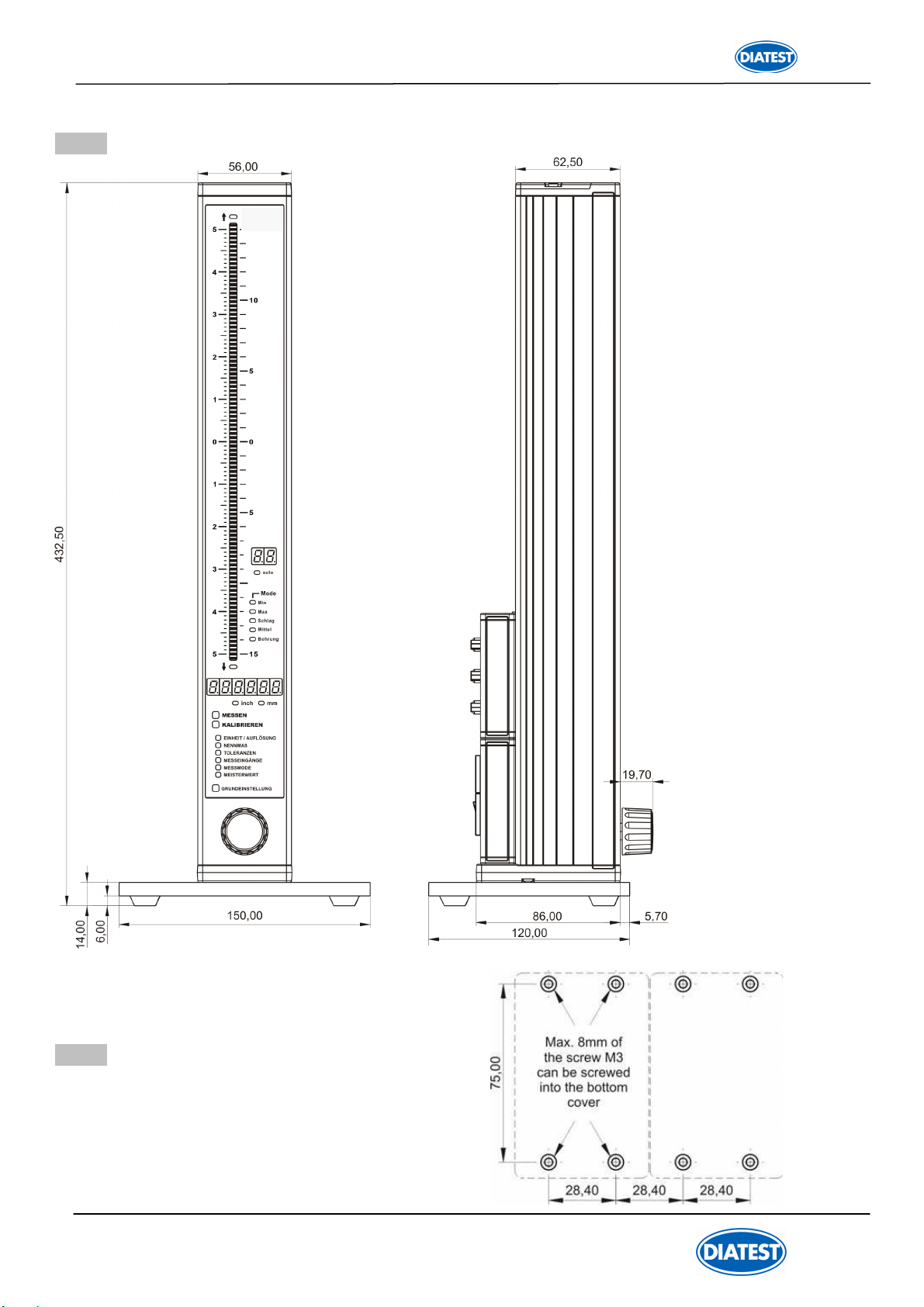
1.4 Dimensions ..................................................................................................................................... 6
1.5 Hole pattern for interconnection ..................................................................................................... 6
1.6 Technical data ................................................................................................................................ 7
2. Getting started
2.1 Delivered items ............................................................................................................................... 8
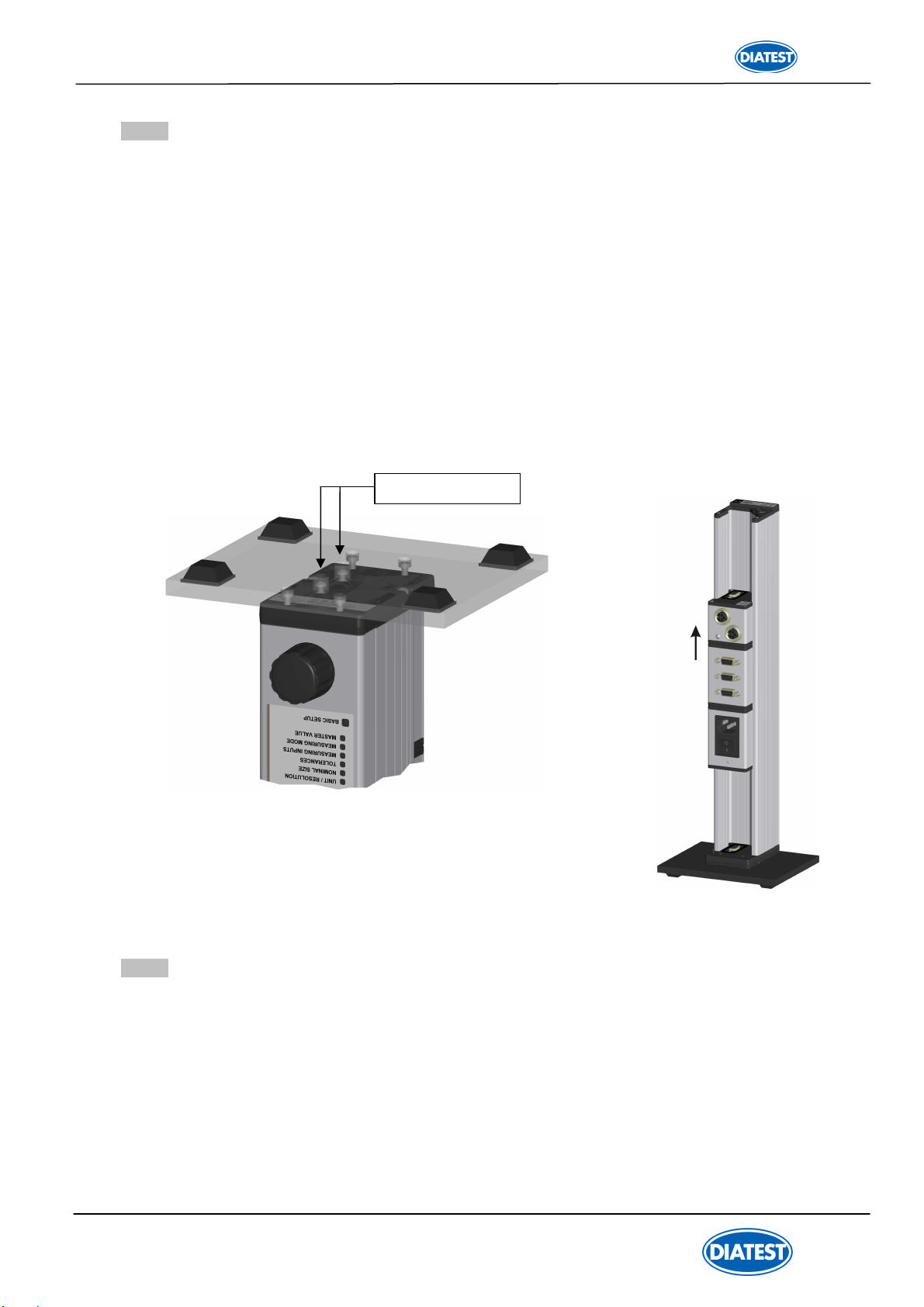
2.2 Fitting the base ............................................................................................................................... 8
2.3 Fitting the modules ......................................................................................................................... 8
2.3.1 Removal of DIATRON2200 column cover ................................................................................... 8
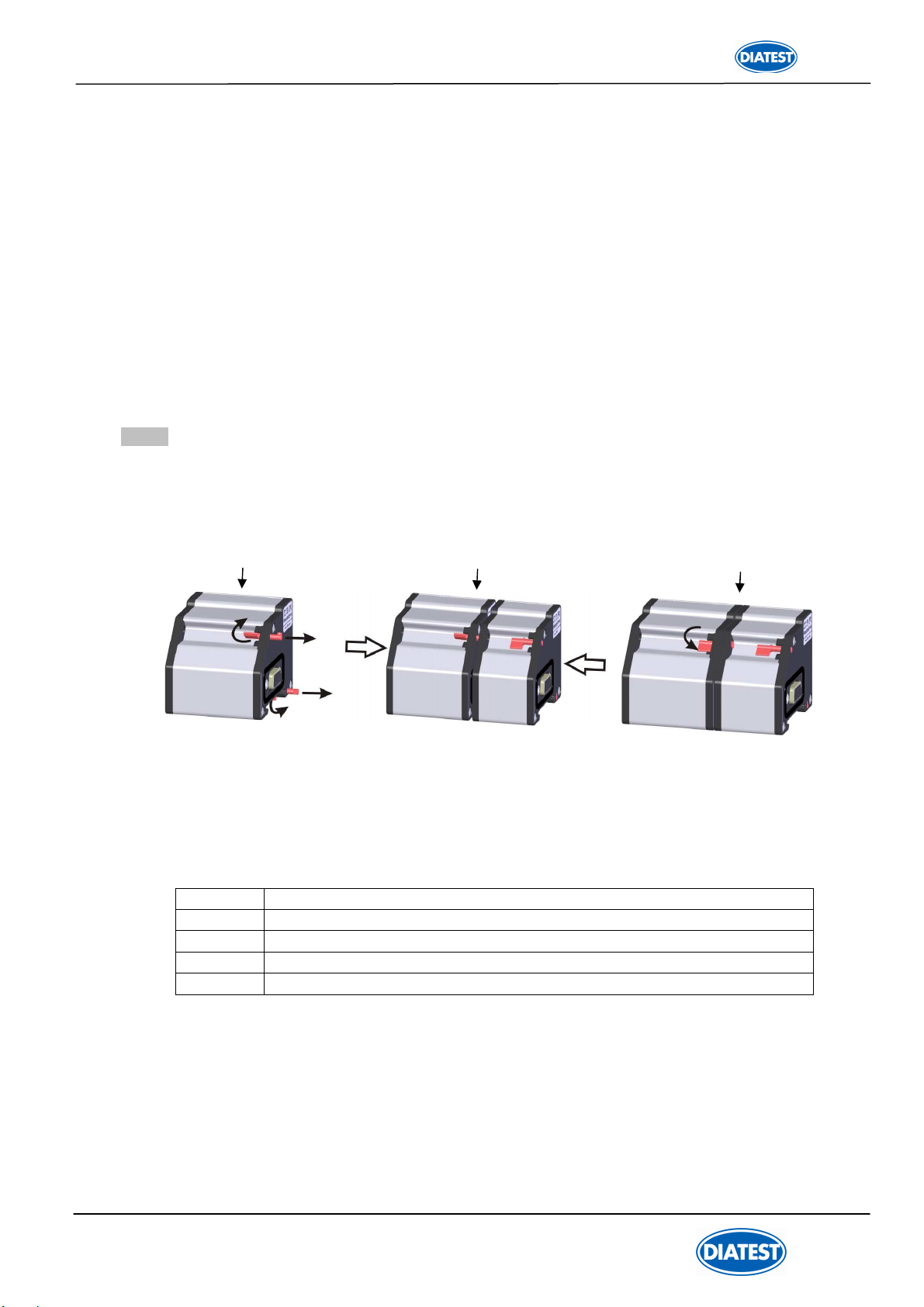
2.3.2 Connecting the modules .............................................................................................................. 9
2.3.3 Fitting modules in DIATRON2200 column gauges ...................................................................... 10
2.3.4 Fitting of bus terminator ............................................................................................................... 10
2.3.5 Fitting of DIATRON2200 column cover ........................................................................................ 11
2.4 Measurement input addresses ........................................................................................................ 11
2.5 Connecting several column gauges ................................................................................................ 12
2.6 Power supply connection ................................................................................................................ 13
2.7 Connecting a foot or hand switch .....................................................................................................14
2.8 Connecting adaptors for tolerance outputs ......................................................................................14
2.9 Connecting a PC, multiplexer or statistic printer .............................................................................. 15
2.10 Connection of wireless module ......................................................................................................15
2.11 Connection of probes, air plug gauges, sensors and measuring instruments ................................16
2.12 Modules at a glance .......................................................................................................................18
2.13 Power on / Self-test ........................................................................................................................18
3. Programming the column gauge
3.1 Encoder functions ............................................................................................................................ 19
3.2 Foot and hand switch functions ........................................................................................................19
3.3 Quick programming guide for programmers in a hurry .................................................................... 20
3.4 Description of calibration mode ........................................................................................................21
3.4.1 Zero adjustment / Calibration ........................................................................................................21
3.4.2 Probe set-up ..................................................................................................................................21
3.5 Description of programming mode ...................................................................................................22
3.6 Basic Setup …...................................................................................................................................27
3.7 Restoring factory settings .................................................................................................................31
3.8 Error messages / Error corrections .................................................................................................. 31
3.8.1 Operating and programming errors ...............................................................................................31
3.8.2 System error ................................................................................................................................. 32
4. Working with the column gauge
4.1 Initial start-up ....................................................................................................................................33
4.2 Measurement operation ....................................................................................................................33
4.3 Mechanical setup of inductive probes ............................................................................................. 33
4.4 Automatic zero adjustment of gauges ..............................................................................................34
4.5 Automatic gauge calibration .............................................................................................................34
4.6 Multi gauging ( C1...C8 ) ...............................................................................................……………. 34
5. The RS232 interface
5.1 Transmission format and wiring .......................................................................................................35
5.2 Data format ...................................................................................................................................... 35
5.3 Table of commands ..........................................................................................................................35