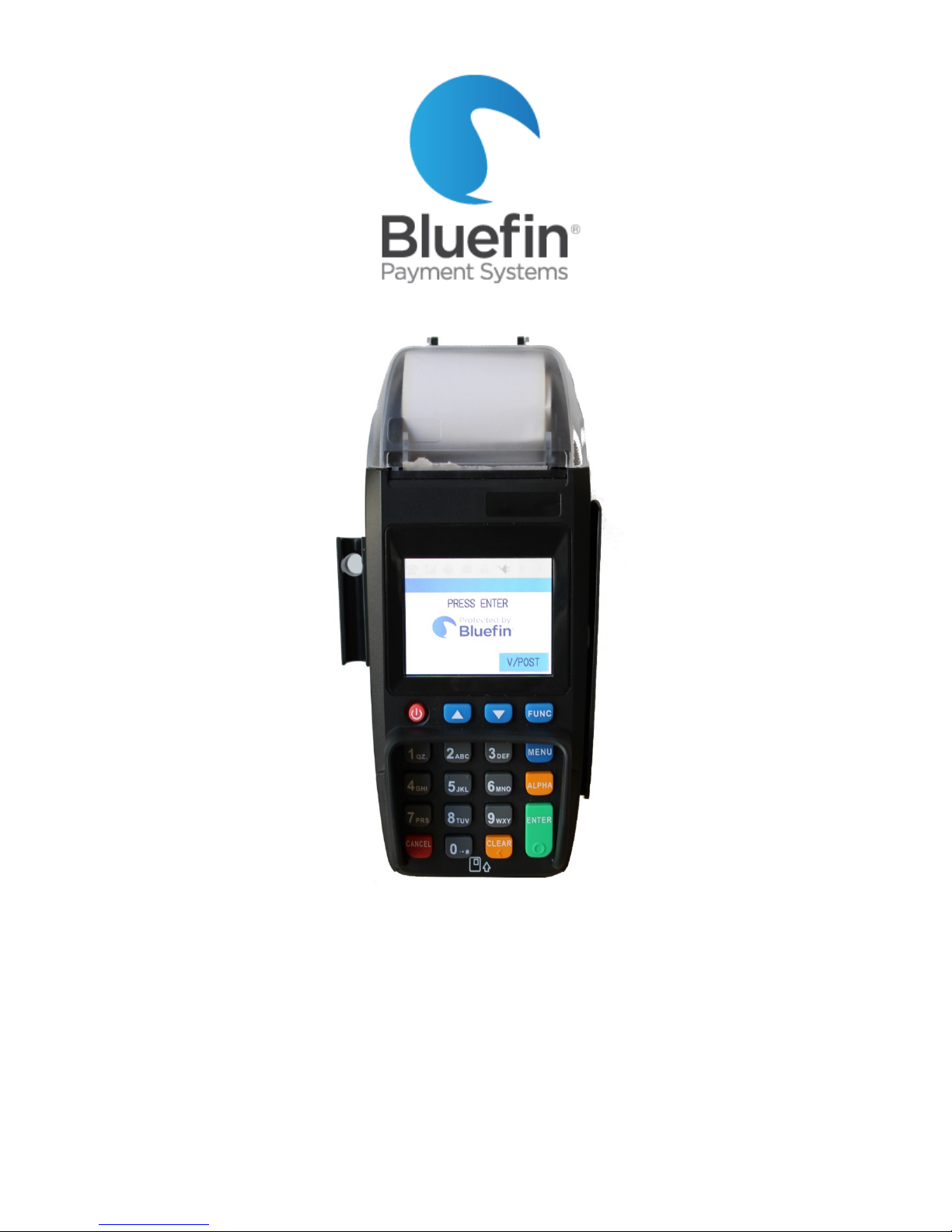
PAX S500 Stand-Alone User Guide
PAX Stand-Alone User Guide July 2016
© 2016 Bluefin Payment Systems All Rights Reserved Page 2
Contents
.............................................................................................................................................. 1
Support......................................................................................................................................................................................... 4
Contact Information............................................................................................................................................................................... 4
Response Times ..................................................................................................................................................................................... 4
Hours...................................................................................................................................................................................................... 4
Overview ...................................................................................................................................................................................... 4
Processing..................................................................................................................................................................................... 5
Batch out terminal ................................................................................................................................................................................. 5
Swiped transaction ................................................................................................................................................................................ 5
Keyed transaction .................................................................................................................................................................................. 5
Void a transaction .................................................................................................................................................................................. 5
Refund a transaction.............................................................................................................................................................................. 5
Authorization ......................................................................................................................................................................................... 6
Force sale ............................................................................................................................................................................................... 6
Void a forced transaction....................................................................................................................................................................... 6
Settings......................................................................................................................................................................................... 6
Receipt settings...................................................................................................................................................................................... 6
Change whether customer receipt prints out.................................................................................................................................... 6
Change whether receipt preprints immediately................................................................................................................................ 6
Change receipt font size..................................................................................................................................................................... 7
Editing receipt “Header” (top of receipt)........................................................................................................................................... 7
Editing receipt “Trailer” (bottom of receipt) ..................................................................................................................................... 7
Disabling receipt printing................................................................................................................................................................... 8
Reprinting a receipt ........................................................................................................................................................................... 8
Security Settings .................................................................................................................................................................................... 8
Make certain transaction types are password protected.................................................................................................................. 8
Changing password ............................................................................................................................................................................ 8
Disabling/re-enabling/password protecting certain transaction types (e.g. refunds, EBT, etc.)....................................................... 9